Beyond the Screen: Unlock Peak Productivity with the Best Text-to-Speech Apps for Android in 2026


In an era of relentless information consumption and digital fatigue, the modern power user faces a unique challenge: how to absorb more content without succumbing to eye strain or sacrificing precious time. The answer, increasingly, lies in the evolution of AI-powered audiobooks and sophisticated text-to-speech (TTS) technology. No longer confined to robotic voices, today’s TTS reader Android applications transform written words into engaging, natural-sounding audio, liberating you to multitask, commute, or simply rest your eyes while staying informed and entertained.
This isn’t just about convenience; it’s about optimizing your workflow, enhancing comprehension, and reclaiming your attention. For students juggling research, professionals sifting through reports, or avid book lovers seeking new ways to devour their next read, the right text to speech Android app is an indispensable tool.
Featured Spotlight: Voxify Read Aloud Books & TTS – The Premier Android TTS Experience
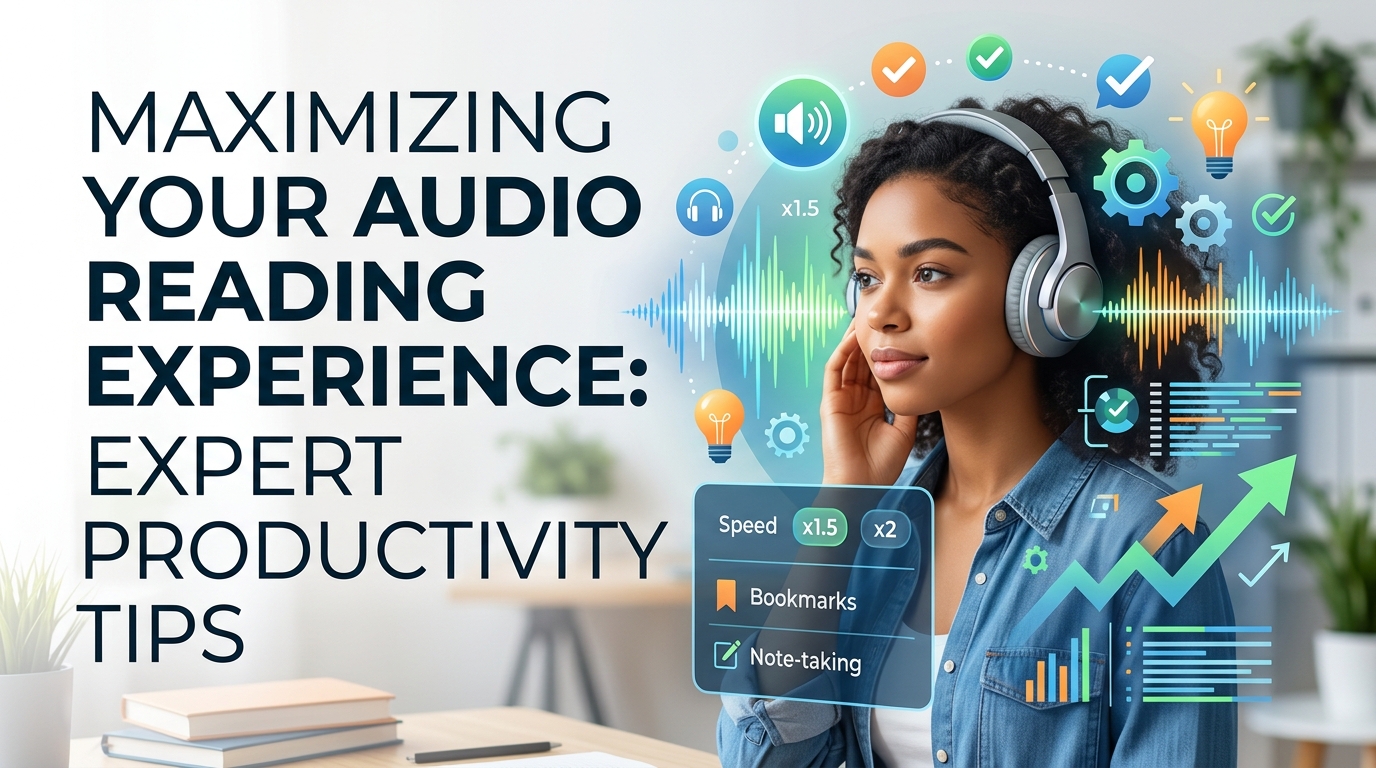
While the market offers a multitude of options, one application consistently rises above the rest for its comprehensive feature set, unparalleled voice quality, and intuitive design: Voxify Read Aloud Books & TTS. This isn’t just another read aloud app Android; it’s a meticulously crafted platform designed for the discerning user who demands excellence in their digital reading experience.
Voxify positions itself not merely as a utility but as a gateway to a more efficient and enjoyable way of consuming content. It addresses the core pain points of reading fatigue and content overload with a suite of features that are both powerful and elegantly integrated.
Natural AI Voices: The Revolution in Audio Narration
At the heart of Voxify’s superiority are its Ultra-Natural AI Voices (Neural TTS). Gone are the days of monotonous, synthesized speech. Voxify leverages cutting-edge neural network technology to produce voices that are indistinguishable from human narration, complete with natural intonation, rhythm, and emotional nuance. This is the difference between simply hearing words and truly listening to a story or an argument unfold.
What truly sets Voxify apart for immersive reading, especially for fiction, is its Smart Voice Changing for dialogues. Imagine listening to a novel where different characters are voiced by distinct, appropriate tones – a subtle yet profound enhancement that brings narratives to life and significantly improves comprehension and engagement. This innovative feature elevates the audio reading experience to an entirely new level, making it the best TTS app for books that demand immersion.
All-in-One Format Support: Your Entire Library, Audibly Accessible
The modern user’s digital library is diverse, spanning various formats and sources. Voxify eliminates the friction of converting files or switching between multiple apps by offering robust multi-format support. Whether your content is stored as:
- EPUB
- TXT
- MOBI
- CBZ (for comic books and graphic novels, with Image Reading Support (OCR/Auto-scroll) for visual elements)
Voxify handles it all seamlessly. Beyond local files, its Integrated Web Reader allows you to feed articles, blog posts, or any web content directly into the TTS engine, making it an invaluable tool for staying current with online news and research. This comprehensive approach ensures that virtually any text you encounter can be transformed into an audio experience.
Further enhancing the experience, Voxify includes a Sleep Timer for winding down with an audiobook, and extensive Audio Customization (Pitch/Equalizer) options, allowing you to fine-tune the listening experience to your personal preference.
<a href="
“>🚀 DOWNLOAD VOXIFY ON GOOGLE PLAYDeep Dive: Beyond Basic TTS – Why Voxify Excels in Every Scenario
While many apps offer rudimentary text-to-speech, power users demand more. Here’s how Voxify rises to meet advanced needs, often outperforming or complementing other solutions.
TTS for Android Auto: Your Commute, Reimagined
For professionals and students constantly on the move, leveraging TTS for Android Auto is a game-changer. Imagine transforming your commute into a productive learning session or an engaging storytelling experience. While Android’s native TTS can handle basic notifications, Voxify integrates seamlessly to read aloud your documents, e-books, or web articles through your car’s infotainment system.
This means you’re not limited to pre-recorded audiobooks; your entire digital library and daily reading list become accessible hands-free. Voxify’s superior natural AI voice Android quality ensures that even complex technical documents are clear and understandable, making every journey an opportunity for growth or entertainment.
Addressing API/Code for Developers vs. App Solutions for Power Users
While some technically inclined users might explore Android TTS API or custom code solutions for specific integrations, the vast majority of power users, including professionals and students, seek a polished, ready-to-use application. Building and maintaining custom scripts is time-consuming and often lacks the sophisticated features of a dedicated app.
Voxify provides that robust, feature-rich experience out of the box, eliminating the need for coding. It offers a stable, continuously updated platform with advanced functionalities like multi-format support, web reading, and voice customization that would be incredibly complex to replicate via a simple API integration. For efficiency and a superior user experience, a dedicated app like Voxify is the clear choice.
Browser Extensions vs. Integrated App Experience
Browser extensions for TTS are convenient for quick reads of web pages. However, they often fall short for extensive reading sessions or when dealing with local files. Limitations typically include:
- Limited file format support: Primarily web-based, rarely handling PDFs or EPUBs.
- Basic voice quality: Often relying on system voices, lacking the ultra-natural AI voices found in dedicated apps.
- Lack of advanced features: No sleep timers, advanced audio controls, or dialogue voice changing.
- Context switching: Constantly opening and closing browser tabs can disrupt focus.
Voxify, with its integrated Web Reader, offers the best of both worlds – the ability to read web content and local files within a single, powerful application. This unified experience, coupled with its advanced features, makes it a superior choice for serious content consumption, whether online or offline.
Expert Tips: Optimizing Your TTS Experience for Peak Productivity
To truly harness the power of a premium tts reader android like Voxify, consider these expert tips:
- Adjust Reading Speed for Comprehension: Don’t default to the fastest speed. Experiment to find a pace that allows you to absorb information effectively. For casual listening, a faster pace might be fine, but for complex material, slow it down. Voxify’s precise speed controls allow for granular adjustments.
- Leverage the Sleep Timer: For winding down with an e-book, set Voxify’s sleep timer. It ensures you don’t lose your place or drain your battery if you drift off.
- Utilize Audio Customization: Play with the Pitch and Equalizer settings. Some users find a slightly lower pitch more soothing, while adjusting the equalizer can enhance clarity for specific voice types or content.
- Create Listening Queues: For productivity, queue up a series of articles, reports, or chapters. This allows for continuous learning or review without interruption, making the most of your commute or workout time.
- Explore Dialogue Voice Changing: If reading fiction, enable Voxify’s Smart Voice Changing for dialogues. This feature dramatically improves immersion and helps differentiate characters, making it easier to follow complex narratives.
- Read Images with OCR: Don’t skip over text embedded in images. Voxify’s Image Reading Support (OCR) can extract and read text from images, ensuring you don’t miss crucial information in scanned documents or comics.
By integrating a sophisticated text to speech reader app for Android like Voxify into your daily routine, you’re not just reading; you’re transforming how you interact with information, boosting your productivity, and enhancing your overall digital experience. It’s time to let your eyes rest and your ears do the heavy lifting.