Unlock Your Productivity: The Ultimate Guide to Text-to-Speech Apps for Android Power Users


In an era defined by information overload and constant digital engagement, the modern power user faces a unique challenge: reading fatigue. Whether you’re a student sifting through academic papers, a professional digesting industry reports, or an avid book lover trying to fit one more novel into your busy schedule, the sheer volume of text can be overwhelming. This challenge has fueled a significant shift towards AI-powered audio solutions, transforming how we consume content. Text-to-Speech (TTS) technology, once a robotic novelty, has evolved into a sophisticated tool, offering a vital bridge between the written word and auditory learning.
For Android users seeking to reclaim their time and enhance their productivity, the right TTS application isn’t just a convenience; it’s a strategic asset. It allows you to transform any text into an engaging audiobook, enabling multitasking, improving comprehension, and reducing screen time. But with a myriad of options, identifying the truly superior tts reader android experience requires expert insight.
Featured Spotlight: Voxify Read Aloud Books & TTS – The Premier Android Reading Companion
When it comes to elevating your auditory reading experience on Android, one application consistently rises above the rest: Voxify Read Aloud Books & TTS. Engineered for discerning power users, Voxify doesn’t just read text; it brings it to life, transforming your device into a personal, portable library with unparalleled versatility and sound quality.
Natural AI Voices: The Future of Auditory Reading
At the heart of Voxify’s excellence are its Ultra-Natural AI Voices. Leveraging cutting-edge Neural TTS technology, Voxify delivers voices that are indistinguishable from human narration. This isn’t the choppy, monotone experience of yesteryear; these are fluid, expressive, and context-aware voices that make listening a genuine pleasure.
What truly sets Voxify apart, especially for book lovers, is its Smart Voice Changing for dialogues. Imagine listening to a novel where each character’s lines are delivered in a distinct, appropriate voice. This innovative feature dramatically enhances immersion, making complex narratives easier to follow and more enjoyable. Beyond this, comprehensive Audio Customization including Pitch and an advanced Equalizer allows you to fine-tune the listening experience to your exact preference, ensuring optimal clarity and comfort. This is the natural ai voice android solution you’ve been searching for.
All-in-One Format Support & Seamless Integration
Voxify is designed to be your universal reading hub. It boasts multi-format support, effortlessly handling a wide array of document types including PDF, EPUB, TXT, MOBI, and even CBZ for comic book enthusiasts. This eliminates the need for multiple apps, streamlining your digital library into one powerful interface.
Beyond local files, the Integrated Web Reader allows you to feed articles, blog posts, and research papers directly from the internet into Voxify’s powerful TTS engine. For those dealing with physical documents or image-based text, the Image Reading Support (OCR/Auto-scroll) is a game-changer, converting photos of text into audible content with remarkable accuracy. Practical features like a Sleep Timer round out the package, making Voxify the ultimate best tts app for books and beyond.
<a href="
“>🚀 DOWNLOAD VOXIFY ON GOOGLE PLAYDeep Dive: Elevating Your Android TTS Experience
While the core functionality of a tts reader android app is straightforward, the nuances of advanced features, integration, and voice quality significantly impact the user experience.
Beyond Basic Reading: Why Voxify Excels
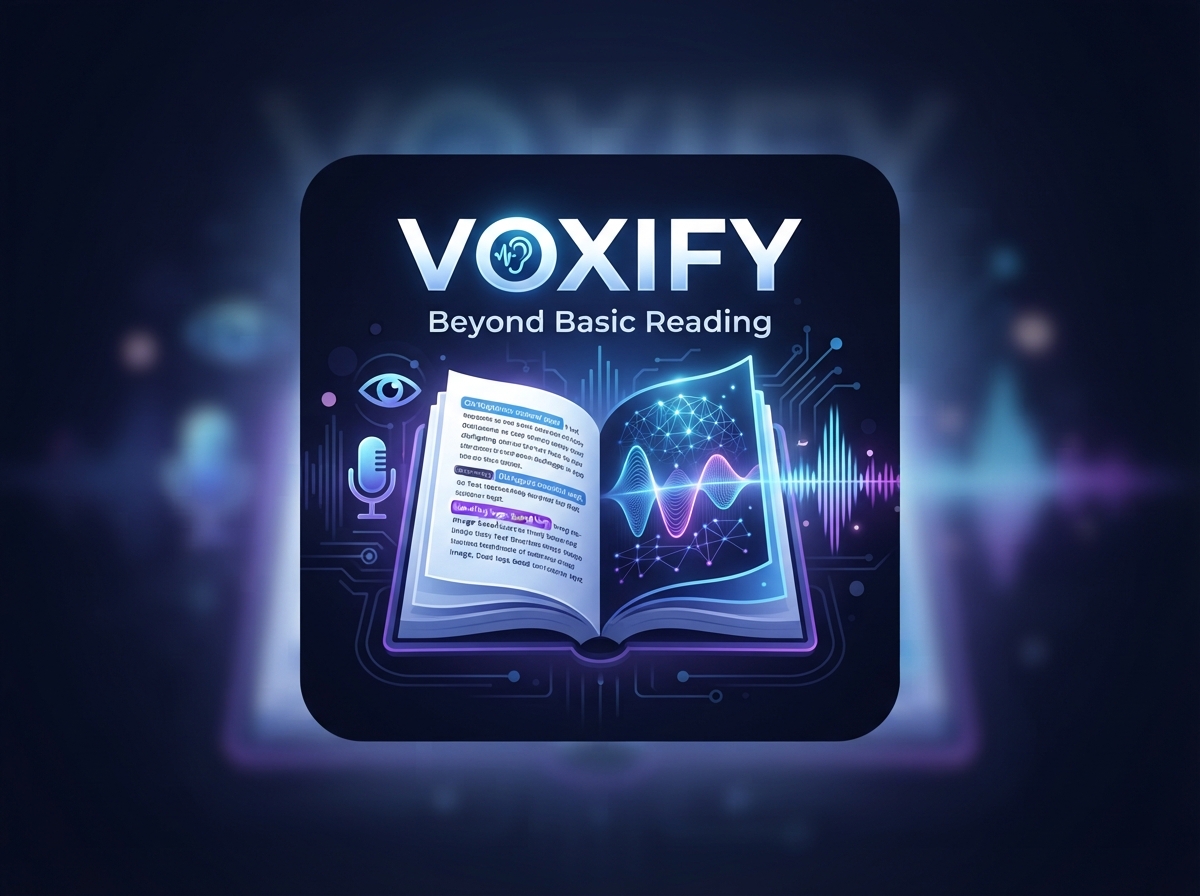
Many general-purpose TTS apps offer basic text conversion. However, power users demand more. When considering the best tts app for books, factors like natural dialogue, extensive format compatibility, and intelligent reading tools become paramount. Voxify’s ability to handle complex book formats, recognize and differentiate dialogue, and provide OCR for image-based text places it in a league of its own. Its neural voices are simply superior, delivering an auditory experience that minimizes cognitive load and maximizes comprehension.
The Power of Natural AI Voices for Productivity
The quality of the voice engine is critical for sustained listening. Generic, robotic voices quickly lead to listener fatigue and distraction. Voxify’s commitment to natural ai voice android technology means less effort is spent deciphering synthetic speech and more on absorbing information. This is particularly valuable for students reviewing notes or professionals consuming lengthy reports, where clarity and natural cadence can significantly boost productivity and retention.
TTS on the Go: Optimizing for Android Auto and Multitasking
The utility of tts for android auto or any on-the-go scenario is immense. Imagine catching up on a critical document during your commute, listening to a textbook while exercising, or enjoying a novel while performing household chores. While direct, deep integration with Android Auto varies by app, Voxify’s robust background playback and intuitive controls make it an ideal companion for these scenarios. You can start listening to your content in Voxify, connect your phone to your car, and continue the audio seamlessly, transforming travel time into productive learning or leisure. Its user-friendly interface ensures minimal distraction, even when interacting with the app briefly.
Addressing Other Search Intents: Browser Extensions & Developer APIs
While some users might look for browser extensions to read web content, Voxify’s Integrated Web Reader provides a more centralized and often superior experience directly within the app. This avoids juggling multiple browser tabs and extensions, offering a consistent voice and feature set across all your web-based reading.
For developers seeking to integrate TTS into their own projects, Android’s native TTS API is always an option. However, for end-users, a polished application like Voxify leverages these underlying technologies and layers on sophisticated features, a superior user interface, and advanced neural voices that go far beyond what a basic API call might offer. It’s about consuming content, not coding it.
Expert Tips: Optimizing Your Android TTS Experience
To truly harness the power of your tts reader android app, consider these expert recommendations:
- Adjust Reading Speed for Productivity: Don’t stick to the default. Experiment with faster speeds (e.g., 1.5x to 2x) for content you’re familiar with or when reviewing. For complex material, a slightly slower pace can aid comprehension. Voxify’s granular speed controls allow for precise adjustments.
- Leverage Voice Customization: With apps like Voxify, explore different AI voices. Some voices may resonate better with certain types of content or simply be more pleasant for prolonged listening. Adjust pitch and equalizer settings to find your perfect auditory profile.
- Utilize the Sleep Timer: For nighttime readers or those who listen to relax, the sleep timer is invaluable. Set it to automatically pause playback after a set duration, preventing you from losing your place or draining your battery unnecessarily.
- Organize Your Digital Library: Take advantage of Voxify’s multi-format support by centralizing all your reading materials. A well-organized library makes it easier to switch between books, articles, and documents seamlessly.
- Multitask Strategically: TTS is a powerful multitasking tool, but not all tasks are compatible. Pair listening with activities that don’t require intense auditory focus, such as commuting, exercising, cleaning, or performing routine administrative tasks.
- Experiment with OCR: Don’t limit yourself to digital files. Use Voxify’s OCR feature to convert physical book pages, printed reports, or even handwritten notes into audible content, expanding your potential reading material exponentially.
By integrating a sophisticated text-to-speech android solution like Voxify into your workflow and applying these expert tips, you’re not just reading; you’re transforming your entire content consumption strategy. Embrace the future of reading and unlock a new level of productivity and enjoyment.