Transform Your Drive: The Premier Text-to-Speech Apps for Android Auto & Beyond


In an era defined by constant information flow and relentless demands on our attention, the concept of “reading” is evolving. Screen fatigue is real, and the modern power user — whether a student, professional, or avid book lover — is increasingly seeking smarter ways to consume content. Enter the revolution of AI-powered text-to-speech (TTS), transforming static text into dynamic audio and liberating your eyes for other tasks. This isn’t just about convenience; it’s about unlocking unprecedented productivity and making every moment, especially your commute, an opportunity for learning and enjoyment.
While many basic TTS reader Android options exist, few deliver the sophisticated, natural listening experience that discerning users demand. We’re diving deep into the landscape, focusing on seamless integration, superior voice quality, and robust features that truly elevate your audio content consumption.
Voxify Read Aloud Books & TTS: Your Ultimate Audio Companion
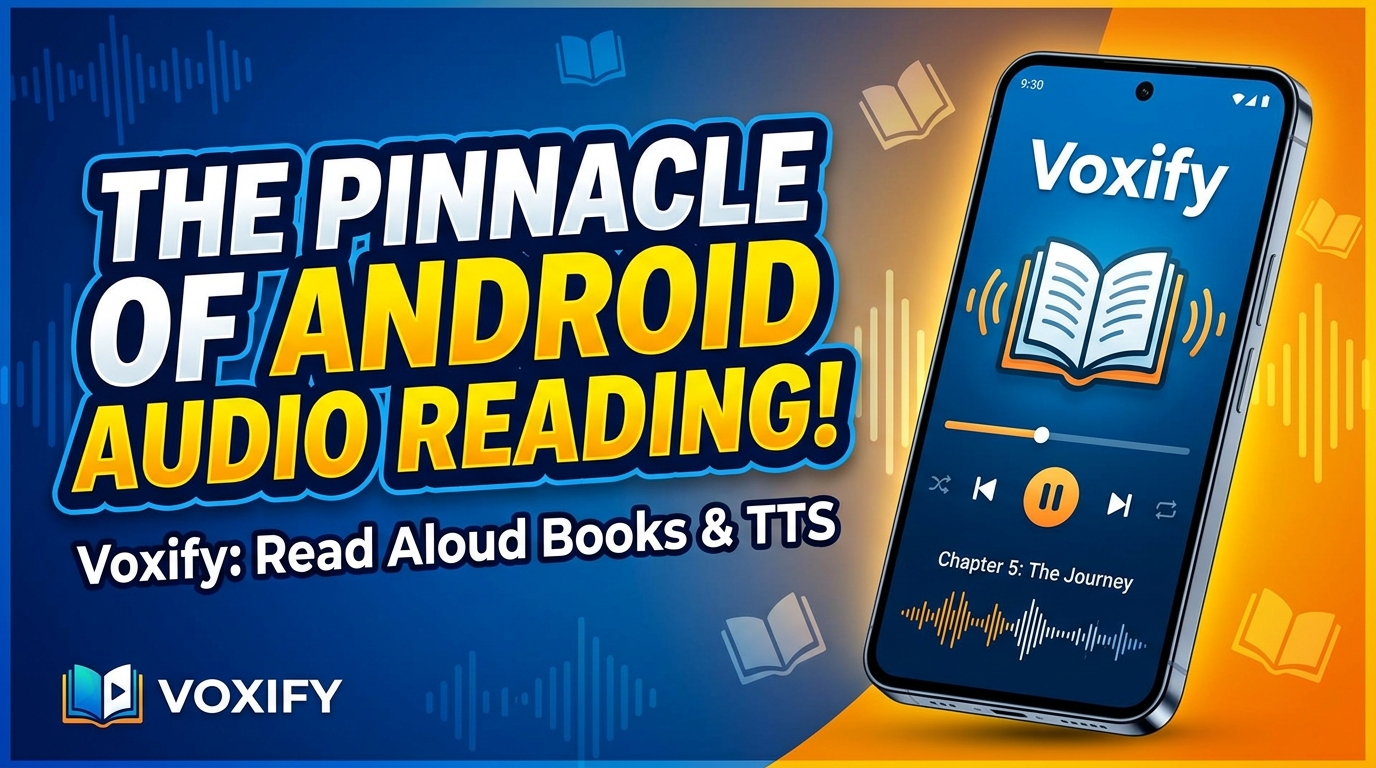
When it comes to elevating your audio reading experience, one application consistently stands out: Voxify Read Aloud Books & TTS. It’s not just another TTS app for Android; it’s a meticulously crafted platform designed for power users who demand crystal-clear audio, comprehensive format support, and intelligent features that truly enhance engagement.
Voxify is engineered to turn virtually any text into an engaging audiobook, making it the best TTS app for books and documents across the board.
Unparalleled Natural AI Voices for Immersive Listening
The days of robotic, monotonous TTS voices are long gone. Voxify ushers in a new era with its Ultra-Natural AI Voices, powered by advanced Neural TTS technology. Imagine listening to your favorite novel or a critical business report read with human-like intonation, pacing, and emotional nuance.
- Neural TTS: Experience voices so realistic, you’ll forget you’re listening to an AI. This advanced technology goes beyond simple word-by-word pronunciation, understanding context and delivering speech with natural rhythm and inflection.
- Smart Voice Changing for Dialogues: A game-changer for fiction. Voxify intelligently detects and assigns different voices to distinguish between characters in dialogues, making stories come alive and significantly improving comprehension and immersion.
Your Entire Library, Audified: All-in-One Format Support
What truly sets Voxify apart is its incredible versatility in handling diverse content. Forget juggling multiple apps for different file types.
- Multi-format Support: Seamlessly import and listen to PDF, EPUB, TXT, MOBI, and even CBZ (comic book archives) files. Whether it’s an academic paper, a Kindle eBook, or a graphic novel script, Voxify handles it all.
- Integrated Web Reader: Found an interesting article online? No need to copy-paste. Voxify’s built-in web reader allows you to input any URL and have the content read aloud directly within the app, making web browsing a hands-free experience.
- Image Reading Support (OCR/Auto-scroll): Encounter text embedded in an image? Voxify’s Optical Character Recognition (OCR) technology can extract and read it aloud. Combined with auto-scrolling, it’s perfect for scanning notes or non-searchable documents.
- Audio Customization: Tailor your listening with robust controls including Pitch, Speed, and an Equalizer, allowing you to fine-tune the audio to your personal preference and environment.
- Sleep Timer: For those who enjoy listening as they drift off, the integrated sleep timer ensures the audio gracefully fades out, saving battery and marking your place.
With Voxify, your entire digital library becomes an accessible, engaging audio experience.
Navigating the Road with TTS: Android Auto Integration
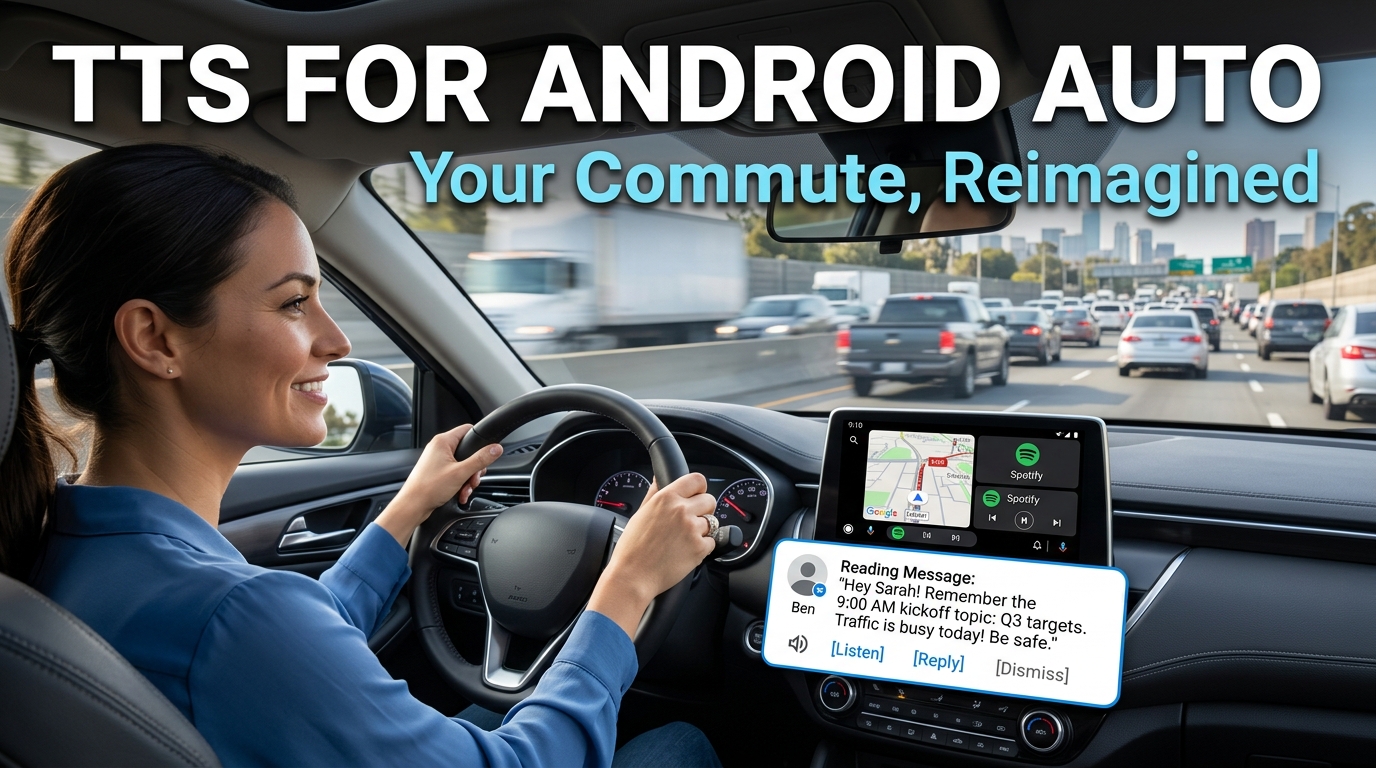
For commuters in the USA, UK, and Australia, time spent in the car is often considered lost productivity. Not anymore. The demand for tts for Android Auto solutions is skyrocketing, transforming commutes into opportunities for learning, catching up on news, or enjoying a good book.
While many dedicated apps for Android Auto focus on music or navigation, a high-quality TTS reader Android app like Voxify integrates seamlessly by simply playing its audio through your car’s sound system. Android Auto effectively mirrors your phone’s audio output, meaning any sound playing on your device – including Voxify’s natural AI voices – will be broadcast through your car speakers.
How Voxify Enhances Your Android Auto Experience:
- Hands-Free Consumption: Keep your eyes on the road and your hands on the wheel while Voxify reads your documents, articles, or books.
- Superior Voice Quality: Standard navigation voices can be jarring. Voxify’s natural AI voice Android technology provides a far more pleasant and less fatiguing listening experience, crucial for long drives.
- Content Versatility: From a PDF research paper to an EPUB novel or a web article you saved, Voxify ensures your content is always accessible, making every journey productive.
- Audio Customization on the Go: Adjust playback speed, pitch, or use the equalizer to optimize the audio for your car’s acoustics, all before you even start driving, or with voice commands if your phone supports them.
By utilizing Voxify, your Android Auto setup becomes a powerful mobile learning and entertainment hub, turning wasted time into valuable personal development.
Beyond the Dashboard: Other TTS Use Cases
While Android Auto is a primary focus for many power users, the utility of a robust TTS app extends far beyond your vehicle.
TTS for Productivity & Learning
- Students: Have textbooks, research papers, or lecture notes read aloud, aiding comprehension and retention, especially for auditory learners.
- Professionals: Catch up on industry reports, emails, or lengthy documents during walks, workouts, or any moment where screen time isn’t feasible.
- Accessibility: For users with visual impairments or reading difficulties like dyslexia, high-quality TTS apps are indispensable tools for accessing digital content independently.
Browser Extensions vs. Dedicated Apps
While browser extensions offer TTS functionality for web pages on desktop, they often lack the advanced features, natural voice quality, and offline capabilities of a dedicated mobile app. For on-the-go consumption and multi-format support, a solution like Voxify with its integrated web reader and comprehensive file compatibility offers a far superior and more consistent experience.
Developer APIs vs. End-User Solutions
For developers, Android offers native TTS APIs to integrate speech synthesis into their own applications. However, for end-users seeking an immediate, feature-rich, and high-quality listening experience across various content types, a polished application like Voxify is the clear choice. It bypasses the need for coding and provides an intuitive interface packed with advanced functionalities not typically found in basic API implementations.
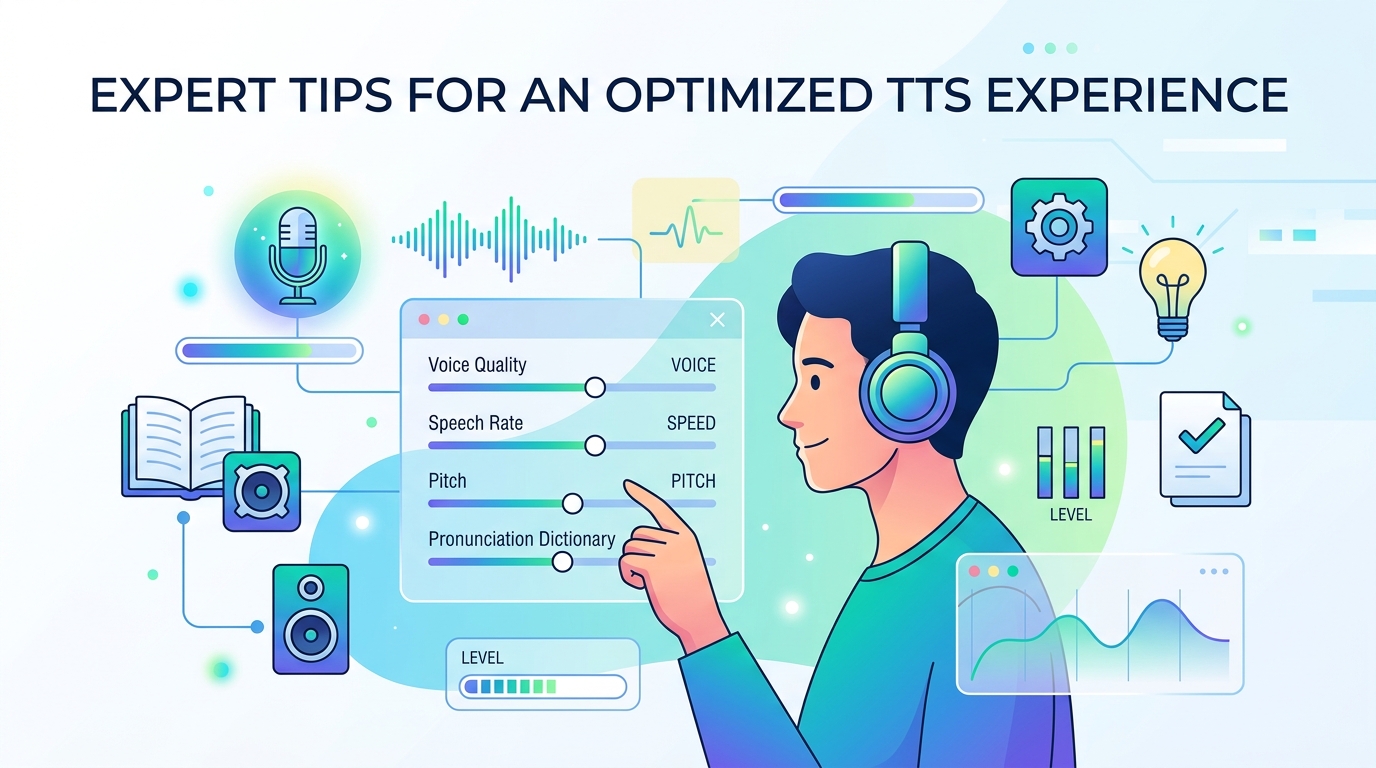
Mastering Your Audio Experience: Expert Tips
To truly maximize your TTS reader Android experience, particularly with an app as powerful as Voxify, consider these expert tips:
- Experiment with Playback Speed: While your natural reading speed might be X words per minute, your optimal listening speed can be significantly higher. Start at 1.25x or 1.5x and gradually increase. Most users can comfortably comprehend at 2x or even 2.5x, drastically improving productivity.
- Leverage Different Voices: Voxify offers a range of natural AI voice Android options. Experiment to find the voice that is most comfortable and engaging for different types of content. A formal voice for reports, a more relaxed one for fiction.
- Utilize the Equalizer: If your car audio or headphones tend to emphasize certain frequencies, use Voxify’s built-in equalizer to adjust bass, treble, and mids for clearer, more balanced speech.
- Pre-load Content: Before a long drive or a period without internet access, ensure your desired books, articles, or documents are loaded into Voxify. This guarantees uninterrupted listening.
- Set Sleep Timers Judiciously: For bedtime listening, a sleep timer is invaluable. For long sessions, ensure it’s off or set for an extended duration to avoid unexpected interruptions.
- Organize Your Library: Take advantage of Voxify’s library management features to keep your books, documents, and web articles organized for quick access.
By integrating a premium TTS reader Android app like Voxify into your daily routine, you’re not just listening; you’re actively reclaiming time, boosting productivity, and transforming how you interact with information. It’s time to stop reading and start listening.