Transform Your Reading: The Premier Text-to-Speech Apps for Android in 2026


In an era of relentless information and digital fatigue, the demand for more accessible, less strenuous ways to consume content has never been higher. Reading fatigue is real, and for power users, students, and professionals juggling multiple tasks, the shift towards AI-powered audio consumption isn’t just a trend—it’s a necessity. Text-to-Speech (TTS) technology for Android has evolved dramatically, moving beyond robotic voices to offer an immersive, natural audio experience. But with countless options, which tts reader android truly elevates your listening?
Voxify Read Aloud: The Future of Audio Reading on Android
For those who demand the absolute best in audio clarity, feature richness, and seamless integration, Voxify Read Aloud Books & TTS stands as the undisputed leader. It’s not just an app; it’s a comprehensive audio companion designed to transform how you interact with written content, making it the best tts app for books and beyond.
Unrivaled Natural AI Voices: Beyond Robotic TTS
Gone are the days of monotonous, synthetic speech. Voxify leverages cutting-edge Neural TTS technology to deliver Ultra-Natural AI Voices. These aren’t merely computer-generated; they’re intelligent, nuanced, and remarkably human-like, making long listening sessions genuinely enjoyable.
What truly sets Voxify apart is its Smart Voice Changing for dialogues. Imagine listening to a novel where each character’s lines are read in a distinct voice, bringing the story to life in an unprecedented way. This feature alone revolutionizes the audiobook experience for self-published authors, students reviewing scripts, or anyone delving into complex narratives. Further personalize your audio with robust Audio Customization (Pitch/Equalizer), ensuring every word sounds exactly right for you.
Your Entire Library, Spoken: All-in-One Format Support
Voxify is engineered to be your universal reader. It boasts extensive Multi-format support, effortlessly handling:
- EPUB
- TXT
- MOBI
- CBZ (Comic Book Zip)
This means your academic papers, novels, articles, and even comics can all be consumed audibly. Furthermore, the Integrated Web Reader allows you to feed online articles and web pages directly into Voxify, making internet browsing a hands-free experience.
Beyond text, Voxify pioneers Image Reading Support (OCR/Auto-scroll). Have a screenshot of an article, a scanned document, or text embedded within an image? Voxify’s Optical Character Recognition (OCR) extracts the text and reads it aloud, even intelligently auto-scrolling as it reads.
Additional features like a Sleep Timer ensure you can drift off to your favorite book without losing your place or draining your battery.
<a href="
“>🚀 DOWNLOAD VOXIFY ON GOOGLE PLAYNavigating the Android TTS Landscape: Beyond Basic Functionality
While Voxify represents the pinnacle, understanding the broader Android TTS ecosystem provides context and highlights why specialized apps are crucial for power users.
Android's Built-in TTS: A Foundation, Not a Solution
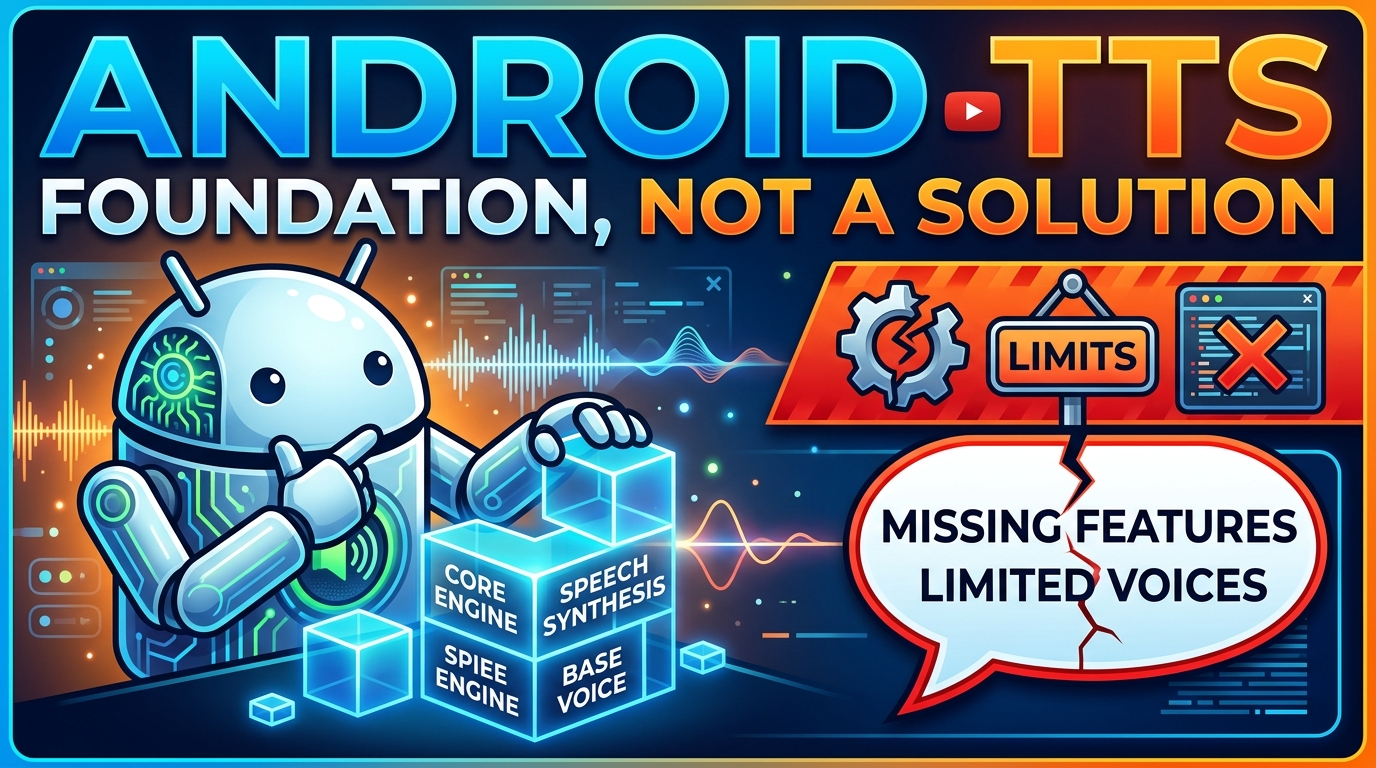
Every Android device includes a native TTS engine, primarily Google Text-to-Speech. This fundamental service allows apps to convert text into speech using basic voices. It’s the backbone for accessibility features and simple read-aloud functions. However, its capabilities are limited: generic voices, minimal customization, and no direct document handling. It’s a utility, not an experience.
For sophisticated needs like those handled by Voxify Read Aloud Books & TTS, developers build upon or integrate with these core APIs, vastly enhancing the user experience with advanced features like neural voices, multi-format parsing, and intelligent dialogue management.
TTS for Books & Documents: The Power User's Imperative
The primary goal for many seeking a tts reader android is to consume long-form content. Generic TTS solutions often falter here, lacking the ability to:
- Parse complex document structures (chapters, footnotes).
- Maintain reading position across sessions.
- Offer diverse, natural voices suitable for hours of listening.
This is precisely where Voxify excels, positioning itself as the best tts app for books by addressing these pain points with its robust format support and intelligent reading features.
Integrating TTS: Android Auto, Browser Extensions, and Developer APIs
The utility of TTS extends beyond just reading on your phone.
- TTS for Android Auto: Imagine listening to a complex PDF or an EPUB novel during your commute. While Android Auto supports basic media playback, a dedicated app like Voxify, with its superior document handling and natural voices, makes the in-car listening experience infinitely better. Its ability to seamlessly pick up where you left off, regardless of format, is invaluable for users leveraging tts for android auto.
- Browser Extensions: On desktop, browser extensions offer TTS for web content. Mobile apps like Voxify bring this power directly to your Android device, with the added benefit of offline reading and multi-document support, surpassing the limitations of browser-only solutions.
- Developer APIs (Android TTS API): At a technical level, the
app tts reader for android apirefers to Android’sTextToSpeechclass and related frameworks. Developers utilize these APIs to integrate speech capabilities into their applications. While the API provides the basicspeak()functionality, creating a truly exceptional user experience, as seen in Voxify, requires extensive development on top of these foundational APIs. This includes custom parsers for various file formats, sophisticated UI/UX for managing reading lists, advanced voice selection, and the integration of external, high-quality neural voice engines. Apps like Voxify demonstrate how the core Android TTS API can be leveraged as a building block for incredibly powerful and user-friendly solutions.
Mastering Your Audio Reading Experience: Expert Tips

To truly maximize your tts reader android experience, especially with a feature-rich app like Voxify, consider these expert tips:
- Adjust Speed for Productivity: Don’t stick to default. Experiment with faster playback speeds (1.2x, 1.5x, or even 2x) to consume content more efficiently. Voxify’s natural voices maintain clarity even at higher speeds.
- Experiment with Voices: Utilize Voxify’s diverse range of natural ai voice android options. Different voices suit different types of content (e.g., a calm voice for novels, a more assertive one for news articles).
- Leverage the Sleep Timer: For nighttime reading, set Voxify’s sleep timer. It will automatically pause playback, saving your battery and marking your spot.
- Create “Audio-First” Workflows: Integrate audio reading into your daily routine. Listen to articles during your morning walk, catch up on books while doing chores, or review documents during your commute.
- Utilize Multi-tasking: With content being read aloud, your eyes are free for other tasks. This is the ultimate productivity hack for students and professionals.
By embracing advanced tts reader android solutions like Voxify Read Aloud Books & TTS, you’re not just reading; you’re transforming your entire content consumption workflow, making it more efficient, enjoyable, and accessible than ever before.