Beyond the Page: Unlocking Peak Productivity with Android’s Best AI Text-to-Speech Readers in 2026


In an era defined by information overload and constant screen time, reading fatigue is a pervasive challenge. Professionals, students, and avid book lovers alike find themselves struggling to keep up with the sheer volume of text they need to consume. The solution isn’t less content, but smarter consumption. Enter the transformative power of AI-powered text-to-speech (TTS) apps for Android – turning any written word into an immersive, natural-sounding audiobook. This shift isn’t just about convenience; it’s about reclaiming focus, enhancing comprehension, and maximizing productivity across every facet of your digital life.
Modern TTS technology has moved far beyond the robotic voices of yesteryear. Today’s natural AI voice Android applications deliver an auditory experience so rich, it rivals professional narration. For the discerning power user seeking the best TTS app for books and beyond, the criteria are clear: advanced AI, multi-format support, seamless integration, and unparalleled customization.
Voxify Read Aloud Books & TTS: The Pinnacle of Android Audio Reading
When it comes to elevating your audio reading experience on Android, one application stands head and shoulders above the rest: Voxify Read Aloud Books & TTS. Engineered for the modern power user, Voxify isn’t just a tts reader android app; it’s a comprehensive audio companion designed to integrate seamlessly into your life, whether you’re commuting, exercising, or simply resting your eyes.
Unrivaled Natural AI Voices: Beyond Robotic Monotones
The cornerstone of any superior TTS experience lies in its voice quality. Voxify redefines this with its Ultra-Natural AI Voices, powered by cutting-edge Neural TTS technology. Gone are the days of choppy, monotonous narration. Voxify delivers fluid, expressive voices that adapt to the text, making long-form content genuinely enjoyable.
Beyond mere naturalness, Voxify introduces Smart Voice Changing for dialogues. Imagine listening to a novel where each character’s lines are read in a distinct voice, adding depth and immersion previously only found in professionally produced audiobooks. This feature alone sets Voxify apart, transforming passive listening into an engaging narrative journey.
The Universal Reader: All-in-One Format & Web Support
What truly makes Voxify the best TTS app for books is its remarkable versatility. It’s not limited to simple text files; Voxify boasts robust multi-format support, effortlessly handling:
- PDF documents
- EPUB eBooks
- Plain TXT files
- MOBI files (for Kindle users)
- CBZ comic book archives
This means your entire digital library can be instantly converted into audio. But Voxify goes further with its Integrated Web Reader. Browse articles, blog posts, or news sites directly within the app, and have them read aloud instantly. For visual content, Image Reading Support (OCR/Auto-scroll) intelligently extracts text from images, making even scanned documents accessible via audio.
Beyond its core reading capabilities, Voxify empowers users with extensive Audio Customization, including precise Pitch and Equalizer adjustments to tailor the sound profile to your preferences. And for those late-night reading sessions, the Sleep Timer ensures you can drift off without losing your place.
Voxify’s Key Advantages at a Glance:
- Ultra-Natural Neural AI Voices: Human-like narration for any text.
- Smart Voice Changing: Distinct voices for dialogue in books.
- Comprehensive Format Support: PDF, EPUB, TXT, MOBI, CBZ.
- Integrated Web Reader: Listen to online articles and blogs.
- Image Reading (OCR): Convert text from images to speech.
- Audio Customization: Pitch and Equalizer control.
- Sleep Timer: Perfect for winding down.
Ready to transform your reading habits?
<a href="
“>🚀 DOWNLOAD VOXIFY ON GOOGLE PLAYDeep Dive: Beyond Basic Listening – Integrating TTS into Your Workflow
While Voxify clearly leads the pack, understanding the broader landscape of Android TTS helps underscore its value. Power users often look for specific integrations and advanced functionalities.
TTS for Android Auto: Your Car, Your Library
The modern commute is prime time for audio consumption. Integrating a tts reader android with Android Auto is a game-changer for productivity on the go. Imagine catching up on research papers, business reports, or the latest chapter of your novel while navigating traffic.
Many basic TTS apps offer rudimentary Android Auto support, but Voxify’s multi-format capabilities and natural AI voice Android ensure a superior in-car experience. You can seamlessly switch between an EPUB novel and a PDF report, all read with crystal-clear, engaging voices. The ability to control playback directly from your car’s infotainment system makes Voxify an indispensable tool for tts for android auto.
Beyond the App: API/Code for Developers
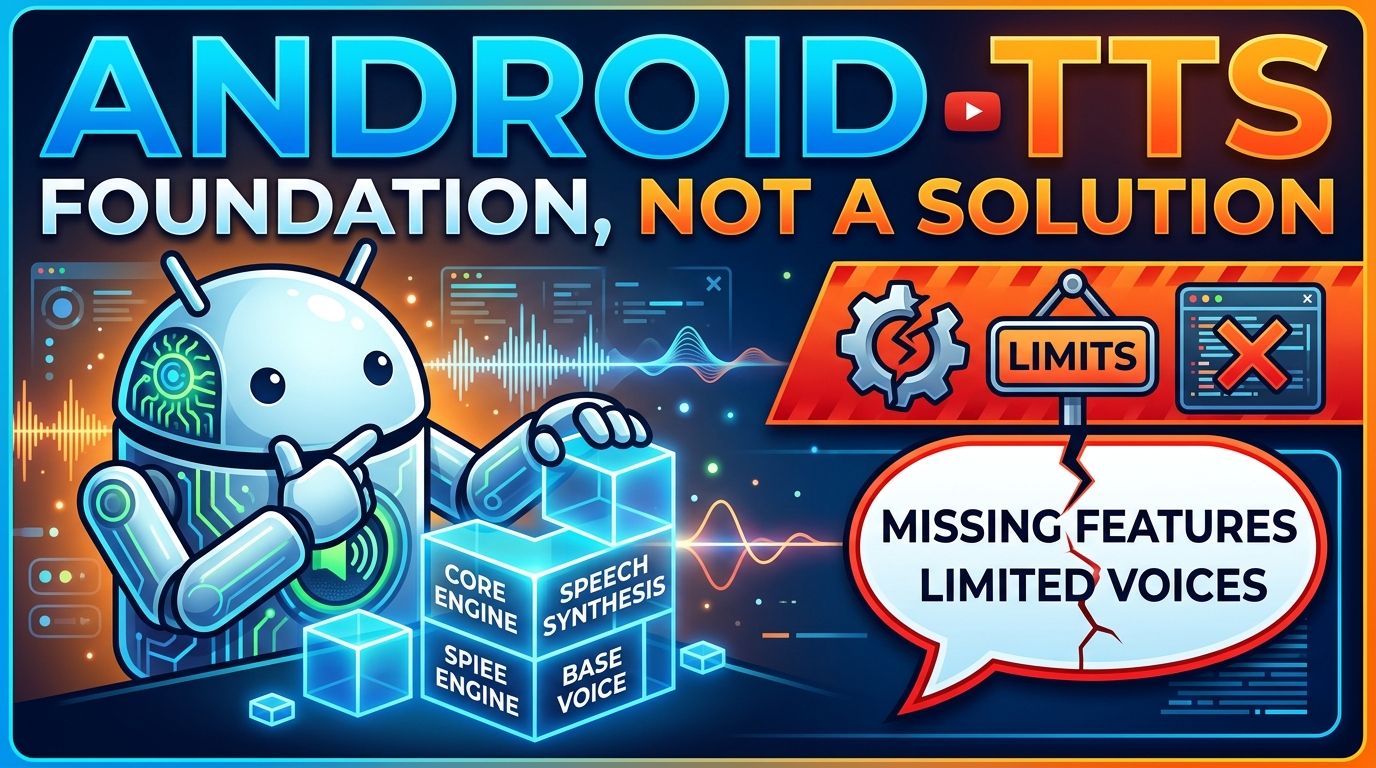
For developers and those with a more technical bent, the underlying Text-to-Speech APIs are critical. Android’s native TTS engine (often powered by Google Text-to-Speech) provides a foundational layer. Developers can leverage these APIs to integrate TTS into their own applications. However, for the end-user, building an app from scratch is impractical. This is where highly refined applications like Voxify shine. They encapsulate complex API integrations, advanced AI models, and user-centric features into a polished, accessible package, abstracting away the technical complexities to deliver a seamless experience.
Browser Extensions vs. Dedicated Mobile Apps
While browser extensions for desktop offer TTS capabilities, they are inherently limited to the browser environment and lack the portability of a dedicated mobile app. For true on-the-go productivity and immersive reading, a robust tts reader android like Voxify is essential. It allows you to download content, manage libraries, and listen offline, a flexibility that browser extensions simply cannot match. Its integrated web reader, however, gives you the best of both worlds, offering browser-like functionality within a mobile-optimized, feature-rich application.
Expert Tips for Optimizing Your Android TTS Experience
To truly leverage the power of your tts reader android and maximize your productivity, consider these expert tips:
- Adjust Playback Speed Strategically: For dense, technical material, start with a slower speed to ensure comprehension. For lighter content or review, gradually increase the speed. Most power users find their optimal listening speed is faster than their reading speed, significantly boosting content consumption.
- Utilize the Sleep Timer: For winding down or bedtime reading, set Voxify’s Sleep Timer. This allows you to listen without worrying about the app playing all night, helping you relax and drift off peacefully.
- Experiment with Voices: Don’t settle for the default. Voxify’s range of Ultra-Natural AI Voices means you can find a voice that resonates best with you, enhancing focus and reducing listening fatigue. Leverage the Smart Voice Changing for dialogues to make fiction even more engaging.
- Leverage Audio Customization: Play with the Pitch and Equalizer settings. A slightly higher pitch can sometimes make voices feel more energetic, while equalizer adjustments can tailor the audio for different environments (e.g., boosting bass for noisy commutes).
- Organize Your Digital Library: Before importing, ensure your PDFs, EPUBs, and other documents are well-organized. This makes it easier to find and switch between content within Voxify, streamlining your audio reading workflow.
- Integrate with Cloud Storage: While not a direct Voxify feature, storing your documents in cloud services (Google Drive, Dropbox) allows for easy access and import into your
tts reader androidapp from any device.
By embracing a sophisticated tts reader android like Voxify Read Aloud Books & TTS and applying these expert strategies, you’re not just reading; you’re transforming your entire approach to information consumption. Welcome to the future of reading, where every text is an opportunity for auditory learning and enhanced productivity.