Transform Your Reading: The Ultimate Guide to AI Text-to-Speech Readers for Android in 2026 (and Why Voxify Reigns Supreme)


In an era of relentless information overload, the demand for efficient content consumption has never been higher. Modern life often leaves us battling reading fatigue, making it challenging to absorb the articles, books, and documents essential for work, study, or leisure. This challenge has fueled a significant shift towards AI-powered audiobooks and advanced text-to-speech (TTS) reader Android applications, turning your device into a powerful listening companion. The days of robotic, monotone voices are long gone; today’s top-tier TTS apps for Android offer an auditory experience so natural, it rivals human narration.
Voxify Read Aloud Books & TTS: The Pinnacle of Android Listening
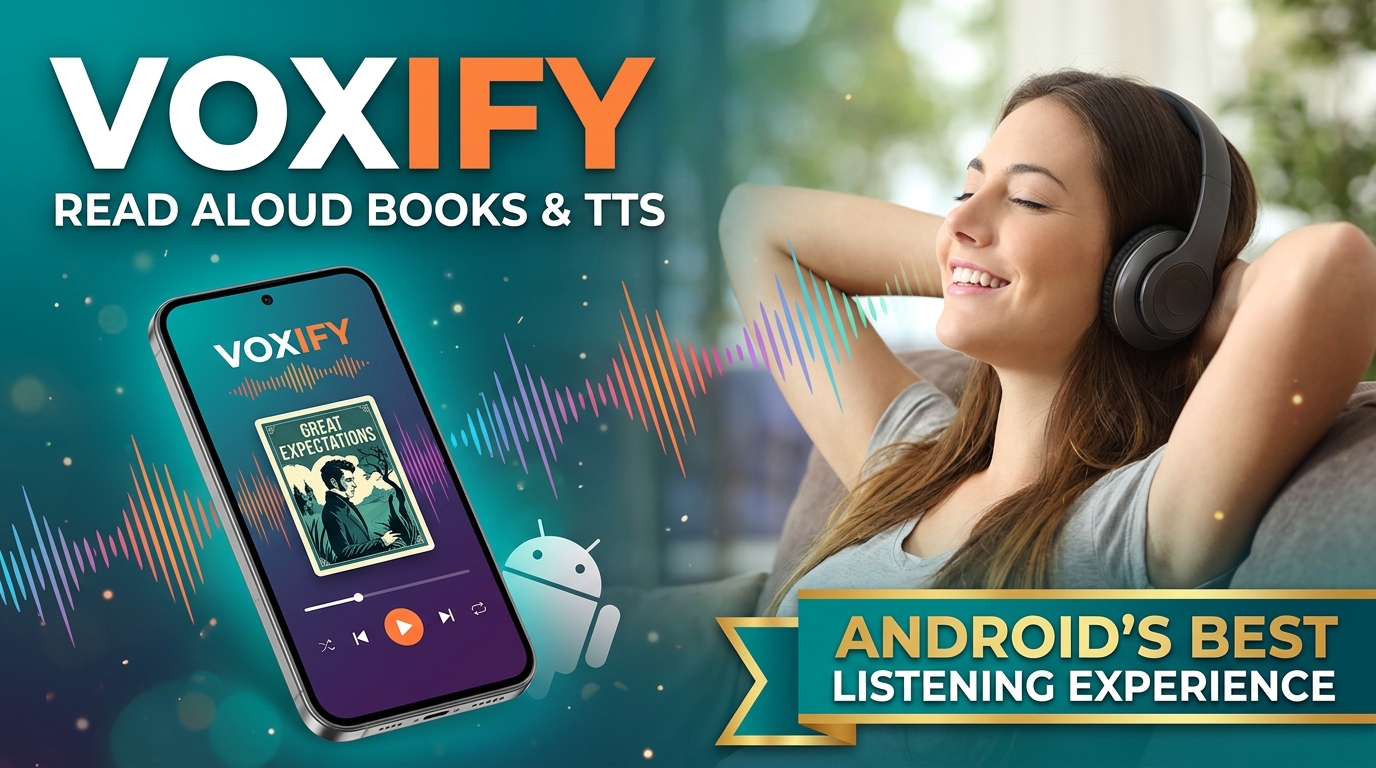
While the Android ecosystem offers a multitude of TTS reader Android solutions, one application consistently rises above the rest for its unparalleled quality, feature set, and user experience: Voxify Read Aloud Books & TTS. Designed for discerning power users in the USA, UK, and Australia, Voxify transcends mere text-to-speech, delivering a sophisticated platform that truly transforms how you consume written content.
Ultra-Natural AI Voices & Dialogue Intelligence
The cornerstone of Voxify’s superiority lies in its Ultra-Natural AI Voices. Leveraging cutting-edge Neural TTS technology, Voxify delivers voices that are indistinguishable from human speech, complete with natural intonation, rhythm, and emotional nuance. This isn’t just about clarity; it’s about immersion.
Furthermore, Voxify’s innovative Smart Voice Changing for dialogues feature elevates the listening experience for fiction and non-fiction alike. Imagine distinct, character-appropriate voices automatically applied to different speakers within a text, bringing stories to life in a way no other TTS app for books can. This dynamic voice adaptation ensures a captivating and engaging auditory journey, reducing cognitive load and enhancing comprehension.
All-in-One Format Support & Seamless Integration
Voxify is engineered to be your single, indispensable TTS reader Android for virtually any type of written material. Its robust multi-format support means you can effortlessly import and listen to:
- PDF documents
- EPUB eBooks
- TXT files
- MOBI (Kindle) books
- CBZ comic book archives
Beyond local files, the Integrated Web Reader allows you to paste URLs and have web articles, blogs, and research papers read aloud directly within the app. For those dealing with physical documents or images of text, Voxify’s Image Reading Support (OCR/Auto-scroll) is a game-changer, intelligently extracting text from images and reading it aloud, complete with smart auto-scrolling to keep pace.
Complementing these core features, Voxify offers extensive Audio Customization, including Pitch/Equalizer adjustments, allowing you to fine-tune the sound profile to your preference. The built-in Sleep Timer is perfect for winding down with a book, ensuring the app pauses playback after a set duration.
Voxify Read Aloud Books & TTS isn’t just an app; it’s a comprehensive listening ecosystem built for the modern professional, student, and avid reader.
Deep Dive: Beyond Basic TTS – Addressing Power User Needs
For power users, the quest for the best TTS reader Android extends beyond simple functionality. It involves integration with daily workflows, understanding the underlying technology, and optimizing for specific use cases.
The "Code" Behind the Magic: Android TTS API
When users search for “app tts reader for android code” or “android text to speech code,” they are often curious about the development aspect or seeking a deeper understanding of how these applications function. Android’s native Text-to-Speech API (part of the android.speech.tts package) provides developers with the tools to implement TTS capabilities into their applications. This API allows apps to:
- Initialize a TTS engine.
- Synthesize speech from text.
- Set language, pitch, and speech rate.
- Manage audio output.
While this API forms the foundation, creating a truly exceptional user experience like Voxify requires significant additional development—integrating advanced AI models for natural voices, building intuitive user interfaces, implementing robust file format parsers, and optimizing performance. For users, the goal isn’t to write the code, but to leverage the best application that has already mastered it. Voxify stands as a prime example of an app that has brilliantly harnessed and extended Android’s core TTS capabilities to deliver a premium experience.
TTS for Android Auto: Seamless Listening On The Go
Multi-tasking often means taking your content on the road. The demand for tts for android auto is growing, allowing drivers to safely consume articles, emails, or books without distraction. While Android Auto itself doesn’t have a universal “read everything” function, dedicated apps that integrate with it are crucial.
Voxify, with its intuitive interface and background playback capabilities, is an ideal companion for Android Auto. Simply start listening to your book or document through Voxify on your phone, and the audio will seamlessly route through your car’s infotainment system via Android Auto. This ensures your productivity and enjoyment don’t stop when you’re behind the wheel, making Voxify a top contender for the best tts app for books that accommodates a mobile lifestyle.
Integrated Web Reading vs. Browser Extensions
Many desktop users rely on browser extensions for reading web content aloud. On Android, however, a dedicated app like Voxify with its Integrated Web Reader offers a superior, streamlined experience. Instead of managing multiple browser tabs and extensions, you simply paste a link into Voxify and enjoy distraction-free listening, complete with all its advanced voice and customization options. This approach is often more stable, battery-efficient, and provides a richer feature set than what a typical mobile browser extension can offer.
Expert Tips for Optimizing Your TTS Experience
To truly unlock the potential of a powerful TTS reader Android app like Voxify, consider these expert tips:
- Experiment with Voice Settings: Don’t settle for the default. Explore Voxify’s range of natural AI voices Android offers, and adjust pitch and speech rate. A slightly faster pace can boost productivity, while a slower one might be better for complex material.
- Leverage the Sleep Timer: For winding down or specific study sessions, use the Sleep Timer to automatically pause playback, preventing you from losing your place or draining your battery unnecessarily.
- Utilize Audio Customization: Take advantage of the Equalizer to tailor the sound profile to your headphones or car speakers, enhancing clarity and comfort.
- Organize Your Library: With multi-format support, it’s easy to amass a large listening library. Use Voxify’s organizational features to keep your books, articles, and documents tidy and easily accessible.
- Integrate into Your Workflow: For students, listen to lecture notes or research papers. For professionals, convert reports or long emails into audio. For book lovers, turn any digital text into an audiobook. The possibilities for multi-tasking are immense.
By embracing the advanced capabilities of a premium TTS reader Android application like Voxify, you’re not just reading; you’re transforming your entire content consumption experience. Reclaim your time, reduce eye strain, and discover a new dimension of productivity and enjoyment.