The Future of Reading: Why Voxify is the Premier Android TTS Reader for Power Users


In an era of relentless information flow, reading fatigue is a silent epidemic. Professionals juggle reports, students conquer textbooks, and avid readers yearn for more immersive experiences. The solution isn’t less content, but smarter consumption. Enter the revolution of AI-powered audiobooks and advanced Text-to-Speech (TTS) apps for Android, transforming how we absorb information and reclaim precious time.
Gone are the days of robotic voices and clunky interfaces. Modern TTS readers for Android leverage cutting-edge artificial intelligence to deliver natural, engaging audio experiences. For power users in the USA, UK, and Australia seeking the ultimate blend of productivity and pleasure, one app stands out: Voxify Read Aloud Books & TTS.
Voxify: The Apex of Android Text-to-Speech Technology
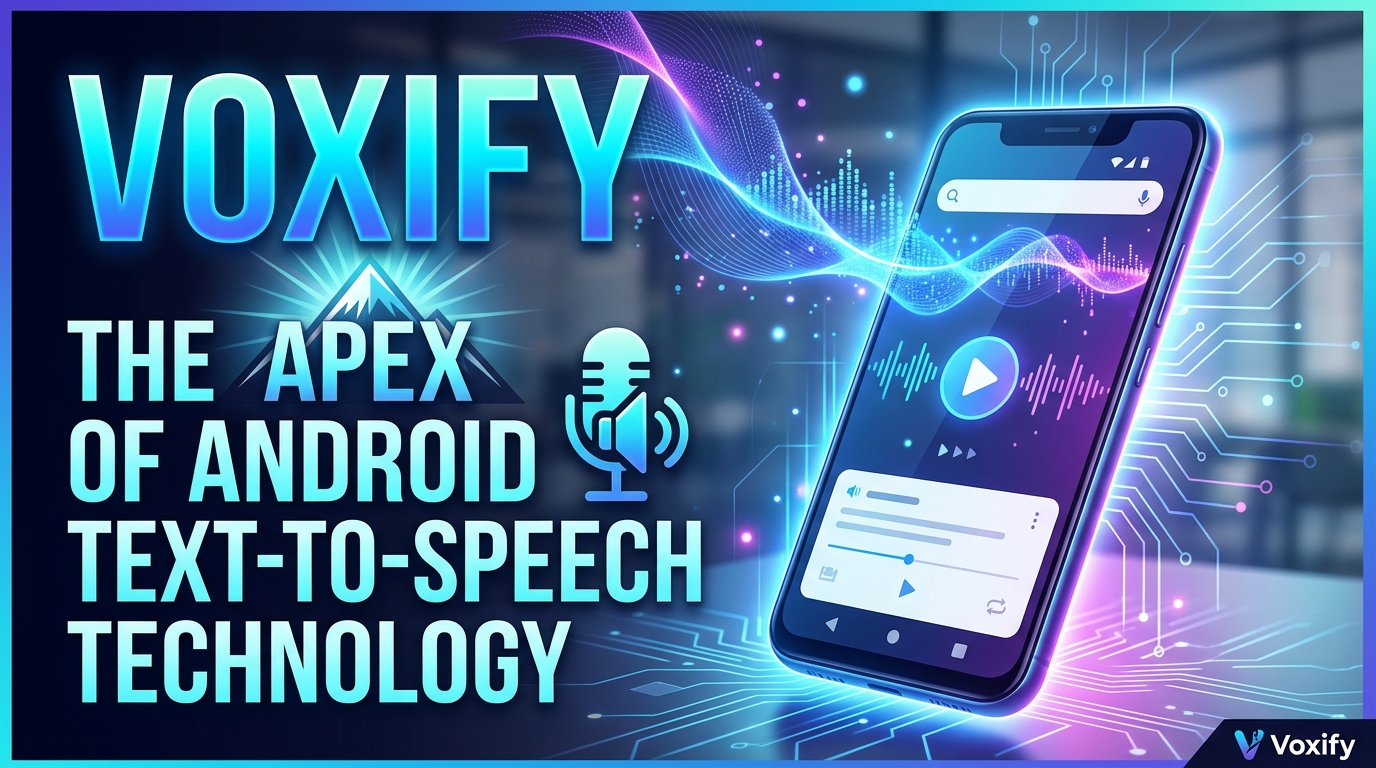
When it comes to elevating your digital reading experience, Voxify Read Aloud Books & TTS isn’t just an app; it’s a comprehensive audio companion. Engineered for discernment and efficiency, it redefines what an app TTS reader for Android device can achieve, setting a new benchmark for quality and versatility.
Ultra-Natural AI Voices: Beyond Human Perception
The hallmark of a truly premium TTS app for Android lies in its voice quality. Voxify distinguishes itself with Ultra-Natural AI Voices, powered by advanced Neural TTS technology. This isn’t merely text converted to speech; it’s a performance.
- Neural TTS: Experience voices that mimic human intonation, rhythm, and emotional nuance, making long listening sessions genuinely enjoyable.
- Smart Voice Changing for Dialogues: A groundbreaking feature, Voxify intelligently detects and assigns different voices to dialogue sections in books, creating a dynamic, immersive narrative experience akin to a professional audiobook.
- Audio Customization: Fine-tune your listening with precision. Adjust pitch and utilize the integrated equalizer to tailor the audio output to your exact preferences, ensuring optimal clarity and comfort.
All-in-One Format Support: Your Entire Library, Audified
Power users demand flexibility. Voxify delivers unparalleled multi-format support, eliminating the need for multiple apps to access your diverse digital library.
- Comprehensive File Compatibility: Seamlessly open and listen to PDF, EPUB, TXT, MOBI, and even CBZ (comic book archives) files. Whether it’s an academic paper, a novel, or a technical manual, Voxify handles it with ease.
- Integrated Web Reader: Don’t limit yourself to stored files. Voxify includes an Integrated Web Reader, allowing you to convert articles, blog posts, and online documents directly into high-quality audio, perfect for catching up on news or research while multitasking.
- Image Reading Support (OCR/Auto-scroll): Revolutionize how you interact with image-based content. Voxify’s advanced OCR (Optical Character Recognition) can extract text from images, turning scanned documents or photos into listenable content. Coupled with Auto-scroll, it offers a hands-free reading experience for even the most challenging formats.
- Sleep Timer: For those who unwind with an audiobook, the integrated Sleep Timer ensures you drift off without losing your place or draining your battery.
Voxify’s commitment to delivering a superior audio experience, combined with its robust feature set, makes it the undisputed choice for anyone seeking the best TTS app for books and beyond.
Beyond Basic TTS: Addressing Diverse Power User Needs
While the core functionality of a tts reader android app is crucial, power users often have specific scenarios in mind. Let’s explore how Voxify addresses these, often surpassing conventional solutions.
TTS for Android Auto: Seamless Listening On-the-Go
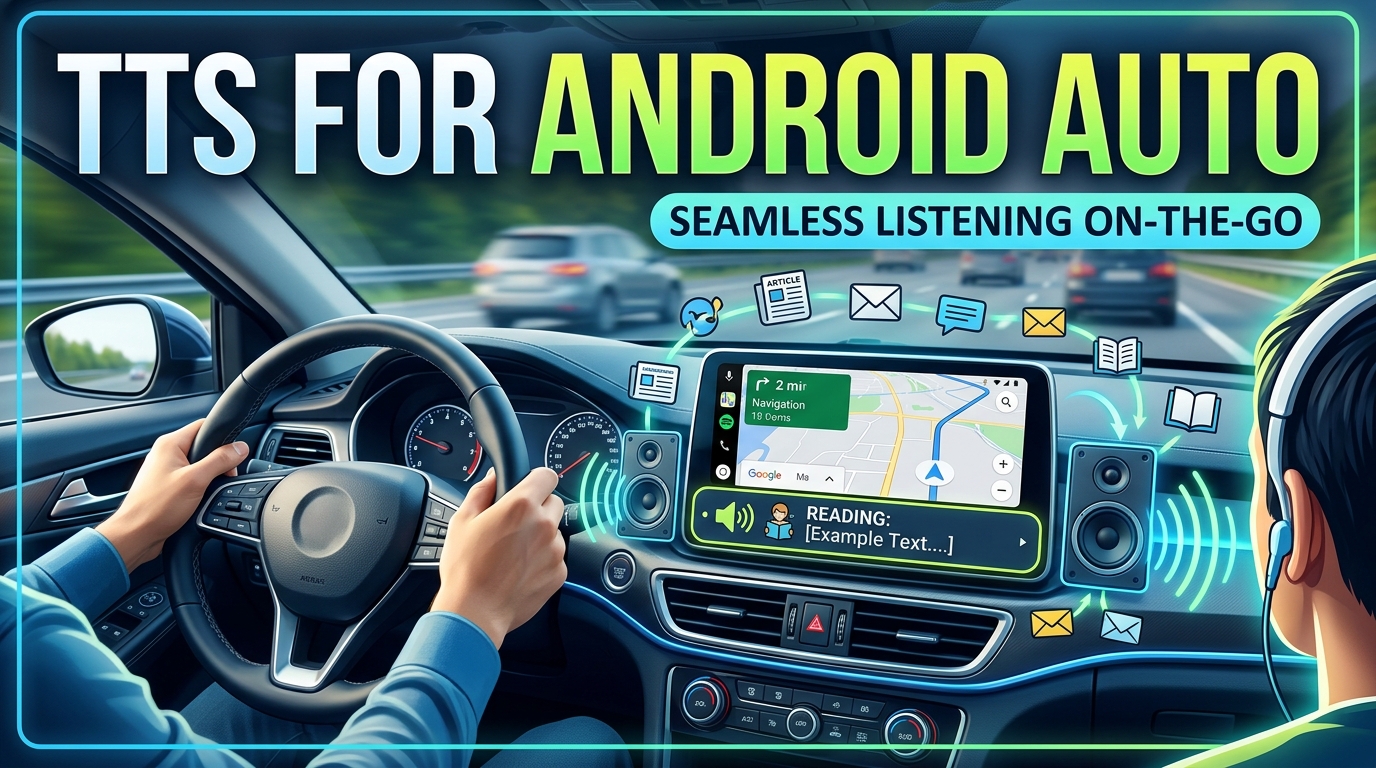
For commuters, travelers, and anyone spending significant time in their vehicle, the ability to consume content hands-free is invaluable. While dedicated tts for android auto apps might offer basic integration, Voxify provides a superior listening experience that integrates perfectly with your car’s audio system.
Simply connect your Android device via Bluetooth or USB to your car’s Android Auto or infotainment system. Voxify’s high-fidelity audio output, with its natural AI voice android technology, transforms your car into a mobile library. Listen to your latest business report, an engaging novel, or critical research papers without distraction, turning unproductive commute time into productive learning or entertainment. The quality of the audio output from Voxify far surpasses the often rudimentary system voices found in basic Android Auto TTS functions.
Browser Extensions vs. Integrated Web Reader
Many users turn to browser extensions for web page TTS. While convenient for quick reads, they often lack the advanced features and consistent voice quality of a dedicated app. Voxify’s Integrated Web Reader offers a superior alternative:
- Consistent Voice Quality: Unlike browser extensions that might rely on varying system or limited cloud voices, Voxify’s web reader leverages its premium Ultra-Natural AI Voices for every article.
- Multi-Platform Integration: Access your web content and local files within a single, powerful application.
- Advanced Features: Benefit from Voxify’s full suite of audio customization, sleep timer, and other features, even when reading web pages.
API/Code for Developers: A User-Centric Perspective
While developers might explore Android’s native TTS API or third-party SDKs to integrate speech into their own applications, for the end-user seeking a polished, ready-to-use solution, Voxify is the clear winner. Building a robust TTS application with multi-format support, natural AI voices, and advanced features like dialogue voice changing requires significant development effort. Voxify delivers this sophisticated functionality out-of-the-box, saving power users time and offering an unparalleled user experience without any coding required. It’s the difference between building a custom car engine and driving a meticulously engineered luxury vehicle.
Expert Tips for Optimizing Your Android TTS Experience
To truly maximize your productivity and enjoyment with a tts reader android app like Voxify, consider these expert recommendations:
- Adjust Reading Speed for Productivity: Most TTS apps for Android allow speed adjustment. For technical documents or review, a faster pace (1.5x – 2x) can significantly boost comprehension and save time. For leisure reading, slow it down for immersion.
- Experiment with Voices: Don’t settle for the default. Voxify offers a range of natural AI voice android options. Experiment to find the voice that is most comfortable and engaging for your ears, especially for long listening sessions.
- Leverage the Sleep Timer: For winding down with an audiobook, set the sleep timer to gradually fade out the audio after a specified period, preventing you from losing your place or draining your battery overnight.
- Organize Your Digital Library: Before importing into Voxify, ensure your PDFs, EPUBs, and other documents are well-organized. This makes it easier to navigate and select content within the app.
- Utilize OCR for Physical Documents: If you have physical books or printed materials you need to consume audibly, use Voxify’s Image Reading Support (OCR). A quick scan can convert pages into listenable text, bridging the gap between physical and digital content.
- Take Advantage of Audio Customization: Don’t overlook the pitch and equalizer settings. Tweaking these can dramatically improve clarity and listening comfort, especially in noisy environments or with specific types of audio content.
By integrating Voxify Read Aloud Books & TTS into your daily routine and applying these expert tips, you’re not just reading; you’re transforming your entire content consumption workflow. Embrace the future of reading and listening – it’s intelligent, efficient, and incredibly natural.