Master Your Digital Library: The Premier TTS Apps for Android & Emulators in 2026


The relentless pace of modern life often leaves us with stacks of unread articles, documents, and books. Reading fatigue is a real challenge for students, professionals, and avid book lovers alike. Fortunately, the era of AI-powered audiobooks and advanced Text-to-Speech (TTS) technology has revolutionized how we consume content, transforming static text into engaging auditory experiences. Whether you’re multitasking on your commute, reviewing complex reports, or simply want to rest your eyes, a robust TTS reader is an indispensable tool. This guide dives deep into the best solutions for your Android device, including seamless integration with Android emulators for enhanced desktop productivity.
Elevate Your Listening: Featuring Voxify Read Aloud Books & TTS
While the Android ecosystem offers various TTS options, Voxify Read Aloud Books & TTS emerges as the definitive choice for power users demanding superior quality, versatility, and an unparalleled listening experience. It’s not just an app; it’s a comprehensive digital reading companion, engineered to bring your entire library to life with stunning clarity and natural inflection.
Voxify shines whether you’re using it directly on your smartphone, tablet, or running it flawlessly within an Android emulator on your desktop. This makes it a prime candidate for professionals reviewing documents on a larger screen or students needing to listen to textbooks while working on other tasks.
Ultra-Natural AI Voices: Beyond Robotic Monotones
The hallmark of a premium TTS experience lies in its voice quality. Voxify Read Aloud Books & TTS leverages cutting-edge Neural TTS technology, delivering ultra-natural AI voices that are virtually indistinguishable from human narration. Forget the robotic, monotonous voices of yesteryear; Voxify provides a rich palette of expressive tones, making long listening sessions genuinely enjoyable.
- Diverse Voice Options: Choose from a wide array of high-quality voices across multiple languages and accents, perfect for users in the USA, UK, and Australia.
- Smart Voice Changing for Dialogues: A standout feature for fiction readers, Voxify intelligently alters voices for different characters in dialogues, creating an immersive, audiobook-like experience that dramatically enhances comprehension and engagement.
All-in-One Format Support: Your Entire Library, Audio-Ready
What truly sets Voxify apart is its remarkable versatility in handling diverse content formats. It eliminates the need for multiple apps, streamlining your digital reading workflow.
- Multi-Format Mastery: Seamlessly open and listen to PDF, EPUB, TXT, MOBI, and even CBZ (comic book archive) files. This comprehensive support means your academic papers, novels, articles, and even graphic novels can all be narrated.
- Integrated Web Reader: Directly input URLs or share links from your browser to Voxify, and it will read web pages aloud, perfect for news articles, blogs, and online research.
- Image Reading Support (OCR/Auto-scroll): Got text trapped in an image? Voxify’s integrated OCR technology can extract and read text from images. Coupled with auto-scroll, it makes consuming visual content effortless.
- Audio Customization (Pitch/Equalizer): Fine-tune your listening experience with granular control over pitch, speed, and even an integrated equalizer to optimize audio output for different environments or personal preferences.
- Sleep Timer: Essential for bedtime listeners, the sleep timer allows you to drift off without worrying about the app playing all night.
Voxify’s robust feature set makes it the best tts app for books and any other text you need to consume. Its performance on Android emulators is particularly noteworthy, allowing desktop users to leverage its powerful features with the comfort of their computer setup.
Deep Dive: TTS for Every Power User Scenario
Beyond basic text-to-speech, power users often seek solutions tailored to specific contexts. Let’s explore how a premium tts reader android app like Voxify addresses these diverse needs.
TTS for Android Auto: Your Co-Pilot for Content
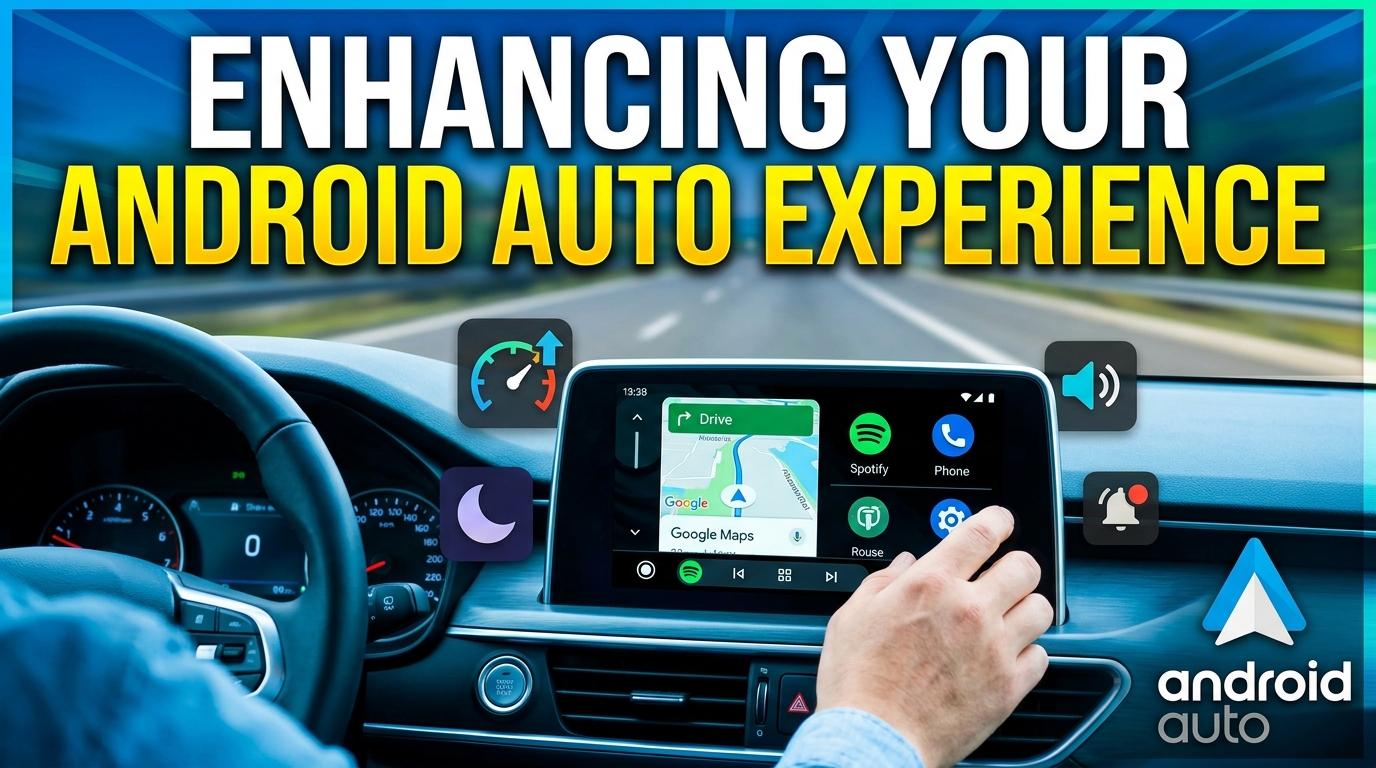
For many, the car is an extension of their mobile office or library. While basic TTS functionality exists within Android Auto, the quality often falls short for extended listening. A dedicated app like Voxify, with its natural AI voice android capabilities, transforms your in-car experience.
Instead of relying on generic system voices, Voxify delivers high-fidelity narration, making audiobooks, news articles, and documents far more engaging and less fatiguing during long drives. While Voxify doesn’t have direct Android Auto integration yet, you can effortlessly play content through your car’s Bluetooth system, leveraging its superior voice quality over standard navigation or messaging TTS. This makes it an indirect but highly effective tts for android auto solution for content consumption.
TTS API/Code for Developers vs. Ready-to-Use Apps
Developers often look for TTS APIs to integrate into their applications. While Google’s TTS engine is readily available, it requires significant coding and fine-tuning to achieve the naturalness and feature set offered by a polished app like Voxify.
| Feature | Dedicated TTS App (e.g., Voxify) | TTS API/SDK (e.g., Google TTS) |
|---|---|---|
| Ease of Use | Instant, plug-and-play for end-users | Requires coding, development, and integration |
| Voice Quality | Ultra-natural Neural TTS, often proprietary enhancements | Good, but often requires extensive customization for naturalness |
| Features | Multi-format, web reader, OCR, dialogue voices, equalizer | Basic text-to-speech conversion; features need to be built manually |
| Maintenance | Handled by app developer | Falls on the developer integrating the API |
| Target User | End-users (readers, students, professionals) | Developers building applications |
For consuming content, an application like Voxify provides a vastly superior, ready-made experience without the need for any development work. This is especially true when using an app tts reader for android emulator, where the goal is to use the app, not develop it.
Browser Extensions vs. Integrated Web Readers
Browser extensions offer convenience for reading web pages, but they often come with limitations:
- Browser Dependency: Tied to a specific browser, not a system-wide solution.
- Limited Features: Typically lack advanced features like multi-format support, OCR, or sophisticated audio customization.
- Voice Quality: Often rely on basic system TTS, which may lack the naturalness of dedicated apps.
Voxify’s integrated Web Reader, on the other hand, provides a consistent, high-quality experience regardless of your browser. You can share any web page directly to Voxify and leverage its ultra-natural AI voices and powerful audio controls. This means a more cohesive and feature-rich experience compared to fragmented browser-specific solutions.
Expert Tips: Optimize Your TTS Experience
To truly unlock the power of your tts reader android app, particularly for productivity on your device or an Android emulator, consider these expert tips:
- Fine-Tune Reading Speed: For productivity, experiment with faster speeds (e.g., 1.5x to 2x) after you’ve accustomed yourself to the voice. Voxify allows precise speed adjustments, helping you process information more efficiently without sacrificing comprehension.
- Leverage Voice Customization: Don’t settle for the default. Dive into Voxify’s audio customization options. Adjust pitch to find a voice that’s most comfortable for your ears, and use the equalizer to enhance clarity, especially in noisy environments or with specific headphones.
- Organize Your Digital Library: Use Voxify’s internal library management to keep your documents and books organized. This makes it easy to switch between different reading materials.
- Embrace OCR for Physical Books/Images: For students or researchers, the OCR feature is a game-changer. Snap a photo of a physical book page or an image with text, and Voxify will read it aloud, bridging the gap between physical and digital content.
- Utilize the Sleep Timer: For winding down, set the sleep timer. This prevents the app from draining your battery or disturbing your sleep after you’ve nodded off.
- Seamless Emulator Integration: When using an Android emulator like BlueStacks or Nox Player, ensure your emulator’s audio output is directed to your preferred desktop speakers or headphones. This allows you to listen to Voxify’s high-quality narration while using your computer for other tasks, creating a powerful multitasking workstation.
The Future of Reading is Listening
The demand for efficient, engaging content consumption is ever-growing. Advanced TTS apps like Voxify Read Aloud Books & TTS are at the forefront of this revolution, offering sophisticated features and natural AI voices that transform how we interact with text. Whether you’re a student drowning in textbooks, a professional reviewing reports, or a book lover seeking a new way to enjoy stories, Voxify provides the ultimate solution for your Android device and Android emulator setup. Embrace the future of reading – and listening – today.