Transform Your Reading: The Ultimate AI Text-to-Speech Apps for Android in 2026


In an era of relentless information flow and digital fatigue, the challenge isn’t just what to read, but how to consume it efficiently and comfortably. For many power users – from students juggling textbooks to professionals devouring industry reports and avid readers tackling their TBR pile – screen time can lead to eye strain and diminished focus. This is where the quiet revolution of AI-powered Text-to-Speech (TTS) apps for Android steps in, turning your device into a personal audiobook narrator.
Gone are the days of robotic, monotonous voices. Modern TTS reader Android applications, powered by advanced artificial intelligence, offer an auditory experience so natural, it rivals professionally narrated audiobooks. They allow you to reclaim your attention, multitask effectively, and even make reading accessible in entirely new ways, whether you’re commuting, working out, or simply resting your eyes.
Featured Spotlight: Voxify Read Aloud Books & TTS – The Premier Android TTS Solution
When it comes to elevating your auditory reading experience, one app consistently rises above the rest for its unparalleled quality and comprehensive feature set: Voxify Read Aloud Books & TTS. Designed for the discerning user who demands both power and polish, Voxify redefines what a natural AI voice Android app can achieve.
Ultra-Natural AI Voices: Beyond Human-Like
Voxify’s most striking feature is its Ultra-Natural AI Voices, powered by cutting-edge Neural TTS technology. This isn’t just about sounding “good”; it’s about delivering an immersive, engaging listening experience. Imagine listening to a novel where the characters’ dialogues are distinct, thanks to Smart Voice Changing for dialogues. This intelligent feature automatically assigns different, appropriate voices to various speakers, eliminating the confusion often found in generic TTS readers and bringing stories to life. For anyone seeking the best TTS app for books, Voxify’s voice quality is a game-changer.
All-in-One Format Support & Seamless Integration
Voxify understands that your reading material isn’t confined to a single format. It boasts robust multi-format support, allowing you to import and listen to almost anything:
- PDF documents
- EPUB eBooks
- TXT files
- MOBI (Kindle) books
- CBZ comic book archives
Beyond local files, the Integrated Web Reader transforms online articles, blogs, and news into audio with a single tap. And for those moments when text is embedded within images, Image Reading Support (OCR/Auto-scroll) intelligently extracts and reads aloud the content, making even scanned documents accessible.
Designed for Your Lifestyle
Voxify isn’t just about reading; it’s about integrating into your life:
- Sleep Timer: Drift off to your favorite book without worrying about it playing all night.
- Audio Customization (Pitch/Equalizer): Fine-tune the listening experience to your preference, adjusting voice pitch for comfort or using the equalizer to enhance clarity in noisy environments.
With its blend of advanced AI, broad compatibility, and user-centric design, Voxify Read Aloud Books & TTS stands as the definitive choice for serious readers.
🚀 DOWNLOAD VOXIFY ON GOOGLE PLAY
Deep Dive: Beyond Basic TTS – Why Voxify Excels
While the Android operating system offers a foundational Text-to-Speech engine (Google Text-to-Speech), power users quickly find its capabilities limiting. It provides basic functionality but lacks the nuance, customization, and advanced features needed for serious reading or productivity. This is where dedicated TTS reader Android apps like Voxify shine.
The Power of Specialized Apps vs. Generic TTS
| Feature | Generic Android TTS Engine | Voxify Read Aloud Books & TTS |
|---|---|---|
| Voice Quality | Basic, often robotic | Ultra-Natural Neural AI Voices |
| Dialogue Handling | Monotonous | Smart Voice Changing |
| File Format Support | Limited (e.g., plain text) | PDF, EPUB, TXT, MOBI, CBZ |
| Web Reading | Requires copy-paste | Integrated Web Reader |
| Image Reading (OCR) | None | Yes |
| Audio Customization | Minimal | Pitch, Equalizer |
| Productivity Features | None | Sleep Timer, Auto-scroll |
On-the-Go Listening: TTS for Android Auto
For commuters and travelers, TTS for Android Auto is a non-negotiable feature. Imagine turning your car into a mobile library, catching up on documents or novels during your daily drive. While basic TTS might function, Voxify’s superior voice quality ensures clarity over road noise and a far more engaging listening experience. Its robust file support means you can seamlessly transition from reading on your phone to listening in your car, making every journey productive.
Web Content & Browser Extensions
Many users rely on browser extensions to read web pages aloud. While convenient, these often operate in isolation. Voxify’s Integrated Web Reader offers a more cohesive experience, keeping all your listening material – local files, eBooks, and web articles – within a single, powerful application. This unified approach simplifies management and ensures consistent high-quality audio across all your digital content.
Beyond Developers: User-Friendly Power
While APIs and code exist for developers to integrate TTS functionality, the average power user needs a ready-made, polished solution. Voxify delivers this, abstracting away the technical complexities to provide an intuitive interface without compromising on advanced capabilities. It’s built for those who want to use powerful technology, not just understand its underlying mechanics.
Expert Tips for Optimizing Your TTS Experience
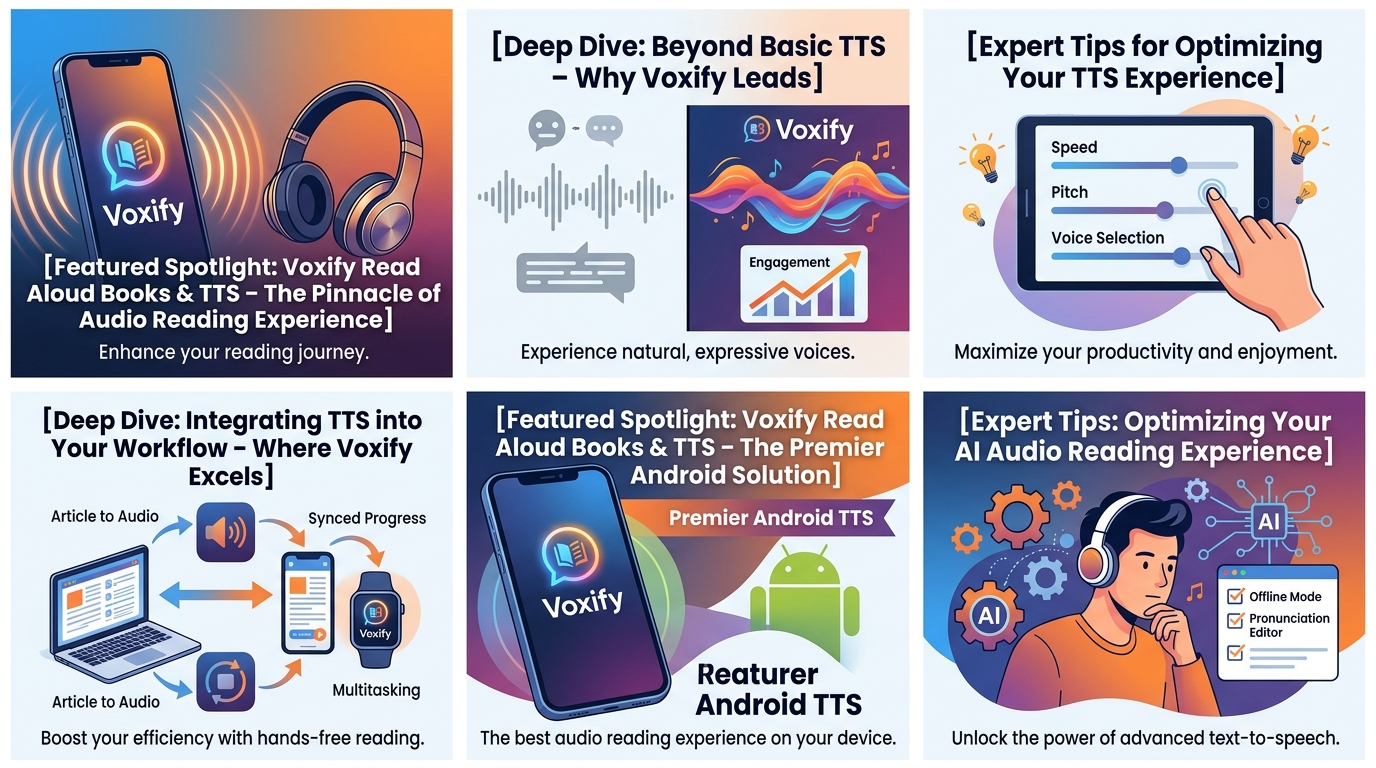
To truly harness the power of a premium TTS reader Android app like Voxify, consider these expert tips:
- Adjust Reading Speed for Productivity: Experiment with different speeds. A slightly faster pace (e.g., 1.2x or 1.5x) can significantly boost comprehension and retention for non-fiction or study materials, training your brain to process information more quickly. For leisure reading, a slower pace might enhance immersion.
- Leverage Voice Customization: Don’t settle for the default. Use Voxify’s Pitch and Equalizer settings. A slightly lower pitch might be more soothing for long listening sessions, while tweaking the equalizer can make voices clearer, especially if you’re listening in a noisy environment or through lower-quality headphones.
- Utilize the Sleep Timer: For winding down with an eBook, the Sleep Timer is invaluable. Set it to automatically pause playback after a certain duration, ensuring you don’t lose your place or drain your battery unnecessarily if you drift off.
- Organize Your Library: Voxify’s multi-format support means your digital library can grow quickly. Take advantage of any organizational features within the app to categorize your books, articles, and documents for easy access.
- Experiment with Dialogue Voices: If you’re reading fiction, play around with the Smart Voice Changing for dialogues. Sometimes, a subtle adjustment can dramatically improve character distinction and overall narrative flow.
By integrating a sophisticated TTS reader Android app like Voxify into your daily routine, you’re not just listening; you’re transforming your entire reading workflow. Embrace the future of digital content consumption and unlock new levels of productivity and enjoyment.