Unlock Your Listening Potential: The Premier **Android TTS Reader** for Power Users in 2026


In an era defined by information overload and constant demands on our attention, the traditional act of reading often feels like a luxury. For professionals, students, and avid book lovers alike, the sheer volume of content—from intricate PDFs and lengthy articles to digital books and web pages—can lead to significant “reading fatigue.” This challenge has fueled a rapid evolution in how we consume information, driving a powerful shift towards AI-powered audiobooks and sophisticated Text-to-Speech (TTS) apps that transform static text into dynamic audio.
The demand for a seamless, high-quality audio experience on Android devices has never been greater. Users seek more than just basic voice synthesis; they require intelligent solutions that integrate deeply into their workflow, extending their productivity and enhancing their enjoyment of digital content.
Voxify Read Aloud Books & TTS: The Pinnacle of Natural AI Voice Android Reading
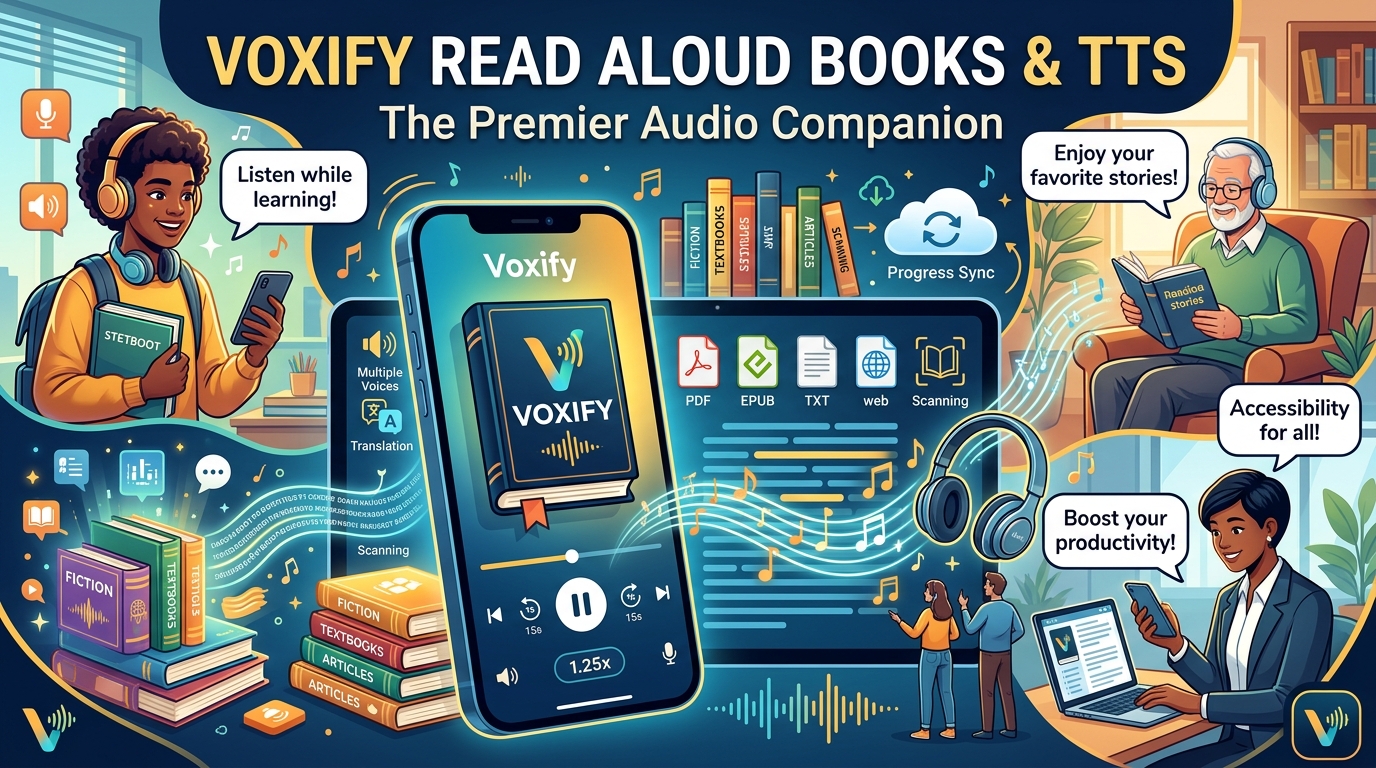
For power users demanding unparalleled quality, versatility, and an intuitive experience, Voxify Read Aloud Books & TTS stands out as the definitive Android TTS reader. It’s not merely an app; it’s a comprehensive reading extension for your device, designed to conquer every digital text format with ultra-natural, engaging voices.
Whether you’re tackling dense academic papers, enjoying the latest fiction, or browsing web articles on the go, Voxify redefines the auditory reading experience.
Ultra-Natural AI Voices: Beyond Robotic Monotony
The era of robotic, monotone TTS is over. Voxify leverages cutting-edge Neural TTS technology to deliver ultra-natural AI voices that are virtually indistinguishable from human speech. This isn’t just about clarity; it’s about immersion.
- Neural TTS: Experience voices with natural intonation, rhythm, and emotional nuances, making long listening sessions enjoyable and less fatiguing.
- Smart Voice Changing for Dialogues: A groundbreaking feature that automatically assigns different voices to distinguish characters in dialogues, bringing stories to life and dramatically improving comprehension in novels and scripts.
- Audio Customization: Fine-tune your listening experience with comprehensive controls for pitch and an integrated equalizer, allowing you to tailor the audio to your preference and environment.
All-in-One Format Support: Your Universal TTS Reader Android Solution
Many TTS apps for Android struggle with diverse file types or require tedious conversions. Voxify eliminates these hurdles, offering robust multi-format support that makes it your go-to solution for virtually any digital text.
- Multi-format Mastery: Seamlessly read PDF, EPUB, TXT, MOBI, and CBZ files. From professional documents to graphic novels, Voxify handles them all with ease.
- Integrated Web Reader: Transform any web page into an audiobook instantly. Say goodbye to distracting ads and poorly formatted text; Voxify extracts clean content for an optimal listening experience.
- Image Reading Support (OCR/Auto-scroll): Encounter text embedded in images? Voxify’s Optical Character Recognition (OCR) technology can read it aloud. Combined with auto-scroll, this ensures a smooth, hands-free experience even with image-heavy content.
Beyond its core features, Voxify enhances productivity and convenience with:
- Sleep Timer: Perfect for winding down with an audiobook without worrying about battery drain.
- Offline Mode: Download voices and content to listen without an internet connection, ideal for commutes or travel.
Voxify Read Aloud Books & TTS isn’t just an app; it’s an intelligent companion that extends your reading capabilities, transforming your Android device into a powerful audio learning and entertainment hub.
Deep Dive: Integrating TTS into Your Digital Life
While Voxify provides a superior, all-encompassing solution, understanding how TTS integrates into various facets of the Android ecosystem is crucial for power users.
TTS for Android Auto: Reading on the Road
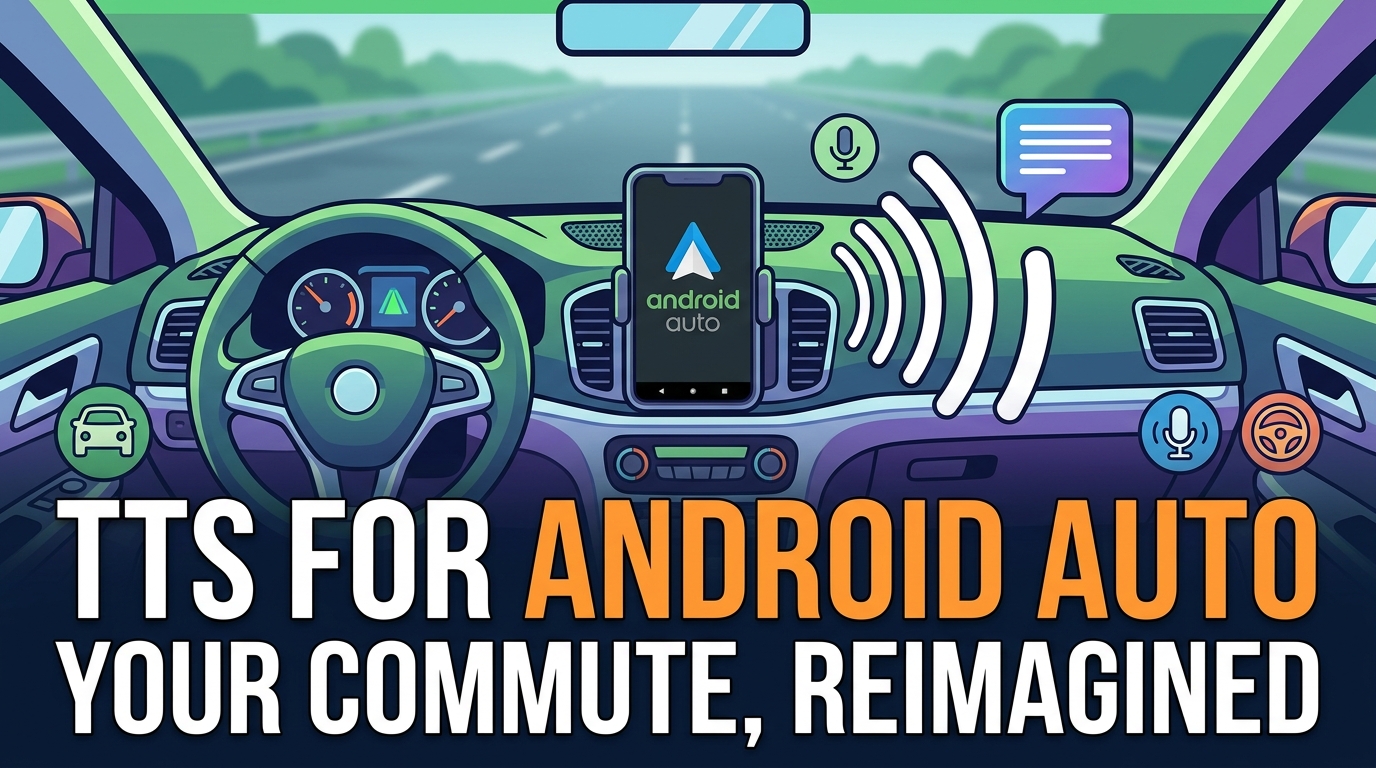
For many, the car is an extension of their office or library. The ability to listen to documents or books via Android Auto is a significant productivity boost. While Android Auto offers basic TTS functionality for messages and navigation, a dedicated app like Voxify significantly elevates the experience.
- Enhanced Experience: While direct “extensions” for Android Auto are limited, Voxify integrates seamlessly via your phone’s media playback, offering its superior natural AI voices and advanced playback controls through your car’s infotainment system. This means your books, articles, and documents sound far better than generic system voices.
- Safety & Productivity: Keep your eyes on the road while staying informed or entertained. Voxify ensures your content is accessible and engaging, even during long drives.
Beyond Browser Extensions: The Power of a Dedicated App
Many users initially look for “app tts reader for android extension” in the context of browser add-ons. While browser extensions like “Read Aloud” or “Speechify” exist for desktop browsers and sometimes have Android counterparts or web-based versions, a dedicated app like Voxify offers profound advantages:
| Feature | Dedicated TTS App (e.g., Voxify) | Browser Extension (Android) |
|---|---|---|
| Content Scope | Web pages, PDFs, EPUBs, TXT, MOBI, CBZ, images (OCR) | Primarily web pages, sometimes limited PDF support |
| Offline Access | Full content download and offline voice packs | Generally requires internet for web content and premium voices |
| Voice Quality | Advanced Neural TTS, customizable, dialogue-specific voice changes | Varies; often relies on system voices or basic cloud services |
| Integration | Deep system integration, background playback, media controls, sleep timer | Primarily within browser, limited system-wide control |
| User Experience | Designed for reading, rich features, intuitive UI | Can be clunky, often ad-supported, less feature-rich |
Voxify’s integrated web reader offers the convenience of a browser extension but with the robust feature set and superior voice quality of a dedicated, premium application, making it the best TTS app for books and web content alike.
API & Code for Developers: A Nod to Underlying Sophistication
While this guide targets power users, the underlying technology powering advanced TTS apps like Voxify is complex, often leveraging sophisticated APIs (Application Programming Interfaces) for neural networks and voice synthesis. For developers, integrating TTS involves working with Android’s native TextToSpeech engine or third-party cloud APIs (like Google Cloud Text-to-Speech or Amazon Polly).
Voxify, however, abstracts this complexity entirely. It delivers a polished, ready-to-use product that incorporates the highest-end TTS capabilities without requiring any coding knowledge. For power users, this means enjoying developer-grade features and performance in an accessible, user-friendly package.
Expert Tips: Optimizing Your TTS Experience for Productivity
To truly master your Android TTS reader and elevate your productivity, consider these expert tips:
- Adjust Speaking Speed for Comprehension: Don’t default to conversational speed. Experiment with faster playback rates (1.5x to 2.5x) for non-fiction or review material. Your brain can often process audio faster than you think, significantly boosting information intake.
- Utilize the Sleep Timer: Beyond just falling asleep, use the sleep timer for focused, timed listening sessions. It’s an excellent way to dedicate specific blocks of time to audio learning without distraction.
- Leverage Voice Customization: In Voxify, don’t shy away from adjusting pitch or using the equalizer. A slightly higher pitch can sometimes make fast speech clearer, while an equalizer can compensate for headphone or speaker limitations.
- Download Voices for Offline Use: For critical content, download the natural AI voice Android packs within Voxify. This ensures uninterrupted listening in areas with poor connectivity and saves mobile data.
- Integrate with Your Calendar: Schedule “listening blocks” into your daily routine. Treat them like any other meeting or task to ensure consistent progress through your audio content.
- Use Voxify’s Dialogue Voice Changing: For fiction or scripts, this feature is a game-changer. It not only enhances immersion but also significantly aids in following complex conversations and character interactions.
- Explore Different Formats: Don’t limit yourself to just web articles. Experiment with converting long emails, meeting minutes, or even personal notes into audio using Voxify’s multi-format support.
By integrating a powerful TTS app for Android like Voxify into your daily workflow and applying these expert tips, you can transform how you consume information, reduce reading fatigue, and unlock new levels of productivity and enjoyment. The future of reading is listening, and with Voxify, your Android device becomes the ultimate gateway.