Transform Your Reading: The Best Text-to-Speech Apps for Android in 2026


In an era defined by information overload and constant digital engagement, “reading fatigue” is a common affliction. Professionals juggle emails and reports, students pore over textbooks, and avid readers yearn to consume more books than time allows. The solution? A revolutionary shift towards AI-powered audiobooks and advanced Text-to-Speech (TTS) technology. No longer a niche tool, the best TTS app for Android is now an indispensable asset for productivity, learning, and leisure, allowing you to turn virtually any text into an immersive listening experience.
Today’s TTS reader Android applications go far beyond robotic voices, leveraging sophisticated AI to deliver natural, engaging narration. For power users in the USA, UK, and Australia seeking to reclaim their reading time and enhance their multi-tasking capabilities, the choice of the right app TTS reader for Android Google Play Store is critical.
Featured Spotlight: Voxify Read Aloud Books & TTS – The Pinnacle of Android TTS
When evaluating the vast landscape of TTS apps for Android, one solution consistently rises above the rest: Voxify Read Aloud Books & TTS. Engineered for power users, Voxify isn’t just a text reader; it’s a comprehensive audio-reading platform that redefines how you interact with digital text.
Unparalleled Natural AI Voices: Beyond Robotic Monotones
The days of struggling through monotonous, robotic narration are over. Voxify sets the gold standard with its Ultra-Natural AI Voices (Neural TTS). These aren’t just computer-generated sounds; they are nuanced, human-like voices capable of expressing a wide range of tones and inflections, making long listening sessions genuinely enjoyable.
A standout innovation is Smart Voice Changing for dialogues. Imagine listening to a novel where each character’s dialogue is read in a distinct voice, bringing the story to life with unprecedented clarity and immersion. This feature alone transforms the experience of consuming fiction, making it feel more like a professionally produced audiobook.
The Ultimate All-in-One Reading Companion
Voxify’s strength lies in its comprehensive feature set, designed to cater to every reading need:
- Multi-format support: Whether you’re dealing with academic papers, e-books, or personal notes, Voxify handles it all. It seamlessly reads PDF, EPUB, TXT, MOBI, and CBZ files, eliminating the need for multiple apps or cumbersome file conversions.
- Integrated Web Reader: Convert articles, blog posts, and research papers directly from the web into audio. Save time and absorb information while on the go.
- Image Reading Support (OCR/Auto-scroll): Don’t let scanned documents or images limit your audio experience. Voxify’s advanced OCR capabilities can extract text from images and read it aloud, even intelligently auto-scrolling to keep pace.
- Audio Customization: Tailor your listening with precision. Adjust Pitch to find the perfect vocal tone and fine-tune the sound profile with a built-in Equalizer for optimal clarity, whether you’re listening through headphones or your car’s speakers.
- Sleep Timer: For those who enjoy drifting off to an audiobook, the integrated sleep timer allows you to set a duration, ensuring the reading stops gracefully without disturbing your rest.
For anyone serious about transforming their digital reading into an effortless listening experience, Voxify is the definitive choice.
Beyond the Basics: What to Look for in an Android TTS Reader
While Voxify stands out, understanding the broader landscape of TTS functionalities helps appreciate its superiority.
The Power of Natural AI Voices: A Game Changer
The core of any superior TTS reader Android app is its voice engine. Older TTS systems produced synthetic, robotic speech that made listening tedious. Modern natural AI voice Android technology, particularly Neural TTS, uses deep learning to generate speech that mirrors human intonation, rhythm, and pronunciation. This is crucial for:
- Retention: Natural voices are less taxing on the brain, improving comprehension and information retention.
- Enjoyment: Listening to a pleasing voice enhances engagement, especially for long-form content like books and academic papers.
- Productivity: You can listen for longer periods without mental fatigue, boosting your overall productivity.
Voxify’s commitment to Ultra-Natural AI Voices and Smart Voice Changing for dialogues positions it at the forefront of this technological revolution.
Multi-Format Mastery: Your Digital Library, Liberated
Many users struggle with the fragmented nature of digital content. An ideal best TTS app for books should handle a diverse range of formats. The ability to open PDF, EPUB, TXT, MOBI, and CBZ files directly within the app, as Voxify does, is invaluable. This eliminates the friction of converting files or switching between multiple applications, streamlining your workflow, whether you’re a student with diverse course materials or a professional managing various document types.
TTS for Android Auto: Seamless Listening on the Go
For commuters and road warriors, TTS for Android Auto compatibility is a significant advantage. While not every app explicitly lists “Android Auto support,” any robust TTS app with excellent background playback, stable performance, and intuitive controls (like Voxify’s audio customization) integrates seamlessly with Android Auto’s audio system. This allows you to safely listen to your documents, articles, and books hands-free, turning unproductive travel time into productive learning or entertainment.
Integrated Web Reading & OCR: Beyond Local Files
The internet is a vast library of information. A top-tier tts reader android app must offer an Integrated Web Reader to convert online articles and web pages into audio instantly. Furthermore, the ability to read text from images via OCR (Optical Character Recognition) means even scanned documents, screenshots, or physical book pages captured with your camera can be transformed into audio, a feature critical for accessibility and comprehensive data consumption, masterfully implemented in Voxify.
Are There Developer APIs/Code for TTS?
Yes, Android itself provides built-in Text-to-Speech engines (like Google Text-to-speech) that developers can access via APIs. These allow apps to convert text into spoken audio. However, while these underlying APIs provide the basic functionality, premium applications like Voxify build upon them, integrating advanced AI models, sophisticated voice customization, multi-format parsers, and user-centric features to deliver a vastly superior and more refined end-user experience compared to a simple API call. For power users, a dedicated app like Voxify is far more beneficial than interacting with raw APIs.
Browser Extensions vs. Dedicated Apps: Why Native Wins
While browser extensions offer quick TTS for web pages, they often fall short for long-form content. They typically lack advanced features like multi-format support, deep audio customization, sleep timers, or the ultra-natural AI voices found in dedicated Android apps. For serious reading and productivity, a native app TTS reader for Android Google Play Store like Voxify provides a richer, more reliable, and feature-complete experience that browser extensions simply cannot match.
Expert Tips: Elevating Your TTS Experience
To maximize the benefits of your tts reader android app, consider these expert recommendations:
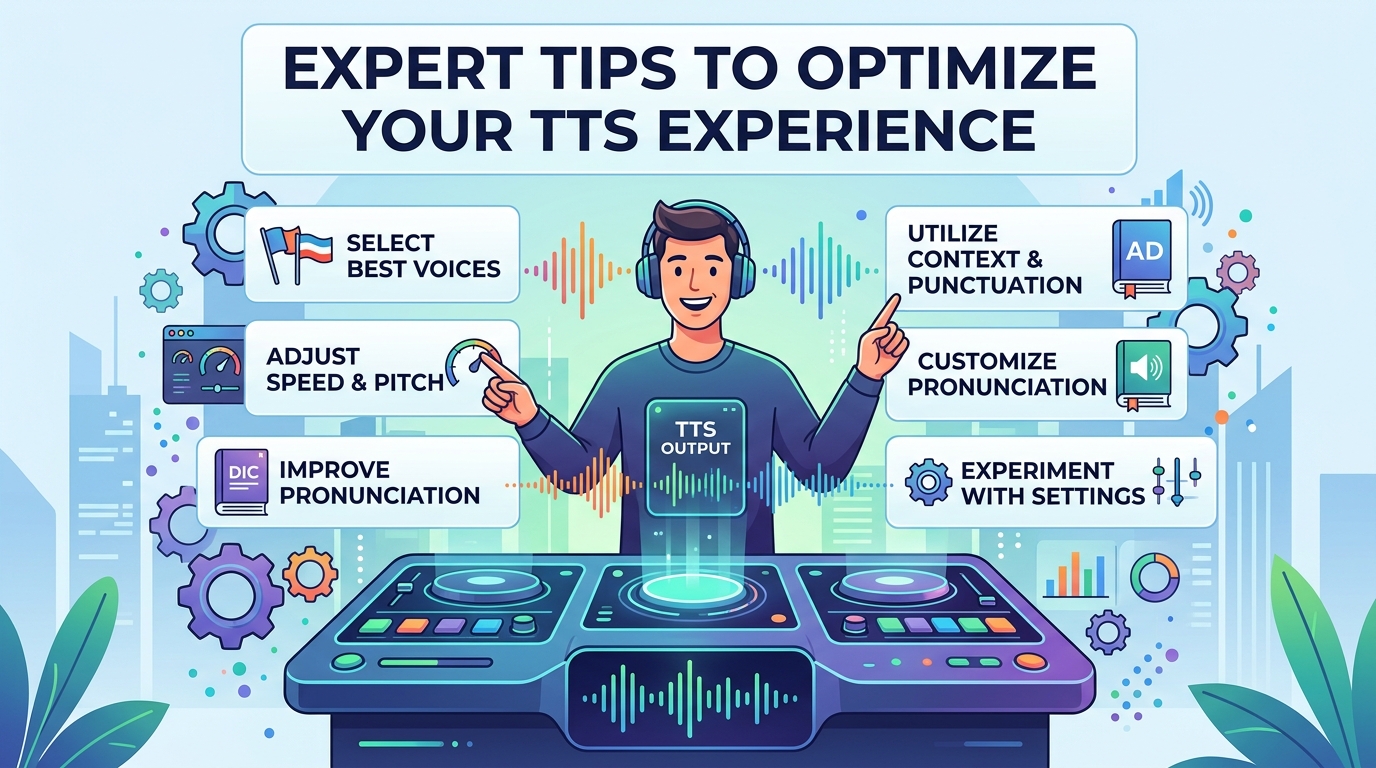
- Optimize Listening Speed: Adjust the playback speed to match your comprehension. Start at a comfortable pace and gradually increase it. Many professionals find listening at 1.5x or 2x speed allows them to consume information much faster without sacrificing understanding.
- Leverage Voice Customization: Experiment with different voices, pitches, and the equalizer settings. Finding a voice and sound profile that resonates with you reduces listening fatigue and enhances focus. Voxify’s pitch and equalizer controls are excellent for this.
- Utilize the Sleep Timer: For winding down with an audiobook or a relaxing article, the sleep timer is invaluable. Set it to stop playback after a specific duration, ensuring you don’t lose your place or drain your battery unnecessarily.
- Create a Listening Routine: Integrate TTS into your daily routine. Listen during your commute, while exercising, doing chores, or during dedicated “audio reading” blocks. Consistency is key to making TTS a powerful productivity tool.
- Curate Your Content: Pre-load your best TTS app for books with a diverse range of content – articles for professional development, e-books for leisure, and documents for study. Having content ready ensures you always have something valuable to listen to.
Embracing a high-quality TTS app for Android like Voxify Read Aloud Books & TTS is more than just a convenience; it’s a strategic enhancement to your digital life. By transforming text into rich, natural audio, you unlock new dimensions of productivity, learning, and enjoyment, making every moment count.