Beyond the Page: How AI-Powered TTS Apps are Revolutionizing Android for Power Users & Gamers


In an era of relentless digital information, screen fatigue is a growing concern for professionals, students, and even avid gamers. The constant demand to read, comprehend, and retain vast amounts of text can be exhausting. This challenge has propelled the evolution of Text-to-Speech (TTS) technology, transforming how we consume content. No longer just a niche accessibility tool, cutting-edge AI-powered TTS apps are now essential for multi-taskers, offering a seamless shift from visual reading to auditory comprehension. They’re not just reading aloud; they’re crafting an immersive audio experience, turning any text into a personalized audiobook.
Voxify: The Premier AI-Powered TTS Solution for Android
For power users seeking the ultimate tts reader android experience, one application stands head and shoulders above the rest: Voxify Read Aloud Books & TTS. Designed to integrate flawlessly into your digital life, Voxify elevates text consumption from a chore to an engaging, hands-free experience. Whether you’re a student devouring research papers, a professional reviewing documents, a book lover enjoying a novel, or a gamer catching up on lore and strategy guides, Voxify delivers unparalleled quality and versatility.
Ultra-Natural AI Voices: The Sound of Tomorrow
The days of robotic, monotonous TTS voices are long gone. Voxify harnesses Ultra-Natural AI Voices (Neural TTS) to deliver an auditory experience so lifelike, you’ll forget you’re listening to a machine. These voices are infused with human-like intonation, pacing, and emotion, making long listening sessions enjoyable and less fatiguing. For narratives, the Smart Voice Changing for dialogues feature truly shines, automatically assigning different voices to characters, bringing stories to life with remarkable clarity and immersion. This is where Voxify truly excels as the best tts app for books, making every novel feel like a professionally produced audiobook.
All-in-One Format Support & Seamless Integration
Voxify is built for the diverse digital library of today’s power user. Forget juggling multiple apps for different file types; Voxify offers Multi-format support for virtually every text document imaginable: PDF, EPUB, TXT, MOBI, CBZ. This comprehensive compatibility means your entire digital library, from academic journals to graphic novels, is accessible in audio format.
Beyond local files, Voxify features an Integrated Web Reader, allowing you to instantly convert articles, blog posts, and online documentation into high-quality audio. This is invaluable for consuming web content hands-free, perfect for catching up on game reviews, news, or technical guides while on the go.
For those moments when text isn’t quite text, Voxify’s Image Reading Support (OCR/Auto-scroll) is a game-changer. Snap a photo of a physical book page, a screenshot of game lore, or a printed document, and Voxify will convert it into listenable audio. The auto-scroll feature keeps your place visually, enhancing the experience.
Deep Dive: Beyond Basic TTS – Why Voxify Leads the Pack
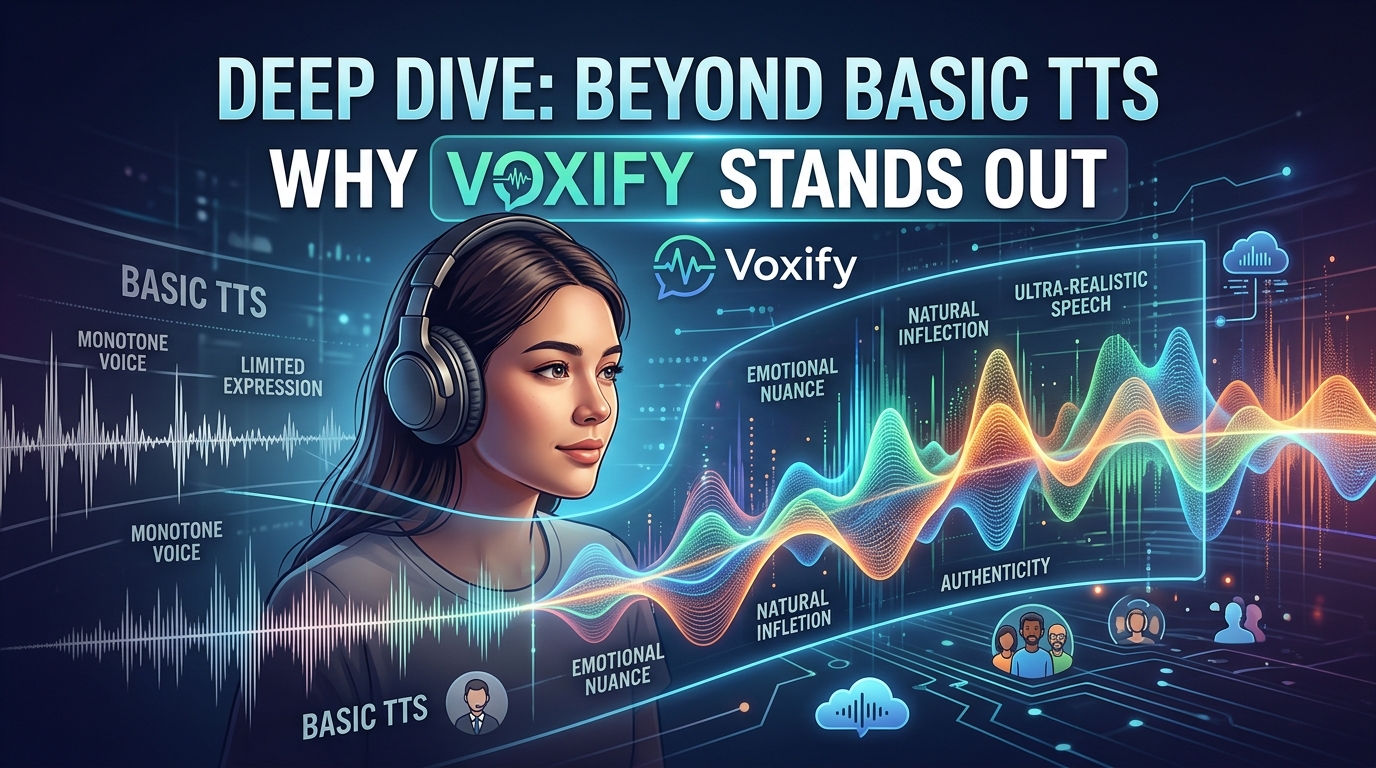
While many apps offer basic text-to-speech, Voxify’s advanced features and user-centric design make it the definitive choice for those who demand more.
Enhancing Your Commute with tts for android auto
The drive to work or a long road trip no longer means pausing your reading. With Voxify, your entire library, from novels to crucial work documents, becomes accessible via tts for android auto. The app’s superior voice quality and intuitive controls ensure that you can safely and productively consume content while keeping your focus on the road. Unlike basic system TTS, Voxify’s Audio Customization (Pitch/Equalizer) allows you to fine-tune the listening experience for clarity and comfort in a car environment, making it an indispensable tool for productive commutes.
Addressing Developer Needs vs. End-User Excellence
For developers, Android offers robust native TTS APIs for integrating speech capabilities into custom applications. However, for end-users seeking a polished, feature-rich, and ready-to-use solution without writing a single line of code, Voxify provides an immediate, superior experience. It bypasses the complexity of API integration, delivering a premium product designed for direct consumption of diverse content.
The Mobile Advantage Over Browser Extensions
Browser extensions are excellent for desktop-based text-to-speech. Yet, for true mobile productivity and content consumption, a dedicated app is paramount. Voxify’s Integrated Web Reader offers the same convenience as a browser extension but within a unified mobile ecosystem. This means seamless reading across all your Android devices, without relying on browser-specific functionalities. Its ability to handle local files, PDFs, and images further solidifies its position as a comprehensive mobile solution, far exceeding the scope of simple browser add-ons.
A Gamer's Essential Companion
While Voxify isn’t designed for in-game voice acting, it’s an invaluable tool for any serious Android gamer. Gamers consume vast amounts of text outside the game: intricate lore documents, comprehensive strategy guides, detailed patch notes, competitive analysis, and community forums. Using Voxify, you can listen to these texts hands-free, allowing you to absorb information while doing other tasks, like exercising, cooking, or even light gaming on another screen. Its Multi-format support and Integrated Web Reader make it perfect for consuming every piece of game-related content imaginable, making it an advanced app tts reader for android games in a broader sense.
Expert Tips for Optimizing Your TTS Experience with Voxify
To truly unlock the power of Voxify and transform your content consumption, consider these expert tips:
- Personalize Your Voice: Experiment with Voxify’s wide range of Ultra-Natural AI Voices. Find the pitch, speed, and accent that resonates best with you for different types of content. A slightly faster pace might be great for technical documents, while a more measured tone enhances novel immersion.
- Leverage Audio Customization: Dive into the Audio Customization (Pitch/Equalizer) settings. Adjust the equalizer to suit your headphones or car audio system, ensuring optimal clarity and comfort for extended listening sessions.
- Master the Sleep Timer: For bedtime reading or focused work sessions, utilize the Sleep Timer. Set it to automatically pause playback after a certain duration or at the end of a chapter, preventing distractions and saving battery.
- Organize Your Library: Take advantage of Voxify’s robust file management. Organize your books, documents, and web articles within the app for quick access, turning it into your personal audio content hub.
- Utilize OCR for Physical Content: Don’t let physical books or printed guides slow you down. Use the Image Reading Support (OCR) to quickly digitize and listen to text from any physical source, including screenshots of game tips or printed manuals.
By integrating Voxify Read Aloud Books & TTS into your daily routine, you’re not just reading; you’re experiencing content in a richer, more flexible, and ultimately more productive way. It’s the smart choice for anyone looking to conquer screen fatigue and unlock a new dimension of digital consumption on Android.