Unlock Your Android’s Voice: The Ultimate Text-to-Speech Apps for Power Users in 2026


In our hyper-connected world, information overload is real, and “reading fatigue” has become a universal challenge. From dense reports to intricate game lore, the sheer volume of text can be overwhelming. This is where the revolution of AI-powered audio consumption steps in, transforming how we interact with digital content. Imagine turning every article, document, and even game guide into a personalized audiobook, freeing your eyes and hands for other tasks. This isn’t futuristic fantasy; it’s the power of a sophisticated TTS reader Android app, and we’re here to guide you to the absolute best.
Voxify: The Premier AI-Powered Text-to-Speech Experience for Android
When it comes to elevating your audio reading, one name consistently rises above the rest: Voxify Read Aloud Books & TTS. Designed for the discerning power user, Voxify isn’t just another TTS app for Android; it’s a comprehensive audio companion engineered to deliver an unparalleled listening experience across all your digital content, without requiring root access for any functionality.
Unrivaled Natural AI Voices
The era of robotic, monotone text-to-speech is over. Voxify sets a new benchmark with its Ultra-Natural AI Voices (Neural TTS). These aren’t merely synthetic voices; they’re crafted to mimic human intonation, rhythm, and emotion, making every listening session engaging and fatigue-free. Imagine listening to a complex novel or an in-depth game review, and the narrative flows with lifelike quality.
Beyond natural speech, Voxify introduces a groundbreaking feature: Smart Voice Changing for dialogues. This intelligent system automatically assigns different, distinct voices to characters in a dialogue, bringing stories and scripts to life with a clarity and immersion previously unthinkable in TTS applications.
Your All-in-One Digital Library Companion
Voxify is built for versatility, supporting an extensive array of formats, making it the best TTS app for books and much more.
- Multi-format support: Seamlessly read PDF, EPUB, TXT, MOBI, and even CBZ (comic book archives). This means your entire digital library – from academic papers to graphic novels – can be voiced.
- Integrated Web Reader: Browse and listen to articles, blogs, news, and even game wikis directly within the app. No more copy-pasting; just navigate and listen.
- Image Reading Support (OCR/Auto-scroll): Encounter text locked in an image or a screenshot? Voxify’s advanced OCR (Optical Character Recognition) technology can extract and read it aloud. This is particularly useful for extracting lore from game screenshots or information from image-heavy guides, all without requiring any complex “root” operations on your device.
- Audio Customization: Fine-tune your listening with precision. Adjust Pitch and utilize a full Equalizer to match your acoustic preferences, ensuring optimal clarity and comfort.
- Sleep Timer: Perfect for winding down with an audiobook or a lengthy article, the sleep timer allows you to drift off without worrying about draining your battery.
Whether you’re tackling a dense technical manual, catching up on the latest industry news, or immersing yourself in game lore and strategy guides, Voxify transforms every piece of text into an accessible, engaging audio experience.
Beyond Basic TTS: Addressing Power User Needs
While many Android devices offer basic system-level TTS, power users demand more. Here’s how a dedicated solution like Voxify addresses critical use cases and outshines generic alternatives.
Seamless Integration with Android Auto
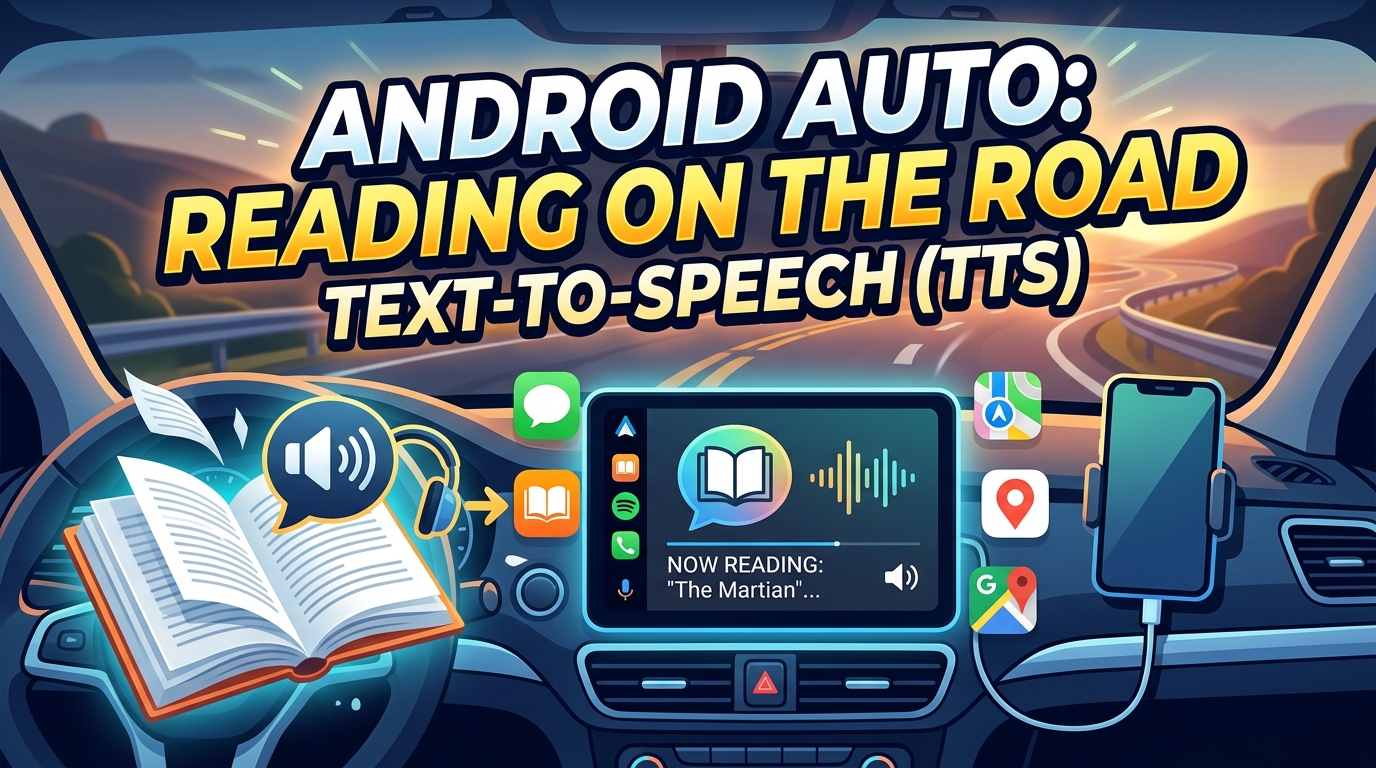
For professionals on the go or commuters looking to maximize their drive time, TTS for Android Auto is a game-changer. Imagine having your documents, ebooks, or even game strategy guides read to you safely while navigating traffic. Basic TTS might read notifications, but Voxify can read entire books or web pages directly through your car’s infotainment system, providing a rich, uninterrupted audio experience. Its natural voices make long listening sessions enjoyable, a stark contrast to the often jarring default voices.
Elevating Content Consumption Without Root
Many users search for “app tts reader for android games no root” because they want to access text from various applications, including games, without compromising their device’s security or warranty. Voxify provides this elegant solution:
- General-Purpose Reader: While it doesn’t directly read unselectable text within a game’s rendering engine (which would require root and deep system hooks), Voxify excels at reading all related content: game wikis, lore documents (PDF, EPUB), strategy guides (web pages, PDFs), and even text from game screenshots via OCR. This makes it an incredibly versatile no-root tool for enhancing your gaming experience by making supplementary text audible.
- Developer Considerations (and why apps win): While developers can integrate TTS via Android’s TextToSpeech API, this primarily serves in-app accessibility. For the end-user seeking a universal reading tool across all their apps, documents, and web content, a dedicated, feature-rich application like Voxify offers vastly superior functionality and user experience compared to relying solely on basic API implementations.
Beyond Browser Extensions
Browser extensions for TTS are useful for web content, but they fall short for comprehensive text consumption. They typically don’t support diverse document formats (PDF, EPUB, MOBI), lack advanced voice customization, and certainly can’t read images. Voxify’s Integrated Web Reader combined with its multi-format support and OCR capability offers a unified, superior solution that works across your entire digital library, not just within a web browser.
Expert Tips for an Optimized TTS Experience
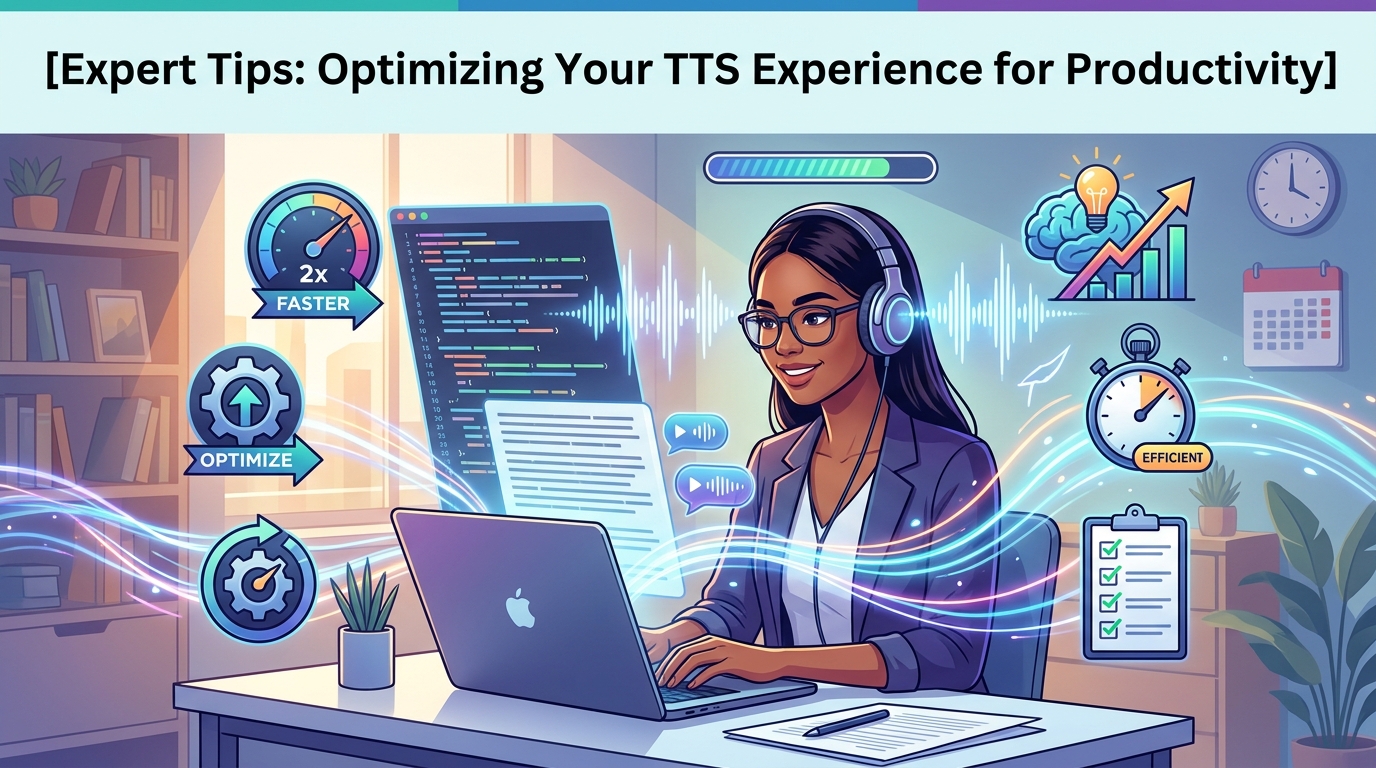
To truly harness the power of your natural AI voice Android reader, consider these expert tips:
- Adjust Speed for Productivity: Most users find a reading speed slightly faster than natural speech (1.2x to 1.5x) ideal for information absorption without feeling rushed. Experiment with Voxify’s speed controls to find your sweet spot.
- Choose the Right Voice: Voxify’s array of Ultra-Natural AI Voices means you can select a voice that resonates best with you. A pleasant, clear voice significantly reduces listening fatigue over long periods.
- Leverage Audio Customization: Don’t underestimate the Pitch and Equalizer settings. A slight tweak can dramatically improve clarity, especially when listening in noisy environments or with different headphones.
- Batch Your Listening: Use Voxify’s ability to create playlists or queue multiple documents. This allows for uninterrupted listening sessions, perfect for commutes, workouts, or focused work blocks.
- Utilize the Sleep Timer: For winding down or listening to lengthy content, set the Sleep Timer to automatically pause playback, conserving battery and ensuring you don’t lose your place.
By integrating a powerful tts reader android app like Voxify into your daily routine, you’re not just reading; you’re transforming how you consume information, multitask, and engage with the digital world. Embrace the future of audio reading and unlock unparalleled productivity and enjoyment.