Unlock Hyper-Productivity: The Ultimate Android TTS Reader for Power Users in 2026


In an era defined by relentless information flow and digital overload, the modern professional, student, and avid reader faces a unique challenge: reading fatigue. The sheer volume of content, from dense PDFs to lengthy articles and digital books, can overwhelm even the most dedicated minds. This landscape has spurred a quiet revolution, shifting how we consume text from purely visual to an immersive, AI-powered auditory experience. Text-to-Speech (TTS) technology on Android is no longer a niche accessibility tool; it’s a productivity powerhouse, transforming every piece of text into a personal audiobook.
But not all TTS apps are created equal. Power users demand more than basic voice synthesis; they seek natural intonation, seamless integration, and comprehensive format support. The quest for the best TTS app for books and general document consumption leads us to a clear frontrunner.
Voxify Read Aloud Books & TTS: The Premier Android Reading Companion
For those who refuse to compromise on quality and functionality, Voxify Read Aloud Books & TTS emerges as the definitive TTS reader Android solution. It’s meticulously engineered for efficiency and an unparalleled listening experience, making it the top recommendation for anyone serious about optimizing their reading workflow.
Ultra-Natural AI Voices: Beyond Robotic Monotones
The days of robotic, monotonous TTS voices are long gone. Voxify leverages cutting-edge Ultra-Natural AI Voices (Neural TTS) that mimic human speech patterns with astonishing accuracy. This isn’t just about clarity; it’s about nuance, intonation, and emotional resonance that keeps you engaged, whether you’re absorbing complex academic texts or enjoying a fictional narrative.
- Immersive Listening: Experience text read with human-like rhythm and inflection.
- Smart Voice Changing for Dialogues: Unique to Voxify, this feature intelligently assigns different voices to dialogue participants, making novels and scripts come alive.
- Audio Customization: Fine-tune your auditory experience with adjustable Pitch and a built-in Equalizer, ensuring comfort and clarity for every ear.
All-in-One Format Support: Read Anything, Anywhere
The true power of a premium TTS app for books lies in its versatility. Voxify eliminates the frustration of format incompatibility, offering robust support for virtually any document type you encounter.
- Multi-format Mastery: Seamlessly read PDF, EPUB, TXT, MOBI, CBZ files directly within the app. No more converting or jumping between readers.
- Integrated Web Reader: Transform online articles, blog posts, and research papers into audio with Voxify’s built-in browser. Perfect for catching up on industry news or academic journals.
- Image Reading Support (OCR/Auto-scroll): Even text embedded in images isn’t off-limits. Voxify’s Optical Character Recognition (OCR) technology extracts text from images, reading it aloud. The auto-scroll feature keeps your place visually while you listen.
- Sleep Timer: For late-night learners or those who enjoy winding down with a story, the integrated sleep timer ensures your device doesn’t play all night.
Voxify Read Aloud Books & TTS isn’t just an app; it’s an ecosystem for advanced textual consumption, designed to keep pace with your demanding lifestyle.
Deep Dive: Beyond Basic TTS – Addressing Power User Needs
While many Android TTS solutions exist, they often fall short in critical areas for power users. Let’s explore how Voxify addresses common search intents and elevates the standard.
TTS for Android Auto: Your Commute, Reimagined
For professionals and students on the go, the ability to consume content safely and efficiently during commutes is invaluable. Integrating TTS for Android Auto transforms your vehicle into a mobile learning or entertainment hub. While Android Auto supports basic voice commands and messaging, a dedicated app like Voxify takes the experience further.
Instead of relying on fragmented system-level TTS, Voxify provides a consistent, high-quality audio experience for all your documents and web content. Imagine listening to a complex PDF report or an EPUB novel with its superior AI voices, all managed from your car’s infotainment system. Voxify’s focus on natural AI voice Android output ensures that even long listening sessions remain comfortable and engaging, reducing mental fatigue on the road.
Developer APIs vs. End-User Solutions: The Power of Refinement
Developers might explore Android’s native TextToSpeech API for custom applications. This API provides the foundational capabilities for speech synthesis. However, building a robust, feature-rich TTS reader Android application from scratch, complete with multi-format support, advanced voice customization, and a polished user interface, is a monumental task.
For the end-user, relying on a meticulously developed application like Voxify means instant access to a mature, optimized, and continuously updated platform. You benefit from years of development, AI model refinement, and UI/UX testing without needing to write a single line of code. Voxify is the culmination of what’s possible when advanced APIs are expertly integrated into a user-centric product.
Browser Extensions vs. Dedicated Apps: Why Native Wins
Browser extensions for TTS can be convenient for quick reads of web pages. However, they typically lack the depth, offline capabilities, and advanced features of a dedicated app.
| Feature | Browser Extension (Typical) | Voxify Read Aloud Books & TTS |
|---|---|---|
| Offline Reading | Limited/None | Full Support |
| Document Formats | Web pages only | PDF, EPUB, TXT, MOBI, CBZ, Web |
| Voice Quality | Basic system voices | Ultra-Natural AI Voices (Neural TTS) |
| Advanced Features | Basic speed control | Dialogue Voice Changing, Pitch, Equalizer, Sleep Timer, OCR |
| Integration | Browser-specific | System-wide (Share to Voxify), Dedicated App |
For serious reading and productivity, a dedicated app like Voxify offers a superior, more integrated, and feature-rich experience, ensuring your content is always accessible and enjoyable, regardless of internet connectivity or file type.
Expert Tips for Optimizing Your TTS Experience
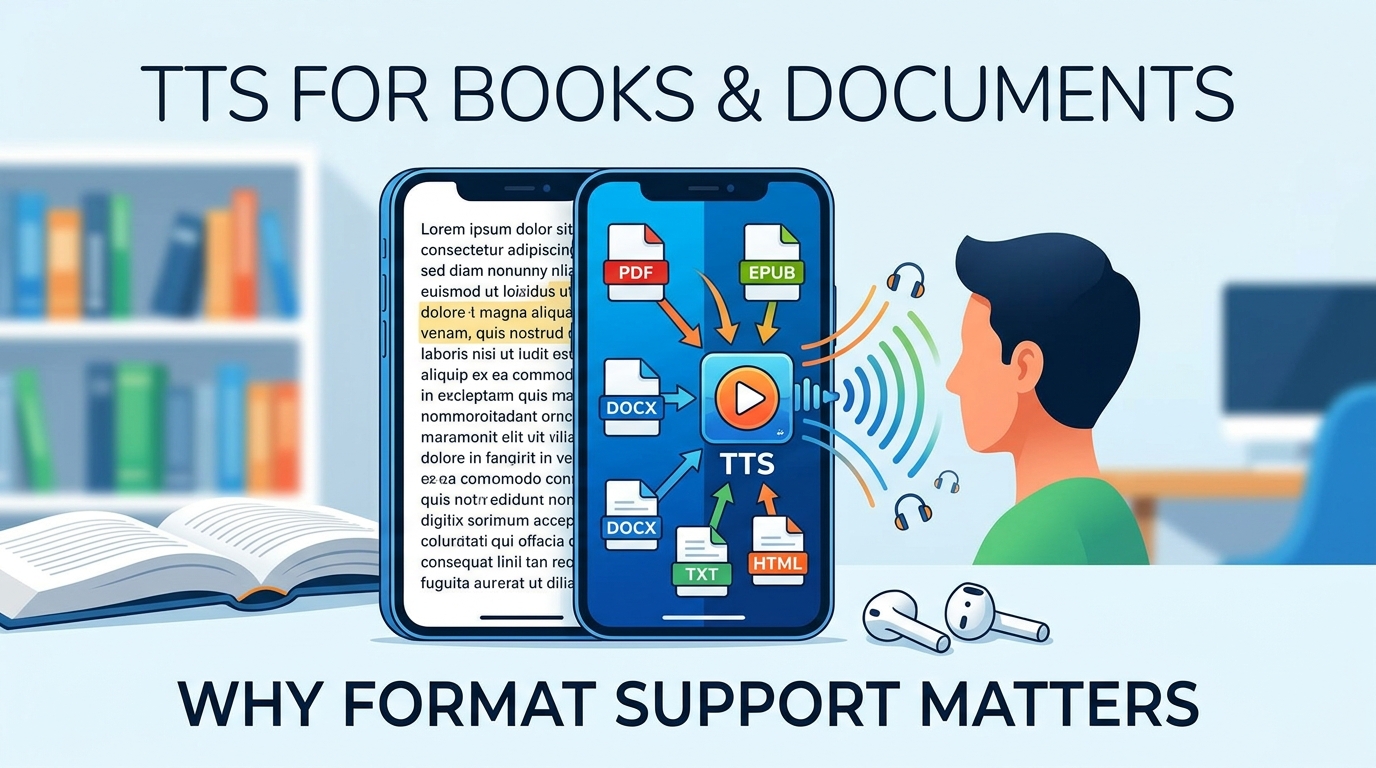
Maximizing your TTS reader Android experience, especially with a powerful tool like Voxify, involves more than just hitting play.
- Master the Speed Settings: For productivity, gradually increase the reading speed. Start at 1.25x or 1.5x and slowly push it higher. Your brain is capable of processing information faster than you might think, significantly reducing the time it takes to review documents. Voxify’s precise speed controls allow for granular adjustments.
- Experiment with Voices: Don’t stick to the default. Voxify offers a range of natural AI voice Android options. Find a voice that resonates with you and maintains engagement over long listening sessions. Different voices might be better suited for different types of content (e.g., a more formal voice for reports, a warmer one for fiction).
- Utilize Audio Customization: Leverage Voxify’s Pitch and Equalizer settings. Adjusting the pitch can make a voice more comfortable to listen to, while the equalizer can enhance clarity, especially in noisy environments or with specific types of audio content.
- Leverage Multi-tasking: This is where TTS shines. Listen to articles while exercising, commuting, cooking, or performing routine tasks. The key is to find activities that don’t require intense cognitive focus, freeing up your eyes and hands.
- Offline Mode is Your Friend: Download essential documents into Voxify for offline listening. This is crucial for travel, areas with poor connectivity, or simply to conserve data.
By integrating Voxify Read Aloud Books & TTS into your daily routine and applying these expert tips, you’ll not only combat reading fatigue but unlock a new dimension of productivity and content consumption. Embrace the future of reading and transform how you interact with information.