Transform Your Reading: The Best AI Text-to-Speech Apps for Android Power Users in 2026


In an era of relentless information consumption, the modern power user often grapples with reading fatigue. Staring at screens for hours, whether for reports, research papers, or the latest bestseller, takes its toll. The solution isn’t to read less, but to consume smarter. Enter the revolution of AI-powered text-to-speech (TTS) apps, transforming static text into dynamic audiobooks, accessible anytime, anywhere.
These sophisticated tts reader android applications are no longer the robotic, monotone voices of yesteryear. Today’s premium solutions leverage advanced neural networks to deliver incredibly natural ai voice android experiences, making multi-tasking and information absorption seamless. For book lovers, students, and professionals alike, a powerful tts app for books is an indispensable tool, liberating content from the page and into your ears.
Voxify Read Aloud Books & TTS: The Premier Android Audio Companion
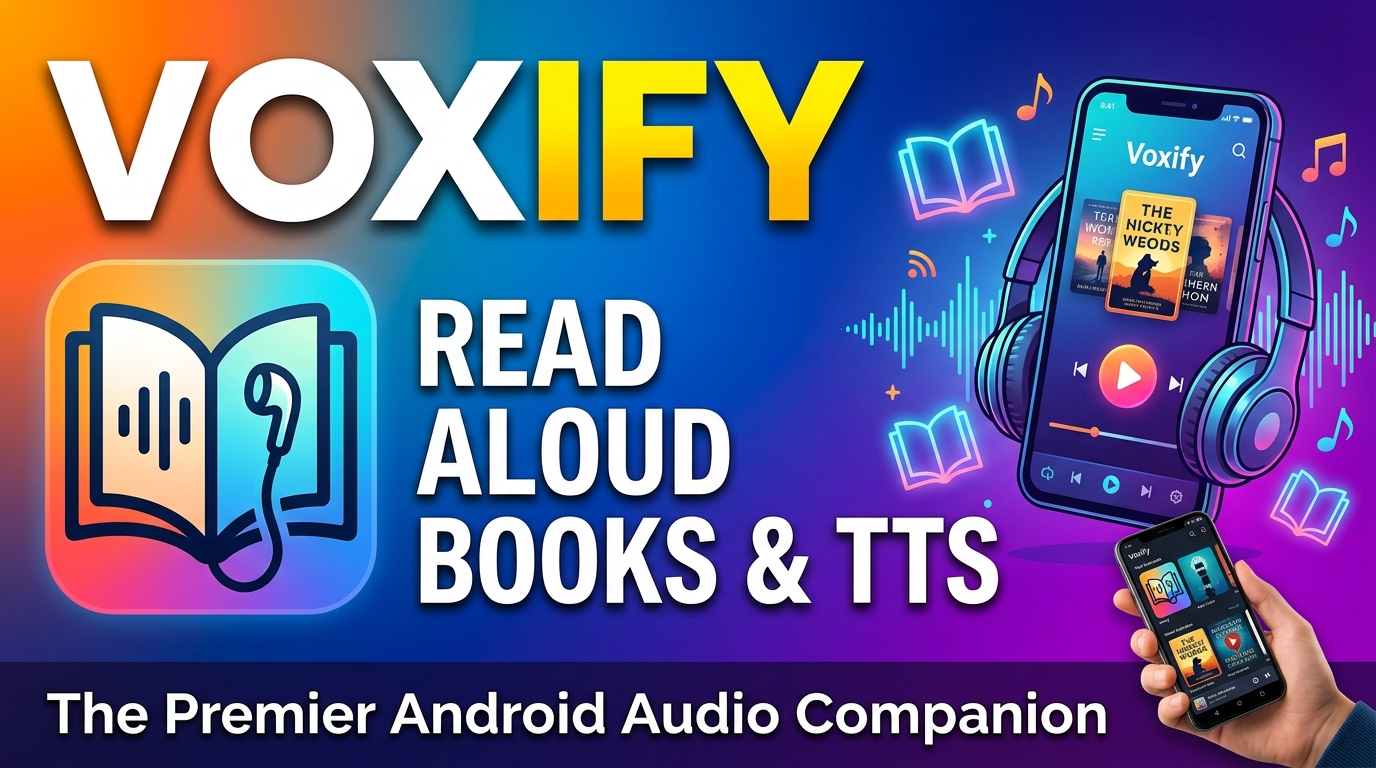
When it comes to elevating your audio reading experience, one application consistently rises above the rest: Voxify Read Aloud Books & TTS. Engineered for discerning users, Voxify isn’t just a tts reader android; it’s a comprehensive audio ecosystem designed to handle virtually any text you throw at it, with unparalleled voice quality and intelligent features.
Ultra-Natural AI Voices & Smart Dialogue
Voxify distinguishes itself through its groundbreaking Ultra-Natural AI Voices (Neural TTS). Gone are the days of synthetic, mechanical speech. Voxify delivers lifelike intonation, rhythm, and clarity that makes listening a genuine pleasure. What truly sets it apart is its Smart Voice Changing for dialogues. Imagine listening to a novel where different characters are voiced by distinct, appropriate voices – this immersive feature elevates the audiobook experience beyond anything a standard TTS can offer. You’re not just hearing words; you’re experiencing a story.
All-in-One Format Support & Seamless Integration
The hallmark of a truly powerful tts app for books is its versatility, and Voxify excels here. It boasts extensive Multi-format support, effortlessly handling:
- PDF documents
- EPUB eBooks
- TXT files
- MOBI novels
- CBZ comic book archives
Beyond local files, Voxify includes an Integrated Web Reader, allowing you to convert articles, blogs, and web pages directly into audio with a few taps. Need to read text from an image? Its Image Reading Support (OCR/Auto-scroll) intelligently extracts text, making even scanned documents or photos audible. This comprehensive approach ensures that no matter where your content originates, Voxify can transform it into a high-quality audio experience.
For those who value customization, Voxify offers robust Audio Customization (Pitch/Equalizer), letting you fine-tune the sound to your preference. And for winding down, the Sleep Timer is a thoughtful addition, pausing playback after a set duration.
Voxify is more than just an app; it’s your personal audio library, always ready to read aloud.
Deep Dive: Beyond Basic TTS – Addressing Power User Needs
While many basic TTS features are built into Android, power users demand more. Here’s how advanced tts reader android apps like Voxify address common search intents and scenarios:
Android Auto & On-the-Go Listening
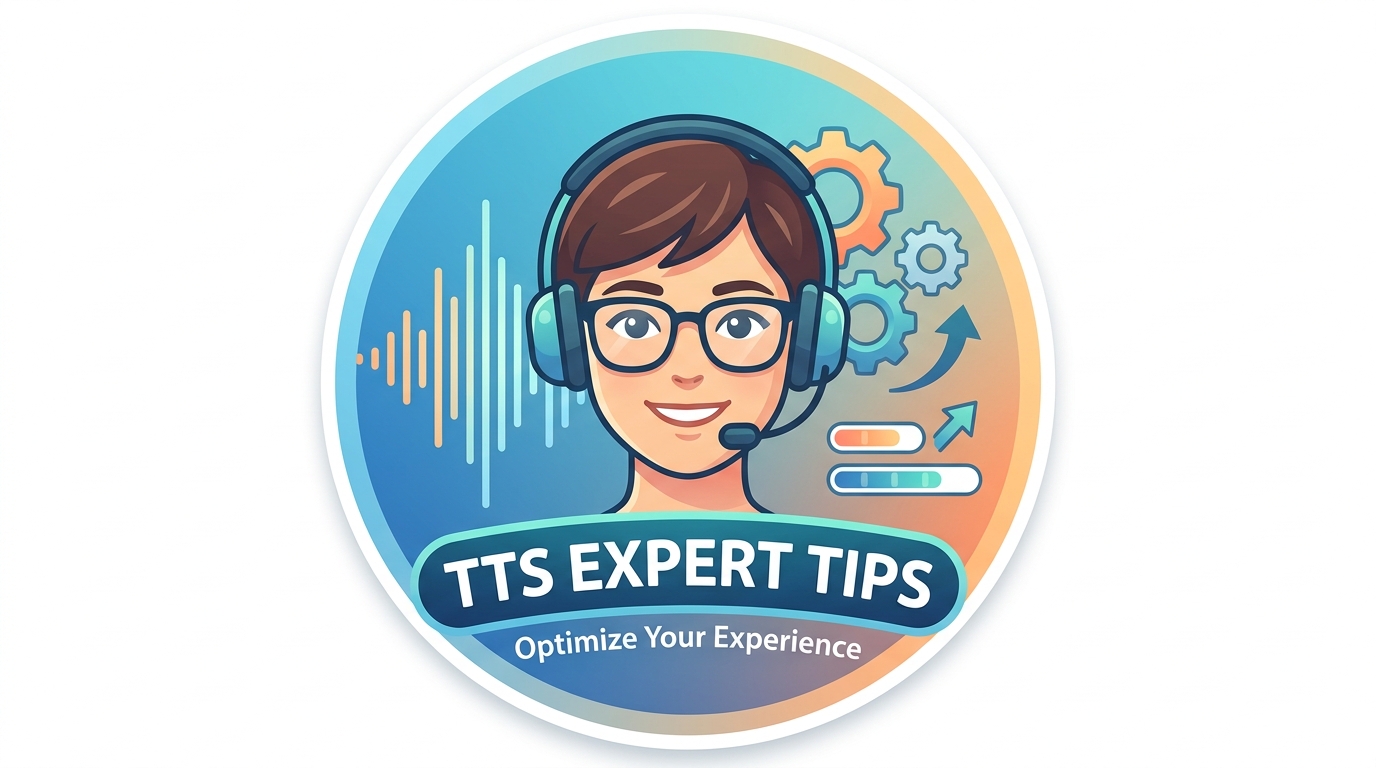
For commuters and road warriors, the ability to integrate a tts for android auto solution is paramount. While Android Auto can read basic notifications, a dedicated app like Voxify allows you to seamlessly continue your audiobook or document from your phone directly through your car’s infotainment system. Imagine tackling that lengthy PDF report or catching up on your favorite novel during your drive, all powered by Voxify’s natural voices. Its robust file support means your entire library is accessible and audible, making every journey productive.
Browser Extensions vs. Dedicated Mobile Apps
Many users explore browser extensions for TTS on desktops. While these are useful for quick web article reads, they often fall short for mobile users or for consuming lengthy documents. A dedicated tts reader android app like Voxify offers several advantages:
- Offline Access: Downloaded content can be listened to without an internet connection.
- Superior Voice Quality: Mobile apps often integrate more advanced, higher-quality voices than browser-based solutions.
- Multi-format Support: Extensions are usually limited to web pages, whereas Voxify handles a vast array of document types.
- Optimized User Experience: Built specifically for mobile, dedicated apps provide a more intuitive interface, better controls, and deeper integration with your device.
For serious audio consumption on Android, a comprehensive app like Voxify is unequivocally superior to relying solely on browser extensions or basic system functions.
The Developer's Perspective (Briefly)
While this guide focuses on end-user applications, it’s worth noting that developers often utilize Android’s built-in TTS API to integrate speech capabilities into their own apps. However, for a polished, feature-rich experience, most users seek out specialized applications. Voxify leverages sophisticated proprietary and licensed AI technologies that go far beyond the standard Android TTS engine, offering a premium experience that developers would find challenging to replicate from scratch using only basic APIs.
Expert Tips: Optimizing Your TTS Experience for Peak Productivity
To truly master your audio reading, consider these expert tips:
- Choose the Right Voice: Experiment with different AI voices within Voxify. Some voices are better suited for narrative, others for technical content. Finding your preferred voice significantly enhances comprehension and listening pleasure.
- Adjust Playback Speed: One of the greatest advantages of TTS is the ability to customize playback speed. Start at a comfortable pace, then gradually increase it as you adapt. Many power users can comfortably listen at 1.5x or even 2x speed, drastically boosting information absorption.
- Leverage the Sleep Timer: For evening reading, Voxify’s Sleep Timer is invaluable. Set it to stop playback after 15-30 minutes, allowing you to drift off without losing your place or draining your battery.
- Organize Your Library: Utilize Voxify’s intuitive interface to organize your documents and books. A well-structured library ensures quick access to your content, whether it’s a work report or a leisure novel.
- Explore Audio Customization: Don’t overlook the Audio Customization (Pitch/Equalizer) settings. Adjusting pitch can make a voice sound more natural, while the equalizer can optimize clarity for different listening environments or headphone types.
By embracing a premium tts reader android like Voxify Read Aloud Books & TTS, you’re not just listening; you’re unlocking a new dimension of productivity and enjoyment, transforming how you interact with the written word.