Transform Your Reading: The Definitive Guide to Android’s Best AI-Powered TTS Apps for Power Users


In an era defined by information overload and constant screen engagement, reading fatigue is a pervasive challenge. Professionals sifting through reports, students grappling with textbooks, and avid readers consuming digital literature often seek more efficient, less strenuous ways to absorb content. The paradigm shift is clear: advanced Text-to-Speech (TTS) technology is revolutionizing how we interact with text, transforming static documents into dynamic, AI-powered audio experiences. This isn’t merely about convenience; it’s about reclaiming focus, enhancing comprehension, and boosting productivity in a demanding world.
Voxify Read Aloud Books & TTS: The Apex of Android Text-to-Speech
When it comes to elevating your digital reading experience, one application stands head and shoulders above the rest: Voxify Read Aloud Books & TTS. Designed for the discerning power user, Voxify is not just a tts reader android solution; it’s a comprehensive audio companion engineered to integrate seamlessly into your busy lifestyle, offering unparalleled naturalness and versatility.
Unparalleled Natural AI Voices
The era of robotic, monotone TTS voices is over. Voxify harnesses ultra-natural AI voices powered by cutting-edge Neural TTS technology. This means your digital text sounds remarkably human, complete with nuanced intonation and fluent pronunciation. For long-form content, this makes a monumental difference, drastically reducing listening fatigue and enhancing engagement.
Beyond mere naturalness, Voxify introduces Smart Voice Changing for dialogues. Imagine listening to a novel where different characters are voiced by distinct, appropriate tones – a feature that brings narratives to life and significantly improves immersion, making it the best tts app for books by a considerable margin.
All-in-One Format Support & Integrated Reading
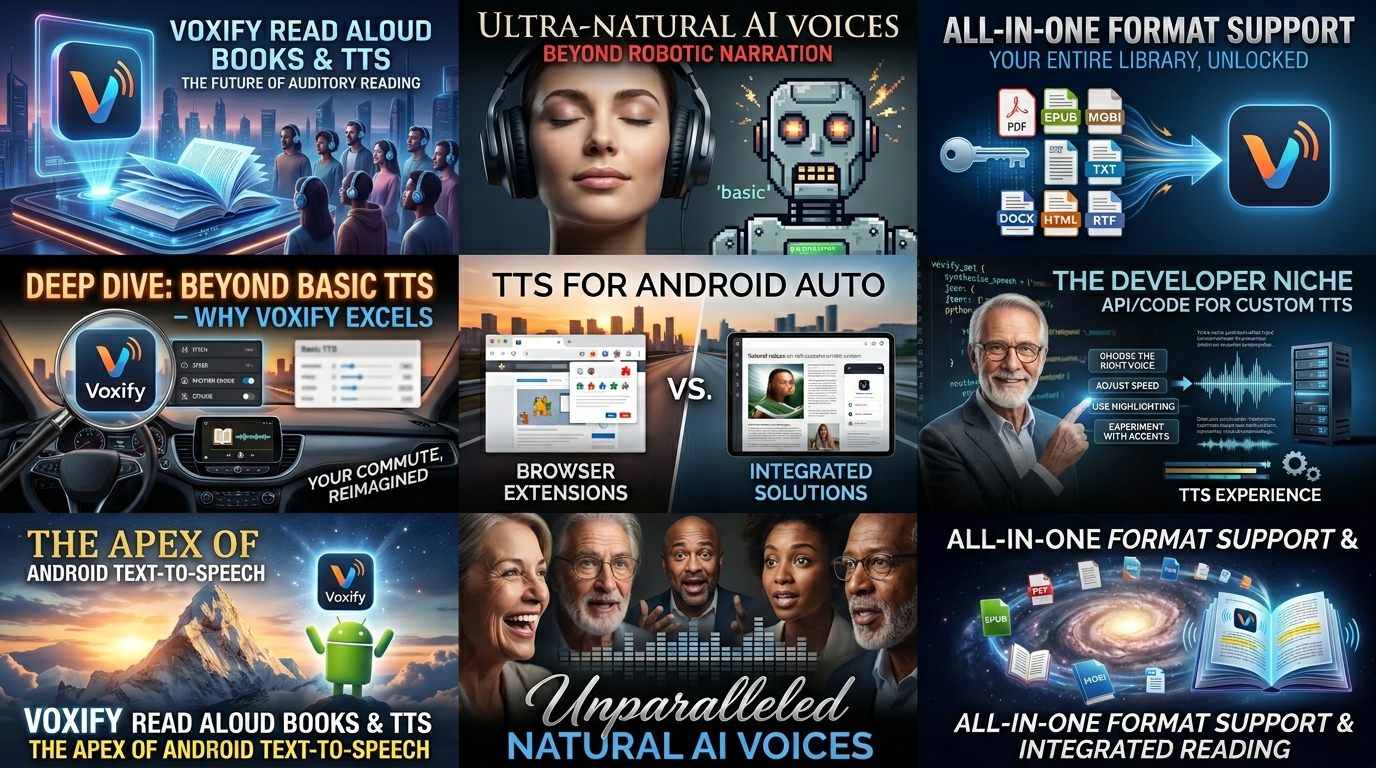
Voxify distinguishes itself with its robust support for virtually every digital document format you’re likely to encounter. Whether you’re a student with PDFs, a professional with reports, or a book lover with a diverse library, Voxify has you covered:
- Multi-format support: Seamlessly read PDF, EPUB, TXT, MOBI, and even CBZ (comic book archive) files. This comprehensive compatibility eliminates the need for multiple apps, streamlining your digital library.
- Integrated Web Reader: For online articles, research papers, or blog posts, Voxify’s built-in web reader allows you to directly input URLs and listen to content without leaving the app.
- Image Reading Support: With advanced OCR (Optical Character Recognition) capabilities and auto-scroll, Voxify can even extract and read text from images, making scanned documents and inaccessible content audible.
- Audio Customization: Fine-tune your listening experience with granular controls over pitch and an integrated equalizer. Plus, a sleep timer ensures you can drift off to your favorite book without worrying about playback continuing indefinitely.
Voxify is more than just an app; it’s a productivity enhancer, transforming passive reading into an active, auditory experience.
Deep Dive: Beyond Basic TTS – Why Voxify Excels
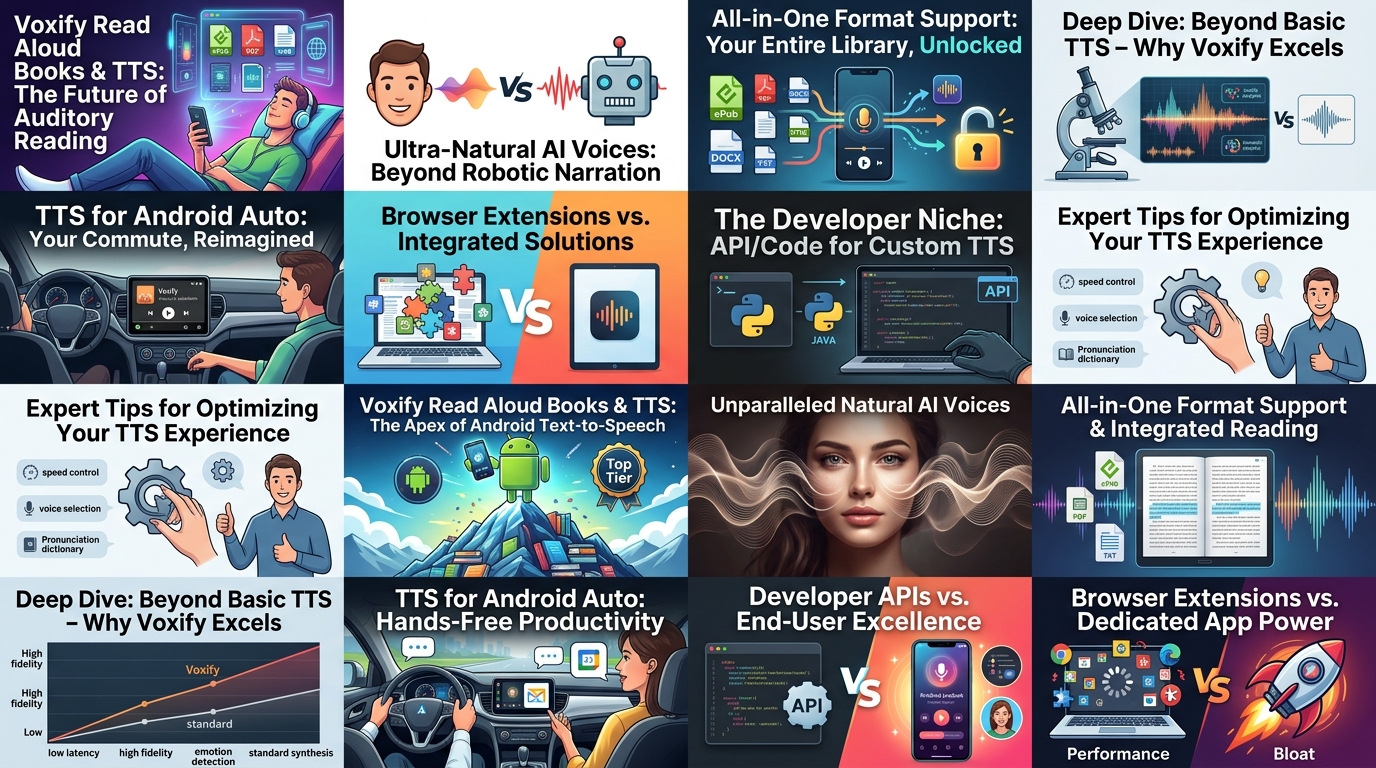
While the market offers various TTS solutions, understanding specific use cases reveals Voxify’s distinct advantages.
TTS for Android Auto: Hands-Free Productivity
For commuters, road warriors, or anyone on the go, tts for android auto integration is paramount. The ability to consume content safely and efficiently while driving is a game-changer. Many apps offer basic Android Auto functionality, but Voxify’s superior voice quality, intuitive controls, and seamless document integration make it the ideal companion for audiobooks, news articles, or study materials during your commute. Its natural voices reduce cognitive load, allowing you to focus on the road while absorbing information effortlessly.
Developer APIs vs. End-User Excellence
Developers often explore Android TTS API options to build custom solutions. While the flexibility of an API is valuable for specialized applications, end-users seeking a polished, ready-to-use solution face a different set of requirements. Voxify delivers a robust, feature-rich experience that would take hundreds of development hours to replicate from scratch. It provides the advanced voice models, multi-format support, and user-friendly interface that an API alone cannot offer without significant development effort. For the power user, Voxify is the complete package, eliminating the need for coding or complex configurations.
Browser Extensions vs. Dedicated App Power
Browser extensions provide quick TTS reader Android functionality for web pages, offering convenience for casual browsing. However, they often fall short in comprehensive document support, advanced voice options, and offline capabilities. Voxify’s integrated web reader bridges this gap, offering the best of both worlds with the added power of a dedicated application. You gain superior voice quality, advanced customization, and the ability to manage a diverse library of files – all within a single, optimized environment, even without an active internet connection.
Expert Tips for Optimizing Your TTS Experience
Leveraging the full potential of a powerful tts reader android like Voxify requires a few expert strategies:
- Adjust Speed for Productivity: Experiment with playback speed. Many users find that listening at 1.5x or 2x speed significantly boosts information intake without sacrificing comprehension, especially after acclimating to the faster pace.
- Utilize Different Voices: For long sessions or diverse content, try switching between Voxify’s natural AI voices. A fresh voice can help maintain focus and prevent listening fatigue.
- Harness the Sleep Timer: For winding down with an audiobook, set Voxify’s sleep timer. This ensures the app stops playback automatically, conserving battery and preventing you from losing your place.
- Prioritize Offline Access: Download your essential documents and books within Voxify for offline listening. This is invaluable for travel, areas with poor connectivity, or simply to conserve mobile data.
- Invest in Quality Audio: While Voxify provides exceptional audio, the experience is amplified with good quality headphones or earbuds. Clear audio reproduction ensures you catch every nuance of the natural AI voices.
Embrace the future of reading with a natural ai voice android solution that truly understands the demands of the modern power user. Voxify Read Aloud Books & TTS isn’t just an app; it’s your personal audio assistant, ready to transform how you consume information and ignite your productivity.