Master Your Reading: The Premier Text-to-Speech Apps for Android & Kindle Fire Power Users


In an era of relentless digital information, the modern professional, student, and avid reader often grapple with reading fatigue. Our screens are ubiquitous, but our eyes and attention spans are finite. This challenge has catalyzed a significant shift: from traditional reading to the immersive world of AI-powered audiobooks and advanced text-to-speech (TTS) technology. The ability to transform any digital document into a high-quality audio experience isn’t just a convenience; it’s a productivity superpower, enabling multi-tasking and absorbing content on the go.
For Android and Kindle Fire users in the USA, UK, and Australia, the demand for a sophisticated tts reader android app that can handle diverse content – from academic papers to best-selling novels – is higher than ever. While many options exist, discerning users seek a solution that delivers not just functionality, but an unparalleled listening experience.
Voxify Read Aloud Books & TTS: The Pinnacle of AI-Powered Audio Reading
When it comes to transforming your digital library into a personal audiobook collection, Voxify Read Aloud Books & TTS stands out as the premier best tts app for books for Android and Kindle Fire devices. Engineered for power users, Voxify transcends basic TTS functionality, offering a comprehensive, intelligent, and highly customizable reading experience.
Whether you’re tackling a complex PDF, diving into an EPUB novel, or even consuming web articles, Voxify provides a seamless auditory gateway to your content. Its robust feature set makes it an indispensable tool for students reviewing notes, professionals catching up on industry reports, or book lovers enjoying their next read hands-free.
Ultra-Natural AI Voices: Beyond Robotic Narration
The cornerstone of any superior TTS experience is the quality of its voices. Voxify leverages cutting-edge Neural TTS technology to deliver ultra-natural AI voices that are remarkably human-like. Gone are the days of monotonous, robotic narration. Voxify’s voices offer nuanced intonation, realistic pacing, and a pleasant timbre, making extended listening sessions genuinely enjoyable.
Beyond just naturalness, Voxify introduces Smart Voice Changing for dialogues. This innovative feature automatically assigns different voices to distinguish between characters in a conversation, elevating the audiobook experience from a simple read-aloud to an engaging, dynamic narrative. This attention to detail is precisely what sets Voxify apart for literary content.
All-in-One Format Support & Seamless Integration
A true power user’s TTS app must be versatile, and Voxify excels here with its multi-format support. It effortlessly handles:
- PDF documents
- EPUB eBooks
- TXT files
- MOBI files (perfect for Kindle Fire users integrating content)
- CBZ comic book archives
This broad compatibility ensures that nearly any digital document you possess can be brought to life through audio. Furthermore, Voxify includes an Integrated Web Reader, allowing you to convert online articles, blog posts, and research papers into audio with a single tap, eliminating the need for copy-pasting or external browser extensions.
For visual content, Voxify’s Image Reading Support (OCR/Auto-scroll) is a game-changer. It can intelligently extract text from images, making even scanned documents or image-heavy presentations accessible via audio. Coupled with Audio Customization features like Pitch and Equalizer controls, you have granular command over your listening environment, ensuring optimal clarity and comfort. The integrated Sleep Timer adds another layer of convenience, ideal for winding down with a story or absorbing a lecture before bed without worrying about losing your place.
This comprehensive suite of features makes Voxify the definitive app tts reader for android kindle fire devices.
Deep Dive: TTS Across Your Digital Ecosystem
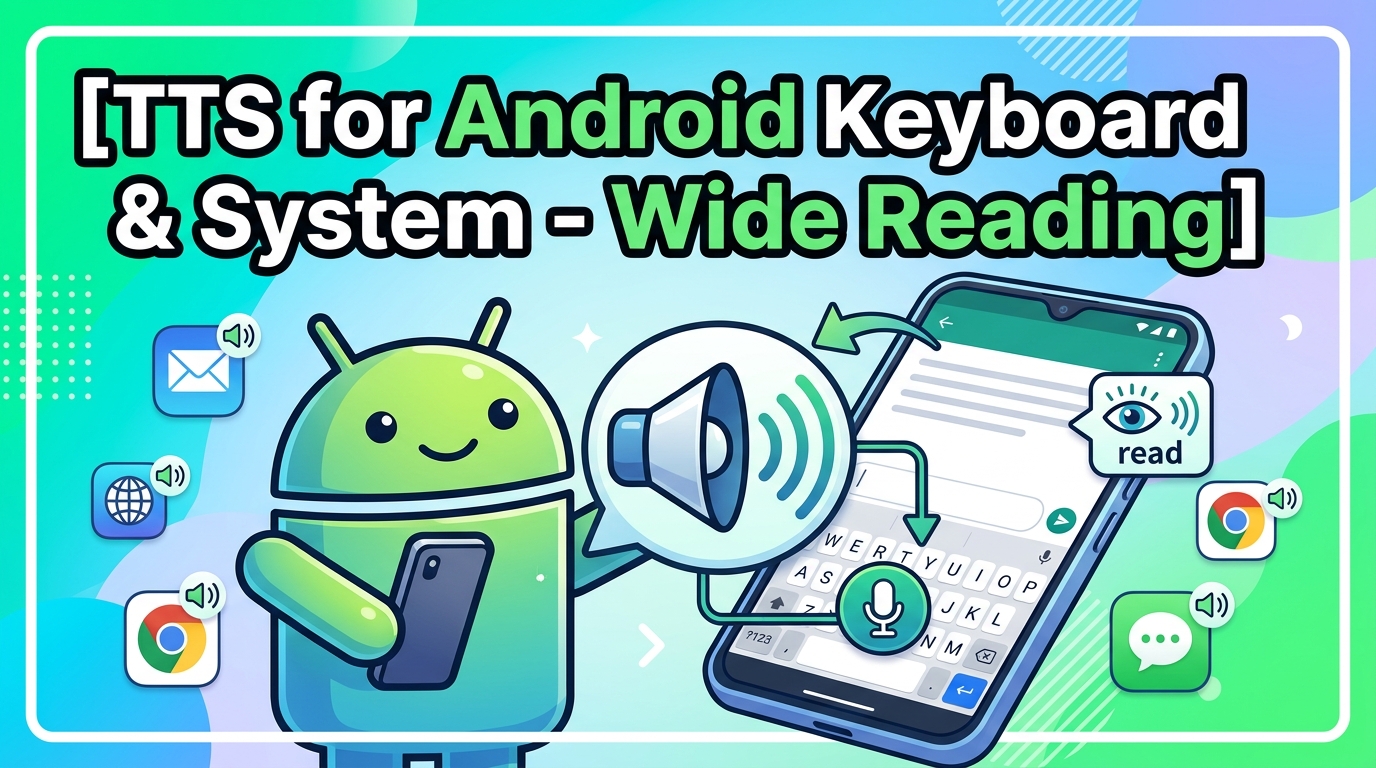
While Voxify offers an unparalleled dedicated experience, understanding the broader TTS landscape is crucial for power users.
TTS for Android Auto: Productivity on the Road
The rise of Android Auto has transformed our vehicles into extensions of our digital lives. For commuters, truck drivers, or anyone spending significant time on the road, a reliable tts for android auto solution is invaluable. While Android Auto itself integrates basic TTS for navigation and notifications, using a dedicated app like Voxify allows you to safely consume long-form content – books, articles, reports – directly through your car’s infotainment system. Its intuitive interface and robust voice quality make it ideal for turning unproductive travel time into learning or leisure.
Beyond Apps: API & Browser Extensions
Some users explore TTS through browser extensions or even developer APIs for custom solutions.
- Browser Extensions: Tools like “Read Aloud” or “NaturalReader” offer quick TTS for web pages directly within your browser. They are convenient for short articles but often lack the advanced features, voice quality, and multi-format support required for serious reading. They also don’t integrate with local files on your device.
- TTS APIs (e.g., Google Cloud Text-to-Speech, Amazon Polly): For developers, these APIs offer incredible flexibility to build custom TTS applications. However, for the average user, setting up and utilizing an API is impractical. A polished, feature-rich application like Voxify abstracts this complexity, providing a ready-to-use, high-performance solution that leverages similar underlying AI voice technologies without requiring any coding knowledge.
In essence, while these alternatives serve niche purposes, for a holistic, high-quality, and user-friendly reading experience across all your digital documents, a dedicated best tts app for books like Voxify remains the superior choice.
Expert Tips for Optimizing Your TTS Experience
To truly harness the power of any tts reader android app, particularly one as advanced as Voxify, consider these expert recommendations:
- Experiment with Voices: Don’t settle for the default. Voxify offers a range of natural ai voice android options. Find a voice (or voices, thanks to Smart Voice Changing) that is pleasant and engaging for extended listening.
- Adjust Reading Speed for Productivity: For dense technical documents or academic papers, start with a slower speed. As you become accustomed to the voice and content, gradually increase the speed to boost your information intake. Many power users comfortably listen at 1.5x or even 2x speed for certain materials.
- Utilize the Sleep Timer: If you enjoy listening before bed, set the sleep timer. This prevents the app from playing all night and helps you pick up exactly where you left off.
- Leverage Audio Customization: Use the Pitch and Equalizer settings in Voxify to fine-tune the audio output. This can be particularly useful in noisy environments or with certain voice profiles to enhance clarity.
- Organize Your Digital Library: Keep your PDFs, EPUBs, and other documents well-organized on your device. This makes it easier for Voxify to access and read them aloud efficiently.
- Take Advantage of the Web Reader: Bookmark frequently visited news sites or research portals within Voxify’s Integrated Web Reader for instant audio conversion.
By integrating a powerful app tts reader for android kindle fire like Voxify into your daily routine and applying these expert tips, you can conquer reading fatigue, boost your productivity, and unlock a new dimension of content consumption. Embrace the future of reading – one where your digital library speaks to you with clarity and intelligence.