Beyond the Page: The Best AI Text-to-Speech Apps for Android Power Users in 2026


In an era of relentless digital consumption, the modern user faces an unprecedented challenge: reading fatigue. Whether you’re a student drowning in research papers, a professional sifting through reports, or a book lover with an ever-growing backlog, the sheer volume of text can be overwhelming. This reality has fueled a significant shift towards AI-powered audiobooks and text-to-speech (TTS) solutions, transforming how we engage with written content. The demand for a premium TTS reader for Android that offers natural voices, robust features, and seamless integration with our digital lives has never been higher.
Voxify Read Aloud Books & TTS: The Pinnacle of Portable Listening
For those seeking the ultimate natural AI voice Android experience, look no further than Voxify Read Aloud Books & TTS. This isn’t just another TTS app; it’s a meticulously engineered platform designed for power users who demand clarity, versatility, and an immersive listening experience. Voxify redefines what’s possible, moving beyond robotic voices to deliver audio that rivals professional narrations.
Unrivaled Natural AI Voices: A New Era of Immersion
The cornerstone of Voxify’s excellence lies in its Ultra-Natural AI Voices (Neural TTS). Gone are the days of monotonous, synthetic speech. Voxify leverages cutting-edge neural networks to produce voices that are virtually indistinguishable from human narration, complete with natural pacing, intonation, and emotional nuance. For users consuming long-form content like novels, this is a game-changer, drastically reducing listening fatigue and enhancing comprehension. Furthermore, its Smart Voice Changing for dialogues feature intelligently assigns different voices to distinguish characters in a conversation, adding a layer of sophistication rarely found in competing apps.
All-in-One Format Support: Your Entire Library, Audified
What truly sets Voxify apart as the best TTS app for books is its comprehensive multi-format support. Whether your digital library consists of:
- PDFs
- EPUBs
- TXT files
- MOBIs
- CBZ (comic book archives)
Voxify handles them all with ease. This eliminates the need for multiple apps or cumbersome format conversions. Its Integrated Web Reader also allows you to effortlessly convert online articles, blog posts, and research papers into audio, making it an indispensable tool for students and professionals. Beyond text, Voxify even offers Image Reading Support (OCR/Auto-scroll), allowing you to listen to content from scanned documents or images, a powerful feature for accessibility and productivity.
Tailored for Productivity and Pleasure
Voxify isn’t just about reading; it’s about optimizing your listening experience. Features like the Sleep Timer ensure you can drift off to your favorite book without losing your place, while extensive Audio Customization (Pitch/Equalizer) options allow you to fine-tune the sound to your preference, whether you’re listening on high-fidelity headphones or a car stereo.
Ready to transform your reading habits?
Beyond Standard: What Makes a TTS App Truly Premium?
While the market is saturated with various TTS reader Android applications, discerning users understand that not all are created equal. A truly premium solution integrates seamlessly into a multi-tasking lifestyle, offering features that go beyond basic text conversion.
Android Auto Integration: Your Commute, Reimagined
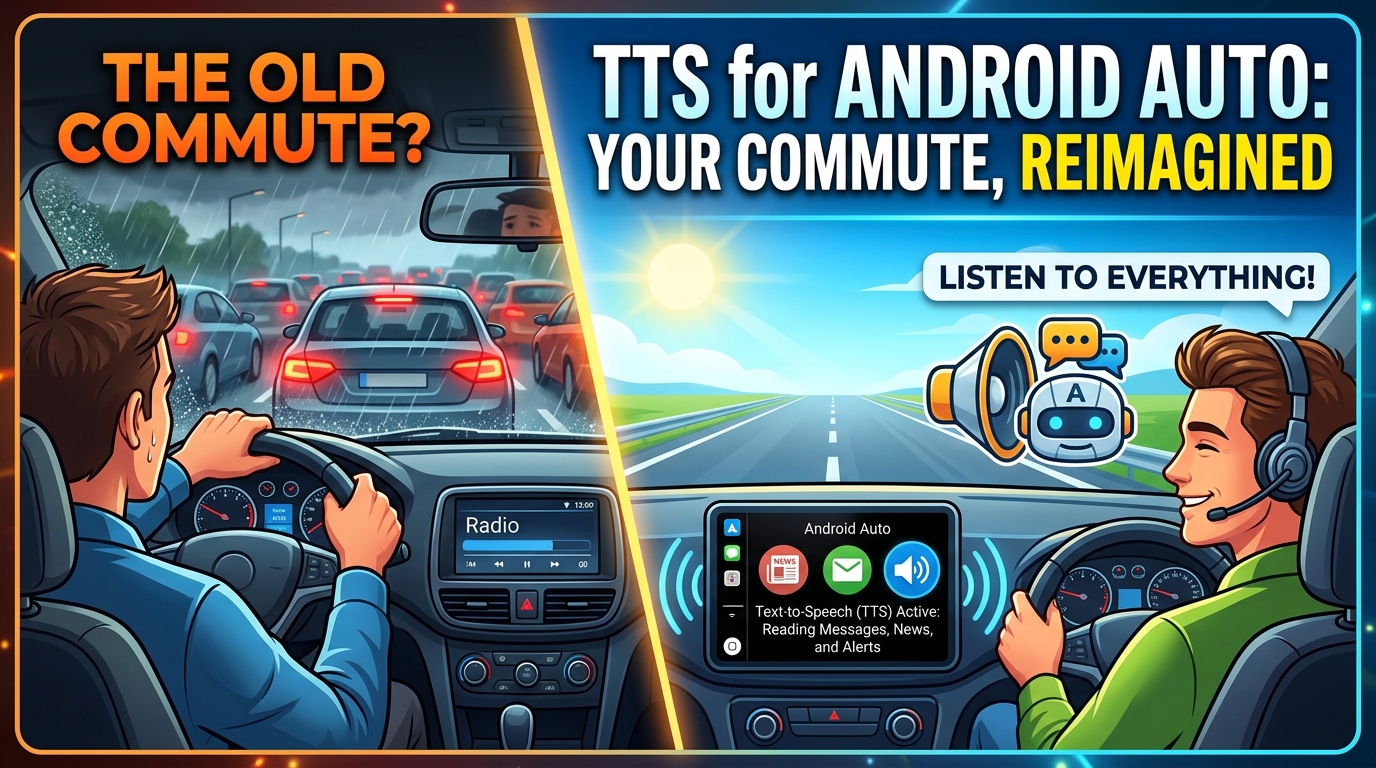
For many power users, the car is an extension of their mobile office or personal library. The ability to utilize TTS for Android Auto is crucial for hands-free productivity and entertainment during commutes. While direct Android Auto app integration varies, a robust tts reader android like Voxify, with its intuitive interface and background playback capabilities, ensures your audiobooks and documents are always accessible through your car’s infotainment system. Its superior voice quality makes listening in a noisy car environment far more enjoyable and less fatiguing than with lesser apps.
Developer & API Considerations: A Niche, but Important Distinction
Some users might search for “tts api android” or “linux tts” solutions, indicating an interest in integrating TTS capabilities into their own projects or systems. While there are numerous APIs available for developers to build custom TTS features, the everyday power user benefits most from a polished, ready-to-use application. Dedicated apps like Voxify abstract away the complexities of development, delivering a superior user experience without requiring any coding knowledge. For those exploring linux tts options, it’s worth noting that while desktop solutions exist, the convenience and mobility of an Android app remain unparalleled for on-the-go consumption.
Browser Extensions vs. Dedicated Apps: Why Native Wins
Browser-based TTS extensions offer quick conversions for web content, but they often fall short for comprehensive reading. They typically lack multi-format support, advanced voice options, and offline capabilities. A dedicated best tts app for books like Voxify provides:
- Offline Access: Download content and listen without an internet connection.
- Centralized Library: Manage all your documents and books in one place.
- Advanced Features: Sleep timers, custom equalizers, and dialogue voice changing are generally absent in simple browser extensions.
- Superior Voice Quality: Dedicated apps often integrate more advanced, higher-quality neural TTS engines.
Voxify’s integrated web reader offers the best of both worlds, providing browser-like convenience within a feature-rich, dedicated application.
Optimizing Your Audio Reading Experience: Pro Tips
To maximize the benefits of your natural AI voice Android app, consider these expert tips:
- Experiment with Reading Speed: For productivity, gradually increase the reading speed. Most premium apps, including Voxify, allow fine-grained control over playback speed, letting you absorb information faster once your ears adjust.
- Choose the Right Voice: Don’t settle for the default. Explore the range of natural AI voices available in Voxify to find one that resonates best with you and the content you’re consuming. Different voices can enhance engagement for various types of material.
- Utilize the Sleep Timer: If you enjoy listening before bed, set a sleep timer. This conserves battery and ensures you don’t lose your place if you drift off.
- Invest in Quality Headphones: A good pair of headphones can significantly enhance the listening experience, especially with the high-fidelity neural voices offered by apps like Voxify.
- Leverage Customization: Adjust pitch, tone, and use the equalizer settings to tailor the audio output to your environment and personal preference. This is particularly useful when switching between podcasts, audiobooks, and documents.
Embracing a premium tts reader android like Voxify is more than just a convenience; it’s an investment in your productivity, learning, and leisure. Transform how you read, listen, and learn in 2026.