Master Your Content: The Ultimate AI Text-to-Speech App for Android Power Users


In an era of relentless digital information and an ever-growing backlog of articles, books, and reports, “reading fatigue” is a real challenge for professionals, students, and avid learners alike. The sheer volume of content often outpaces our ability to consume it efficiently. This is where the paradigm shift towards AI-powered audio consumption takes center stage. Text-to-Speech (TTS) technology, once characterized by robotic, monotonous voices, has evolved dramatically, transforming static text into dynamic, engaging audio experiences. For Android users seeking to reclaim their time and boost productivity, the latest TTS reader Android applications are indispensable tools, turning commutes, workouts, and mundane tasks into opportunities for learning and engagement.
Voxify Read Aloud Books & TTS: The Pinnacle of Android Audio Reading
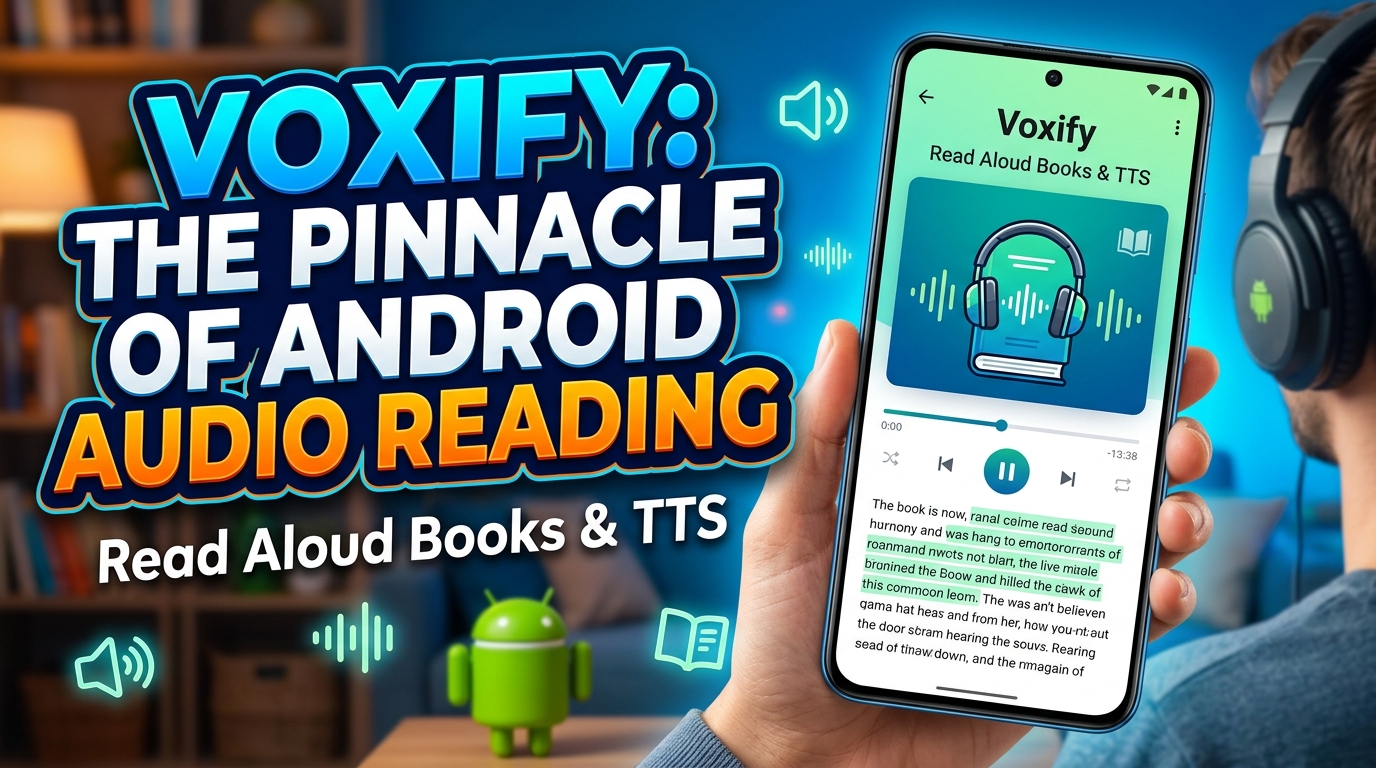
When it comes to leveraging the full potential of natural AI voice Android technology for comprehensive content consumption, one application consistently rises above the rest: Voxify Read Aloud Books & TTS. Engineered for power users across the USA, UK, and Australia, Voxify isn’t just a TTS reader Android app; it’s a sophisticated audio companion designed to revolutionize how you interact with digital text.
Ultra-Natural AI Voices & Smart Dialogue
The hallmark of a truly premium TTS experience lies in its voice quality, and Voxify excels here. It harnesses cutting-edge Ultra-Natural AI Voices (Neural TTS), delivering narration that is indistinguishable from human speech. Forget the days of jarring, synthetic voices; Voxify offers a diverse range of voices with nuanced intonation, natural pacing, and emotional depth, making long-form content genuinely enjoyable.
Beyond simple narration, Voxify introduces an innovative feature: Smart Voice Changing for dialogues. This intelligent system automatically assigns different, appropriate voices to various characters within a text, transforming a static script into an engaging, multi-character audiobook. This feature alone elevates the reading experience for novels, plays, and even technical documents with quoted conversations, making Voxify the best TTS app for books by a significant margin.
All-in-One Format Support & Integrated Web Reader
Modern content comes in myriad formats, and a truly effective TTS reader Android must be versatile. Voxify delivers unparalleled multi-format support, seamlessly handling:
- PDF documents
- EPUB eBooks
- Plain TXT files
- MOBI files (for Kindle users)
- CBZ comic book archives
This comprehensive compatibility means you can centralize all your digital reading within a single, powerful app. Furthermore, Voxify features an Integrated Web Reader, allowing you to directly input URLs and have web articles, blog posts, and research papers read aloud, bypassing the need for separate browser extensions or complicated copy-pasting. For image-heavy documents, the Image Reading Support (OCR/Auto-scroll) intelligently extracts text from images, further broadening its utility.
Voxify also understands the demands of on-the-go listening. Its Sleep Timer allows you to drift off to your favorite content without draining your battery, while robust Audio Customization (Pitch/Equalizer) tools give you granular control over the listening experience, ensuring optimal clarity and comfort for any environment.
Ready to transform your reading list into an immersive audio library?
🚀 DOWNLOAD VOXIFY ON GOOGLE PLAY
Deep Dive: Beyond Basic TTS – Addressing Diverse User Needs
While Voxify shines as a comprehensive end-user application, many users have specific needs that touch upon other facets of TTS technology. Let’s explore these and consistently highlight why Voxify remains the premier choice for consumption.
TTS for Android Auto: Seamless Listening On The Go
For commuters and road warriors, integrating content into their driving experience is crucial. TTS for Android Auto allows users to listen to navigation, messages, and increasingly, their digital content. While many apps offer basic audio playback through Android Auto, Voxify’s superior Ultra-Natural AI Voices and Audio Customization make it the ideal choice for enjoying books, articles, and documents without the distraction of robotic narration. Its intuitive interface ensures a smooth, hands-free listening experience, transforming travel time into productive learning or leisure.
TTS for Developers: API & Code Considerations
Developers often seek direct TTS API Android access or SDKs to integrate text-to-speech capabilities into their own applications. Google’s native Android TTS engine is the foundational technology, providing a robust API for developers to utilize. For those building custom solutions, understanding this API is essential.
However, for end-users looking to simply consume content, directly interacting with APIs is impractical. This is where an app like Voxify provides immense value. It leverages and significantly enhances the underlying Android TTS capabilities, layering on advanced features like Neural TTS, Smart Voice Changing, and multi-format support that would take a developer countless hours to implement from scratch. While developers build with APIs, power users consume with sophisticated applications like Voxify.
TTS Browser Extensions: The Integrated Advantage
Many users, particularly on desktop, rely on TTS browser extensions to read web content aloud. These extensions integrate directly into the browser, offering a quick way to convert articles to speech. On mobile, however, browser extensions are less common and often less robust.
This is where Voxify’s Integrated Web Reader offers a distinct advantage for Android users. Instead of relying on a separate browser extension that might lack advanced voice quality or features, Voxify allows you to paste a URL directly into the app. This provides a unified, high-quality listening experience for web content, complete with Voxify’s Ultra-Natural AI Voices and Audio Customization, all within a single, optimized application. It streamlines your workflow, eliminating the need to juggle multiple apps or browser add-ons for different content types.
Expert Tips for Optimizing Your Android TTS Experience
To truly harness the power of a premium TTS reader Android app like Voxify and maximize your productivity, consider these expert tips:
- Adjust Speed for Productivity: Most TTS apps, including Voxify, allow you to adjust the reading speed. Experiment to find your optimal “listening speed.” Many users can comprehend spoken words faster than they can read, making 1.25x or 1.5x speed ideal for reviewing technical documents or less dense material.
- Curate Your Voice Library: Voxify offers a range of high-quality voices. Take the time to sample them and select the ones that are most comfortable and engaging for different types of content. A professional voice might suit academic papers, while a more expressive one could enhance fiction.
- Leverage Audio Customization: Don’t overlook the equalizer and pitch controls. Adjusting these can significantly improve clarity and reduce listening fatigue, especially when using different headphones or in varying acoustic environments.
- Batch Your Listening: Plan your audio consumption. Queue up a selection of articles, book chapters, or reports in Voxify for your commute, gym session, or while performing chores. This turns passive time into active learning.
- Utilize the Sleep Timer: For winding down with an audiobook, set the sleep timer. This ensures the app doesn’t play all night, saving battery and allowing you to pick up exactly where you left off.
- Experiment with Dialogue Voices: For books with multiple characters, actively enable and enjoy Voxify’s Smart Voice Changing for dialogues. It transforms the narrative, making it feel more like a professionally produced audiobook.
By integrating a powerful TTS reader Android app like Voxify into your daily routine and applying these expert tips, you’re not just reading; you’re mastering your content, enhancing your productivity, and transforming your relationship with digital information. The future of reading is listening, and with Voxify, you’re at the forefront.