Transform Your Android into a Personal Narrator: The Ultimate TTS Readers for Notifications & Beyond


In an era of relentless digital information and screen fatigue, the modern power user faces a unique challenge: how to consume vast amounts of content without succumbing to burnout. Whether you’re a student drowning in research papers, a professional juggling emails and reports, or a book lover seeking new ways to engage with stories, the traditional act of reading can often feel like a bottleneck to productivity. This is where Text-to-Speech (TTS) apps for Android emerge as a game-changer, transforming static text into dynamic, AI-powered audiobooks.
Gone are the days of robotic, monotone voices. Today’s advanced TTS reader Android applications leverage sophisticated AI to deliver an incredibly natural listening experience, making it easier than ever to multi-task, learn on the go, and even catch up on your reading while your eyes are busy elsewhere – like navigating traffic, working out, or simply resting. For those seeking to revolutionize their digital consumption, the right app TTS reader for Android notifications and long-form content is an indispensable tool.
Voxify: Your Premier Gateway to Immersive Audio Reading
When it comes to elevating your reading experience, one application stands out for its robust feature set, unparalleled voice quality, and dedication to user-centric design: Voxify Read Aloud Books & TTS. Designed for the discerning power user across the USA, UK, and Australia, Voxify isn’t just an app; it’s a comprehensive audio companion that turns virtually any text into an engaging listening session.
Voxify addresses the core needs of book lovers, students, and professionals who multi-task, offering a seamless bridge between visual text and auditory comprehension. From critical reports to beloved novels, Voxify transforms your Android device into a personal narrator, ensuring your content is always accessible, no matter your activity.
Ultra-Natural AI Voices: The Sound of Tomorrow's Reading
The hallmark of a truly great tts reader android app lies in the quality of its voices. Voxify sets the gold standard with its Ultra-Natural AI Voices, powered by cutting-edge Neural TTS technology. Forget the jarring, synthetic tones of the past; Voxify delivers a listening experience so fluid and human-like, you’ll forget you’re listening to an AI.
Beyond mere naturalness, Voxify introduces Smart Voice Changing for dialogues, a revolutionary feature that assigns distinct voices to different speakers within a text. This dramatically enhances comprehension and immersion, particularly for fiction, scripts, or any document rich in conversation. Coupled with Audio Customization (Pitch/Equalizer), you have granular control to fine-tune the sound to your preference, ensuring maximum comfort and clarity.
All-in-One Format Support: Read Anything, Anywhere
What truly distinguishes Voxify as the best tts app for books and more is its unparalleled versatility in handling various document formats. No longer are you limited to specific file types; Voxify is your universal reader:
- Multi-format support: Seamlessly open and listen to PDF, EPUB, TXT, MOBI, and even CBZ files. Whether it’s a textbook, a novel, or a comic book script, Voxify has you covered.
- Integrated Web Reader: Encounter an interesting article online? No need to copy-paste. Voxify’s built-in web reader can instantly convert web pages into audio, making it ideal for consuming news, blogs, and research papers on the fly.
- Image Reading Support (OCR/Auto-scroll): This advanced feature allows Voxify to read text directly from images, leveraging Optical Character Recognition (OCR). This is invaluable for scanned documents, screenshots, or physical books you’ve photographed. The Auto-scroll feature ensures a smooth, hands-free experience.
- Productivity Features: Enhance your focus with the Sleep Timer, perfect for winding down with an audiobook, and manage your reading list efficiently.
Voxify is more than just a natural ai voice android app; it’s a complete ecosystem for audio-first content consumption.
🚀 DOWNLOAD VOXIFY ON GOOGLE PLAY
Deep Dive: TTS for Every Scenario
While Voxify shines as a comprehensive reading solution, it’s worth exploring how TTS integrates into various aspects of your digital life, and why Voxify consistently offers a superior experience.
TTS for Android Notifications & On-the-Go Productivity
The core request for an “app tts reader for android notifications” often points to a desire for hands-free information consumption. While Android’s native accessibility features can read out basic notification content, a powerful app like Voxify steps in when you want to act on those notifications – especially if they link to longer articles, documents, or books.
Imagine receiving a notification about a new industry report, a fascinating blog post, or a chapter from your study group. Instead of pulling out your phone and visually scanning, you can open the link in Voxify’s Integrated Web Reader or import the file, and have it read aloud with its ultra-natural AI voices. This capability makes Voxify an indispensable tool for staying informed and productive without screen distraction.
Taking Your Reading to the Road: TTS for Android Auto
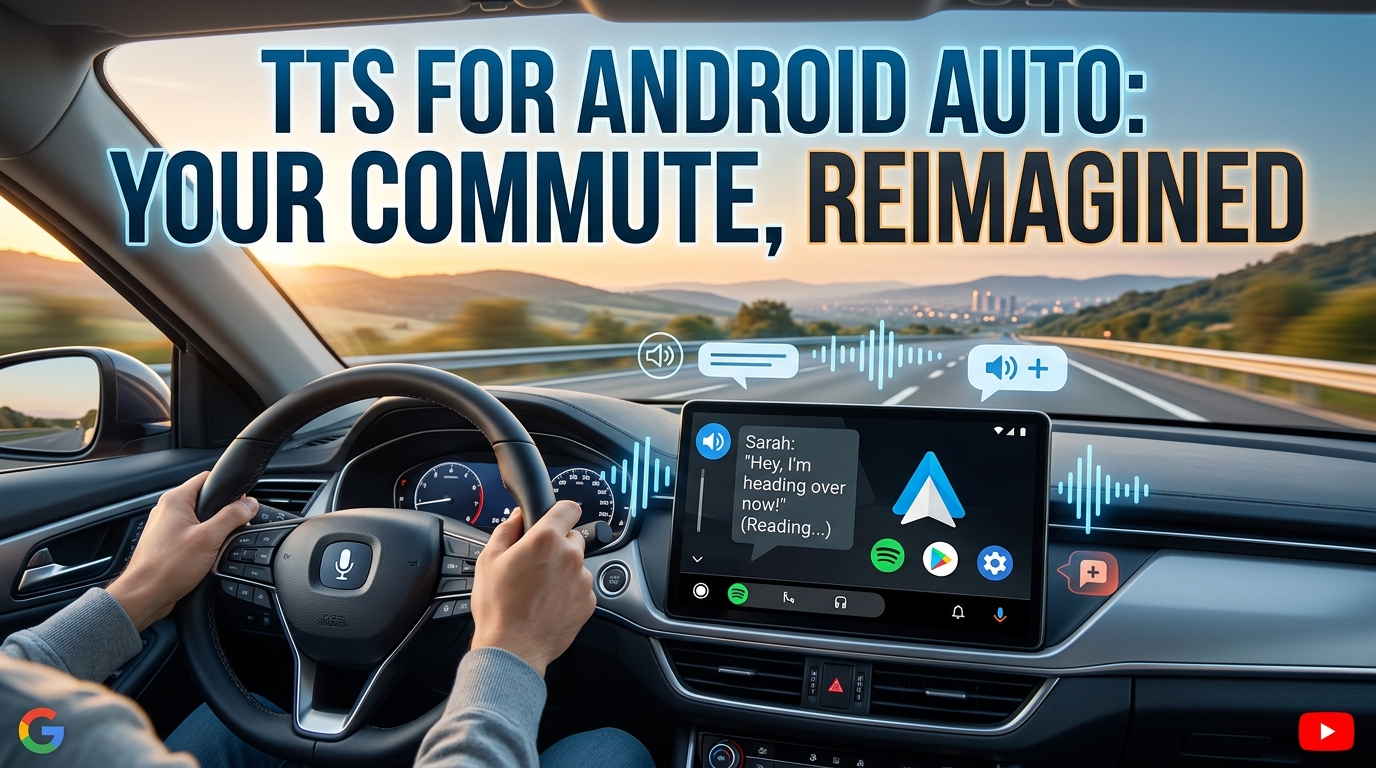
For those long commutes or road trips, integrating your reading into your vehicle’s infotainment system is crucial. While Android Auto itself handles media playback, a robust tts for android auto experience hinges on the source app. Voxify, with its extensive file support for PDF, EPUB, TXT, MOBI, and its seamless web reader, becomes your ideal co-pilot.
You can queue up entire books or articles within Voxify, connect to Android Auto, and enjoy uninterrupted, high-quality audio content through your car’s speakers. This allows you to transform dead time into productive learning or enjoyable leisure, making Voxify a top choice for multi-tasking professionals and students who need to maximize every minute.
Beyond the App: API, Browser Extensions, and the Voxify Advantage
Some users might look into Android’s native TTS APIs for custom solutions or explore browser extensions for web content.
- API/Code for Developers: Android does provide a TextToSpeech API for developers to integrate TTS functionality into their own applications. However, for the average power user, building custom solutions is impractical. They seek polished, feature-rich apps that deliver an exceptional out-of-the-box experience – precisely what Voxify offers.
- Browser Extensions: While browser extensions can read web pages, they often lack the comprehensive file support, advanced voice customization, and offline capabilities of a dedicated app. They typically don’t handle PDFs, EPUBs, or other local documents, nor do they offer features like Smart Voice Changing for dialogues or Image Reading Support (OCR). Voxify consolidates all these needs into one powerful, intuitive application.
In every scenario, Voxify’s comprehensive feature set, superior voice quality, and broad format compatibility position it as the definitive choice for those who demand the best from their tts reader android experience.
Expert Tips for Optimizing Your TTS Experience
To truly harness the power of a premium TTS app like Voxify, consider these expert tips:
- Adjust Voice Speed for Productivity: Most TTS apps, including Voxify, allow you to control the reading speed. Experiment to find a pace that challenges your comprehension without overwhelming it. Many users find that listening at 1.5x or 2x speed significantly boosts productivity once accustomed.
- Leverage Sleep Timers: For winding down with an audiobook, utilize Voxify’s Sleep Timer. This ensures the app doesn’t continue playing long after you’ve drifted off, saving battery and marking your place.
- Explore Voice Options: Don’t settle for the default. Voxify’s Ultra-Natural AI Voices offer a range of accents and tones. Experiment to find the voice that is most comfortable and engaging for you, especially when reading long-form content.
- Utilize Audio Customization: Take advantage of Voxify’s Audio Customization (Pitch/Equalizer). Adjust the pitch to make a voice sound higher or lower, and tweak the equalizer settings to enhance clarity for different types of audio content or listening environments.
- Organize Your Library: Voxify’s ability to handle multiple formats means you’ll likely accumulate a diverse library. Keep your books, articles, and documents organized within the app for quick access.
- Embrace OCR for Physical Text: Don’t let physical documents or screenshots be a barrier. Use Voxify’s Image Reading Support (OCR) to convert printed text into listenable audio, expanding your content sources dramatically.
By integrating Voxify Read Aloud Books & TTS into your daily routine and applying these expert tips, you’ll not only combat reading fatigue but unlock a new dimension of productivity and immersive content consumption. It’s time to let your Android speak to you.