Beyond the Page: Supercharge Your Reading with Android’s Premier Text-to-Speech Apps


In an era of relentless information flow, reading fatigue is a palpable challenge for students, professionals, and avid book lovers alike. The demand for efficiency and accessibility has propelled AI-powered audiobooks and advanced Text-to-Speech (TTS) apps from niche tools to essential productivity companions. No longer just a convenience, a robust tts reader android transforms how you consume content, allowing you to multitask, learn on the go, and engage with text in entirely new ways.
While Android offers foundational TTS capabilities, true power users seek more than basic robotic voices. They demand natural intonation, seamless integration, and advanced features that elevate the listening experience. This guide cuts through the noise to showcase the best of Android TTS, spotlighting an application that stands head and shoulders above the rest.
Voxify Read Aloud Books & TTS: The Pinnacle of Android Audio Reading
For those who demand excellence in their digital reading experience, Voxify Read Aloud Books & TTS emerges as the definitive best tts app for books on Android. It’s not just a reader; it’s a comprehensive audio companion designed to unlock a new dimension of productivity and enjoyment. Voxify transcends the limitations of standard Android TTS engines, offering a feature set engineered for power users across the USA, UK, and Australia.
Ultra-Natural AI Voices: The Sound of Tomorrow
The days of monotone, robotic voices are over. Voxify harnesses cutting-edge Neural TTS technology to deliver ultra-natural AI voices that are virtually indistinguishable from human narration. This isn’t just about clarity; it’s about context, emotion, and an engaging listening experience.
- Human-like Pronunciation: Sophisticated algorithms ensure correct pronunciation of complex words, names, and technical terms.
- Intelligent Pacing & Intonation: Voices adapt to the text, varying pitch and speed to convey meaning and maintain listener engagement.
- Smart Voice Changing for Dialogues: Experience stories coming alive with distinct voices for different characters, making novels and scripts immersive.
All-in-One Format Support: Your Entire Library, Audibly Accessible
Voxify eliminates the frustration of format incompatibility. It’s a versatile powerhouse, ready to read virtually any document you throw at it, making it an indispensable tool for students juggling textbooks, professionals reviewing reports, and readers devouring novels.
- Multi-format Mastery: Seamlessly open and listen to PDF, EPUB, TXT, MOBI, and CBZ files.
- Integrated Web Reader: Transform online articles, blog posts, and research papers into audio with a dedicated browser experience.
- Image Reading Support (OCR/Auto-scroll): Even scanned documents or images with text become audible, thanks to integrated Optical Character Recognition (OCR) and intelligent auto-scrolling.
Beyond its core reading capabilities, Voxify packs a suite of intelligent features designed for the modern listener:
- Sleep Timer: Drift off to your favorite book without losing your place.
- Audio Customization (Pitch/Equalizer): Fine-tune the listening experience to your preference with granular control over voice pitch and a built-in equalizer.
Voxify is more than an app; it’s an investment in your productivity and reading pleasure.
<a href="
“>🚀 DOWNLOAD VOXIFY ON GOOGLE PLAYDeep Dive: Beyond Basic TTS – Why Voxify Stands Out
While Android provides a framework for TTS (allowing engines like Google Text-to-Speech or third-party options like ttslexx to function), a true tts reader android app offers a layer of intelligence and features that these engines alone cannot.
Android Auto Integration: Your Commute, Reimagined
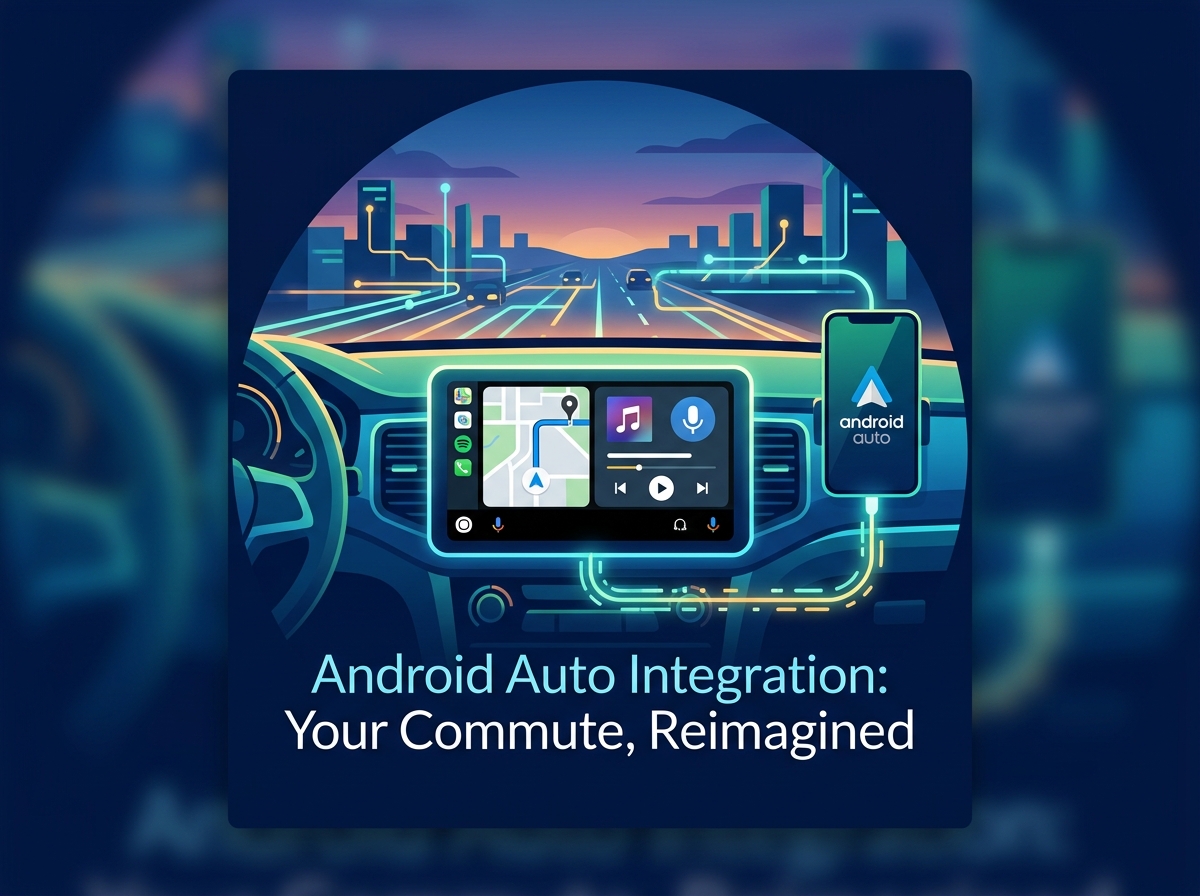
For busy professionals and students, the car becomes an extension of their workspace or study environment. TTS for Android Auto is a game-changer, allowing you to catch up on reading during commutes. While basic TTS might read notifications, Voxify allows you to continue listening to your books, articles, or documents right where you left off, safely and conveniently through your car’s infotainment system. Its robust file support means your entire library is available, making every drive productive.
For Developers & Power Users: Beyond the API
Developers often interact with TTS at the API level, integrating basic speech synthesis into their own applications. For those who understand the underlying mechanics of Android’s TTS engines, the value of an application like Voxify becomes even clearer. It takes the raw power of these engines and wraps it in a user-centric interface, adding value through:
- Advanced Voice Selection: Access to premium, neural voices that go beyond standard system offerings.
- Contextual Intelligence: Features like dialogue voice changing and smart intonation are built into the app’s processing, not just the base engine.
- Seamless File Management: An intuitive interface for importing, organizing, and accessing diverse document types, something a raw API call doesn’t provide.
While understanding how to configure default TTS engines (like using ttslexx for specific customizations or voices) is valuable, Voxify provides the application layer that leverages and enhances these capabilities for a superior end-user experience, abstracting away complexity while delivering advanced features.
Browser Extensions vs. Dedicated Apps: The Power of Native
Many users rely on browser extensions for reading web pages aloud. While convenient for quick reads, they often fall short in terms of:
- Voice Quality: Limited to browser-supported voices, which may lack the naturalness of dedicated app voices.
- Offline Access: Typically require an internet connection.
- Multi-Format Support: Cannot read local files like PDFs or EPUBs.
- Advanced Features: Lack sleep timers, pitch/equalizer controls, or smart dialogue handling.
Voxify, as a native Android application, overcomes these limitations, offering a consistently high-quality, feature-rich, and reliable experience, whether you’re online or offline, reading a web page or a complex academic paper.
Expert Tips: Optimizing Your TTS Experience for Peak Productivity
To truly harness the power of your tts reader android, consider these expert strategies:
- Find Your Ideal Speed: Experiment with different playback speeds. While faster speeds boost productivity, ensure comprehension isn’t sacrificed. Many power users find 1.5x to 2.0x optimal after some practice. Voxify’s precise speed controls make this easy.
- Leverage High-Quality Voices: Always prioritize apps with natural ai voice android capabilities. The less robotic the voice, the less mental effort required to process the information, leading to better retention.
- Integrate with Your Workflow: Schedule specific times for listening, such as during commutes, workouts, or household chores. Use Voxify’s sleep timer for bedtime reading without interruption.
- Annotate While Listening: If possible, keep a digital notebook or a note-taking app open to jot down key points or questions as you listen. This active engagement enhances learning.
- Utilize Audio Customization: Play with pitch and equalizer settings in apps like Voxify to find a sound profile that’s most comfortable and clear for your ears, especially during extended listening sessions.
- Organize Your Digital Library: Keep your documents well-categorized within Voxify for quick access, ensuring your reading queue is always ready.
By integrating a premium tts reader android like Voxify into your daily routine, you’re not just reading; you’re transforming your entire approach to information consumption, embracing a more flexible, efficient, and engaging future of learning and productivity.