Transform Your Reading: The Best Text-to-Speech Apps for Android in 2026


In an era defined by information overload and constant digital engagement, the modern power user often grapples with “reading fatigue.” Whether you’re a student drowning in textbooks, a professional sifting through reports, or a book lover yearning for more reading time, the sheer volume of text can be daunting. This challenge has catalyzed a significant shift: the rise of AI-powered audio experiences, making text to speech Android applications indispensable tools for productivity and accessibility.
Gone are the days of robotic, monotone voices. Today’s advanced TTS reader Android apps leverage sophisticated AI to convert written content into remarkably natural, engaging audio. This guide explores how these tools can revolutionize your consumption of digital content, with a spotlight on the premier solution for discerning users.
Voxify Read Aloud Books & TTS: The Pinnacle of Android Listening
For those who demand excellence in their digital tools, Voxify Read Aloud Books & TTS stands out as the definitive TTS reader Android application. It’s not merely a utility; it’s a comprehensive platform designed to transform how you interact with written content, offering an unparalleled listening experience. Voxify transcends basic text conversion, delivering a sophisticated environment crafted for serious readers and multitaskers.
Natural AI Voices: Beyond Robotic Monotones
The cornerstone of Voxify’s superior experience lies in its Ultra-Natural AI Voices. Leveraging cutting-edge Neural TTS technology, Voxify delivers lifelike narration that closely mimics human speech patterns, complete with nuanced intonation and rhythm. This isn’t just about clarity; it’s about immersion.
- Neural TTS: Experience voices so authentic, you’ll forget you’re listening to an AI. This is the gold standard for a natural AI voice Android users demand.
- Smart Voice Changing for Dialogues: A game-changer for fiction lovers. Voxify intelligently detects dialogue and assigns different, distinct voices to characters, making audiobooks come alive and significantly enhancing comprehension and enjoyment.
- Audio Customization: Fine-tune your listening with precision. Adjust pitch, speed, and even utilize an integrated equalizer to create your perfect auditory environment.
All-in-One Format Support & Web Integration
Voxify is engineered to be your universal reading companion, eliminating the need for multiple apps to handle different file types or online content. Its robust multi-format support ensures your entire digital library is accessible.
- Multi-format Support: Seamlessly read aloud from PDF, EPUB, TXT, MOBI, and even CBZ (comic book archives). Whether it’s a academic paper, a novel, or a graphic novel, Voxify handles it with grace, making it the best TTS app for books.
- Integrated Web Reader: Browse the internet and have articles, blogs, and news read aloud directly within the app. This feature is invaluable for research, staying informed, or simply enjoying web content hands-free.
- Image Reading Support (OCR/Auto-scroll): Encounter text embedded in images? Voxify’s Optical Character Recognition (OCR) extracts and reads it aloud, even intelligently auto-scrolling for long images.
Beyond these core strengths, Voxify enhances productivity with features like a Sleep Timer for winding down with a story, ensuring you never lose your place. For the ultimate in flexibility and a truly premium text to speech Android experience, Voxify is the clear choice.
<a href="
“>🚀 DOWNLOAD VOXIFY ON GOOGLE PLAYNavigating the Android TTS Landscape: Beyond the Basics
While many Android devices come with basic text-to-speech capabilities, power users require solutions that extend far beyond simple read-aloud functions. Understanding these broader applications reveals why a dedicated, feature-rich app like Voxify is essential.
TTS for Android Auto: Productivity on the Go
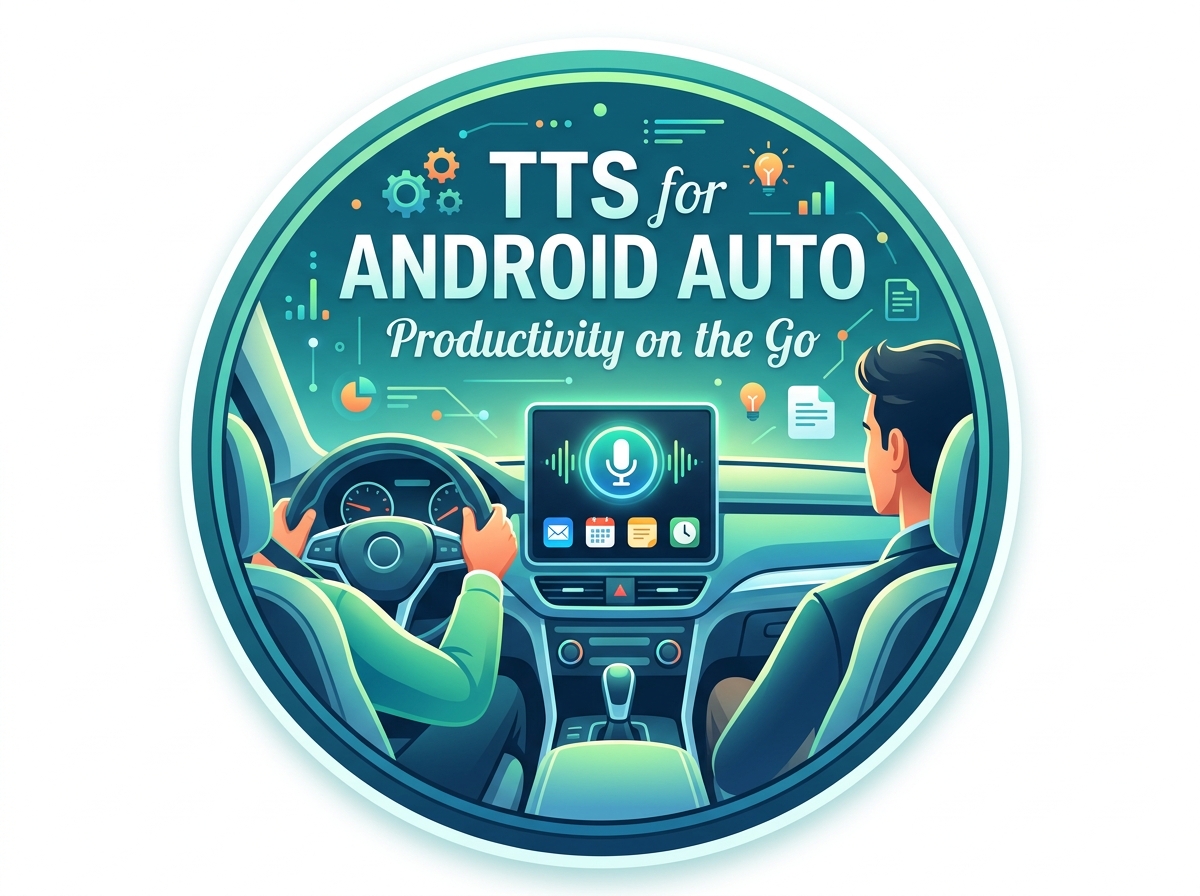
For commuters and road warriors, tts for Android Auto is a game-changer. Listening to documents, news articles, or even entire books during your drive transforms otherwise unproductive time into valuable learning or leisure. While Android Auto can theoretically play audio from any app, the quality of the TTS engine and the app’s ability to handle various formats are crucial.
Generic TTS solutions often struggle with complex file types or provide robotic voices that become grating during long commutes. Voxify, with its ultra-natural AI voices and comprehensive multi-format support, ensures your content is delivered clearly and engagingly, making every journey more productive and enjoyable. Its robust background playback means you can seamlessly switch between navigation and your current listen.
API/Code for Developers: Building Custom TTS Experiences
For developers, Android’s native TextToSpeech class offers a foundational API to integrate TTS into custom applications. This allows for basic text conversion, language selection, and pitch/speed adjustments. However, relying solely on the device’s default TTS engine often means compromising on voice quality and advanced features.
Developers creating sophisticated applications, especially those for accessibility or educational platforms, often seek to integrate superior voice engines. While they might use the native API for basic functions, apps like Voxify demonstrate the potential of integrating advanced, cloud-based Neural TTS models that deliver the natural AI voice Android users now expect. This highlights the gap between basic system functionality and the premium experience offered by specialized applications.
Browser Extensions vs. Dedicated Apps: The Mobile Advantage
On desktop, browser extensions for text-to-speech are common, allowing users to listen to web pages with ease. However, this approach often falls short on mobile devices. Browser extensions can be clunky, resource-intensive, or simply unavailable for mobile browsers.
A dedicated tts reader Android app like Voxify offers a superior, integrated experience. Its Integrated Web Reader functions seamlessly within the app, providing a consistent, high-quality listening experience for online content without the limitations of browser extensions. Furthermore, Voxify’s ability to read local files (PDF, EPUB, etc.) combined with its web reading capability creates a unified platform that no browser extension can match for mobile productivity.
Mastering Your Android TTS Experience: Expert Productivity Tips
To truly leverage the power of text to speech Android applications, especially a sophisticated one like Voxify, consider these expert tips:
- Optimize Listening Speed for Comprehension: While it’s tempting to blast through content at 3x speed, true productivity comes from comprehension. Experiment with speeds just slightly faster than your comfortable reading pace. Voxify’s clear natural AI voice Android ensures intelligibility even at higher speeds.
- Curate Your Voice Selection: Don’t settle for the default. Voxify offers a range of high-quality AI voices. Find one that’s pleasant, clear, and maintains your focus. The right voice can significantly impact your listening endurance.
- Leverage the Sleep Timer: For students and professionals who wind down with reading, the sleep timer is invaluable. Set it to stop playback after a certain duration or at the end of a chapter, ensuring you get rest without losing your place.
- Embrace Multitasking: The core benefit of TTS is freeing your eyes. Listen to articles while exercising, cooking, commuting with tts for Android Auto, or even cleaning. This transforms otherwise passive time into active learning or entertainment.
- Organize Your Digital Library: With Voxify’s multi-format support, ensure your PDFs, EPUBs, and other documents are organized on your device. This makes it easy to jump between different types of content and maintain your workflow.
By integrating a premium text to speech Android app like Voxify into your daily routine, you’re not just reading more; you’re optimizing your time, enhancing your comprehension, and transforming your digital experience from passive consumption to active engagement.