Beyond the Page: Unlocking Productivity with Android’s Premier AI Text-to-Speech Apps in 2026


In an era defined by information overload and constant screen engagement, the modern power user faces a unique challenge: reading fatigue. Whether you’re a student sifting through research papers, a professional digesting industry reports, or a book lover eager to devour your next novel, the sheer volume of text can be daunting. This is precisely where the revolution of AI-powered Text-to-Speech (TTS) steps in, transforming static text into dynamic, accessible audio. The best TTS reader Android apps are no longer a novelty; they are indispensable tools for multi-tasking, learning, and entertainment, turning every commute, workout, or household chore into an opportunity to consume knowledge.
Voxify Read Aloud Books & TTS: The Gold Standard in Android Audio Reading
While the Android ecosystem offers a plethora of TTS solutions, one application consistently rises above the rest, delivering an unparalleled experience for discerning users: Voxify Read Aloud Books & TTS. For those seeking the ultimate blend of advanced AI, comprehensive features, and intuitive design, Voxify isn’t just an app; it’s a productivity powerhouse and a gateway to a new dimension of reading.
Unrivaled Natural AI Voices: Beyond Robotic Monotones
The hallmark of a truly premium TTS experience lies in its voices. Generic, robotic voices are a relic of the past, quickly leading to listener fatigue. Voxify sets itself apart with its Ultra-Natural AI Voices, powered by cutting-edge Neural TTS technology. This isn’t just text being read; it’s a performance.
- Neural TTS: Experience voices that mimic human intonation, pacing, and emotional nuance, making long listening sessions genuinely enjoyable.
- Smart Voice Changing for Dialogues: A game-changer for fiction readers. Voxify intelligently detects dialogue, assigning different, distinct voices to characters, bringing stories to life in a way no other app can. This creates an immersive, audiobook-like experience directly from your e-books.
- Audio Customization: Fine-tune your listening with comprehensive controls including Pitch and a built-in Equalizer, allowing you to tailor the audio output precisely to your preference and environment.
Your Entire Library, Audified: Comprehensive Format & Web Support
What good is a powerful TTS engine if it can’t read your content? Voxify boasts an impressive array of compatibility, ensuring that virtually any text you encounter can be transformed into high-quality audio. This makes it the undisputed best TTS app for books across various formats.
- Multi-format Support: Seamlessly import and listen to your documents and e-books in PDF, EPUB, TXT, MOBI, and even CBZ (comic book archives for text within). No more converting files or switching between multiple apps.
- Integrated Web Reader: Extend your audio reading beyond local files. Voxify’s built-in web reader allows you to input URLs and listen to articles, blog posts, and online documents directly, making web browsing a hands-free experience.
- Image Reading Support (OCR/Auto-scroll): Encounter text within images? Voxify’s advanced Optical Character Recognition (OCR) technology can extract and read text from images. Coupled with auto-scroll, it handles even complex visual content with ease.
- Sleep Timer: For those who love to drift off to the sound of a good story or educational content, the integrated sleep timer ensures you don’t miss your place or drain your battery unnecessarily.
Voxify Read Aloud Books & TTS is more than just a text-to-speech utility; it’s a comprehensive audio reading platform designed for the modern, discerning user. Its commitment to natural voices, broad compatibility, and user-centric features positions it as the premier choice on Android.
<a href="
“>🚀 DOWNLOAD VOXIFY ON GOOGLE PLAYDeep Dive: Beyond Basic TTS – Addressing Diverse Needs
While Voxify champions a holistic audio reading experience, understanding the broader TTS landscape helps contextualize its superiority across various user scenarios.
TTS for Android Auto: Your Co-Pilot for Information
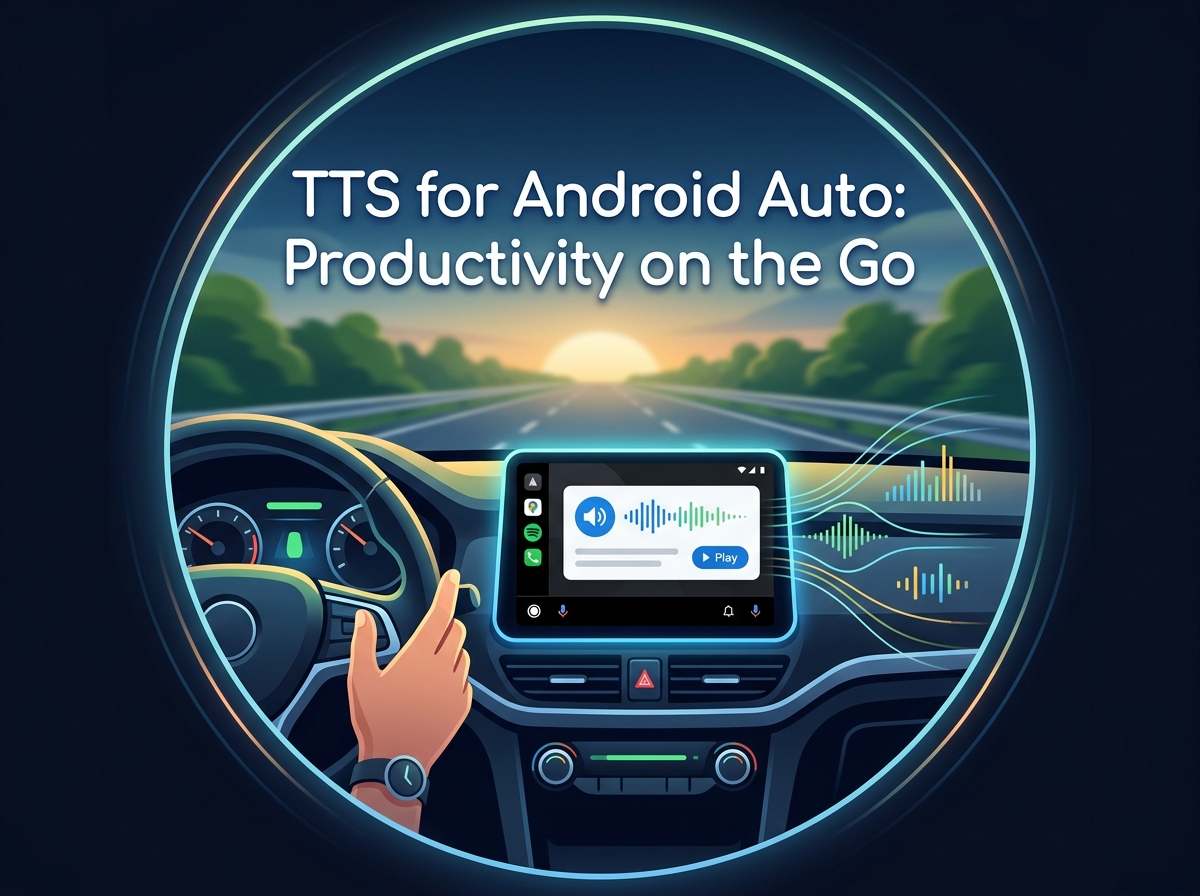
For professionals and commuters, integrating content consumption into driving time is a significant productivity hack. TTS for Android Auto allows drivers to listen to news, documents, and books safely. While the native Android Auto can utilize the system’s basic TTS engine, dedicated apps like Voxify elevate this experience dramatically.
With Voxify, your curated library of multi-format documents and e-books is readily available. The app’s superior natural AI voice Android capabilities ensure that long stretches of listening are engaging, not distracting. Its robust playback controls make navigating content effortless, allowing you to focus on the road while staying informed or entertained.
The Developer's Perspective: Android's TTS Engine & Beyond
For developers, understanding the underlying Android TTS API is crucial. The Android system provides a robust framework (TextToSpeech API) that allows apps to synthesize speech. However, this foundational engine often relies on basic, locally stored voices or network-dependent generic voices.
Advanced applications like Voxify leverage and significantly enhance this base. They integrate proprietary neural network models and cloud-based AI services to deliver voices that are far more sophisticated and natural than the system default. While developers can build custom TTS features, for end-users, choosing a polished app like Voxify means instant access to superior voice quality without the need for complex coding or external integrations.
Browser Extensions vs. Dedicated Apps: The Experience Divide
Many users explore browser extensions for TTS functionality, especially for web articles. While convenient for quick reads, these often fall short in several key areas compared to a dedicated Android application.
| Feature | Browser Extension (Typical) | Dedicated App (e.g., Voxify) |
|---|---|---|
| Voice Quality | Often basic, robotic; limited options | Ultra-Natural AI Voices (Neural TTS), diverse accents |
| Offline Access | Limited; requires internet connection | Full offline access to downloaded content and voices |
| Content Formats | Primarily web pages | PDF, EPUB, TXT, MOBI, CBZ, plus web content |
| Customization | Basic speed/pitch | Advanced (Pitch, Equalizer), Smart Voice Changing for dialogues |
| Integration | Within browser only | System-wide, integrated library, background playback |
| Productivity | Good for quick reads | Comprehensive solution for books, documents, web articles |
For serious audio readers, students, and professionals, the limitations of browser extensions become apparent quickly. A dedicated app like Voxify provides a cohesive, feature-rich environment that truly enhances productivity and enjoyment.
Expert Tips: Optimizing Your TTS Experience for Peak Productivity
Harnessing the full potential of your TTS reader Android app involves more than just pressing play. Implement these expert strategies to maximize your audio reading efficiency:
- Calibrate Your Listening Speed: While it’s tempting to blast through content at 2x speed, find your optimal listening rate. Start slightly above your comfortable reading speed and gradually increase it. The goal is comprehension, not just consumption. Voxify’s precise speed controls allow granular adjustments.
- Leverage the Sleep Timer: Beyond just falling asleep, use the sleep timer for focused study blocks. Set it for 25-30 minutes (a Pomodoro technique equivalent) to maintain concentration, knowing the audio will pause automatically.
- Experiment with Voices: Different content might benefit from different voices. A clear, authoritative voice might be ideal for technical papers, while a more expressive one with smart dialogue changing is perfect for fiction. Voxify’s diverse natural AI voice Android options allow for this flexibility.
- Organize Your Audio Library: Utilize the app’s internal organization features. Group documents by project, course, or genre to quickly access what you need, especially useful when integrating with Android Auto.
- Multi-Task Wisely: The true power of TTS lies in its ability to free your eyes. Listen to educational content during commutes, exercise, or while performing routine tasks. This transforms otherwise “dead time” into productive learning or leisure.
- Utilize Audio Customization: Don’t overlook the equalizer and pitch controls. Adjusting these can significantly improve clarity and reduce listening fatigue, especially in varying acoustic environments.
By integrating a powerful TTS app Android free like Voxify into your daily routine and employing these expert tips, you’re not just reading; you’re revolutionizing how you interact with information, unlocking new levels of productivity and enjoyment in a screen-saturated world.