Unlock Your Digital Library: Master Ebook Reading (and Listening) on Android with AI TTS


The modern professional, student, and avid reader constantly battles information overload and screen fatigue. While digital libraries from platforms like Barnes & Noble offer unparalleled access to books, the sheer volume can be daunting. The solution isn’t to read less, but to consume smarter. Enter the era of AI-powered audiobooks and sophisticated Text-to-Speech (TTS) apps – transforming your static ebooks into dynamic, listenable content. This guide dives deep into leveraging Android’s TTS capabilities, ensuring you never miss a word, even when your eyes are busy.
Reclaim Your Time: The Power of Text-to-Speech for Ebooks
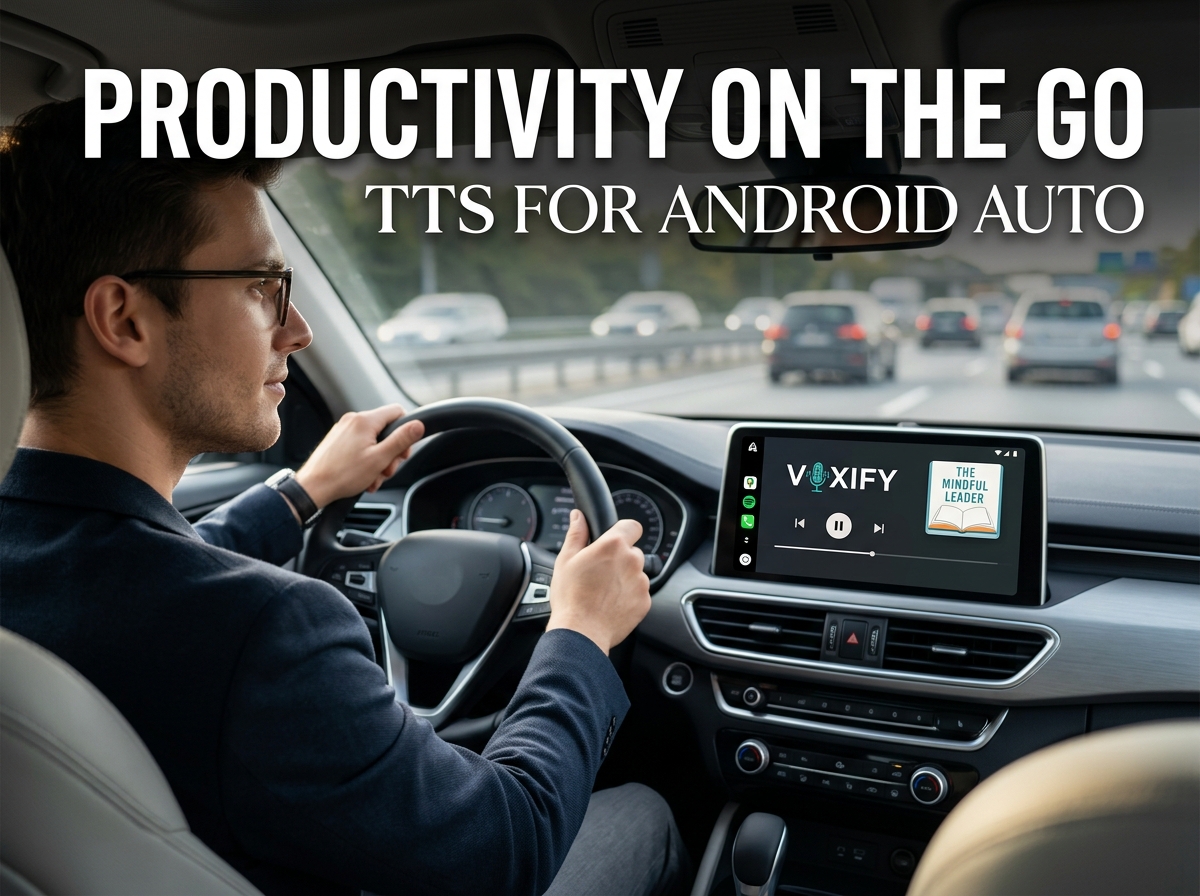
Whether you’re navigating your daily commute, powering through a workout, or simply giving your eyes a much-needed break, TTS reader Android applications are game-changers. For those with a substantial digital collection, including Barnes & Noble ebooks typically in EPUB format, the ability to listen on demand is a significant productivity enhancer. But not all TTS is created equal. The key lies in natural, engaging voices and robust feature sets that elevate a simple read-aloud function to an immersive experience.
Voxify Read Aloud Books & TTS: The Premier Android Listening Experience
When it comes to transforming your digital texts into high-quality audio, Voxify Read Aloud Books & TTS stands in a league of its own. Engineered for power users, Voxify transcends basic TTS, delivering an experience that rivals professionally narrated audiobooks. It’s the best TTS app for books on Android, designed to handle everything from your latest novel to critical research papers.
The Unrivaled Clarity of Natural AI Voices
The era of robotic, monotonous TTS is over. Voxify harnesses Ultra-Natural AI Voices (Neural TTS), bringing unparalleled human-like intonation and cadence to your listening. Imagine listening to your Barnes & Noble Nook app content or a complex PDF, and it sounds as if a professional narrator is speaking directly to you. This is the power of Voxify’s advanced voice engine, making long listening sessions enjoyable and reducing listener fatigue.
All-in-One Format Support: Your Entire Digital Library, Audified
One of Voxify’s most compelling features is its comprehensive format compatibility. Forget juggling multiple apps for different file types. Voxify seamlessly handles:
- PDF: Transform research papers, reports, and manuals into listenable content.
- EPUB: Perfect for your entire ebook collection, including all Barnes & Noble ebooks.
- TXT: Simple text files, notes, or articles.
- MOBI: Legacy ebook formats.
- CBZ: Even comic book archives can be read aloud (with OCR for text!).
Beyond local files, the Integrated Web Reader allows you to feed articles directly from the internet into Voxify, making it your ultimate content consumption hub.
Key Features at a Glance:
- Ultra-Natural AI Voices (Neural TTS): Experience human-like narration.
- Multi-format Support: PDF, EPUB, TXT, MOBI, CBZ – read anything.
- Integrated Web Reader: Listen to online articles and web pages.
- Smart Voice Changing for Dialogues: Differentiate characters in novels.
- Sleep Timer: Perfect for winding down with an audiobook.
- Image Reading Support (OCR/Auto-scroll): Extracts text from images and reads it aloud.
- Audio Customization: Fine-tune your experience with Pitch and Equalizer controls.
With Voxify, your digital library isn’t just readable; it’s listenable, immersive, and fully customizable.
<a href="
“>🚀 DOWNLOAD VOXIFY ON GOOGLE PLAYDeep Dive: Beyond Basic TTS – Addressing Your Specific Needs
While Voxify provides a singular, powerful solution, it’s worth understanding how it addresses various common search intents and why it consistently emerges as the superior choice.
TTS for Android Auto: Seamless Integration for the Road
For commuters and road warriors, TTS for Android Auto is a non-negotiable. Trying to manage ebook reading on your phone while driving is both dangerous and illegal. Voxify’s robust playback capabilities integrate smoothly with Android Auto, allowing you to control your audiobooks and Barnes & Noble Nook app content directly from your car’s infotainment system. Its intuitive interface and reliable performance mean your listening experience is uninterrupted and safe, turning travel time into productive learning or leisure.
Developer Options vs. User-Friendly Apps
Some power users might explore TTS API Android or attempt to integrate TTS functions via code. While this offers maximum customization for developers, it presents a significant barrier to entry for the average user. Voxify eliminates this complexity, offering an elegantly designed, feature-rich application that delivers professional-grade TTS without requiring a single line of code. Its user-centric design means immediate access to advanced features like natural AI voice Android and comprehensive format support, allowing you to focus on consuming content, not coding.
Browser Extensions vs. Dedicated Apps: The Performance Gap
Browser extensions offer a quick TTS fix for web content, but they often fall short for dedicated ebook reading. Limitations typically include:
- Limited Format Support: Most are web-only, lacking robust PDF, EPUB, or MOBI capabilities.
- Voice Quality: Often rely on basic system voices, lacking Neural TTS quality.
- Offline Access: Generally require an active internet connection.
- Feature Set: Lack advanced controls like sleep timers, voice changing for dialogues, or comprehensive audio customization.
Voxify, as a dedicated application, bypasses these limitations. It provides superior voice quality, offline access to your downloaded books, and a full suite of features optimized for long-form content consumption, making it vastly superior for anyone serious about converting their entire library into an immersive audio experience.
Expert Tips for an Optimized TTS Experience
To truly maximize your productivity and enjoyment with TTS, especially when using an advanced app like Voxify, consider these expert recommendations:
- Adjust Reading Speed for Productivity: Experiment with different playback speeds. Many find that listening at 1.25x or 1.5x speed allows for faster information absorption without compromising comprehension. Voxify’s precise speed controls let you find your ideal pace.
- Utilize Voice Customization: Leverage Voxify’s Pitch and Equalizer settings. A slightly lower pitch can make a voice sound more authoritative, while adjusting the equalizer can enhance clarity, especially in noisy environments.
- Harness Smart Voice Changing: For fiction, enable Voxify’s smart voice changing for dialogues. This subtle shift in voice helps differentiate characters, making narrative flow clearer and more engaging, much like a professional audiobook.
- Organize Your Digital Library: Before importing into Voxify, ensure your ebooks (including those from Barnes & Noble) are well-organized. A structured digital library makes it easier to find and import content, streamlining your workflow.
- Offline Access is Key: Download your ebooks and articles for offline listening. This ensures uninterrupted access on flights, during commutes, or in areas with poor internet connectivity, maximizing your productivity on the go.
- Integrate with Your Routine: Make listening a habit. Integrate Voxify into your daily routine – during morning walks, while cooking, or as a wind-down activity before bed using the Sleep Timer.
By adopting these strategies and leveraging the powerful capabilities of Voxify Read Aloud Books & TTS, you’re not just reading; you’re transforming your entire approach to information consumption. Embrace the future of reading and listening, and unlock unparalleled productivity and enjoyment from your digital library.