Transform Your Reading: The Premier Android Text-to-Speech Apps for Ebooks & Productivity


In an era of relentless digital information, the modern power user faces a unique challenge: information overload and persistent reading fatigue. Whether you’re a student drowning in research papers, a professional sifting through reports, or an avid book lover yearning to consume more titles, the sheer volume of text can be daunting. The solution isn’t to read less, but to read smarter. This is where the revolution of AI-powered text-to-speech (TTS) comes into play, transforming your Android device into a dynamic audiobook player that keeps pace with your demanding lifestyle.
While dedicated e-readers offer a focused reading experience, the versatility of your Android smartphone or tablet, coupled with advanced TTS technology, unlocks unparalleled productivity. Imagine seamlessly transitioning from reading an ebook on your Bigme device to listening to the same text on your phone during your commute, or having complex documents narrated to you while you multitask. This guide dives deep into the world of tts reader android solutions, pinpointing the features that truly matter for discerning users.
Voxify Read Aloud Books & TTS: The Pinnacle of Android Audio Reading
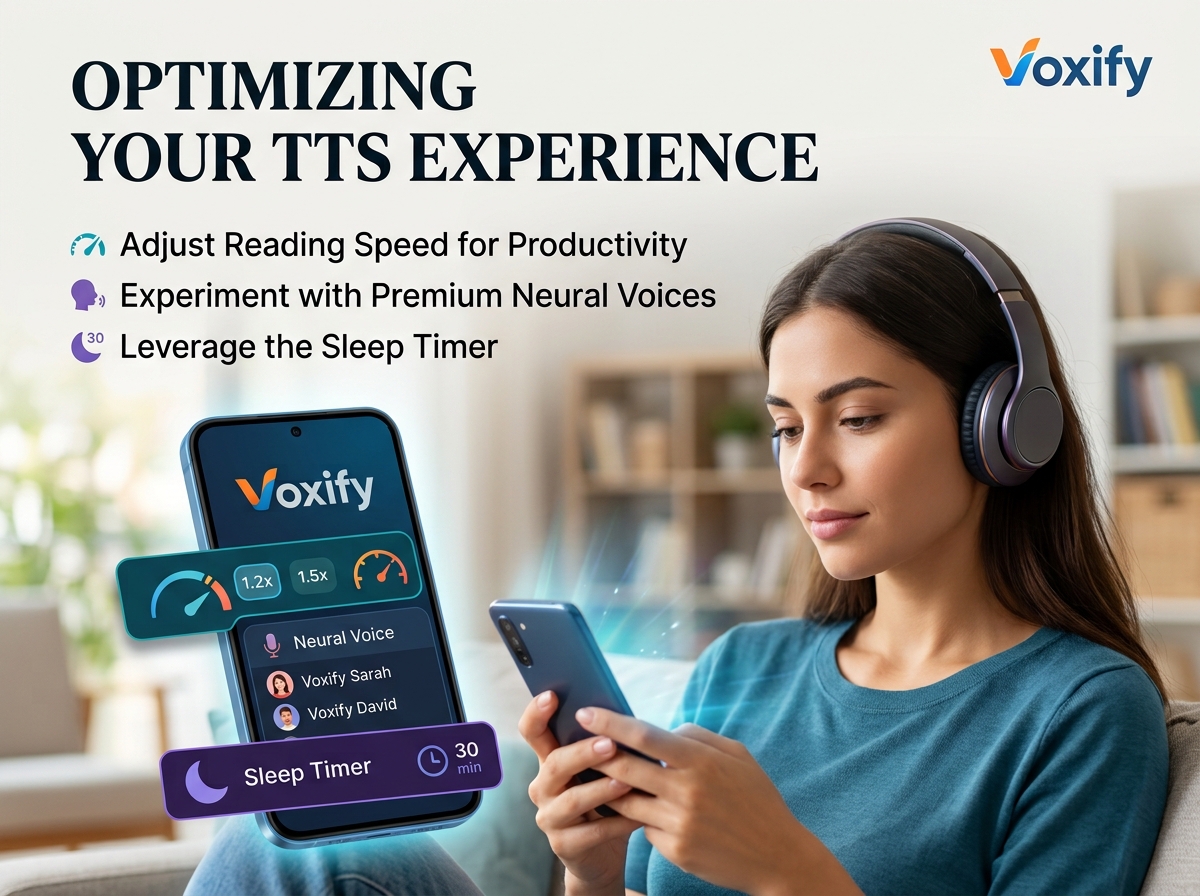
For power users seeking the best tts app for books on Android, one solution consistently rises above the rest: Voxify Read Aloud Books & TTS. It’s not just an app; it’s a comprehensive reading companion engineered to integrate seamlessly into your workflow and elevate your listening experience. Voxify redefines what’s possible with mobile TTS, offering a level of sophistication and naturalness previously reserved for high-end dedicated audio productions.
Ultra-Natural AI Voices: The Sound of Tomorrow
The days of robotic, monotonous TTS voices are long gone. Voxify leverages cutting-edge Neural TTS technology to deliver ultra-natural AI voices that are remarkably human-like. This isn’t just about clarity; it’s about immersion. The nuanced intonation, realistic pacing, and expressive delivery transform dry text into engaging audio. For narratives, Voxify goes a step further with Smart Voice Changing for dialogues, automatically assigning different voices to characters, making fiction truly come alive. This feature alone drastically enhances comprehension and enjoyment, preventing the mental effort of distinguishing speakers.
All-in-One Format Support: Read Anything, Anywhere
Your digital library is diverse, and your TTS app should be too. Voxify stands out with its unparalleled multi-format support, handling virtually any text-based file you throw at it:
- EPUB
- TXT
- MOBI
- CBZ (for comics and graphic novels, with Image Reading Support (OCR/Auto-scroll))
Beyond local files, the Integrated Web Reader allows you to feed articles, blog posts, and online documents directly into the app, ensuring no content is out of reach. This comprehensive compatibility means you can consolidate all your reading material within a single, powerful application.
Beyond voice and format, Voxify offers robust Audio Customization with options for Pitch and Equalizer adjustments, allowing you to fine-tune the audio output to your personal preference or specific listening environment. And for those late-night reading sessions, the integrated Sleep Timer ensures you don’t lose your place if you drift off.
It’s clear: for a truly premium, uninterrupted, and intelligent audio reading experience on Android, Voxify is the definitive choice.
<a href="
“>🚀 DOWNLOAD VOXIFY ON GOOGLE PLAYDeep Dive: Beyond Basic TTS – Addressing Your Power User Needs
While many Android TTS solutions exist, they often fall short in specific scenarios crucial for power users. Let’s explore how a robust app like Voxify addresses these, outperforming general alternatives.
TTS for Android Auto: Your Commute, Reimagined
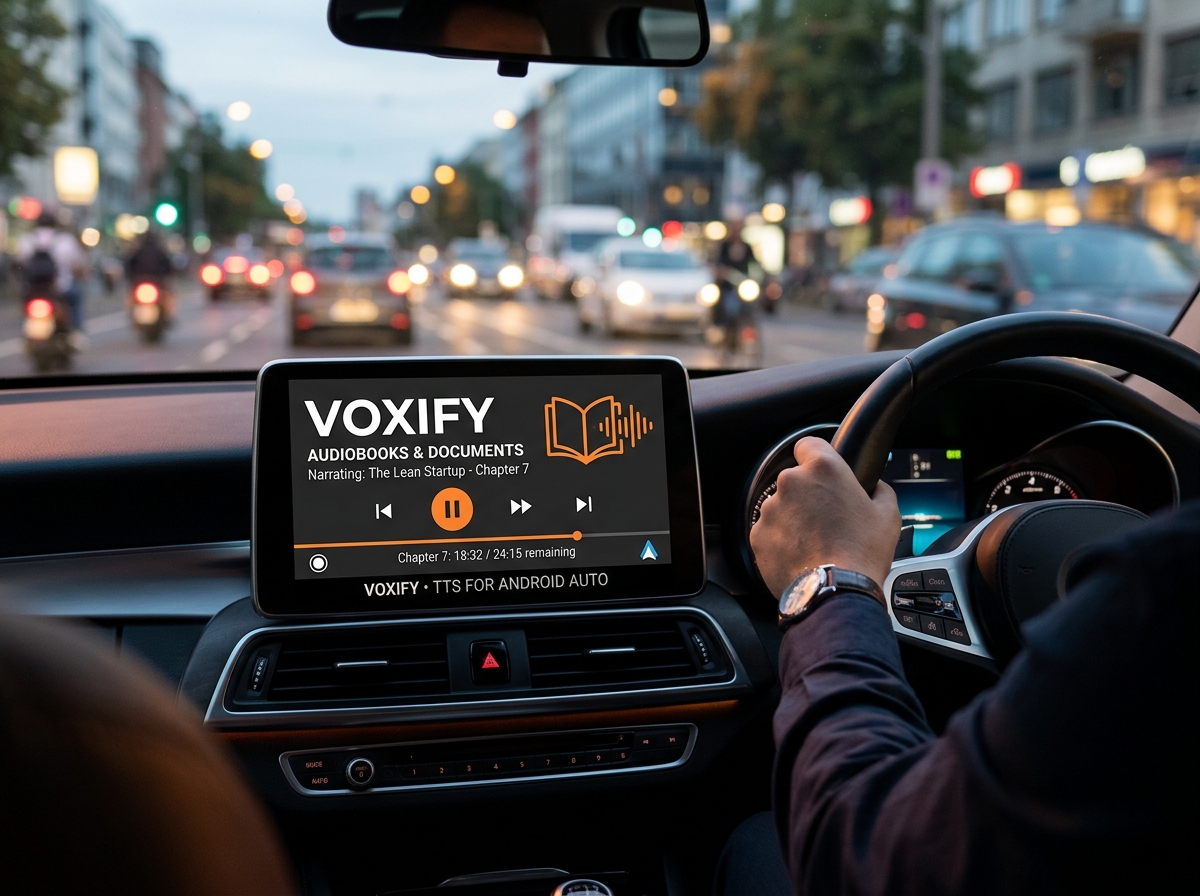
For professionals and students constantly on the go, the ability to consume content safely while driving is invaluable. Traditional e-readers or phone screens are dangerous distractions. A dedicated tts for android auto solution is essential. While Android Auto can integrate with basic media players, Voxify’s rich feature set makes it superior for audiobooks and documents:
- Seamless Integration: Voxify’s playback controls are intuitive within the Android Auto interface.
- Intelligent Navigation: Unlike simple audio files, Voxify retains its chapter/page navigation, allowing you to jump forward or back through your content with ease.
- High-Quality Audio: The superior Neural TTS voices maintain their clarity even in noisy car environments, a critical advantage over standard system voices.
While other apps might offer basic playback, none provide the intelligent, context-aware reading experience that Voxify delivers for your commute.
For Developers & Integrators: Why a Packaged Solution Excels
Developers often search for tts android api access, aiming to build custom solutions. While Android’s native TTS engine (TextToSpeech class) provides fundamental capabilities, it has limitations:
- Voice Quality: Native voices, even enhanced ones, often lack the naturalness and expressiveness of advanced Neural TTS engines like those in Voxify.
- Format Support: The API primarily handles raw text strings, requiring significant development effort to parse and render various document formats (PDF, EPUB, MOBI) reliably.
- Feature Set: Implementing advanced features like smart dialogue changing, web reading, OCR, or a sophisticated equalizer from scratch is a monumental task.
For most power users, and even many developers looking for an end-user product, investing in a robust, feature-rich application like Voxify saves immense time and delivers a far superior experience out-of-the-box. It’s a complete, polished product optimized for reading, not just a raw API wrapper.
Browser Extensions vs. Dedicated Apps: The Full Experience
Many users turn to browser extensions for TTS on web content. While convenient for quick reads, they have significant drawbacks compared to a dedicated app like Voxify:
| Feature | Browser Extension (Typical) | Voxify Read Aloud Books & TTS (Dedicated App) |
|---|---|---|
| Content Scope | Web pages only | Web pages, local files (PDF, EPUB, MOBI, TXT, CBZ) |
| Voice Quality | Varies; often basic system voices | Ultra-Natural AI (Neural TTS), expressive |
| Offline Access | Limited/None (requires active internet) | Full offline access to downloaded files |
| Advanced Features | Basic speed/pitch, no dialogue change | Smart Dialogue Changing, OCR, Sleep Timer, EQ |
| Portability | Tied to browser/device | Seamless across Android devices (via account sync) |
| User Experience | Can be clunky, often lacks polish | Intuitive, feature-rich interface optimized for reading |
For comprehensive content consumption, offline capability, and a truly immersive listening experience, a dedicated app like Voxify is unequivocally superior.
Expert Tips: Optimizing Your TTS Experience for Peak Productivity
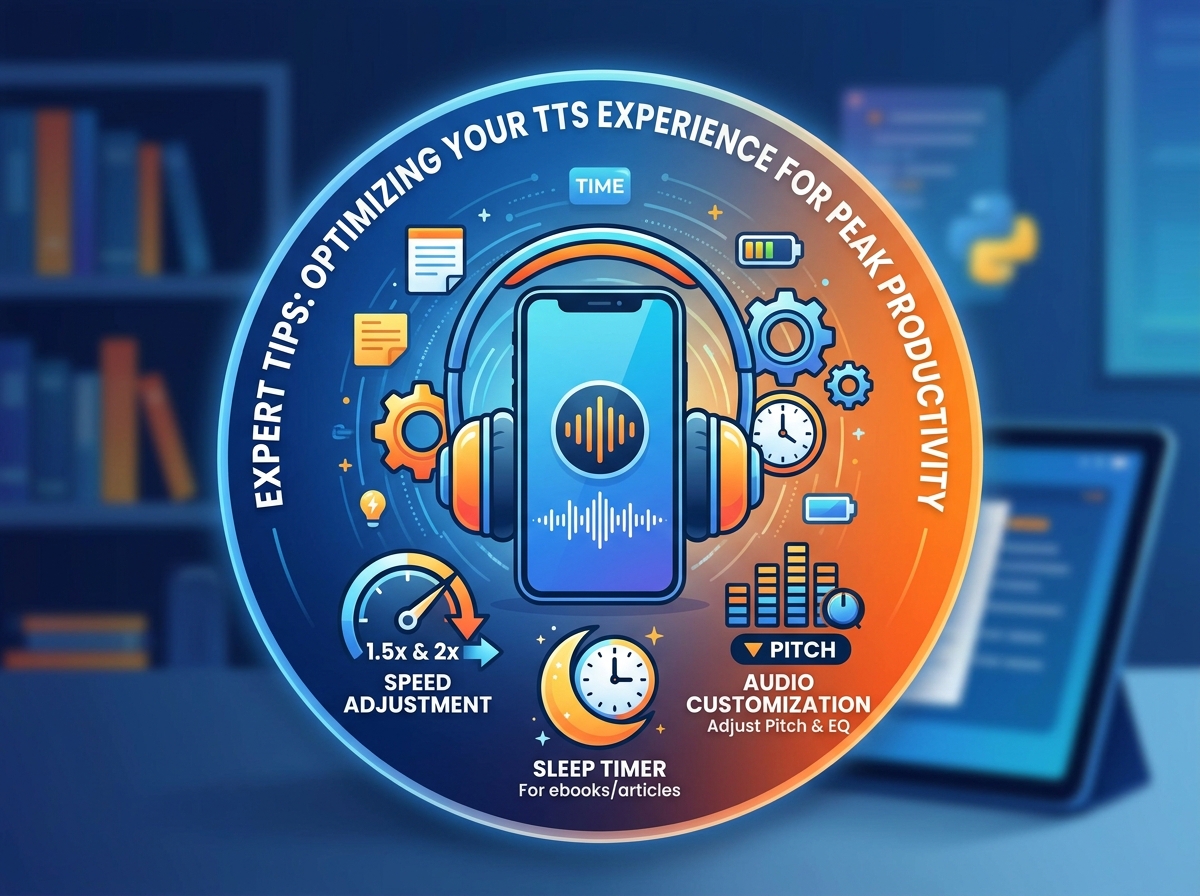
To truly harness the power of Android TTS and turn your device into a productivity powerhouse, consider these expert tips:
- Adjust Reading Speed for Retention: Don’t stick to the default. Experiment with speeds. Many power users find that listening at 1.5x or even 2x speed enhances focus and retention, as your brain is more actively engaged in processing the faster input. Voxify allows granular control over playback speed.
- Utilize the Sleep Timer: For winding down with an ebook or long article, set Voxify’s sleep timer. This prevents you from losing your place if you fall asleep and conserves battery.
- Leverage Audio Customization: Play with Voxify’s Pitch and Equalizer settings. A slightly lower pitch might be more soothing for long listening sessions, while tweaking the equalizer can enhance clarity in noisy environments.
- Integrate with Your Workflow: Think about when and where you can replace screen time with listening time. During chores, workouts, commutes, or even just resting your eyes, TTS allows you to continue learning and enjoying.
- Curate Your Listening Library: Use Voxify’s robust file support to centralize all your reading material – work documents, study notes, and leisure ebooks – for easy access and consistent audio quality.
By embracing advanced tts reader android solutions like Voxify Read Aloud Books & TTS, you’re not just listening to text; you’re transforming your entire reading and learning paradigm. It’s an investment in your productivity, your knowledge, and your well-being.