Beyond Reading Fatigue: Unlocking Productivity with the Best Free Android TTS Apps


In an era of relentless information flow and ever-increasing screen time, the modern power user faces a unique challenge: reading fatigue. Whether you’re a student drowning in research papers, a professional sifting through reports, or a book lover with an overflowing digital library, the sheer volume of text can be overwhelming. This challenge has catalyzed a significant shift towards AI-powered audio consumption, transforming how we interact with digital content. Enter Text-to-Speech (TTS) technology on Android – a powerful ally in the quest for productivity and accessibility.
While the market offers numerous tts reader Android applications, discerning the truly effective from the merely functional requires a keen eye. We delve into the world of free Android TTS, focusing on solutions that deliver not just basic voice output, but a genuinely enhanced listening experience.
The Premier Choice: Voxify Read Aloud Books & TTS – Your Ultimate Audio Companion
When it comes to elevating your digital reading experience, one application consistently rises above the rest: Voxify Read Aloud Books & TTS. Designed for the discerning user who demands both robust functionality and unparalleled voice quality, Voxify isn’t just a TTS app; it’s a comprehensive audio reading platform.
Voxify redefines what a tts app android free can achieve, offering an experience that blurs the lines between digital text and professionally narrated audiobooks. It’s an indispensable tool for anyone looking to multitask, reduce eye strain, or simply enjoy their content in a new, more flexible way.
The Power of Ultra-Natural AI Voices
The cornerstone of Voxify’s superiority lies in its Ultra-Natural AI Voices. Gone are the robotic, monotonous tones of yesteryear. Voxify leverages advanced Neural TTS technology to deliver voices that are remarkably human-like, complete with natural intonation, rhythm, and emotional nuance. This makes long listening sessions not just tolerable, but genuinely enjoyable.
- Neural TTS: Experience voices that mimic human speech patterns, making complex texts easier to comprehend and more engaging.
- Smart Voice Changing for Dialogues: A standout feature for fiction lovers. Voxify intelligently assigns different voices to distinguish characters in dialogues, transforming novels into immersive audio dramas.
- Audio Customization (Pitch/Equalizer): Fine-tune the audio output to your preference, ensuring optimal clarity and comfort for your ears.
All-in-One Format Support & Integrated Web Reading
Productivity means seamless access to all your content, regardless of its origin or format. Voxify excels here, eliminating the need for multiple apps to handle different file types.
- Multi-format Support: Effortlessly read aloud documents in PDF, EPUB, TXT, MOBI, and even CBZ (comic book archives). Whether it’s a work report, an academic paper, or your favorite eBook, Voxify handles it with grace. This makes it the best tts app for books across diverse formats.
- Integrated Web Reader: Don’t just read your local files. Voxify allows you to paste URLs and listen to web articles, blog posts, and online documents directly within the app, turning the entire internet into your personal audiobook library.
- Image Reading Support (OCR/Auto-scroll): Have text embedded in an image? Voxify’s Optical Character Recognition (OCR) technology can extract and read it aloud, complete with auto-scrolling for a smooth experience.
- Sleep Timer: A thoughtful addition for evening listeners, allowing you to drift off without worrying about your device playing through the night.
Voxify Read Aloud Books & TTS is more than just a free app; it’s an investment in your productivity and reading well-being.
Deep Dive: Beyond Basic TTS – Addressing Specific Use Cases
While Voxify stands as a comprehensive solution, it’s worth exploring how other specific search intents intersect with the broader TTS landscape and how Voxify continues to lead.
TTS for Android Auto: Transforming Your Commute
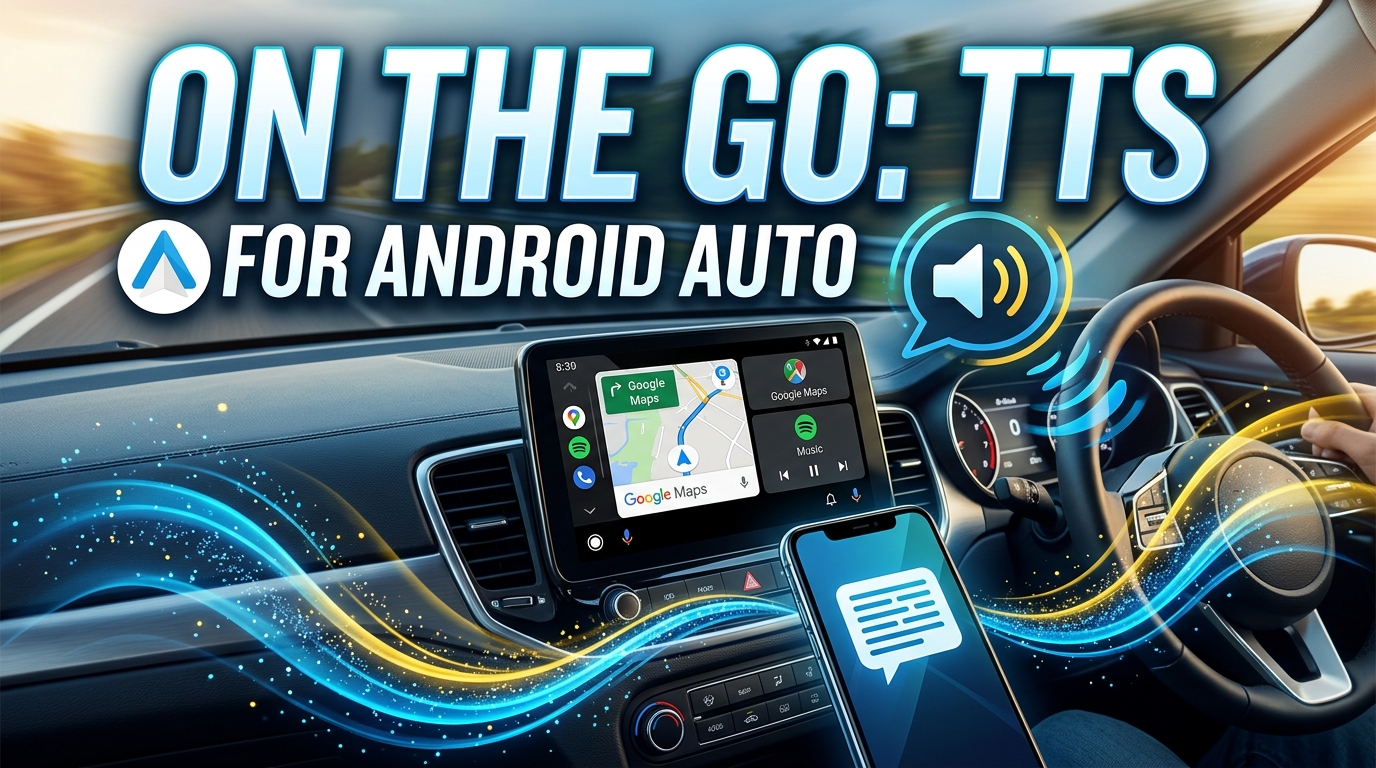
The demand for tts for Android Auto is soaring as users seek to maximize productivity during commutes. Basic TTS can read navigation instructions, but a truly effective solution reads emails, news articles, or even entire books with clarity and naturalness.
Many generic TTS apps rely on your phone’s default text-to-speech engine, which often lacks the sophistication for extended listening. Voxify, with its natural AI voice Android capabilities, delivers an unparalleled experience for Android Auto. Its advanced voices ensure that even complex sentences are clear and understandable amidst road noise, turning every drive into an opportunity for learning or entertainment. Imagine catching up on that dense professional report or diving into a novel, all while keeping your hands on the wheel and eyes on the road.
TTS API/Code for Developers: The Underlying Technology
For developers, understanding the TTS API Android is crucial for building custom applications that leverage speech synthesis. Android’s native TextToSpeech engine provides a foundation, allowing apps to convert text into spoken audio using various installed language packs.
While developers can integrate this API into their projects, the quality of the output is often limited by the default engine. This is where proprietary solutions like those powering Voxify truly shine. They move beyond the basic API, employing sophisticated AI and machine learning models to generate superior, more expressive speech. For the end-user, this means that while the underlying API enables TTS functionality, an application like Voxify elevates it into a premium experience, offering features and voice quality that standard API calls alone cannot replicate.
Browser Extensions vs. Dedicated Android Apps
Many users are familiar with browser extensions that offer TTS functionality on desktop. These are excellent for converting web pages into audio on a computer. However, a dedicated tts reader Android app provides a fundamentally different and often superior experience for mobile users.
- Offline Access: Unlike most browser extensions, a dedicated app like Voxify can process and read local files (PDFs, EPUBs, etc.) even without an internet connection.
- Integrated Experience: Voxify offers a cohesive environment for all your reading needs – local files, web content, and even image-based text – all within a single, optimized interface.
- Mobile-First Design: Optimized for touchscreens and mobile multitasking, ensuring a smooth user experience that browser extensions, often retrofitted for mobile, cannot match.
- Advanced Features: Features like Smart Voice Changing, OCR, and granular audio customization are typically found only in robust, dedicated mobile applications.
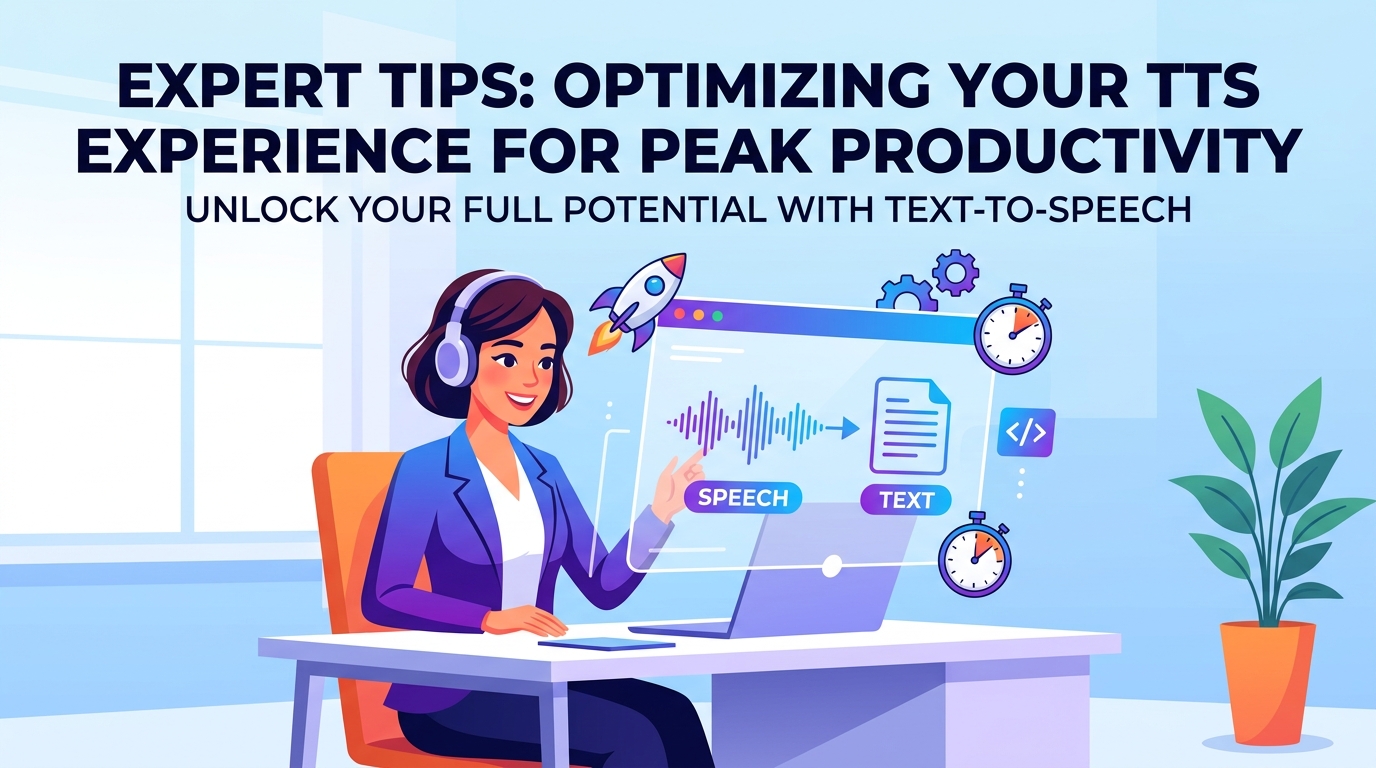
Expert Tips for Optimizing Your TTS Experience
Leveraging TTS effectively can significantly boost your productivity and enjoyment. Here are some expert tips:
- Calibrate Your Listening Speed: Most TTS apps, including Voxify, allow you to adjust the reading speed. Start at a comfortable pace and gradually increase it as your comprehension improves. For complex material, slow it down. For quick updates, speed it up.
- Experiment with Voices: Don’t settle for the first voice you hear. Voxify offers a range of natural AI voice Android options. Find a voice that is clear, pleasant, and doesn’t induce listening fatigue.
- Optimize Your Environment: For critical listening, use quality headphones in a quiet environment. For casual listening (like during chores or walks), a good speaker might suffice.
- Leverage the Sleep Timer: If you enjoy listening before bed, use the sleep timer to prevent the app from playing all night, conserving battery and ensuring you don’t lose your place.
- Bookmark and Highlight: If your TTS app supports it (as Voxify does implicitly through its document reading capabilities), use bookmarking or highlighting features to easily revisit key sections.
- Multitask Smartly: TTS is perfect for passive consumption. Use it while commuting, exercising, cooking, or performing other tasks that don’t require visual focus. This is where the true power of an excellent tts app android free becomes evident.
Embracing the right TTS solution can revolutionize your interaction with digital content. By choosing a sophisticated, feature-rich application like Voxify Read Aloud Books & TTS, you’re not just getting a tool; you’re gaining a powerful ally in your pursuit of knowledge and productivity.