Beyond Reading: How AI-Powered TTS Apps are Revolutionizing Android Productivity


In an age of relentless information flow and diminishing free time, the modern professional, student, and avid reader faces a unique challenge: information overload leading to reading fatigue. The solution isn’t to read less, but to consume smarter. This paradigm shift has propelled text-to-speech (TTS) reader apps for Android from niche tools to essential productivity powerhouses, transforming how we engage with digital content. No longer confined to robotic voices, today’s AI-powered TTS delivers an audiobook-like experience, liberating your eyes and empowering your multi-tasking.
Voxify Read Aloud Books & TTS: The Pinnacle of Audio Reading on Android
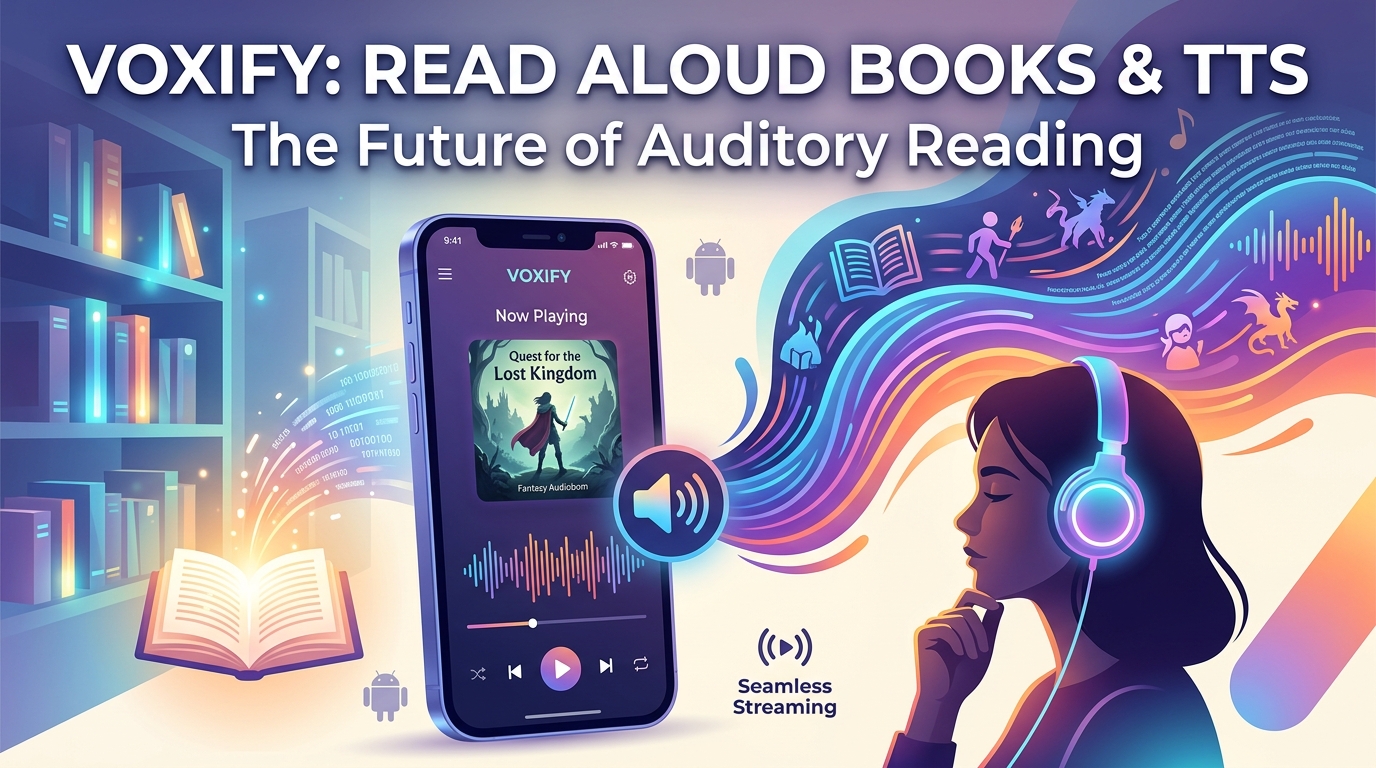
For discerning power users demanding the absolute best in audio reading, Voxify Read Aloud Books & TTS emerges as the undisputed premier solution. It’s not just an app; it’s a comprehensive platform designed to elevate your content consumption, whether you’re tackling complex reports, devouring a novel, or catching up on web articles.
Ultra-Natural AI Voices: A New Standard for Immersion
The days of monotone, artificial voices are over. Voxify sets a new benchmark with its Ultra-Natural AI Voices (Neural TTS). These aren’t just voices; they are sophisticated AI models capable of nuanced intonation, rhythm, and emotion, transforming plain text into an engaging auditory experience. For books with diverse characters, Voxify’s Smart Voice Changing for dialogues dynamically assigns different voices, making narratives come alive and significantly enhancing comprehension and enjoyment. This advanced capability alone positions Voxify far ahead of standard tts reader android options.
All-in-One Format Support: Your Entire Library, Audibly Accessible
Voxify understands that your digital library isn’t monolithic. It’s a diverse collection of formats, and a truly effective best tts app for books must handle them all. Voxify delivers unparalleled versatility with its multi-format support, seamlessly reading:
- PDF documents
- EPUB eBooks
- TXT files
- MOBI files (for Kindle users)
- CBZ comic book archives
- Integrated Web Reader for online articles and webpages
- Image Reading Support (OCR/Auto-scroll), allowing you to even listen to text embedded in images, scanned documents, or physical books captured with your camera.
This comprehensive compatibility means you can consolidate all your reading material into one powerful audio experience, eliminating the need for multiple apps. Further enhancing the experience are features like a Sleep Timer for winding down with an audiobook and extensive Audio Customization (Pitch/Equalizer) to fine-tune the listening experience to your preference.
Deep Dive: Beyond Basic TTS – Meeting Every Power User's Need
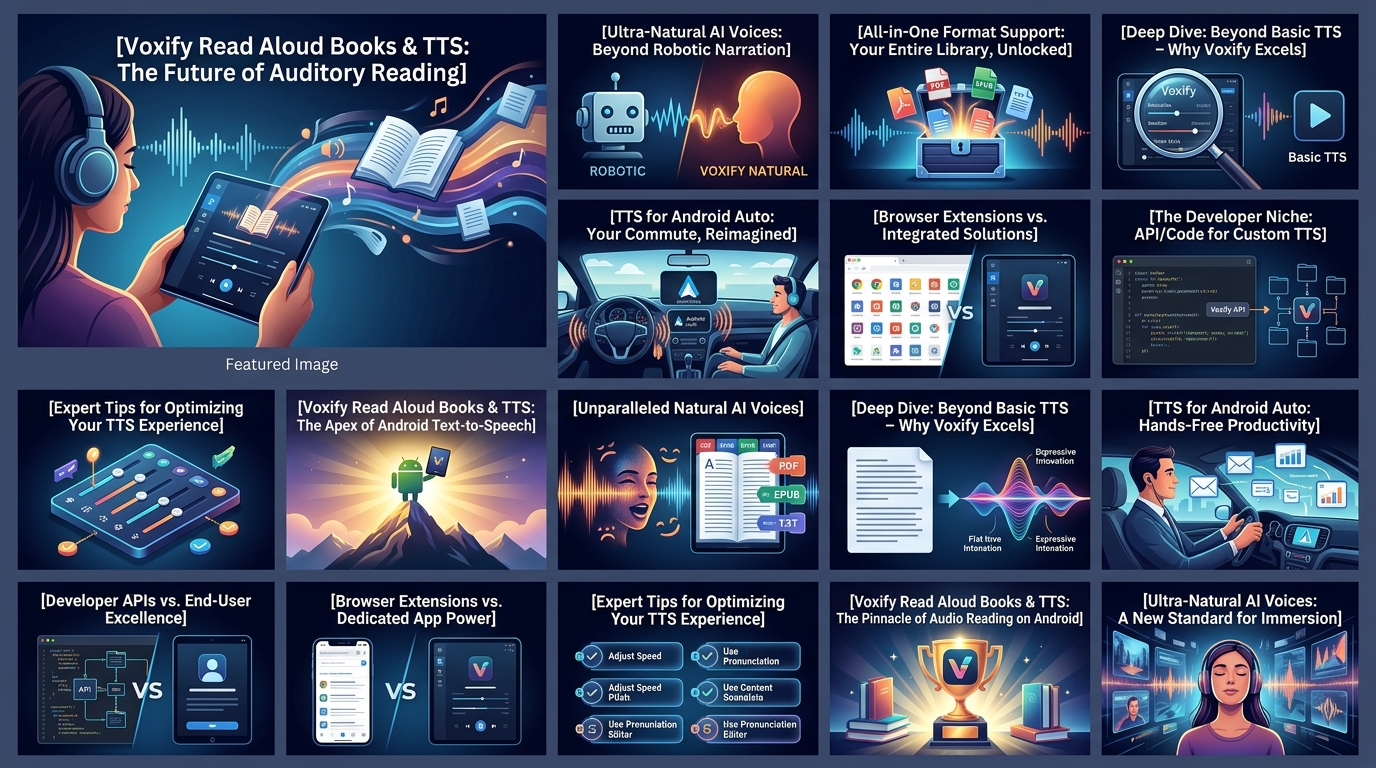
The landscape of Android TTS extends beyond simply reading text aloud. Power users have specific demands, and Voxify consistently rises to the challenge, often surpassing the capabilities of specialized tools.
TTS for Android Auto: Your Commute, Reimagined
For professionals and students on the go, the ability to consume content safely and hands-free is invaluable. While many apps offer basic audio playback, Voxify shines as an exceptional tts for android auto solution. Imagine listening to a complex PDF report, an academic paper, or the latest chapter of your favorite novel directly from your phone, seamlessly integrated into your car’s infotainment system. Voxify’s robust file support and natural ai voice android capabilities ensure that your commute becomes a productive extension of your day, rather than lost time. You can switch between documents or web articles with ease, keeping your focus on the road.
API/Code for Developers vs. User-Centric Innovation
While some users might delve into Android’s native TTS APIs for custom solutions, the vast majority of power users seek polished, ready-to-use applications. Voxify exemplifies how expert development leveraging advanced APIs translates directly into superior user experience. Instead of requiring you to write code, Voxify provides a sophisticated engine that intelligently handles text parsing, voice generation, and audio playback across diverse formats. This means you get the benefits of cutting-edge TTS technology without the complexity, making it an ideal choice for those who value efficiency and performance over DIY coding projects.
Browser Extensions vs. Dedicated Mobile Power
Browser extensions are convenient for desktop web reading, but they fall short for the mobile-first workflow of today’s power user. A dedicated app like Voxify, with its Integrated Web Reader, offers a superior mobile experience. You can save articles for offline listening, manage a reading queue, and utilize all the app’s advanced features – from voice customization to sleep timers – within a single, optimized environment. This seamless integration makes Voxify a far more powerful and versatile tool for consuming online content on your Android device than any browser extension can provide.
Expert Tips for Optimizing Your TTS Experience
To truly unlock the potential of a premium tts reader android app like Voxify, consider these expert tips:
- Master Speed Control: Productivity isn’t just about reading more; it’s about reading smarter. Experiment with playback speeds. Many find that listening at 1.5x or even 2x speed allows for faster comprehension, especially for familiar content or review. Voxify’s high-quality voices maintain clarity even at accelerated rates.
- Leverage Voice Customization: Don’t settle for the default. Use Voxify’s Audio Customization (Pitch/Equalizer) to find a voice pitch and tone that is most comfortable and engaging for your ears. For long listening sessions, a well-tuned voice can significantly reduce listening fatigue.
- Organize Your Audio Library: Utilize Voxify’s robust file management to create folders or playlists for different types of content (e.g., “Work Reports,” “Fiction,” “Learning”). This makes switching between tasks effortless and keeps your audio queue organized.
- Embrace the Sleep Timer: For winding down with an eBook, the Sleep Timer is invaluable. Set it to stop playback after a certain duration or chapter, ensuring you don’t lose your place if you drift off.
- Utilize OCR for Physical Text: Don’t limit yourself to digital files. With Voxify’s Image Reading Support (OCR/Auto-scroll), you can snap a picture of a physical book page or a printed document and have it read aloud. This is a game-changer for accessibility and quick information capture.
By integrating Voxify Read Aloud Books & TTS into your daily routine and applying these expert strategies, you’re not just listening to text; you’re transforming your entire approach to information consumption, boosting your productivity, and reclaiming valuable time.