Beyond Reading: How AI-Powered TTS Transforms Your Android Experience


In an era of information overload and constant digital demands, reading fatigue is a pervasive challenge. For power users – students juggling textbooks, professionals devouring reports, or avid bookworms devouring novels – the sheer volume of text can be daunting. The solution isn’t to read less, but to consume smarter. Enter the revolution of AI-powered audiobooks and sophisticated TTS reader Android applications, transforming how we interact with digital content.
Gone are the days of robotic, monotone voices. Modern Android text to speech technology, especially with advancements in neural TTS, offers an auditory experience so natural, it rivals human narration. This guide cuts through the noise to reveal how to harness this power, focusing on the premier solution for discerning users looking for the best TTS app for books and beyond.
Voxify Read Aloud Books & TTS: The Pinnacle of Android Audio Reading

When it comes to elevating your auditory reading experience on Android, one application stands head and shoulders above the rest: Voxify Read Aloud Books & TTS. It’s not just an app tts reader for android engine download; it’s a comprehensive digital companion designed for productivity, immersion, and unparalleled audio quality.
Voxify transcends the limitations of typical TTS apps, offering a feature set crafted for the modern power user. It’s the ultimate tool for anyone seeking to turn their digital library, web articles, or documents into engaging, lifelike audio.
Ultra-Natural AI Voices: A New Standard for Listening
The cornerstone of Voxify’s appeal lies in its Ultra-Natural AI Voices. Leveraging cutting-edge Neural TTS technology, Voxify delivers speech that is virtually indistinguishable from a human narrator. This isn’t just about clarity; it’s about intonation, pacing, and emotional nuance that makes listening a pleasure, not a chore.
- Neural TTS: Experience voices that adapt to context, delivering natural inflections and realistic pauses.
- Smart Voice Changing for Dialogues: A game-changer for fiction lovers. Voxify intelligently assigns different voices to distinct characters in dialogues, making novels and scripts come alive with dynamic auditory storytelling. This feature alone redefines how you consume multi-character narratives.
All-in-One Format Support: Your Entire Library, Spoken Aloud
No more juggling multiple apps for different file types. Voxify is designed to be your universal audio reader, embracing a vast array of digital formats:
- Multi-format support: Seamlessly read PDF, EPUB, TXT, MOBI, and CBZ files. Whether it’s an academic paper, an eBook, or a comic book script, Voxify handles it with ease.
- Integrated Web Reader: Browse and listen to articles directly from the web. Perfect for catching up on news, blogs, or research papers while multi-tasking.
- Image Reading Support (OCR/Auto-scroll): This innovative feature allows Voxify to read text directly from images, scanned documents, or even comics, using advanced OCR technology. Paired with auto-scroll, it offers a hands-free reading experience for even the most challenging content.
Beyond these core strengths, Voxify is packed with intelligent features that enhance productivity and comfort:
- Audio Customization: Fine-tune your listening experience with a built-in Pitch control and Equalizer, allowing you to adjust voice characteristics and sound profiles to your preference.
- Sleep Timer: Perfect for winding down with a book. Set a timer, and Voxify will gently pause playback, ensuring you don’t lose your place.
With Voxify, the concept of an “engine download” is simplified because the app itself provides a superior, integrated solution that far surpasses standard Android TTS engines.
Deep Dive: Beyond Basic TTS – Addressing Diverse Needs
While many seek a simple tts reader android, power users often have specific demands, from on-the-go consumption to developer integration.
TTS for Android Auto & On-the-Go Productivity
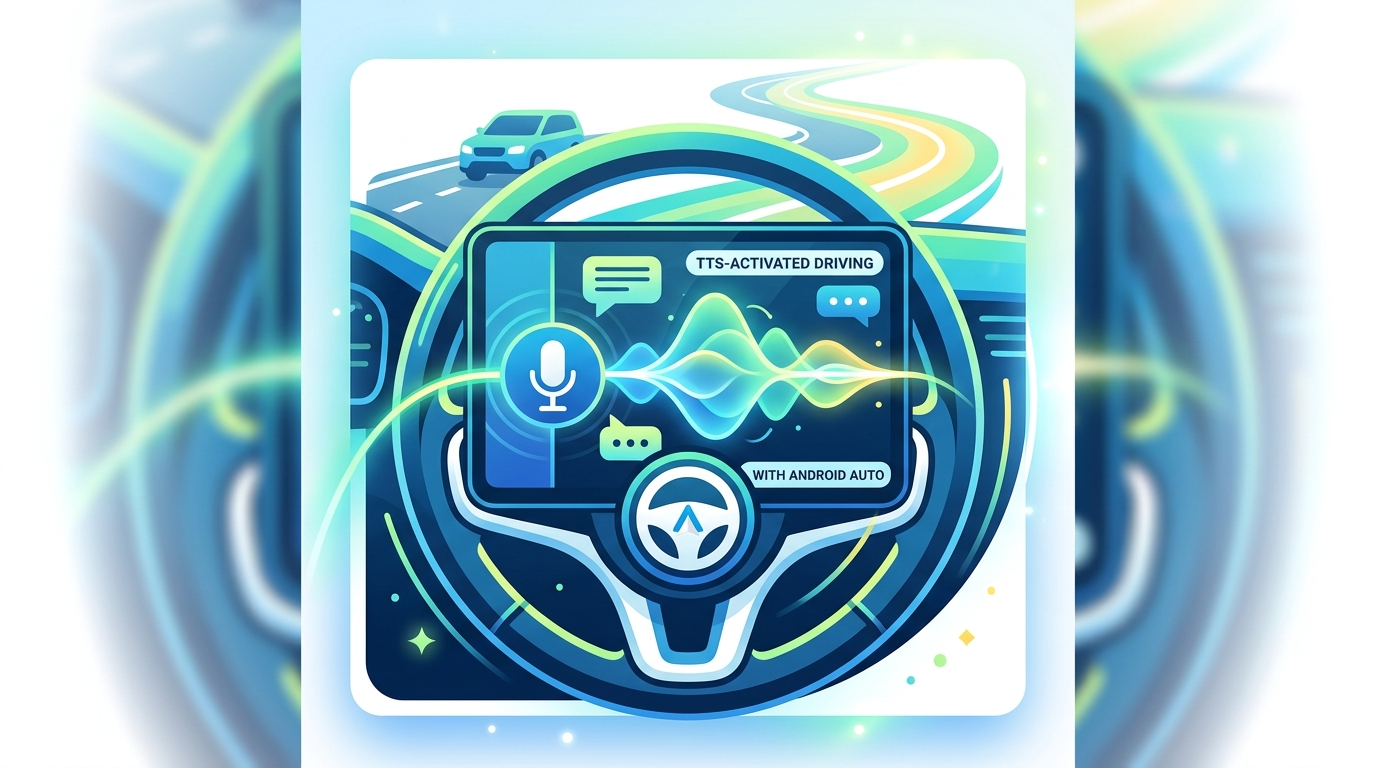
For commuters and multi-taskers, tts for android auto is a critical feature. While direct Android Auto integration varies across apps, the true value lies in a TTS app’s ability to provide a seamless, hands-free listening experience that can be easily managed in a vehicle.
Generic TTS solutions often fall short with clunky interfaces or limited controls. Voxify, with its intuitive design and robust playback controls, ensures that your audiobooks and documents are always accessible and manageable, whether you’re behind the wheel or on a run. Its focus on natural voices reduces listening fatigue, making long commutes productive and enjoyable.
Understanding Android TTS Engines & APIs for Developers
For developers or advanced users wondering about the “engine download” aspect, Android’s ecosystem includes a default Google Text-to-Speech engine. This engine provides the foundational API for apps to convert text into speech. However, the quality and features can be basic.
While developers can integrate with this default engine, leading-edge apps like Voxify often employ or integrate with more advanced, proprietary neural TTS engines (like those from Google Cloud, Amazon Polly, or their own custom solutions) to achieve their superior voice quality and specialized features. This means you’re not just downloading a generic engine; you’re leveraging an app that has meticulously chosen and integrated the best possible speech synthesis technology for an unparalleled user experience.
Browser Extensions vs. Dedicated Apps: Why Native Wins
Many users explore browser extensions for TTS, especially for web content. While convenient for quick reads, browser extensions often come with limitations:
- Limited Format Support: Primarily focused on web pages, rarely supporting local documents like PDFs or EPUBs.
- Basic Voice Quality: Often rely on the browser’s default TTS, which may lack the advanced neural AI voices of dedicated apps.
- Offline Access: Typically require an internet connection, unlike dedicated apps that can often process downloaded content offline.
- Feature Set: Lack advanced features like smart voice changing, sleep timers, or extensive audio customization.
A dedicated tts reader android app like Voxify offers a holistic, feature-rich experience that integrates seamlessly with your entire digital library and lifestyle, far surpassing the capabilities of a simple browser extension.
Expert Tips: Maximizing Your TTS Experience for Peak Productivity
To truly unlock the potential of your tts reader android and turn passive listening into active learning and enjoyment, consider these expert tips:
- Master Speed Adjustment: For productivity, don’t be afraid to increase playback speed (1.5x to 2x) once you’re accustomed to the voice. Voxify’s natural voices maintain clarity even at higher speeds, allowing you to consume more content in less time.
- Experiment with Voices: Don’t settle for the default. Voxify offers a range of natural voices. Find one that resonates with you and reduces listening fatigue. For dialogue-heavy content, leverage the Smart Voice Changing feature.
- Utilize the Equalizer: Adjust the bass, treble, and mid-ranges in Voxify’s audio customization settings. This can significantly improve clarity and comfort, especially in noisy environments or with specific voice profiles.
- Batch Process Content: Before a commute or a dedicated listening session, load up multiple articles, chapters, or documents into Voxify. This minimizes interruptions and keeps your flow state intact.
- Integrate with Your Workflow: Use TTS for proofreading your own writing (hearing errors is often easier than seeing them), catching up on industry news during exercise, or reviewing study materials while doing chores.
- Leverage Sleep Timer for Focus: If you find your mind wandering, use the sleep timer not just for bedtime, but also as a focus timer during the day. Set it for 20-30 minutes of uninterrupted listening.
By embracing these strategies and harnessing the power of an advanced tts reader android like Voxify, you transform your device into a powerhouse of knowledge consumption, making reading fatigue a relic of the past.