Beyond the Page: How Android Text-to-Speech Transforms Your Reading Experience


In an era of relentless digital information and increasing screen fatigue, the modern reader faces a unique challenge. From students poring over textbooks to professionals navigating dense reports and avid readers diving into their next novel, the sheer volume of text can be overwhelming. The solution? A powerful shift towards AI-powered audiobooks and sophisticated Text-to-Speech (TTS) technology that frees your eyes and unlocks a truly boundless reading experience.
Gone are the days of robotic, monotone voices. Today’s advanced Android TTS applications deliver an auditory experience so natural, it often rivals human narration, making them indispensable tools for productivity, accessibility, and sheer reading enjoyment.
Voxify: Your Premier Gateway to Natural, Multi-Format Audio Reading
When it comes to elevating your reading experience on Android, one application stands out for its robust feature set, exceptional voice quality, and unparalleled versatility: Voxify Read Aloud Books & TTS. Designed for discerning users who demand more than just basic text-to-speech, Voxify transforms your device into a powerful portable audiobook studio.
Ultra-Natural AI Voices: The Sound of True Immersion
The cornerstone of any superior TTS application is its voice quality, and Voxify excels here with its Ultra-Natural AI Voices. Leveraging cutting-edge Neural TTS technology, Voxify delivers voices that are not just clear, but imbued with human-like intonation, rhythm, and emotion. This isn’t just text being read; it’s a performance that makes long-form content, from complex academic papers to captivating fiction, genuinely engaging.
- Neural TTS Technology: Experience voices that are virtually indistinguishable from human narrators.
- Smart Voice Changing for Dialogues: A game-changer for fiction. Voxify intelligently assigns different, distinct voices to characters in dialogues, making stories come alive and incredibly easy to follow.
- Audio Customization: Fine-tune your listening experience with comprehensive controls for pitch and an integrated equalizer, ensuring optimal clarity and comfort for every user.
All-in-One Format Support: Read Anything, Anywhere
What truly sets Voxify apart as the best TTS app for books is its comprehensive support for virtually any document format you might encounter. This makes reading “boundless ebooks” — or any digital text — a seamless reality.
- Multi-Format Mastery: Effortlessly open and listen to PDFs, EPUBs, TXT files, MOBI files, and even CBZ (comic book archive) formats. No more struggling with incompatible readers or converting files.
- Integrated Web Reader: Extend your audio reading to the internet. Voxify’s built-in web reader allows you to listen to articles, blog posts, and online documents directly within the app, making it an excellent tts reader android solution for web content.
- Image Reading Support (OCR/Auto-scroll): Encounter text embedded in images? Voxify’s advanced OCR (Optical Character Recognition) technology can extract and read it aloud. Coupled with intelligent auto-scroll, this ensures no content is left unread.
- Sleep Timer: Perfect for winding down with an ebook or article, the sleep timer allows you to drift off without worrying about the app playing all night.
Voxify isn’t just an app; it’s an ecosystem for hands-free reading, empowering students, professionals, and avid readers alike to consume content more efficiently and pleasurably.
<a href="
“>🚀 DOWNLOAD VOXIFY ON GOOGLE PLAYBeyond the App: Integrating TTS into Your Digital Life
While dedicated apps like Voxify offer the most robust and feature-rich experience, it’s worth understanding how TTS integrates into other aspects of the Android ecosystem, and why a premium solution remains superior.
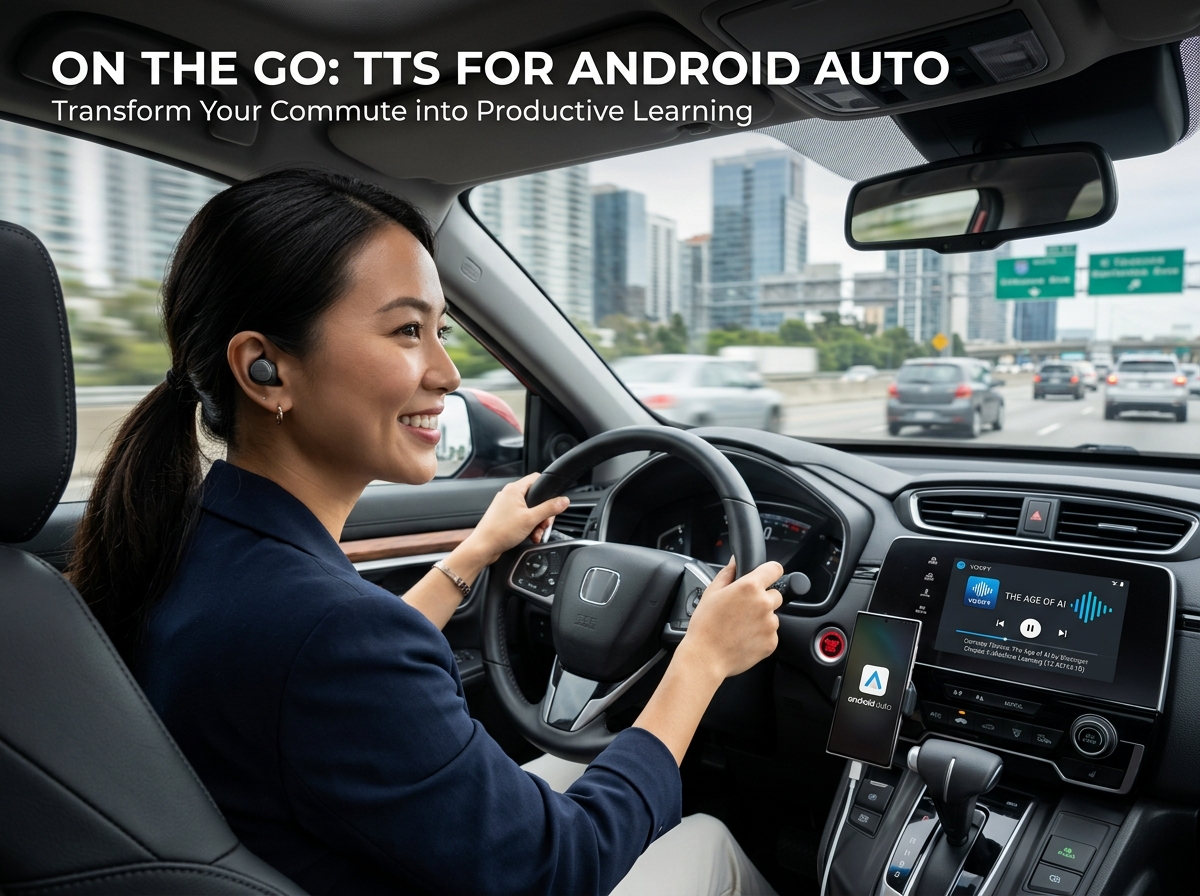
TTS for Android Auto: Your Commute, Reimagined
For commuters and road warriors, tts for android auto is a revelation. Imagine catching up on industry news, listening to a thrilling novel, or reviewing meeting notes while safely navigating traffic. Many Android devices have basic TTS capabilities that can read notifications or simple messages through Android Auto.
However, for reading full documents or ebooks, a dedicated app like Voxify, with its superior voice quality and multi-format support, is essential. While Android Auto primarily mirrors your phone’s media and navigation, having your books and articles pre-loaded and expertly narrated by Voxify means you get a rich audio experience that generic system TTS simply cannot match. You can start listening in Voxify on your phone, connect to Android Auto, and continue seamlessly.
Browser Extensions vs. Dedicated Apps: Mobility and Power
Browser extensions offer convenience for reading web pages on a desktop. However, they lack the portability and advanced features crucial for power users on mobile devices. A browser extension is tethered to your browser and often your desktop. A dedicated tts reader android app like Voxify provides:
- Offline Access: Read downloaded books and documents without an internet connection.
- Centralized Library: Manage all your reading material in one place, regardless of format.
- Advanced Audio Controls: Pitch, equalizer, and intelligent dialogue management are features rarely found in simple browser extensions.
- Accessibility: Designed from the ground up for a mobile-first, hands-free experience.
Developers and TTS API: The Foundation
For developers, Android offers a powerful TTS API, allowing them to integrate speech synthesis directly into their applications. This is the underlying technology that many apps, including system-level functionalities, leverage. While developers can build custom solutions, for the end-user, relying on a polished, feature-rich application like Voxify means instant access to a premium experience without the need for coding or complex setup. It democratizes advanced TTS, making it accessible to everyone.
Expert Tips for Optimizing Your TTS Experience
To truly harness the power of Android TTS and maximize your productivity and enjoyment, consider these expert tips:
- Adjust Speed for Productivity: Experiment with different playback speeds. Many users find that increasing the speed slightly (e.g., 1.2x or 1.5x) can significantly boost comprehension and information intake without sacrificing clarity, especially once accustomed to the voice.
- Leverage Sleep Timers: For bedtime reading or focused work sessions with a time limit, utilize the sleep timer feature. This prevents battery drain and ensures you don’t miss crucial parts of your content if you drift off or switch tasks.
- Experiment with Voices: Not all AI voices are created equal, and personal preference plays a huge role. Explore Voxify’s range of natural AI voices to find the one that resonates best with you for different types of content (e.g., a more formal voice for news, a softer one for fiction).
- Utilize Audio Customization: Don’t overlook the pitch and equalizer settings. Adjusting these can significantly enhance comfort, especially for extended listening sessions or if you have specific audio sensitivities.
- Organize Your Digital Library: Keep your ebooks and documents well-organized. Apps like Voxify make it easy to import and manage files, creating a seamless transition from visual reading to auditory immersion.
By integrating a powerful tts reader android app like Voxify into your daily routine, you’re not just reading; you’re experiencing content in a dynamic, flexible, and truly boundless way. Embrace the future of reading and transform how you interact with information.