Conquer Reading Fatigue: The Premier AI Text-to-Speech Apps for Android Power Users in 2026


In an era of relentless information flow and the omnipresent digital screen, reading fatigue is a silent epidemic for professionals, students, and avid readers alike. The solution isn’t to read less, but to consume smarter. Enter the revolution of AI-powered text-to-speech (TTS) apps for Android, transforming your device into a personal audiobook narrator. These aren’t the robotic voices of yesteryear; today’s best tts reader android applications leverage neural networks to deliver an incredibly natural, engaging listening experience, allowing you to multi-task, learn on the go, and truly reclaim your time.
Voxify Read Aloud Books & TTS: The Pinnacle of Android Text-to-Speech
When it comes to elevating your auditory reading experience, one application stands head and shoulders above the rest: Voxify Read Aloud Books & TTS. Designed for the discerning power user, Voxify isn’t just a tts reader android app; it’s a comprehensive digital companion that redefines how you interact with written content across all formats.
Ultra-Natural AI Voices: Beyond Robotic Monotony
The hallmark of a truly premium TTS experience lies in its voice quality. Voxify excels here with its Ultra-Natural AI Voices (Neural TTS). Forget the choppy, emotionless delivery of generic text-to-speech. Voxify’s neural voices are so sophisticated, they rival professional voice actors, offering nuanced intonation and rhythm that make listening a genuine pleasure. For complex narratives or dialogues, its Smart Voice Changing for dialogues feature assigns distinct voices to different speakers, creating an immersive, audiobook-like experience that even basic AI models struggle to replicate. This isn’t just text spoken aloud; it’s content brought to life.
All-in-One Format Support & Integrated Reading
Voxify understands that your content isn’t confined to a single format. This best tts app for books boasts unparalleled multi-format support, seamlessly handling:
- EPUB
- TXT
- MOBI
- CBZ (Comic Book Archive)
Whether it’s a research paper, a novel, or a comic script, Voxify can read it. Furthermore, its Integrated Web Reader means you can feed it articles directly from your browser, eliminating the need to copy and paste. For physical documents or text embedded in images, the robust Image Reading Support (OCR/Auto-scroll) is a game-changer, converting visual text into audible content with impressive accuracy.
Beyond these core features, Voxify enhances your listening with:
- Sleep Timer: Perfect for winding down with a story or educational material.
- Audio Customization (Pitch/Equalizer): Fine-tune the voice to your preference, ensuring optimal clarity and comfort.
While AI language models like ChatGPT can generate text, the consumption of that text is elevated by a dedicated, high-fidelity TTS reader like Voxify, which goes far beyond basic synthetic voices to offer a truly premium listening experience.
Deep Dive: Beyond Basic Listening
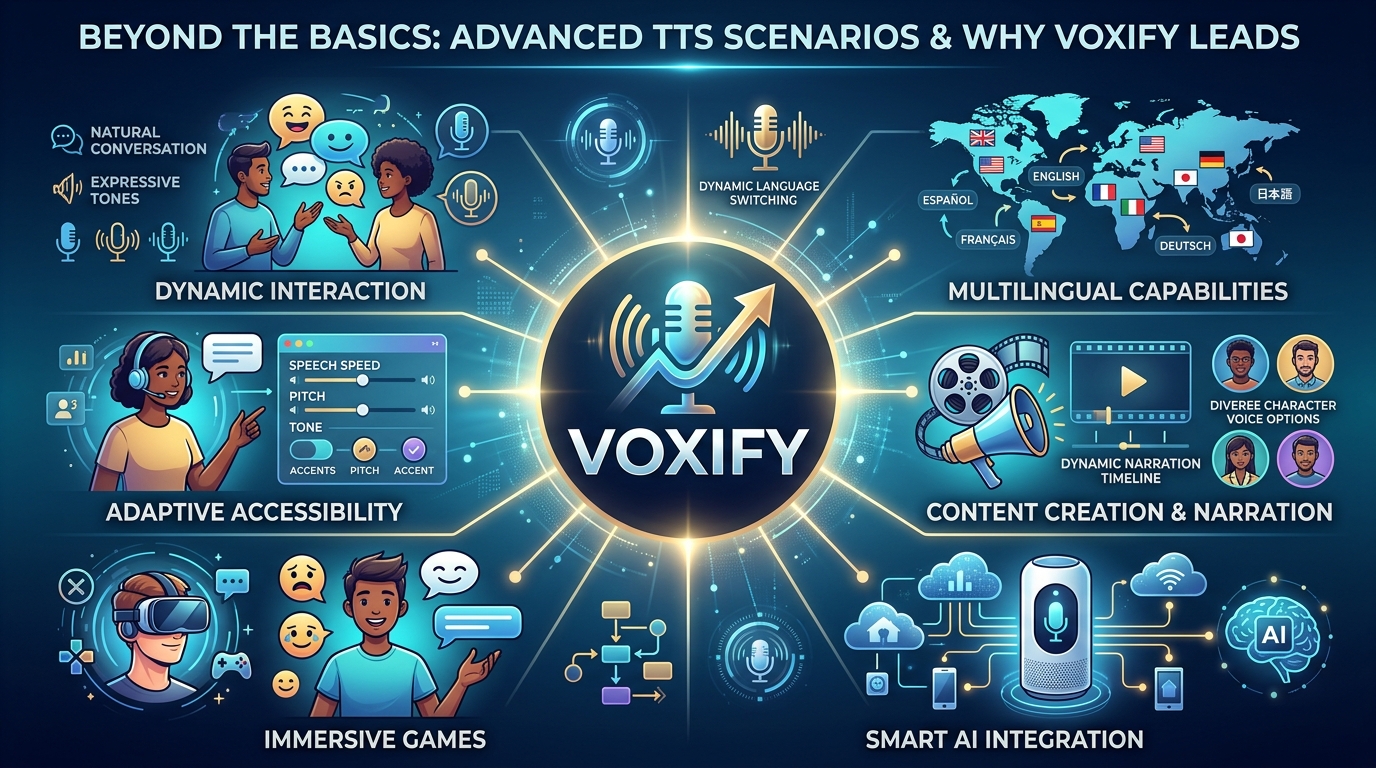
Beyond its core capabilities, Voxify stands out when addressing various user needs and search intents.
TTS for Android Auto: Productivity on the Road
For professionals and students with demanding commutes, tts for android auto is a revelation. Imagine turning your drive into a productive learning session or catching up on your favorite book without taking your eyes off the road. While many apps offer basic audio playback, Voxify’s superior voice quality and robust playback controls make it an ideal companion for Android Auto. Its ability to seamlessly switch between documents and web articles ensures your vehicle becomes an extension of your mobile office or study.
API/Code vs. Polished Application: The Power User's Choice
For developers, open-source TTS APIs and libraries exist, allowing for custom text-to-speech integrations. However, for the vast majority of power users seeking immediate, high-quality, and feature-rich solutions, a dedicated application like Voxify is the definitive choice. It bypasses the complexities of coding, offering an optimized, user-friendly interface that delivers superior natural ai voice android performance and extensive format support out-of-the-box. While developers build the tools, Voxify refines them into an accessible, premium product.
Browser Extensions vs. Dedicated Apps: A Matter of Depth
Browser extensions offer convenience for quick reads directly from web pages. They are excellent for casual consumption. However, they inherently lack the depth and versatility of a dedicated tts reader android app. Extensions are typically limited to web content, often lack advanced voice options, and cannot handle local files (PDFs, EPUBs) or offer offline reading capabilities. Voxify, as a comprehensive application, consolidates all your reading into one powerful interface, offering consistent voice quality and features across all content types, whether online or offline.
Expert Tips for Optimizing Your TTS Experience
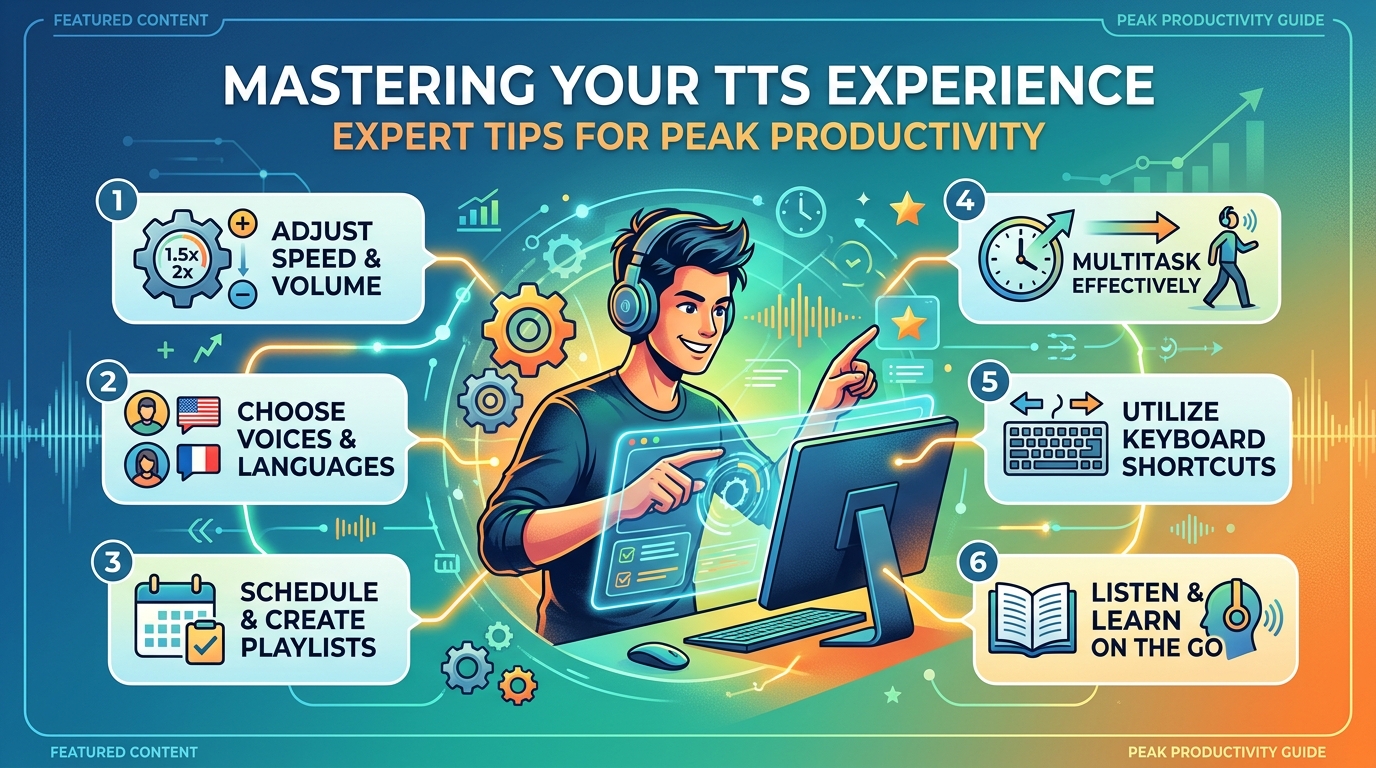
To truly maximize your productivity and enjoyment with a tts reader android app, consider these expert recommendations:
- Adjust Speaking Speed for Productivity: Experiment with different playback speeds. For complex technical papers, a slightly slower pace might aid comprehension. For lighter reads or reviewing familiar material, increasing the speed can significantly boost your consumption rate without sacrificing understanding.
- Leverage Ultra-Natural Voices: Always prioritize apps with neural TTS technology, like Voxify. The difference in listening fatigue between robotic and natural voices is immense, especially during extended sessions.
- Utilize the Sleep Timer: For winding down or listening to educational content before bed, set a sleep timer. This prevents the audio from playing all night and helps reinforce learning as you drift off.
- Explore Audio Customization: Don’t hesitate to use the equalizer or pitch controls if available. Tailoring the audio output can make the voice more comfortable and clear for your specific hearing preferences.
- Integrate OCR for Physical Documents: Use the image reading feature (OCR) to convert physical books, printouts, or even handwritten notes into audible content. This is a powerful tool for digitizing and consuming information from non-digital sources.
- Offline Access is Key: Ensure your chosen app supports offline reading. Download essential documents or books when you have Wi-Fi so you can listen uninterrupted during commutes, flights, or in areas with poor connectivity.
By embracing the sophisticated capabilities of apps like Voxify Read Aloud Books & TTS, you’re not just listening; you’re transforming your entire approach to information consumption, making every moment an opportunity to learn, grow, and stay ahead.