Drive Smarter, Read More: The Premier TTS App for Your Android Head Unit & Beyond


In an era defined by relentless information streams and persistent screen fatigue, the modern professional, student, and avid reader faces a unique challenge: how to consume more content without sacrificing precious time or eye health. The answer, increasingly, lies in the power of AI-driven audio. Text-to-Speech (TTS) technology has evolved beyond robotic voices, offering a sophisticated gateway to hands-free reading, transforming commutes, workouts, and multitasking into productive learning opportunities. For those with Android head units, this means turning your vehicle into a mobile library, making every journey an enriching experience.
Voxify Read Aloud: The Gold Standard for On-the-Go Audio Reading
While the market offers various TTS solutions, discerning power users demand an application that marries cutting-edge AI with comprehensive functionality. Enter Voxify Read Aloud Books & TTS, the undisputed leader in transforming digital text into engaging audio. Engineered for seamless integration and unparalleled voice quality, Voxify is not just a reader; it’s a productivity powerhouse designed for your Android head unit and every other aspect of your digital life.
Natural AI Voices That Captivate
The hallmark of a superior TTS experience is voice quality. Voxify sets itself apart with Ultra-Natural AI Voices, leveraging advanced Neural TTS technology. Gone are the days of monotonous, synthetic speech. Voxify delivers lifelike intonation, rhythm, and clarity, making long-form content genuinely enjoyable. Furthermore, its Smart Voice Changing for dialogues feature dynamically assigns different voices to speakers within a text, creating an immersive, audiobook-like experience that significantly enhances comprehension and engagement, especially for novels or academic papers.
All-in-One Format Support & Seamless Integration
Voxify understands that your content comes in many forms. This app boasts unparalleled multi-format support, effortlessly handling:
- PDF documents
- EPUB books
- TXT files
- MOBI ebooks
- CBZ comic book archives
Beyond local files, the Integrated Web Reader allows you to paste URLs and listen to articles directly from the web, making it ideal for news, blogs, and research papers. For content locked within images, Voxify’s Image Reading Support (OCR/Auto-scroll) intelligently extracts text, transforming inaccessible information into audible narratives. Combined with granular Audio Customization options like Pitch and Equalizer adjustments, and a convenient Sleep Timer, Voxify offers a truly personalized listening journey.
🚀 DOWNLOAD VOXIFY ON GOOGLE PLAY
Deep Dive: TTS Integration for Android Power Users
The true value of a premium TTS app like Voxify becomes evident when considering its practical applications across various user scenarios, from your Android head unit to your daily workflow.
Enhancing Your Android Auto Experience
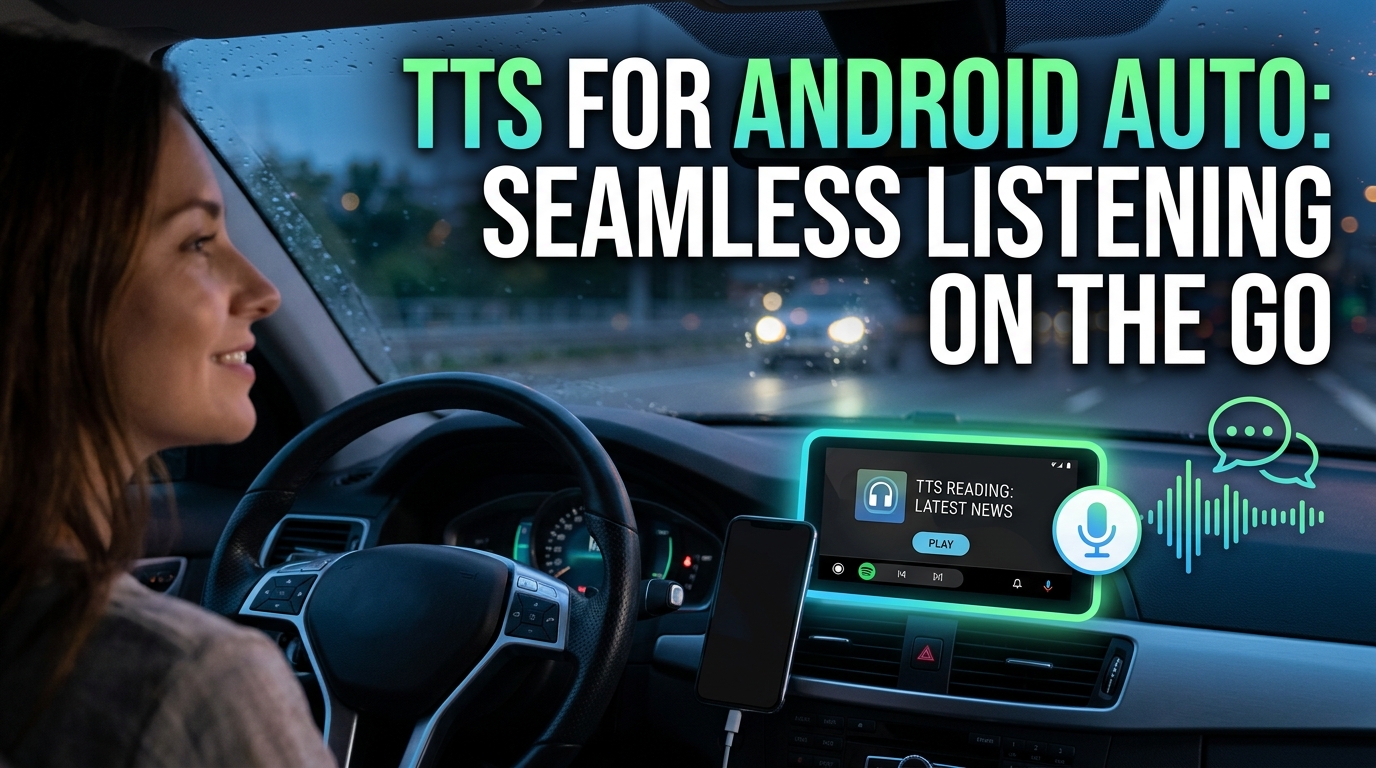
For drivers, a tts reader android app integrated with your Android head unit is a game-changer. While Android Auto itself supports basic media playback, a dedicated app like Voxify elevates the experience. Imagine queuing up a complex PDF research paper, an EPUB novel, or a lengthy web article, and having Voxify’s natural AI voices narrate it flawlessly through your car’s speakers. Its robust file management and intuitive interface mean less fumbling and more focus on the road. This is where a tts for android auto solution truly shines, turning idle commute time into productive learning or relaxing entertainment.
Beyond Basic TTS: Why Dedicated Apps Triumph
Many search for a tts reader android solution, often encountering browser extensions or basic system-level TTS engines (like Google Text-to-Speech). While these have their place, they rarely offer the advanced features required by power users. Browser extensions are tethered to a specific browser and lack multi-format file support. System TTS engines, though foundational, often provide less natural voices and no advanced features like dialogue voice changing or image reading.
This is precisely where Voxify excels. It isn’t just a generic ai text to speech android tool; it’s a purpose-built best tts app for books and documents, providing a unified, feature-rich platform that goes far beyond simple text conversion. Its integrated features, especially the natural ai voice android capabilities, make it a standalone solution that doesn’t rely on other apps or services for core functionality.
For the Tech-Savvy: Understanding Underlying Engines vs. User Experience
Developers might explore TTS APIs (like Google Cloud Text-to-Speech or Amazon Polly) to build custom solutions. While powerful for specific applications, these require significant technical expertise. For the end-user seeking an immediate, polished, and comprehensive solution, a fully developed app like Voxify is superior. It abstracts away the complexity of integrating various engines and features, delivering a seamless, ready-to-use experience with cutting-edge natural ai voice android technology.
Expert Tips for Optimizing Your TTS Experience
Maximizing the utility of a powerful tts reader android app like Voxify involves more than just pressing play. Here’s how to refine your audio reading workflow:
- Choose the Right Voice: Experiment with Voxify’s array of Ultra-Natural AI Voices. Different voices might suit different types of content (e.g., a formal voice for technical papers, a more expressive one for fiction).
- Adjust Reading Speed for Productivity: While listening, find your optimal speed. Start at a comfortable pace, then gradually increase it to consume more information efficiently. Voxify’s precise speed controls allow for fine-tuning.
- Leverage Audio Customization: Utilize the Pitch and Equalizer settings to tailor the audio output to your preferences or specific listening environment (e.g., boosting bass in a noisy car).
- Master the Sleep Timer: For bedtime reading or winding down, set the sleep timer. This prevents the app from playing indefinitely and helps conserve battery.
- Organize Your Library: Take advantage of Voxify’s intuitive interface to organize your PDFs, EPUBs, and web articles. A well-organized library means less searching and more listening.
- Pre-load Content for Offline Access: Before a long drive or flight, download and prepare your content within Voxify. This ensures uninterrupted listening even without an internet connection, crucial for android head unit tts usage.
By integrating Voxify Read Aloud Books & TTS into your daily routine, especially with your Android head unit, you transform passive waiting or driving time into active, enriching moments. It’s more than just an app; it’s a commitment to smarter, more efficient content consumption.