Elevate Your Reading: The Premier AI Text-to-Speech Apps for Android in 2026


In an era defined by constant information overload and digital fatigue, the simple act of reading can feel like another chore. For power users, students, and professionals juggling multiple demands, the shift from visual consumption to auditory learning is not just a convenience—it’s a productivity imperative. Artificial intelligence has revolutionized this landscape, transforming static text into dynamic, engaging audio experiences. No longer are we bound by robotic voices; the future of reading is natural, intelligent, and entirely hands-free.
Voxify Read Aloud Books & TTS: The Pinnacle of Android Text-to-Speech
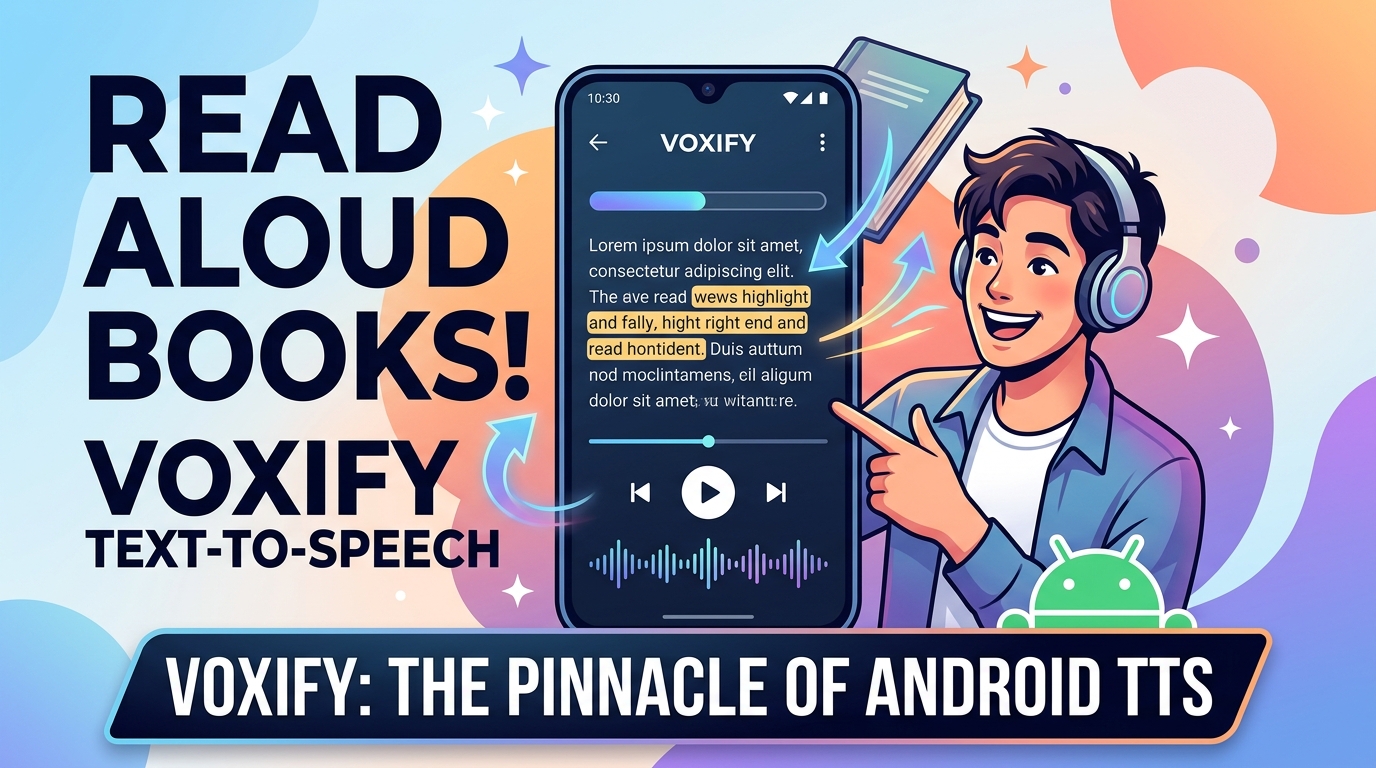
When it comes to transforming your Android device into a personal audio library, one application stands head and shoulders above the rest: Voxify Read Aloud Books & TTS. Engineered for discerning users across the USA, UK, and Australia, Voxify isn’t just a TTS reader; it’s a comprehensive auditory companion designed to make every word accessible and enjoyable, regardless of its origin.
Ultra-Natural AI Voices: Beyond Robotic Monotones
The most significant leap in TTS technology lies in its vocal quality. Voxify leverages Ultra-Natural AI Voices (Neural TTS), delivering an auditory experience so refined, it’s virtually indistinguishable from human narration. This isn’t just about clarity; it’s about nuance, intonation, and emotional resonance. For long-form content, this natural quality drastically reduces listening fatigue, allowing you to absorb information more effectively. Furthermore, Voxify introduces Smart Voice Changing for dialogues, assigning distinct voices to different speakers, making novels and scripts come alive with unparalleled immersion.
All-in-One Format Support & Seamless Integration
Voxify understands that your digital library isn’t confined to a single format. Its robust compatibility ensures you can listen to virtually any text:
- Multi-format Support: Seamlessly read PDF, EPUB, TXT, MOBI, CBZ files directly within the app. Say goodbye to format conversion headaches.
- Integrated Web Reader: Transform online articles, blog posts, and research papers into audio with Voxify’s built-in web browser, making web content accessible on the go.
- Image Reading Support (OCR/Auto-scroll): Even scanned documents or image-based text are no barrier, thanks to advanced OCR technology and auto-scrolling for a smooth experience.
Beyond core functionality, Voxify offers intelligent features crafted for productivity and comfort:
- Sleep Timer: Drift off to your favorite book without worrying about playback continuing all night.
- Audio Customization: Fine-tune your listening experience with a built-in Pitch/Equalizer, allowing you to adjust the voice to your preference.
For students reviewing lecture notes, professionals catching up on industry reports, or book lovers devouring their next novel, Voxify offers an unmatched blend of power and simplicity. It truly is the best tts app for books and beyond.
Deep Dive: Android TTS Across Scenarios
The Android ecosystem offers foundational TTS capabilities, but advanced applications like Voxify elevate the user experience far beyond the basics. Understanding the underlying technology and how leading apps leverage it is key for power users.
The Android TTS Engine: A Developer's Foundation
At its core, Android provides a TextToSpeech class that allows developers to integrate TTS functionality into their applications. This API enables apps to convert text into spoken audio using the device’s default TTS engine (like Google’s Text-to-speech). While this offers basic functionality, the quality and features are dependent on the engine and the developer’s implementation.
For a power user, this means that while many apps can speak text, very few do it well. Apps like Voxify distinguish themselves by either integrating highly advanced, proprietary neural TTS engines or by expertly leveraging and enhancing the best available public engines with sophisticated post-processing and UI/UX features, delivering that natural ai voice android users crave.
TTS for Android Auto: Productivity on the Road
The demand for hands-free consumption extends directly to the automotive environment. TTS for Android Auto allows users to listen to messages, navigation instructions, and, crucially, their documents and books while commuting. While basic TTS can read simple notifications, a robust tts reader android app like Voxify, with its multi-format support and web reader, ensures you can continue your reading list or research without distraction. Imagine seamlessly transitioning from reading a PDF on your tablet to listening to it in your car, all managed by one intuitive application. Voxify’s superior voice quality makes long drives more productive and enjoyable.
Beyond Browser Extensions: Integrated Web Reading
Many users turn to browser extensions on desktop for web-to-speech functionality. On mobile, this often leads to a fragmented experience. Voxify’s Integrated Web Reader eliminates this need for separate tools. Instead of relying on a browser add-on that might be clunky or resource-intensive on mobile, Voxify brings web content directly into its optimized reading environment. This means consistent voice quality, seamless control (like speed adjustment and sleep timer), and unified management of all your listening material, whether it’s a local file or an online article.
Expert Tips for Optimizing Your TTS Experience
To truly harness the power of your tts reader android app, consider these expert recommendations:
- Experiment with Voice Speeds: While 1x is natural, many users find they can comfortably comprehend at 1.5x or even 2x speed for non-fiction or familiar content, significantly boosting productivity. Voxify’s high-quality neural voices maintain intelligibility even at higher speeds.
- Utilize the Sleep Timer: For winding down with a book, the sleep timer is invaluable. Set it to stop playback after 15-30 minutes to conserve battery and avoid losing your place.
- Leverage Audio Customization: Don’t hesitate to adjust the Pitch/Equalizer in apps like Voxify. A slightly lower pitch might be more soothing for long listening sessions, or a tweak to the equalizer could enhance clarity in noisy environments.
- Organize Your Library: Use the app’s organizational features to categorize books, articles, and documents. A well-managed library ensures you can quickly find what you want to listen to next.
- Offline Access: For commutes or areas with poor connectivity, ensure your chosen app supports offline downloading of voices or content. Voxify’s efficient design helps manage your downloads for seamless offline listening.
The journey from text to engaging audio has never been more sophisticated. With advanced tts reader android applications like Voxify Read Aloud Books & TTS, you’re not just reading; you’re experiencing content in a richer, more flexible, and ultimately more productive way. Embrace the future of reading and reclaim your time.