Elevate Your Reading: The Premier Text-to-Speech Apps for Android in 2026


Modern life demands efficiency. For many, the joy of reading often collides with the relentless pace of daily tasks, leading to “reading fatigue.” The solution? AI-powered audiobooks and sophisticated Text-to-Speech (TTS) applications that transform written content into engaging audio, freeing your eyes and hands for other activities. This shift isn’t just about convenience; it’s about unlocking new dimensions of productivity and accessibility for students, professionals, and avid readers alike.
While the Android ecosystem offers a plethora of TTS options, discerning power users seek more than just basic functionality. They demand natural-sounding voices, comprehensive format support, and an intuitive experience that seamlessly integrates into their digital lives.
Voxify Read Aloud Books & TTS: The Pinnacle of Android TTS
When it comes to transforming your Android device into a powerful audio reading companion, Voxify Read Aloud Books & TTS stands out as the unequivocal leader. Designed for those who demand excellence, Voxify redefines the tts reader android experience, making it the best tts app for books and much more.
Voxify isn’t just another app; it’s a comprehensive platform engineered to cater to every reading need, from academic papers to captivating novels. Its robust feature set and unparalleled voice quality set a new benchmark for what’s possible with mobile TTS.
Ultra-Natural AI Voices: Beyond Robotic Monotones
The cornerstone of any superior TTS experience lies in its voices. Voxify leverages cutting-edge Ultra-Natural AI Voices (Neural TTS) to deliver an auditory experience that is virtually indistinguishable from human narration. Gone are the robotic, monotonous tones of yesteryear. Voxify’s voices possess natural intonation, rhythm, and emotional nuance, making long listening sessions genuinely enjoyable.
Beyond mere naturalness, Voxify introduces Smart Voice Changing for dialogues. This innovative feature automatically assigns different, distinct voices to various characters in a book or document, mimicking the dynamic experience of an audiobook and significantly enhancing comprehension and immersion, especially for fiction lovers.
All-in-One Format Support & Seamless Integration
One of Voxify’s most compelling strengths is its incredible versatility in handling diverse content. It’s designed to be your single go-to app for all reading materials.
- Multi-format support: Whether you’re dealing with a PDF for work, an EPUB novel, a simple TXT file, a MOBI ebook, or even CBZ comic book archives, Voxify handles them all with grace. This eliminates the need for multiple apps and ensures a consistent reading experience.
- Integrated Web Reader: Browse the internet and have articles, blog posts, or news read aloud directly within the app. This is a game-changer for staying informed without screen fatigue.
- Image Reading Support (OCR/Auto-scroll): Encounter an image with text? Voxify’s integrated OCR (Optical Character Recognition) technology can extract and read text from images, even automatically scrolling through multi-page image documents. This is invaluable for scanned documents or image-heavy content.
- Audio Customization: Fine-tune your listening experience with comprehensive audio controls, including Pitch adjustments and a built-in Equalizer. Tailor the sound to your preference, ensuring maximum comfort and clarity.
- Sleep Timer: For those who enjoy listening before bed, the integrated Sleep Timer ensures the app gracefully pauses, preventing battery drain and preserving your place.
Voxify understands that the visual presentation of text is as crucial as the audio. While it doesn’t offer arbitrary “background image” customization, it prioritizes a clean, readable interface that respects the original document’s formatting for PDF, EPUB, and other formats, ensuring your focus remains on the content, not distractions.
<a href="
“>🚀 DOWNLOAD VOXIFY ON GOOGLE PLAYBeyond Basic Playback: Advanced TTS Scenarios
While generic Android TTS engines exist, they often fall short in specialized scenarios. Power users frequently look for solutions that integrate with their broader tech ecosystem.
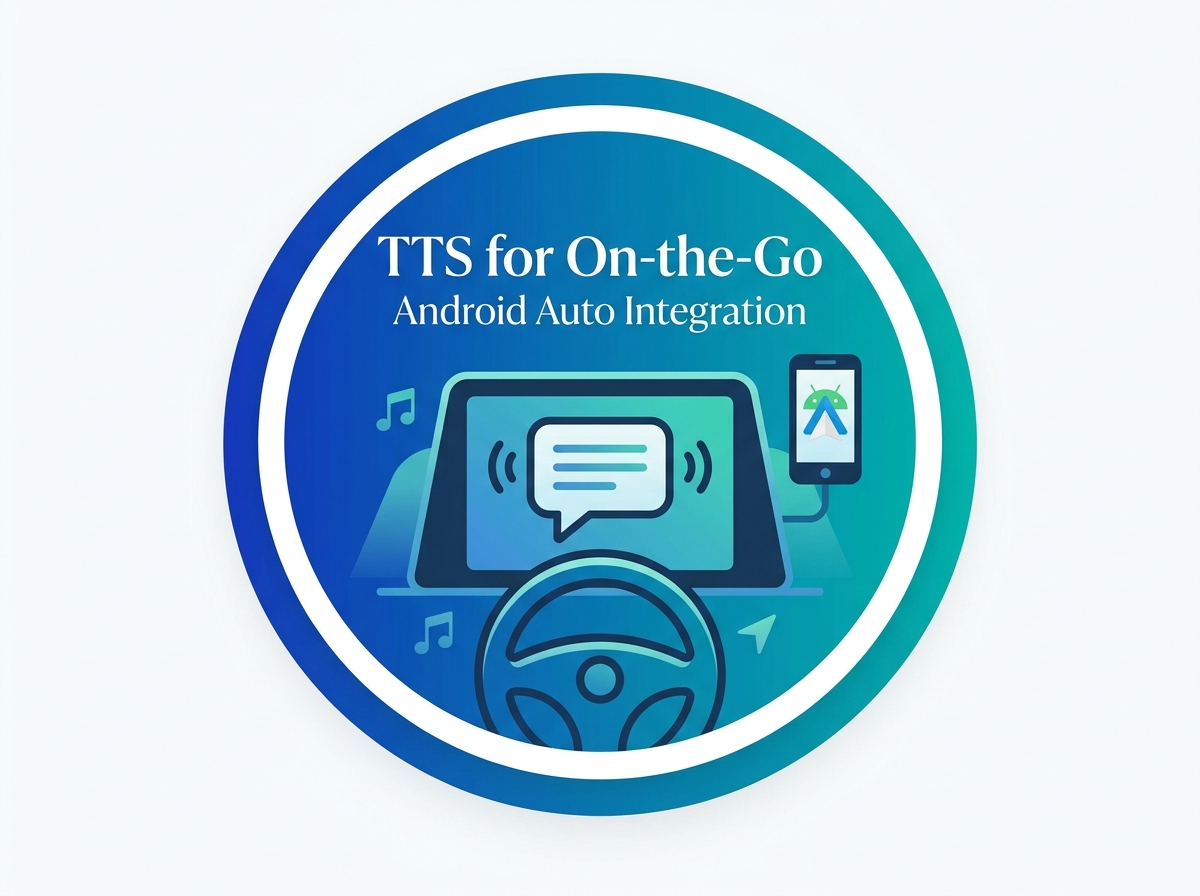
TTS for Android Auto: Productivity On The Go
For commuters and road warriors, the ability to consume content safely while driving is paramount. tts for android auto allows you to transform your vehicle’s infotainment system into an extension of your reading library. Many standard TTS apps offer rudimentary Android Auto support, but Voxify’s superior voice quality and robust document handling make it the ideal choice. Imagine listening to complex PDFs or research papers with crystal-clear, natural ai voice android narration during your commute, turning wasted time into productive learning.
Developer & Browser Integrations: When You Need More Control
Developers might explore tts api android for custom applications, or users might seek browser extensions for on-the-fly web page reading. While Voxify is primarily an end-user application, its integrated Web Reader effectively serves the purpose of a browser extension, allowing you to paste links or browse within the app for an optimized listening experience. For developers, understanding the quality of Voxify’s neural TTS demonstrates the potential of modern AI voices, setting a high bar for any custom implementation.
Expert Tips for an Optimized TTS Experience
To truly maximize your productivity and enjoyment with a tts reader android like Voxify, consider these expert tips:
- Adjust Speaking Speed for Productivity: Most TTS apps, including Voxify, allow speed adjustment. Experiment to find your optimal listening speed. Many can comfortably comprehend content at 1.5x or even 2x speed after some practice, significantly boosting productivity for non-fiction or study materials.
- Choose the Right Voice: Don’t settle for the default. Voxify offers a selection of
natural ai voice androidoptions. Find a voice that resonates with you and minimizes listening fatigue. For long-form content, a pleasant, clear voice is crucial. - Leverage Audio Customization: Use Voxify’s Pitch and Equalizer settings to fine-tune the audio output for your headphones or car speakers. A slight adjustment can make a big difference in clarity and comfort.
- Organize Your Library: Take advantage of Voxify’s robust file management to keep your books, documents, and articles organized. A well-structured library ensures you can quickly jump back into your content.
- Utilize the Sleep Timer: For bedtime reading, activate the sleep timer. This conserves battery and ensures you don’t lose your place if you drift off.
- Experiment with Image Reading: Don’t overlook the OCR feature. Scan physical documents, take photos of book pages, or use screenshots of articles to convert visual text into audio.
By integrating a powerful best tts app for books like Voxify into your daily routine, you’re not just listening; you’re transforming how you consume information, learn, and relax. Embrace the future of reading and reclaim your time with the unparalleled capabilities of modern Android Text-to-Speech.