I Spent Months Trying to Quit Paper.


How do you choose the right E-ink writing tablet to finally replace your messy paper notebooks?
Many professionals and students find themselves buried under a mountain of physical notebooks, sticky notes, and loose papers that clutter their workspaces. Transitioning to a digital solution like an E-ink writing tablet offers a way to consolidate all your thoughts into a single, organized device that mimics the feel of real paper. We understand the frustration of losing a great idea in a stack of old journals or dealing with the bulk of carrying multiple planners to meetings. By moving your workflow to a digital paper environment, you gain the ability to search your handwriting, sync files to the cloud, and maintain a clean desk. We are here to help you navigate the various options available so you can reclaim your focus and improve your daily productivity.
The initial struggle with traditional paper and the transition to digital notebooks
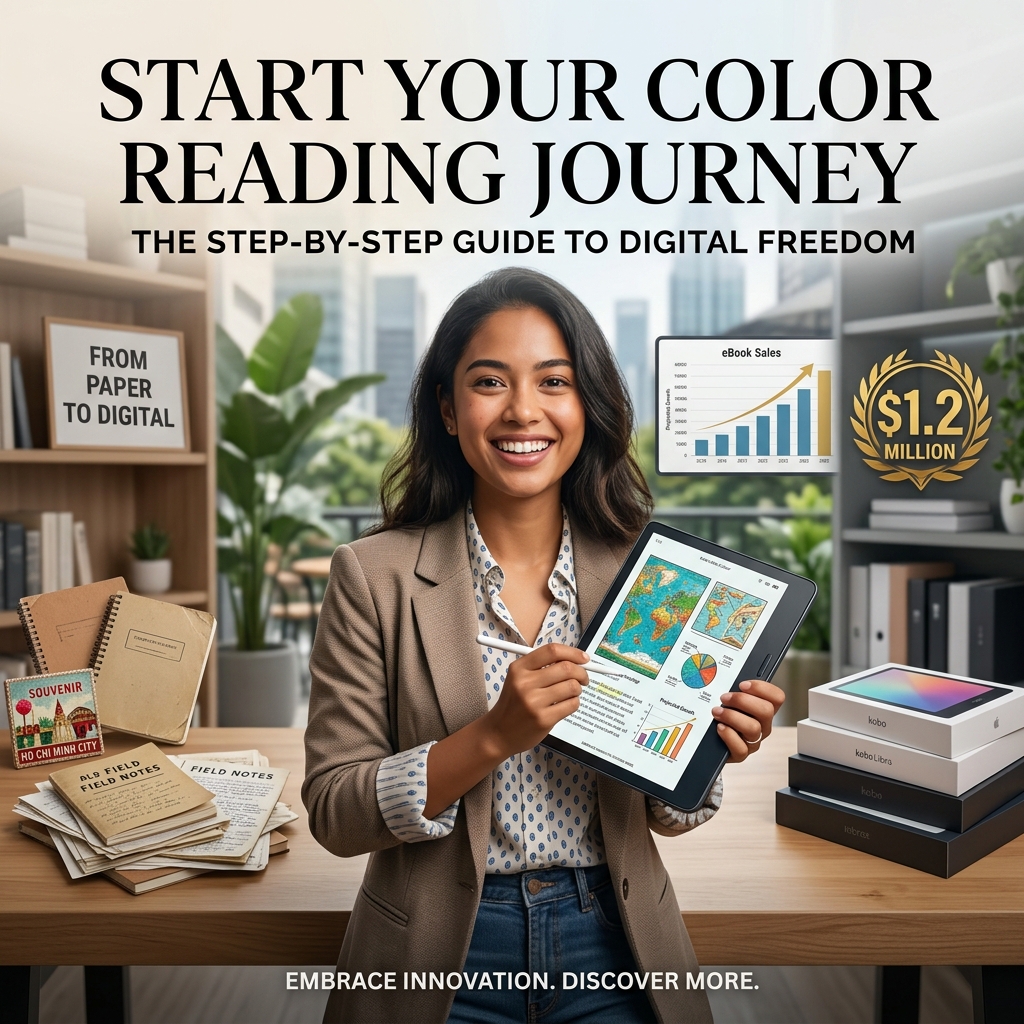
We recognize that the physical sensation of pen on paper is hard to give up, even when your desk in Ho Chi Minh City becomes a disaster zone of scattered field notes. Moving to a digital alternative is a deliberate choice to prioritize organization and long-term efficiency over the habit of using disposable stationery.
Cluttered desks and lost notes
Physical notebooks often lead to disorganized workspaces where finding specific information becomes nearly impossible over time. Using a digital tablet allows us to keep unlimited pages in a thin, portable frame.
The Remarkable 2 experience
This device offers a high-quality writing feel that many users find satisfying for daily journaling. It provides a focused environment without the distractions of notifications or complex social media applications.
Subscription models and hidden costs
Some manufacturers charge monthly fees for basic features like cloud syncing and handwriting search. We find these recurring costs frustrating when the initial hardware investment is already quite significant for users.
Evaluating the Kindle Scribe as a potential solution for reading and writing
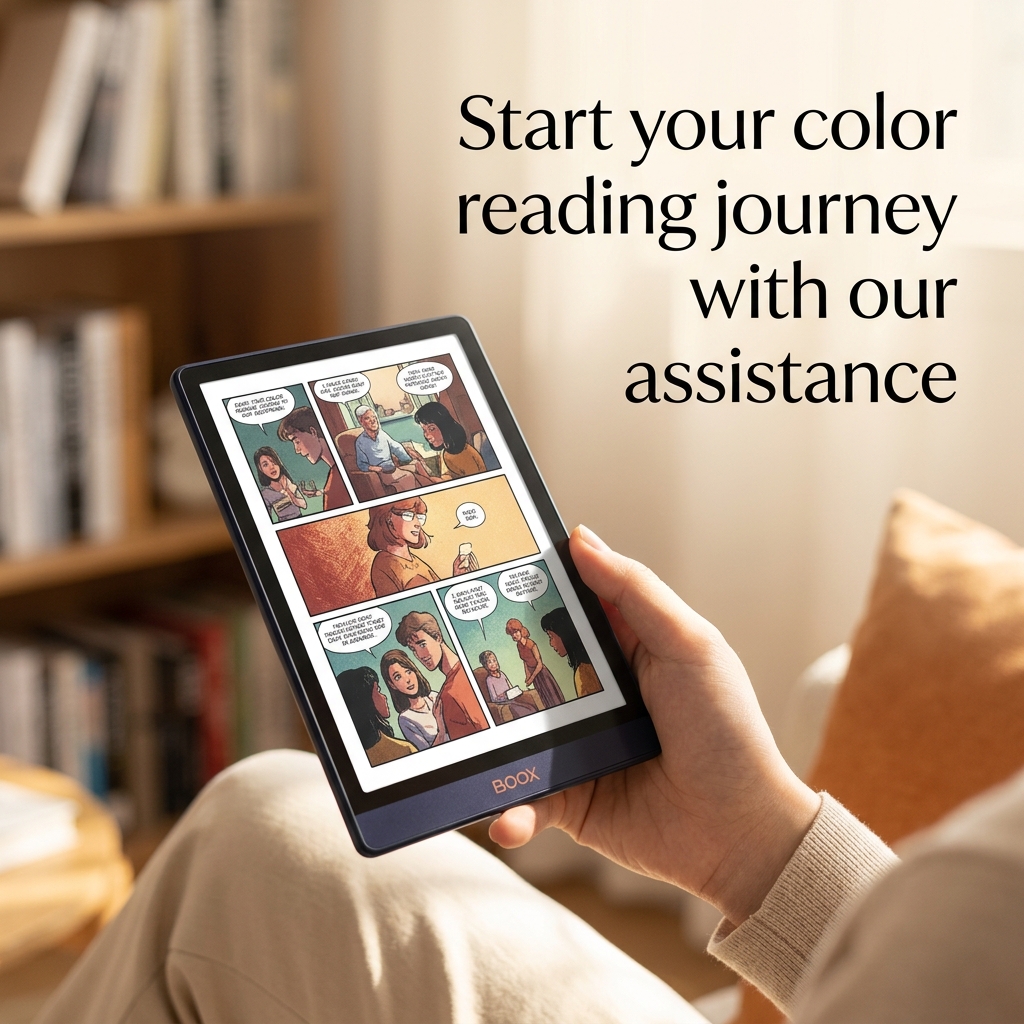
We see the Amazon ecosystem as a familiar starting point for anyone who already enjoys reading on a standard e-reader. The transition to a device that allows for both consumption and creation is a logical step for those who want a unified library.
Screen size and visual comfort
The large display provides ample room for sketching and taking detailed notes during long study sessions. The screen technology ensures that your eyes remain comfortable even after hours of focused work.
The Amazon ecosystem integration
Logging into an existing account allows for immediate access to your entire library of books and documents. We appreciate how the device automatically syncs your progress across different platforms without extra setup.
Limitations in note organization
While the hardware is solid, the software often lacks advanced features like tagging or custom labels. Finding specific ideas within a large notebook can become difficult as your collection of notes grows.
Exploring the versatility of Android-based devices like the Boox Go series
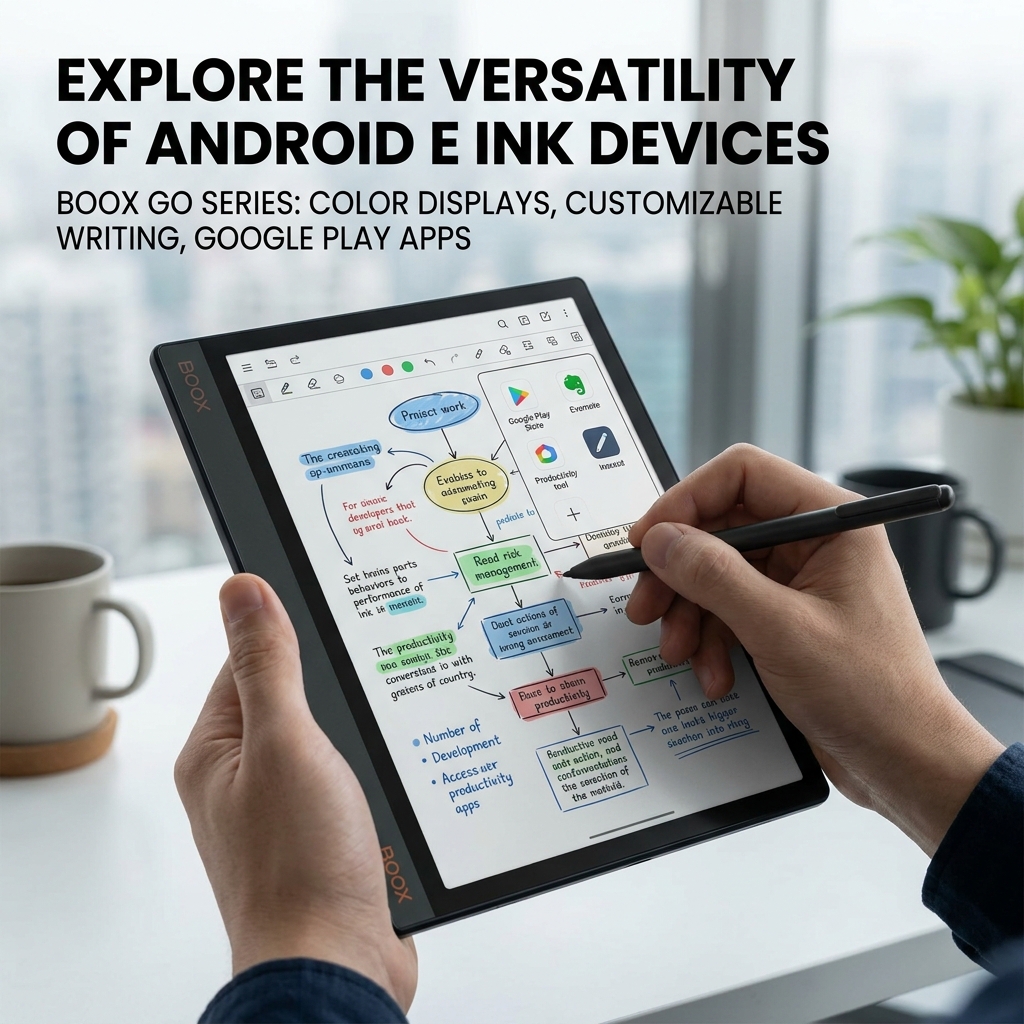
We believe that flexibility is a key requirement for users who want their tablet to do more than just record handwriting. Using an open operating system allows for a level of customization that specialized devices simply cannot match.
Accessing the Google Play Store
Having the ability to download various productivity apps means you can tailor the device to your specific needs. We can use third-party tools for reading, project management, or even light communication.
Customizing the writing interface
The software provides extensive options for line thickness, pressure sensitivity, and a wide palette of colors. This allows artists and note-takers to dial in their specific style for a better experience.
Color screen technology benefits
The inclusion of color makes it easier to highlight textbooks or create complex diagrams that require visual distinction. It adds a layer of depth to your notes that monochrome screens cannot provide.
Understanding the unique writing experience and organization of the Supernote Manta
We have observed that certain devices are built specifically for people who prioritize deep organization and a unique tactile feel. A focused tool can often outperform a general-purpose tablet when it comes to professional-grade document management.
The FeelWrite screen technology
The screen uses a soft film that creates a sensation similar to carving into sand with a stick. It provides a distinct type of friction that some writers find more engaging than glass.
Advanced organizational tagging systems
This device allows us to draw symbols like stars to mark important sections or create links between notebooks. These features make it easy to navigate through thousands of pages of handwritten data.
Cloud syncing and file management
Users can choose to sync their data with popular services like Google Drive or Dropbox for free. We also have the option to use private servers for maximum control over our information.
Technical specifications and hardware features of leading digital tablets
We find that comparing the internal components and physical builds of these devices helps determine which one will last the longest in a professional environment. Each brand makes different trade-offs between battery life, screen quality, and portability.
| Feature | Kindle Scribe | Boox Go Color 7 | Supernote Manta |
|---|---|---|---|
| Screen Size | 11 inches | 7 inches | 7.8 inches |
| Display Type | Monochrome / Color | Color E-ink | Monochrome |
| OS | Kindle OS | Android | Chauvet (Linux) |
| Stylus | No charge needed | Needs USBC charge | No charge / No nib wear |
| Backlight | Included | Included | Not included |
| Expandable Storage | No | Yes (MicroSD) | Yes |
Investment considerations and pricing for your digital stationery
We understand that the cost of these devices is a significant factor when deciding to move away from traditional paper and pens. While the upfront price is high, the long-term savings on physical notebooks and the value of organization are important.
Kindle Scribe pricing
The basic monochrome models start around $399, while the high-end color versions can reach $630. We note that the basic pen usually includes an eraser without requiring a paid upgrade.
Boox Go series costs
The 7-inch color model is priced competitively at approximately $270, making it an accessible entry point. This price includes a versatile Android platform but may require purchasing a separate stylus.
Supernote Manta investment
This specialized device costs around $550, with the high-quality pen adding another $70 to the total. We believe the repairable design and lack of subscriptions justify the higher initial price tag.
The step-by-step process for integrating a digital tablet into your workflow
We suggest a structured approach to moving your life from paper to a digital screen to ensure you don’t revert to old habits. Setting up the device correctly from the first day is essential for long-term success.
Assess your writing needs
Determine if you need color for diagrams or if a simple monochrome screen is sufficient. We recommend evaluating whether you will be writing mostly in the dark or in daylight.
Choose your software ecosystem
Decide between a locked system like Kindle for simplicity or an open Android system for more apps. We find that users who want total focus often prefer the specialized Supernote environment.
Organize your folder structure
Create a clear system for your work projects, personal journals, and reading lists before you start. We suggest using tags and keywords immediately to keep your digital library easy to search.
Common questions about making the switch to digital paper
We know that many people have concerns about battery life and the learning curve associated with new technology. Addressing these common doubts helps you feel more confident in your decision to upgrade your toolkit.
Do these devices require a monthly subscription for basic features?
Most modern options do not require a subscription. While the Remarkable 2 has a paid tier, competitors like Supernote and Boox offer their full organizational and syncing features for free.
How long does the battery typically last on these tablets?
Battery life ranges from one week to several weeks. Devices running Android tend to drain faster, while monochrome tablets without backlights can last much longer on a single charge.
Can I read my existing ebook library on these devices?
Yes, most tablets support various file formats. Kindle is best for Amazon books, while Boox and Supernote can handle ePubs, PDFs, and documents from multiple cloud storage services easily.
Experience the future of productivity with our expert guidance
We are dedicated to helping you find the most efficient ways to manage your information and creativity. Our team has explored the depths of the E-ink writing tablet market to ensure we recommend tools that truly enhance your workflow. By choosing to work with us, you gain access to insights that simplify complex technical choices into practical solutions for your daily life.
We believe that a clean desk leads to a clear mind, and the right digital tool is the key to achieving that balance. Our commitment to quality means we only focus on products that offer real value and long-term reliability for our clients in Ho Chi Minh City and beyond. Let us help you transition away from the clutter of paper and into a more organized, productive future. Together, we can build a digital environment that supports your goals and keeps your best ideas right at your fingertips.