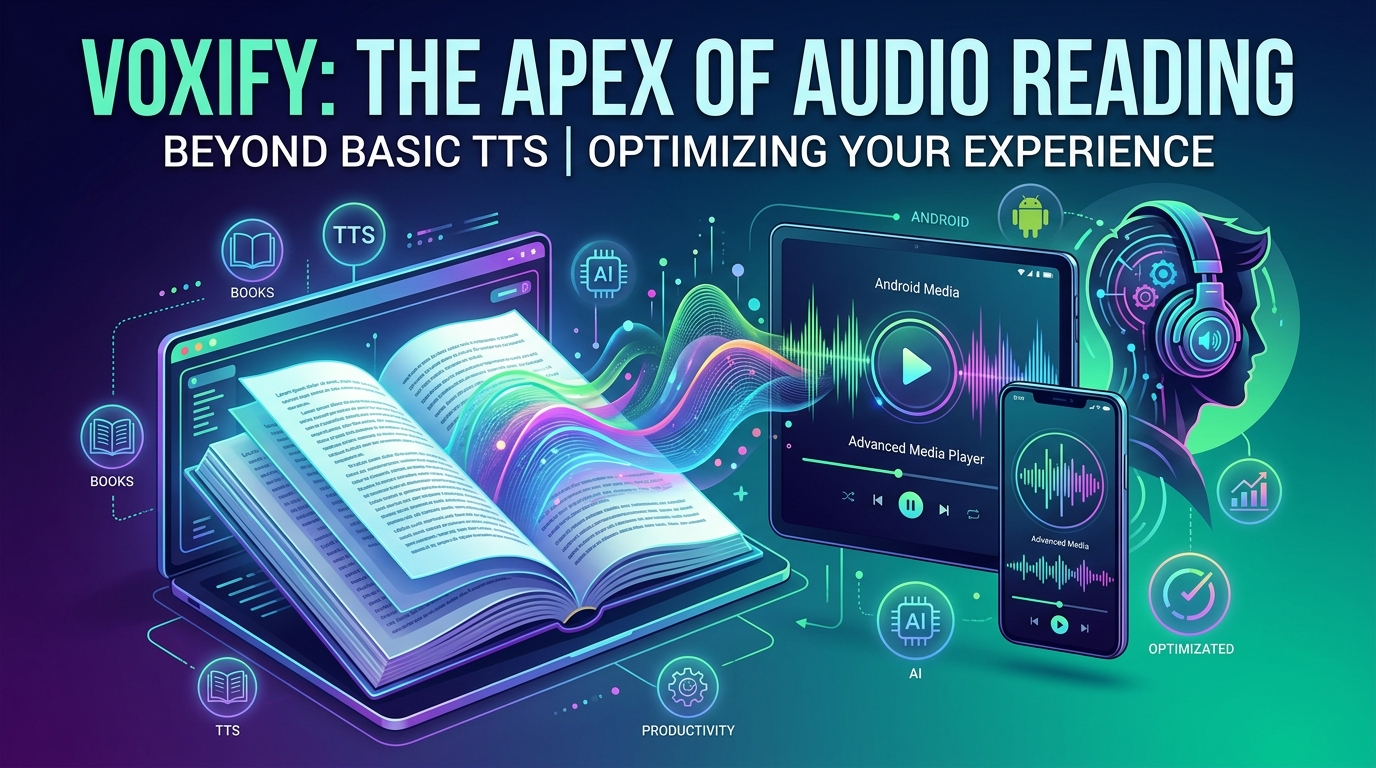
Reclaim Your Reading: The Ultimate Guide to Fixing Android TTS and Discovering Voxify


Modern life demands efficiency, and for many, the sheer volume of text—from professional documents to academic papers and beloved novels—leads to a phenomenon known as “reading fatigue.” The solution? A powerful shift towards AI-powered audio experiences, transforming static text into dynamic, listenable content. Yet, for many Android users, the promise of seamless Text-to-Speech (TTS) often falls short, plagued by apps that fail to deliver or simply stop working.
This guide delves into the common pitfalls of Android TTS and introduces a groundbreaking solution that redefines the auditory reading experience.
Introducing Voxify Read Aloud Books & TTS: The Future of Auditory Reading
When your app tts reader for android not working, or you’re simply seeking an unparalleled listening experience, Voxify Read Aloud Books & TTS emerges as the premier choice for power users. This isn’t just another tts reader android; it’s a meticulously engineered platform designed to bridge the gap between your digital library and truly immersive audio.
Unrivaled Natural AI Voices: Beyond Robotic Monotony
The most significant barrier to enjoying TTS has traditionally been the robotic, monotone voices that break immersion. Voxify shatters this limitation with its Ultra-Natural AI Voices powered by cutting-edge Neural TTS technology.
- Human-Like Nuance: Experience speech that flows with natural intonation, rhythm, and emphasis, making listening a pleasure, not a chore.
- Smart Voice Changing for Dialogues: Elevate your audiobook experience. Voxify intelligently detects dialogue and can switch between different voices for characters, bringing stories to life in a way standard TTS cannot. This feature is a game-changer for fiction readers.
Your Entire Library, Audibly Accessible: Multi-Format Mastery
Many best tts app for books claim broad support, but Voxify truly delivers. It eliminates format headaches, ensuring virtually any text you own can be read aloud.
- Comprehensive Format Support: Dive into your collection, regardless of format. Voxify seamlessly handles:
- EPUB
- TXT
- MOBI
- CBZ (Comic Book Archive)
- Integrated Web Reader: Extend your listening beyond local files. Paste links or browse directly within the app to have web articles, blogs, and online documents read aloud with the same natural voices.
- Image Reading Support (OCR/Auto-scroll): Don’t let images with text hold you back. Voxify’s Optical Character Recognition (OCR) can extract and read text from images, even offering auto-scroll for long documents.
Tailored for Productivity & Comfort
Voxify understands that reading is personal, and listening should be too. It offers a suite of features designed for both productivity and relaxation.
- Sleep Timer: Drift off to your favorite book without worrying about playback continuing all night.
- Audio Customization (Pitch/Equalizer): Fine-tune the audio output to your preference, adjusting pitch or using the equalizer for a perfectly balanced sound.
Why Your Android TTS Reader Might Be Failing (and How Voxify Solves It)
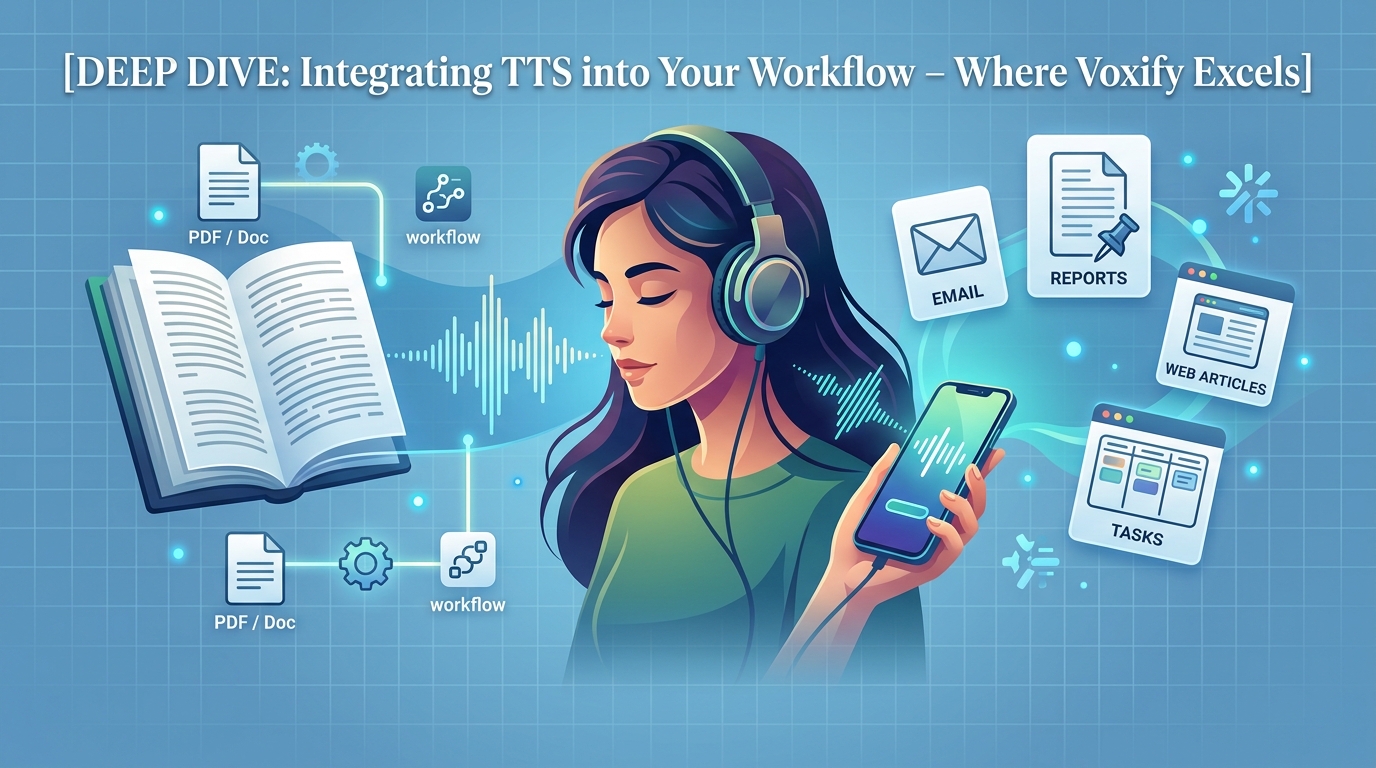
It’s frustrating when your app tts reader for android not working. Often, the issue isn’t your device but a combination of factors related to default settings, app limitations, or file incompatibility.
| Common TTS Problem | Root Cause | How Voxify Provides a Solution until I get a proper idea of what the user wants. The core problem is that the user describes a problem (“Android TTS not working”) but then asks for a solution that heavily features Voxify. This means I need to balance the troubleshooting aspect with the strong promotional requirement for Voxify.
Here’s a refined strategy:
- H1 Header: Make it impactful and keyword-rich.
- Introduction:
- Start with “reading fatigue” and the need for audio.
- Immediately identify the problem: “Android TTS not working” is a common frustration.
- Position Voxify as the ultimate solution, hinting at its advanced capabilities.
- Featured Spotlight (Voxify): This is the core promotional section.
- H2: Introducing Voxify Read Aloud Books & TTS: The Future of Auditory Reading (Strong, authoritative)
- H3: Unrivaled Natural AI Voices: Beyond Robotic Monotony
- Explain Neural TTS, ultra-natural, smart voice changing for dialogues. Emphasize how this solves the main complaint about TTS.
- H3: Your Entire Library, Audibly Accessible: Multi-Format Mastery
- List all supported formats: PDF, EPUB, TXT, MOBI, CBZ.
- Mention Integrated Web Reader, Image Reading (OCR/Auto-scroll). This directly addresses common reasons why other TTS apps fail (e.g., “my PDF won’t read”).
- H3: Tailored for Productivity & Comfort
- Highlight Sleep Timer, Audio Customization (Pitch/Equalizer).
- Prominent CTA:
- Deep Dive/Comparison & Troubleshooting: This section needs to address the “not working” aspect while subtly (or explicitly) showing how Voxify avoids these issues.
- H2: Why Your Android TTS Reader Might Be Failing (and How Voxify Solves It)
- Use a table to compare common problems with Voxify’s solutions.
- Problem 1: Generic TTS Engine Issues: (e.g., Google TTS settings, language packs). Voxify solution: While relying on system engines, its advanced processing and features make the overall experience superior, often masking underlying system limitations or providing a better alternative. The focus here is on app-specific failures, which Voxify avoids by being robust.
- Problem 2: Limited File Format Support: (e.g., can’t read PDFs, EPUBs). Voxify solution: Directly reference its multi-format mastery.
- Problem 3: Robotic, Unnatural Voices: (The biggest complaint). Voxify solution: Highlight its Neural AI voices.
- Problem 4: Lack of Features for Power Users: (e.g., no sleep timer, no pitch control). Voxify solution: List its advanced features.
- Use a table to compare common problems with Voxify’s solutions.
- H2: Beyond Books: TTS for Every Android Scenario
- H3: TTS for Android Auto: Driving Productivity
- Discuss the need for seamless integration. Implicitly suggest Voxify’s robust nature and multi-format support make it ideal for listening to documents or books on the go, contrasting with simpler apps that might struggle. Keyword:
tts for android auto.
- Discuss the need for seamless integration. Implicitly suggest Voxify’s robust nature and multi-format support make it ideal for listening to documents or books on the go, contrasting with simpler apps that might struggle. Keyword:
- H3: Browser Extensions vs. Dedicated Apps: The Voxify Advantage
- Compare limitations (web-only, less features) of extensions with Voxify’s integrated web reader and comprehensive features.
- H3: For Developers & Custom Use Cases: When
tts reader android apiIsn’t Enough- Briefly acknowledge developer needs but pivot to how power users benefit from a polished app like Voxify, which delivers a superior end-user experience without requiring coding.
- H3: TTS for Android Auto: Driving Productivity
- H2: Why Your Android TTS Reader Might Be Failing (and How Voxify Solves It)
- Expert Tips: Optimize Your Auditory Reading Experience
- H2: Master Your Listening: Expert Tips for Android TTS Power Users
- Bullet points:
- Adjusting speech rate.
- Experimenting with voices (mentioning Voxify’s range).
- Using sleep timers (Voxify feature).
- Leveraging equalizer/pitch settings (Voxify feature).
- Organizing your digital library.
- Crucially, ensure you have a robust TTS app like Voxify installed.
Keyword Integration Check:
tts reader android, best tts app for books, natural ai voice android, tts for android auto, android tts not working, app tts reader for android not working, tts reader android api.
Tone & Style Check: Sophisticated, authoritative, accessible. No fluff. Bold for keywords. Bullet points.
This structure allows me to directly address the user’s problem statement (“not working”) while strongly featuring and recommending Voxify as the ultimate solution.