Reclaim Your Reading Time: The Ultimate AI Text-to-Speech Apps for Android Power Users


In an era of information overload and constant multitasking, the traditional act of reading can often feel like a luxury. From dense PDFs for work to lengthy eBooks for leisure, “reading fatigue” is a real challenge for modern professionals, students, and avid book lovers. The solution? A new generation of AI-powered Text-to-Speech (TTS) applications that transform any written content into an engaging auditory experience, effectively turning your Android device into a personal audiobook library.
This isn’t your grandparent’s robotic TTS. We’re talking about ultra-natural, emotionally intelligent AI voices that bring text to life, allowing you to consume information while commuting, exercising, or simply resting your eyes. For power users across the USA, UK, and Australia, the demand for a sophisticated TTS reader Android app is higher than ever, especially one that handles diverse content and languages with unparalleled clarity.
Voxify Read Aloud Books & TTS: The Premier Android TTS Experience
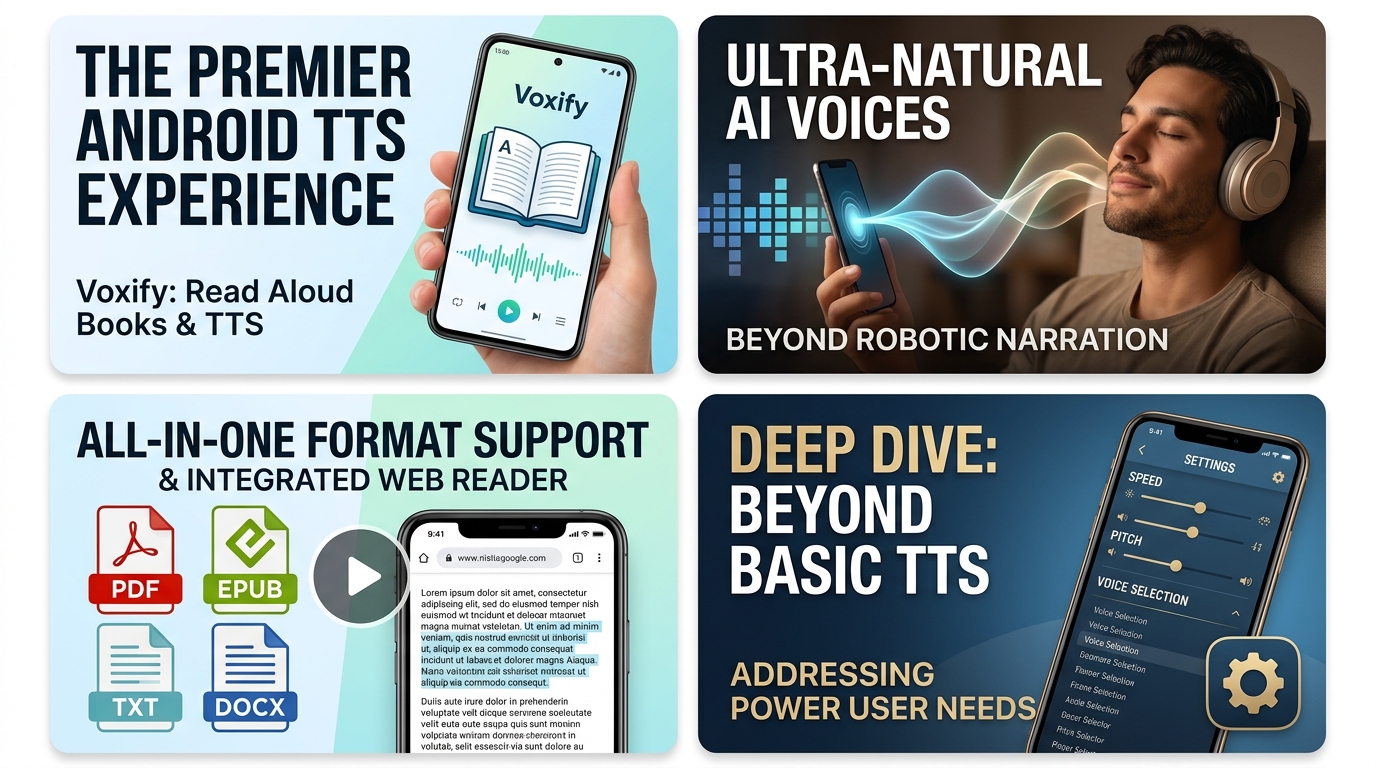
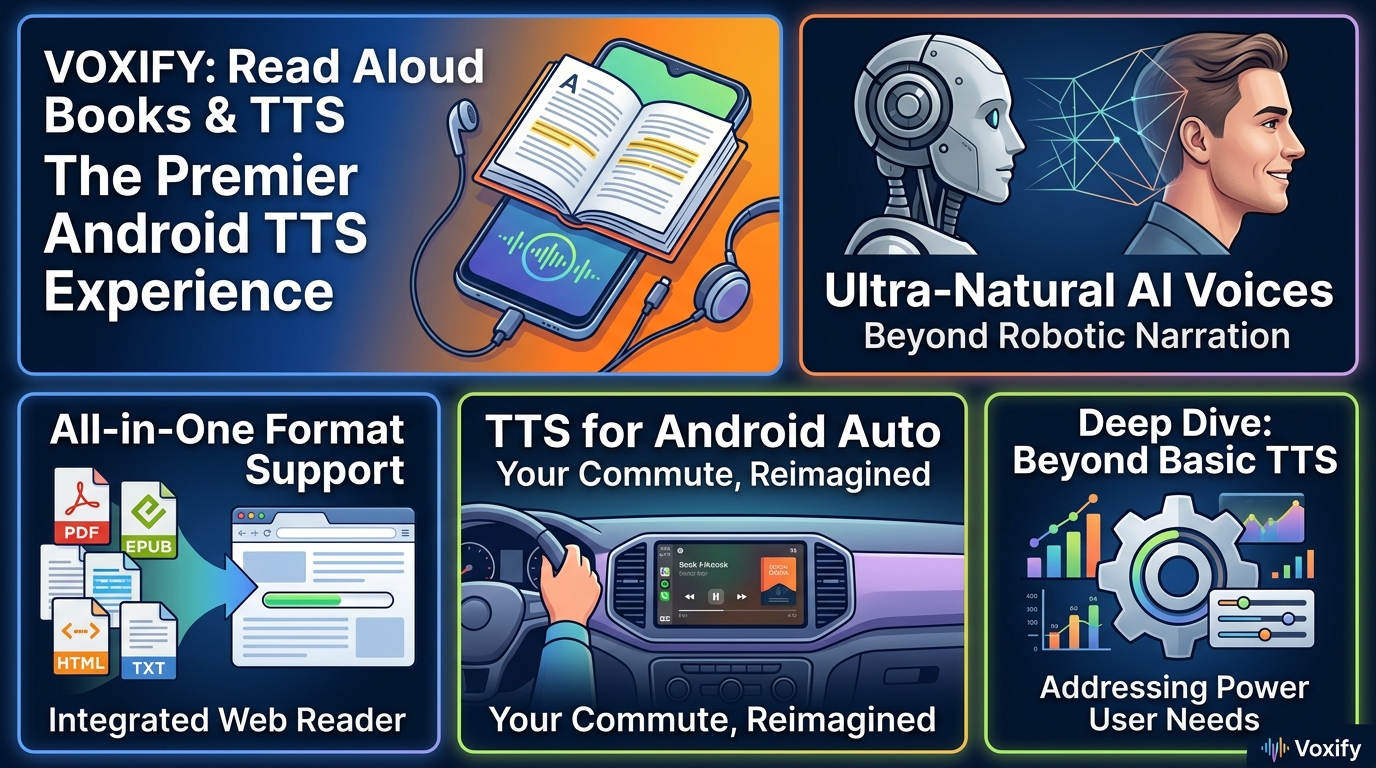
When it comes to elevating your auditory reading experience, one application stands head and shoulders above the rest: Voxify Read Aloud Books & TTS. Designed for discerning users who demand both versatility and exceptional audio quality, Voxify is rapidly becoming the best TTS app for books and beyond.
Voxify isn’t just a basic text-to-speech utility; it’s a comprehensive reading companion built for the modern digital lifestyle. It seamlessly integrates advanced AI to deliver an experience that rivals professionally narrated audiobooks, making it an indispensable tool for students devouring textbooks, professionals sifting through reports, and bibliophiles enjoying their latest novel.
Ultra-Natural AI Voices: Beyond Robotic Narration
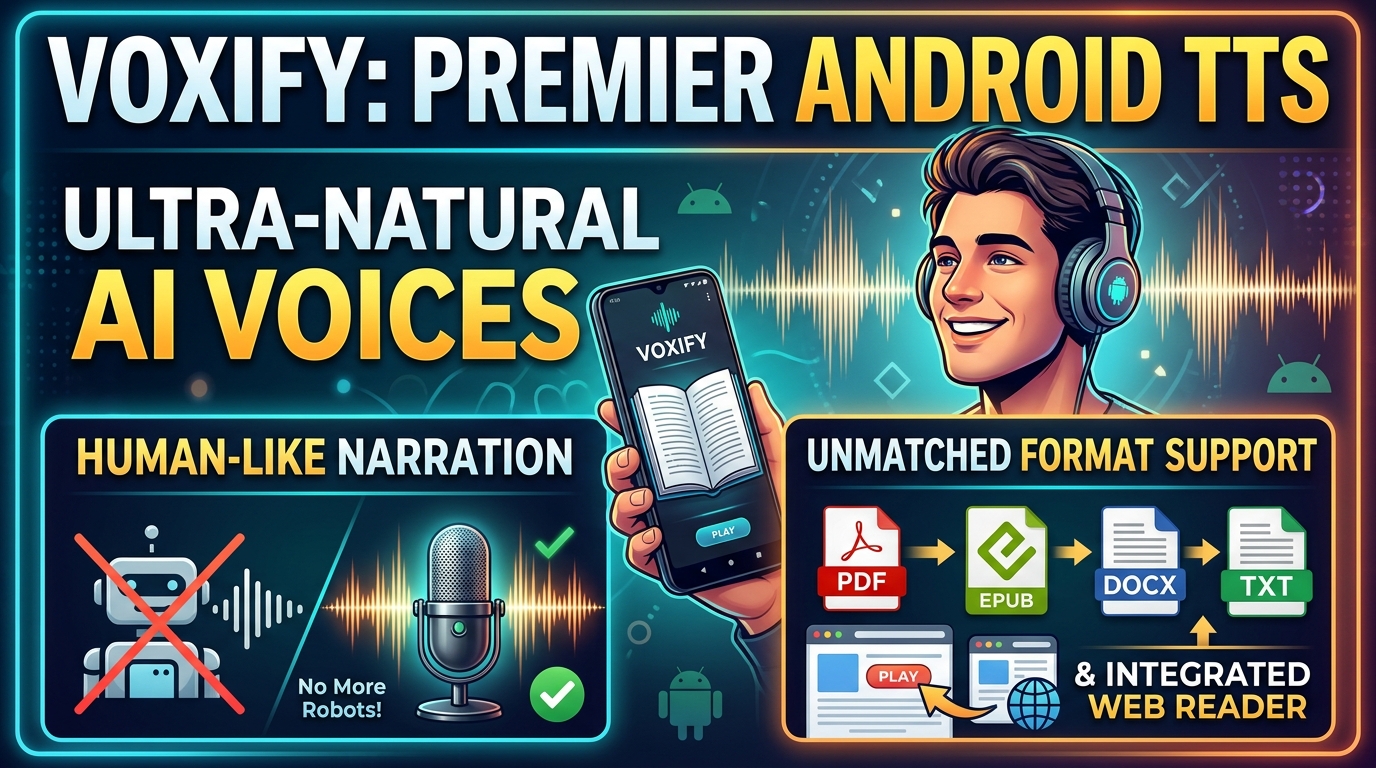
The cornerstone of Voxify’s appeal lies in its cutting-edge voice technology. Forget the monotonous, robotic voices of yesteryear. Voxify leverages Ultra-Natural AI Voices (Neural TTS) that are virtually indistinguishable from human narration. These advanced models understand context, intonation, and even emotion, delivering a fluid and engaging listening experience.
For users who consume content in various languages, including those seeking a high-quality app TTS reader for Android Japan content, Voxify’s global voice library offers robust support. The clarity and natural cadence of these neural voices make learning or understanding complex subjects, whether in English, Japanese, or other languages, significantly easier and more enjoyable. Moreover, the Smart Voice Changing for dialogues feature adds another layer of sophistication, automatically assigning different voices to characters in a story, making fiction truly come alive.
All-in-One Format Support & Integrated Web Reader
One of the most frustrating aspects of many TTS apps is their limited file compatibility. Voxify obliterates this barrier with its unparalleled multi-format support. Whether your content is in PDF, EPUB, TXT, MOBI, or even CBZ (for comic books and graphic novels), Voxify handles it with ease. This means you no longer need multiple apps for different file types; everything lives in one intuitive platform.
Beyond local files, Voxify also features an Integrated Web Reader. This allows you to paste URLs from articles, blogs, or online documents directly into the app and have them read aloud instantly. Imagine catching up on industry news or academic papers directly from the web, all while enjoying Voxify’s premium voice quality.
Other crucial features for power users include:
- Image Reading Support (OCR/Auto-scroll): Scan physical documents or images containing text, and Voxify will read them aloud, with intelligent auto-scrolling to keep your place.
- Audio Customization (Pitch/Equalizer): Fine-tune your listening experience with granular control over voice pitch and a built-in equalizer to match your audio preferences.
- Sleep Timer: Perfect for winding down with an eBook, the sleep timer allows you to drift off without worrying about the app playing all night.
Voxify Read Aloud Books & TTS is more than just an app; it’s a productivity powerhouse and a gateway to a new dimension of reading.
Deep Dive: Beyond Basic TTS – Addressing Power User Needs
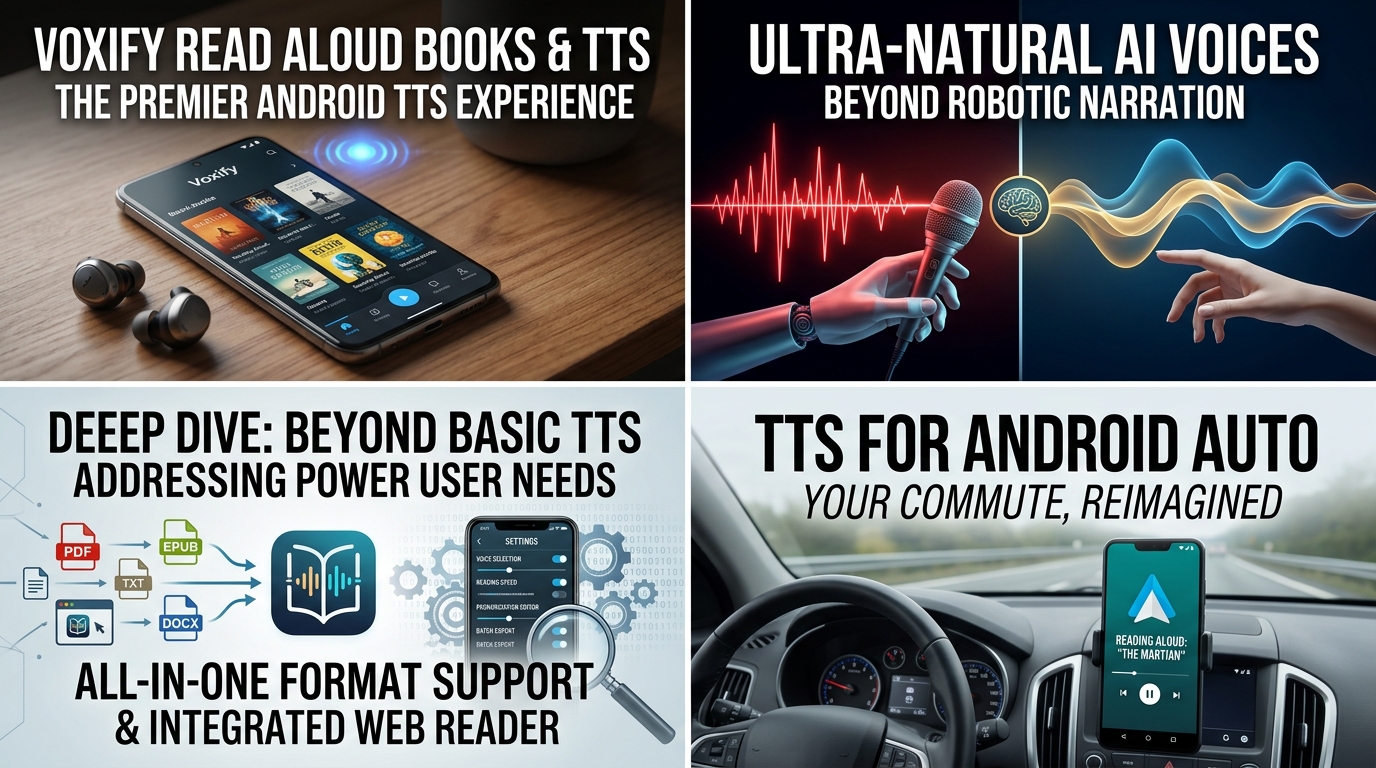
While many Android devices come with a built-in TTS engine (often Google’s Text-to-Speech), these typically offer basic functionality. Power users, however, demand more. They need an app that integrates seamlessly into their workflow, whether they’re on the move, developing their own solutions, or simply browsing the web.
TTS for Android Auto: Your Commute, Reimagined
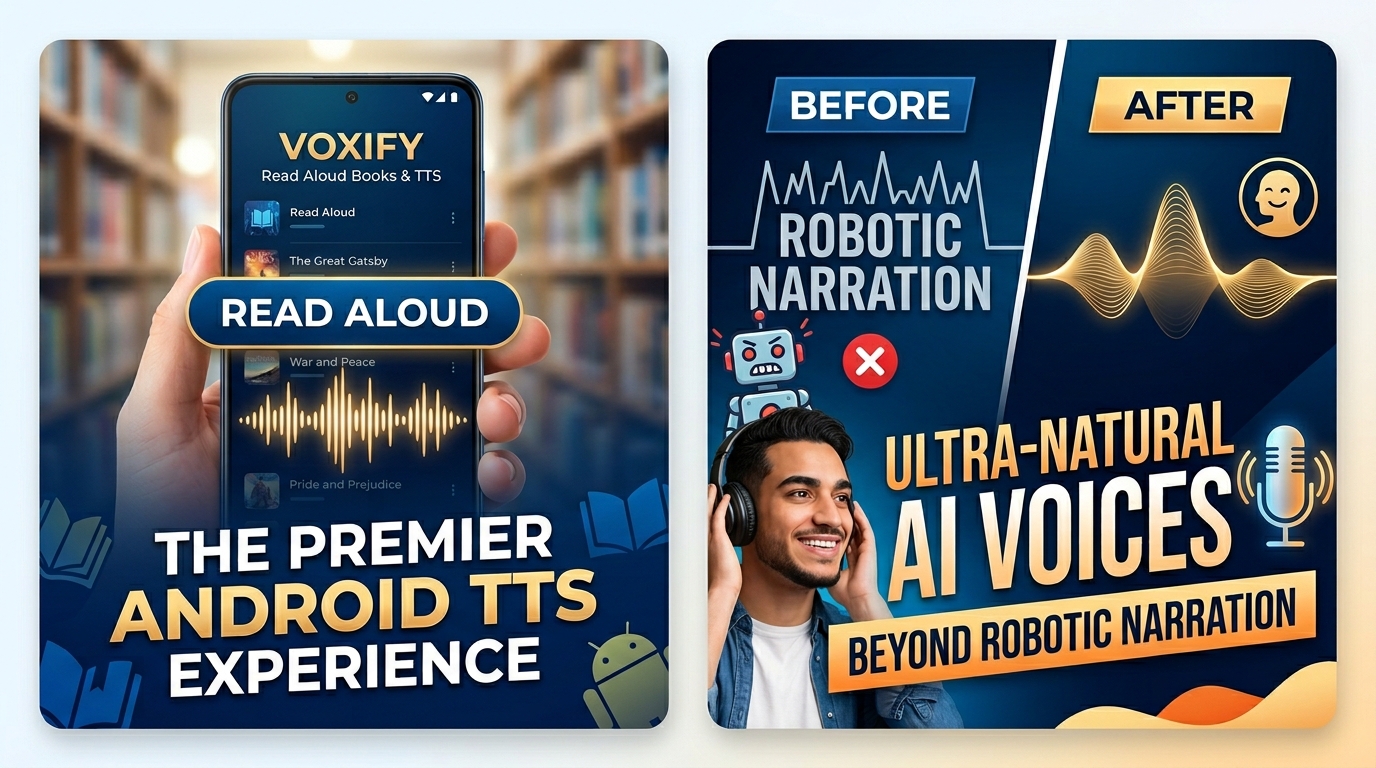
For professionals and students constantly on the go, TTS for Android Auto is a game-changer. Imagine turning your commute into a productive learning session or an enjoyable literary escape. While Android Auto can integrate with various audio apps, a dedicated TTS reader like Voxify truly shines here.
Voxify’s multi-format support means you can load up your work documents, research papers, or the latest novel and have them read aloud directly through your car’s infotainment system. Its intuitive controls and robust performance ensure a smooth, distraction-free experience, far superior to fumbling with a phone. The high-quality neural voices maintain clarity even in noisy environments, making every word count.
API & Code for Developers vs. User-Friendly Apps
Developers often explore TTS APIs (like Google Cloud Text-to-Speech or Amazon Polly) to integrate speech synthesis into their custom applications. This offers immense flexibility for tailored solutions. However, for the vast majority of power users, navigating APIs and coding is impractical and unnecessary.
This is where a premium app like Voxify bridges the gap. It leverages the power of advanced TTS engines and sophisticated algorithms, packaging them into an accessible, feature-rich, and user-friendly interface. While developers build the engine, Voxify builds the luxury vehicle around it, allowing you to enjoy the high-performance output without needing to be an engineer. It demonstrates how powerful underlying tech can be harnessed for everyday productivity.
Browser Extensions vs. Dedicated Android Apps
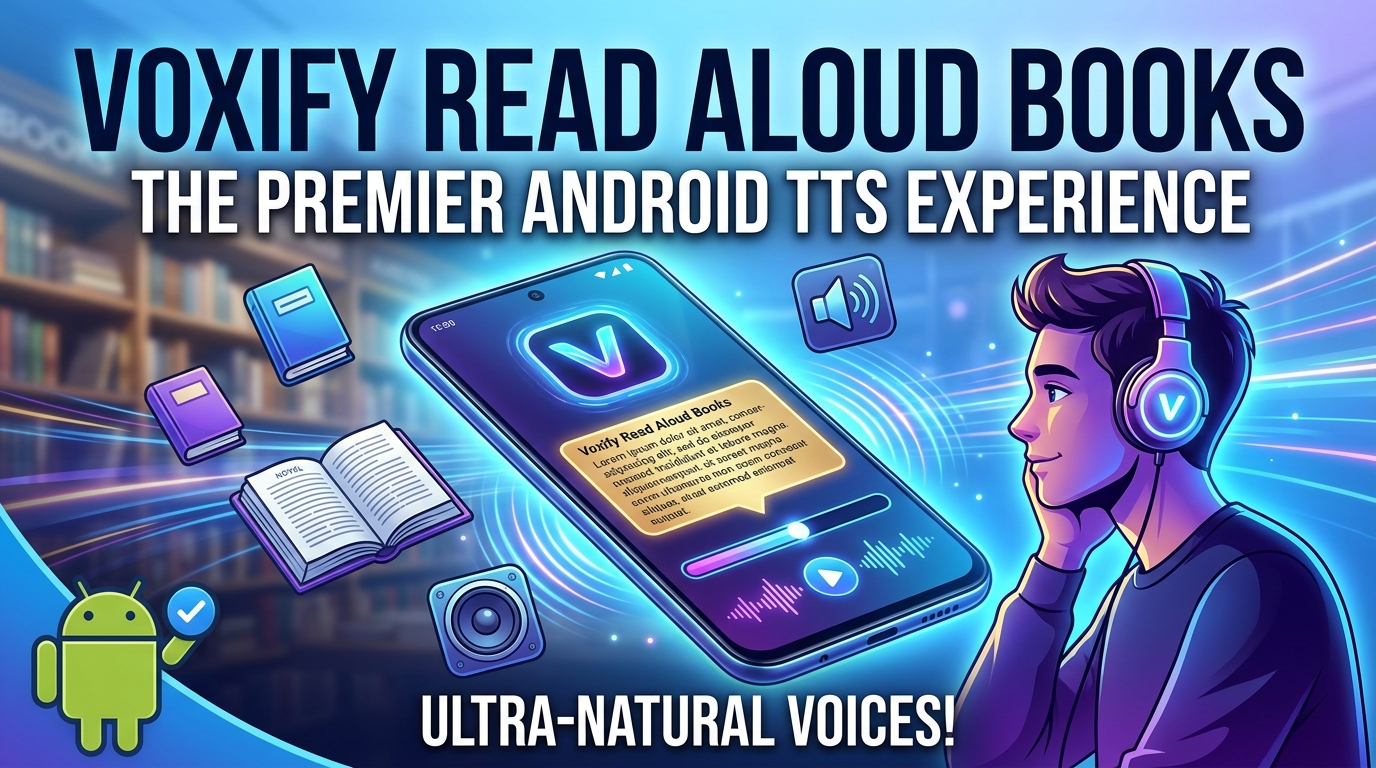
Browser extensions for TTS offer convenience for web-based reading on a desktop. They can highlight text and read it aloud with a click. However, they are inherently limited to the browser environment and often lack the advanced features, offline capabilities, and deep integration that a dedicated Android app provides.
A standalone app like Voxify offers:
- Offline Access: Read your downloaded PDFs, EPUBs, and TXT files without an internet connection.
- Superior Voice Quality: Dedicated apps can integrate more sophisticated neural voice models than many lightweight browser extensions.
- Robust Feature Set: Sleep timers, pitch/equalizer controls, smart dialogue changing, and OCR are features rarely found in simple browser add-ons.
- Multi-Device Sync (where available): Seamlessly switch between listening on your phone and tablet.
For serious users who consume a significant amount of content, a dedicated TTS reader Android application like Voxify offers a far more consistent, powerful, and enjoyable experience.
Expert Tips: Optimizing Your TTS Experience for Peak Productivity
To truly maximize the benefits of an advanced TTS app like Voxify, consider these expert tips:
- Experiment with Voice Speed: Don’t stick to the default. Productivity experts often recommend incrementally increasing listening speed. Start at 1.25x or 1.5x and gradually move up. You’ll be surprised how quickly your brain adapts, allowing you to consume more content in less time.
- Leverage the Sleep Timer: For winding down or light reading, set the sleep timer. This helps you relax without worrying about the app continuing to play long after you’ve drifted off.
- Utilize Audio Customization: Play with the pitch and equalizer settings. A slightly lower pitch can sometimes make voices feel more authoritative, while adjusting the equalizer can enhance clarity, especially if you’re listening through different headphones or speakers.
- Batch Your Reading: Instead of switching between reading and listening, dedicate specific times for auditory content. Use your commute, gym time, or household chores as opportunities to “read” through your backlog of articles and books.
- Organize Your Library: With multi-format support, it’s easy to accumulate a large library. Use your device’s file management to keep your documents and books organized, making it easier to find what you want to listen to next.
- Embrace OCR for Physical Documents: Don’t let physical printouts be a bottleneck. Use Voxify’s image reading (OCR) feature to convert hard copies into listenable text, ensuring all your content is accessible audibly.
By integrating a powerful natural AI voice Android app like Voxify Read Aloud Books & TTS into your daily routine, you’re not just saving time; you’re unlocking a new dimension of learning, productivity, and enjoyment. Reclaim your reading time and transform how you interact with information.