Reclaim Your Time: The Definitive Guide to Android’s Best Text-to-Speech Apps in 2026


Modern life demands more than ever, and for many, “reading fatigue” is a real challenge. Whether you’re a student drowning in textbooks, a professional sifting through reports, or a book lover yearning for more stories, the sheer volume of text can be overwhelming. This is where the revolution of AI-powered audiobooks and advanced TTS reader Android applications steps in, transforming how we consume information. No longer confined to robotic voices, today’s text-to-speech (TTS) apps offer an auditory experience so natural, it rivals professionally narrated audiobooks, allowing you to multi-task, learn on the go, and give your eyes a much-needed break.
Introducing Voxify: The Future of Audio Reading on Android
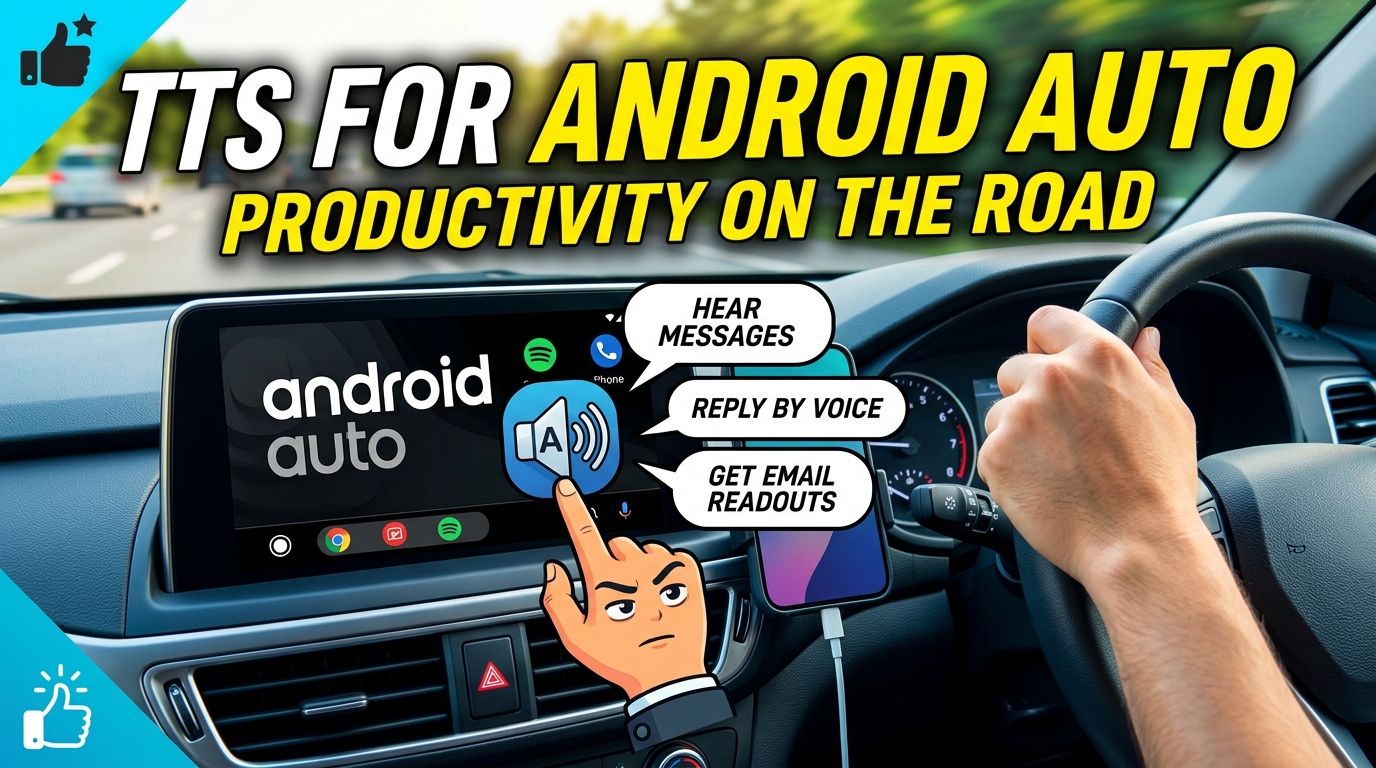
For discerning power users in the USA, UK, and Australia seeking the pinnacle of audio reading technology, Voxify Read Aloud Books & TTS stands unrivaled. It’s more than just a TTS app for Android; it’s a comprehensive digital companion designed to integrate seamlessly into your busy lifestyle, turning any text into an engaging listening experience.
Ultra-Natural AI Voices – A New Standard
The days of monotone, synthesized speech are long gone. Voxify sets a new benchmark with its Ultra-Natural AI Voices, powered by cutting-edge Neural TTS technology. This isn’t just speech; it’s nuanced, expressive narration that captures the rhythm and intent of the written word.
- Neural TTS: Experience voices so lifelike, you’ll forget you’re listening to an AI. Perfect for long-form content, ensuring no listening fatigue.
- Smart Voice Changing for Dialogues: A groundbreaking feature that automatically assigns different, appropriate voices to various characters in a dialogue, making novels and scripts incredibly immersive and easy to follow.
- Audio Customization (Pitch/Equalizer): Fine-tune the listening experience to your preference, adjusting pitch for comfort or using the equalizer to enhance clarity in any environment.
All-in-One Format Mastery for Every Reader
Voxify understands that your content comes in many forms. Unlike basic TTS apps that only handle plain text, Voxify boasts unparalleled multi-format support, making it the best TTS app for books and documents alike.
- Multi-format Support: Effortlessly read aloud from PDF, EPUB, TXT, MOBI, and even CBZ files. Your entire digital library is now an audiobook library.
- Integrated Web Reader: Transform articles, blogs, and online research into audio with a single tap, eliminating distractions and saving time.
- Image Reading Support (OCR/Auto-scroll): Got text trapped in an image? Voxify’s Optical Character Recognition (OCR) technology can extract and read it aloud, even with automatic scrolling for long image-based documents.
- Sleep Timer: Perfect for winding down with a story or educational material, ensuring the app stops playback automatically.
Voxify isn’t just reading your content; it’s bringing it to life with intelligence and flexibility.
<a href="
“>🚀 DOWNLOAD VOXIFY ON GOOGLE PLAYBeyond the Basics: Integrating TTS into Your Digital Life
While many search for basic solutions, power users demand integration and advanced functionality. Voxify consistently proves its superiority across various use cases.
TTS for Android Auto: Your Commute, Reimagined
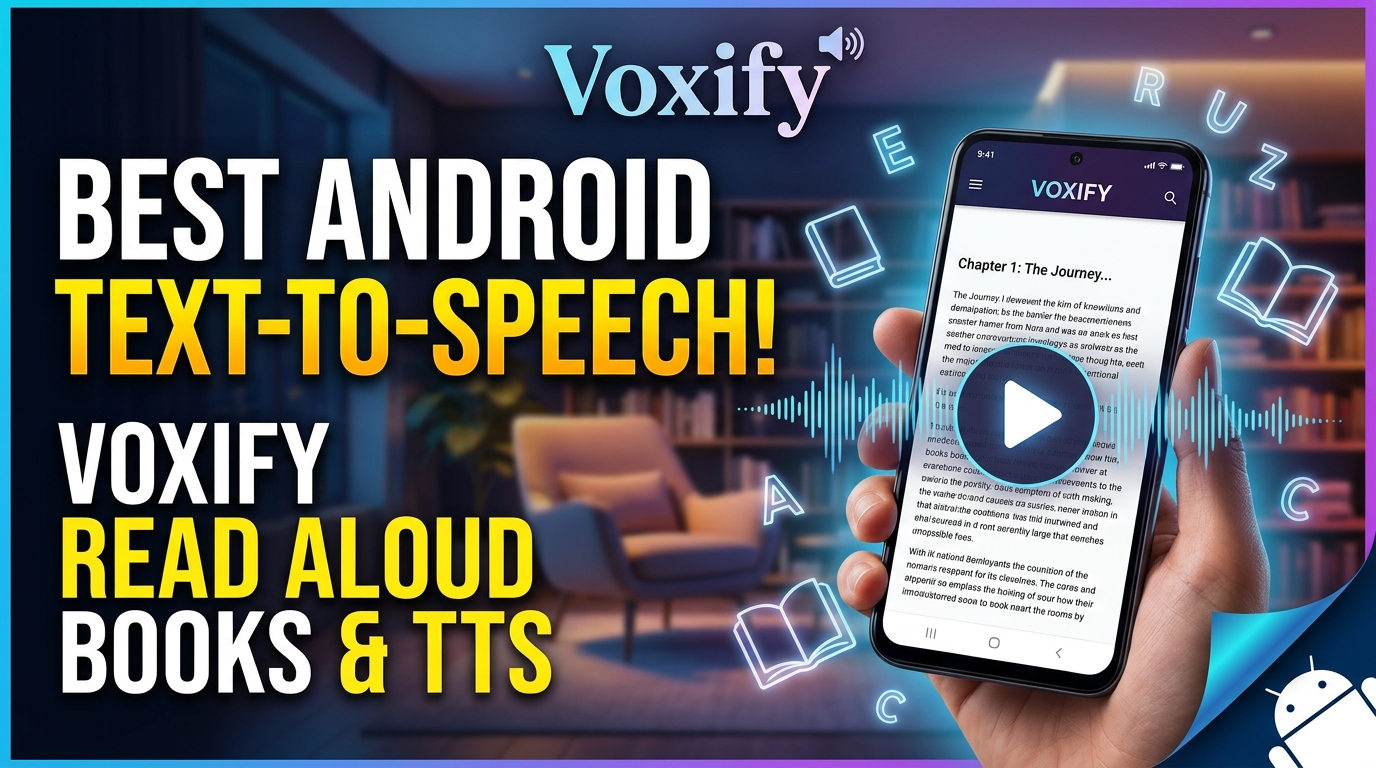
The demand for TTS for Android Auto is soaring, enabling users to consume content safely while driving. While Android Auto provides basic notification readouts, a dedicated app like Voxify offers a far richer experience for long-form listening.
- Enhanced Commute Productivity: Connect your Android device to your car’s infotainment system and leverage Voxify to listen to books, reports, or articles. Its robust playback controls and natural voices make long drives productive and entertaining.
- Seamless Content Flow: Unlike basic system TTS, Voxify handles complex document structures and offers consistent, high-quality audio, making it ideal for consuming entire books or detailed documents on the road, far exceeding the capabilities of simple notification readers.
TTS for Developers (API/Code): User-Facing Excellence
Developers often interact with TTS APIs at a programmatic level to build custom applications. However, for end-users, the focus shifts to robust, feature-rich applications that leverage these technologies effectively. While developers might tinker with Google’s Text-to-Speech API or other SDKs, most power users require a polished, ready-to-use product. Voxify exemplifies the pinnacle of user-facing TTS, offering a superior experience without the need for coding. It harnesses advanced TTS engines to deliver features that would take countless hours for a developer to replicate for personal use.
Browser Extensions vs. Dedicated Mobile Apps: The Voxify Advantage
Desktop users often rely on browser extensions for TTS. However, on mobile, these solutions are often clunky or non-existent. Voxify’s “Integrated Web Reader” fills this gap perfectly, offering a dedicated, optimized mobile experience.
| Feature | Browser TTS Extensions (Desktop) | Basic Mobile Browser TTS | Voxify Read Aloud Books & TTS (Mobile) |
|---|---|---|---|
| Platform | Desktop/Laptop | Limited Mobile | Android Mobile |
| Voice Quality | Varies, often basic | Basic, robotic | Ultra-Natural AI (Neural TTS) |
| Document Support | Web pages only | Web pages only | PDF, EPUB, TXT, MOBI, CBZ, Web |
| Offline Reading | Limited | No | Yes (for downloaded files) |
| Advanced Features | Basic controls | Minimal | Dialogue Voice Change, OCR, EQ, etc. |
| Multi-tasking | Requires active browser | Requires active browser | Background playback, lock screen controls |
As the table illustrates, for true mobile productivity and content consumption, a dedicated, feature-rich app like Voxify far surpasses the limitations of browser-based or generic mobile TTS options.
Mastering Your Audio Reading Experience: Expert Tips
To truly maximize your TTS app for Android, consider these expert strategies:
- Adjust Speed for Productivity: Don’t be afraid to increase the playback speed for content you’re familiar with or for lighter reading. Slow it down for complex academic papers or technical documentation to ensure full comprehension. Voxify’s precise speed controls make this effortless.
- Vary Voices for Engagement: If an app supports multiple voices, assign different voices to distinct types of content. For example, a formal voice for news articles and a softer voice for novels. Voxify’s Smart Voice Changing for dialogues takes this a step further, enhancing narrative immersion.
- Leverage the Sleep Timer: Integrate audio reading into your wind-down routine without worrying about playback continuing all night. Set Voxify’s sleep timer to gently pause your content as you drift off.
- Optimize Audio Settings: Experiment with the pitch and equalizer settings (if available) to find what sounds most natural and comfortable for your ears. Voxify provides robust audio customization to tailor the experience.
- Create a Listening Routine: Dedicate specific times for audio consumption—during your commute, while exercising, or performing household chores. This consistent integration builds a powerful habit, transforming idle time into productive learning or leisure.
By embracing the advanced capabilities of applications like Voxify Read Aloud Books & TTS, you’re not just reading; you’re unlocking a new dimension of content consumption, perfectly suited for the demands of 2026 and beyond.