The AI Revolution in Reading: Unlocking Premium Text-to-Speech on Android & Chromebook


In an era of information overload and constant digital engagement, reading fatigue is a pervasive challenge. Modern power users – from dedicated book lovers to busy students and multitasking professionals – are increasingly turning to audio-based solutions to consume content efficiently. The shift from traditional reading to AI-powered audiobooks and text-to-speech (TTS) applications isn’t just a convenience; it’s a productivity imperative. However, not all tts reader android apps are created equal. The demand is for natural, high-quality voices and robust features that seamlessly integrate into a demanding digital lifestyle.
Voxify Read Aloud Books & TTS: The Gold Standard for Modern Readers
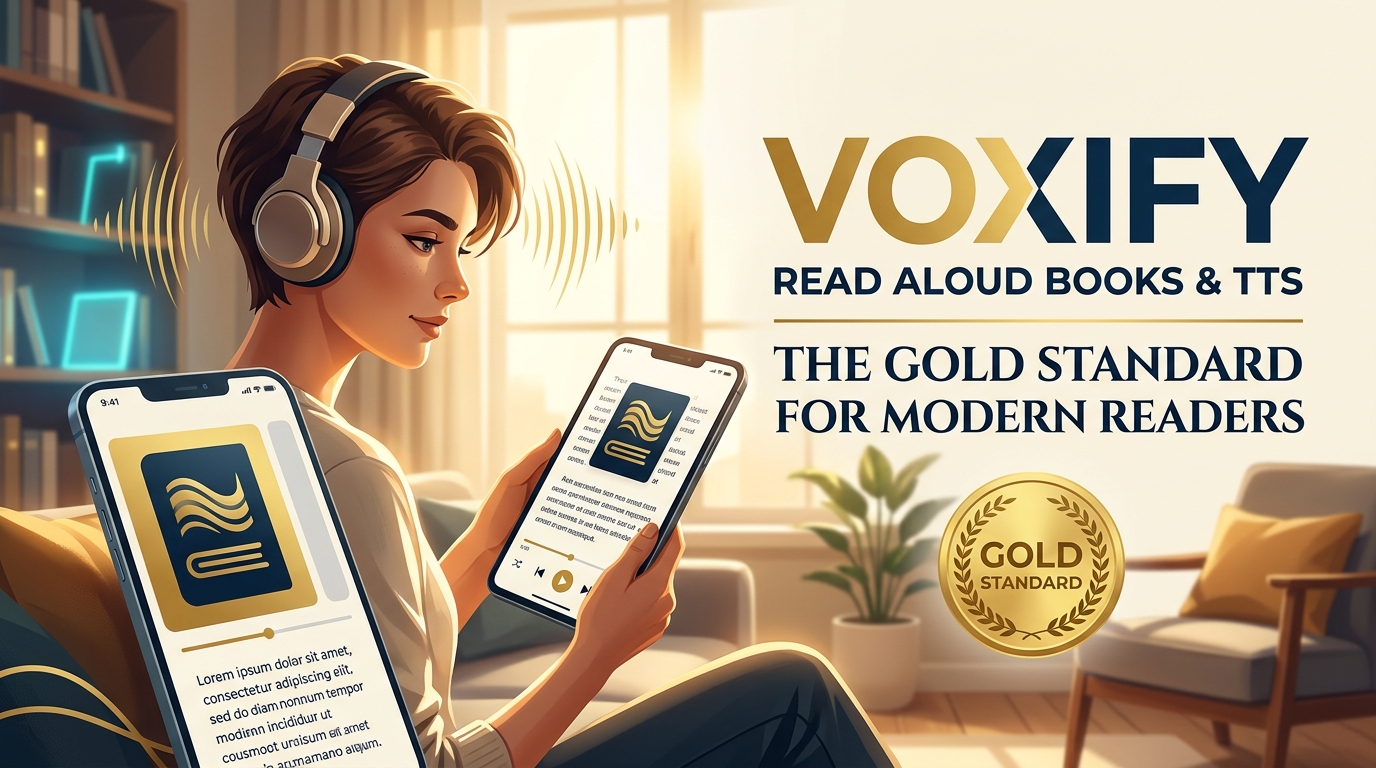
For those seeking the pinnacle of app tts reader for android chromebook technology, Voxify Read Aloud Books & TTS stands out as the premier solution. It’s not merely a reader; it’s a comprehensive listening platform designed to transform how you interact with text, offering an unparalleled blend of natural voice quality, extensive format support, and intelligent features.
Ultra-Natural AI Voices: A New Era of Listening
The days of robotic, monotonous TTS voices are over. Voxify harnesses Ultra-Natural AI Voices (Neural TTS), delivering an auditory experience so rich and nuanced, it often rivals professional human narration. This isn’t just about clarity; it’s about conveying emotion and rhythm that makes listening genuinely enjoyable. For dialogues, Voxify takes it a step further with Smart Voice Changing, automatically assigning different, distinct voices to characters, making complex narratives engaging and easy to follow. Beyond default settings, users can fine-tune their experience with Audio Customization, adjusting Pitch and utilizing an integrated Equalizer to match personal preferences or ambient conditions.
All-in-One Format Support & Seamless Integration
A true best tts app for books must handle diverse digital libraries, and Voxify excels here. It offers Multi-format support for virtually every popular e-book and document type: PDF, EPUB, TXT, MOBI, and even CBZ for comic book enthusiasts. This eliminates the need for multiple apps, centralizing your entire reading list.
But Voxify’s capabilities extend beyond local files. Its Integrated Web Reader allows you to feed articles, blog posts, and web pages directly into its powerful TTS engine, turning any online content into an instant audiobook. For physical documents or image-based text, Image Reading Support (OCR/Auto-scroll) intelligently extracts text, making even printed materials accessible via voice.
Designed for Productivity and Comfort
Voxify understands the nuances of a power user’s day. Features like the Sleep Timer ensure you can drift off to your favorite story without losing your place or draining your battery. The intuitive interface ensures that all these powerful features are easily accessible, making it a frictionless experience whether you’re commuting, working out, or simply relaxing.
🚀 DOWNLOAD VOXIFY ON GOOGLE PLAY
Beyond the Basics: Advanced TTS Scenarios & Why Voxify Leads
The utility of a premium tts reader android extends far beyond simply reading e-books. Power users demand versatility and integration into various facets of their digital lives.
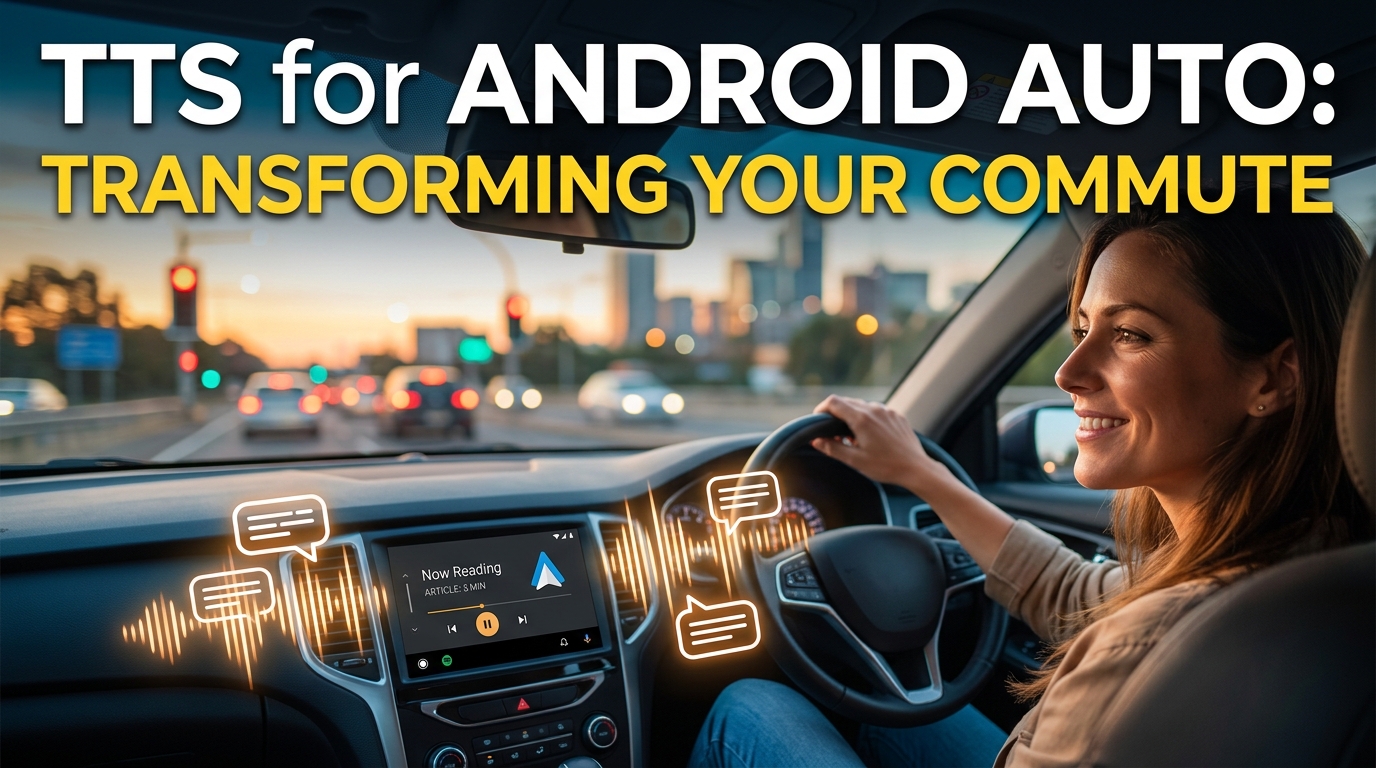
TTS for Android Auto: Your Commute, Reimagined
For professionals and students on the go, integrating tts for android auto is a game-changer. Imagine catching up on research papers, business reports, or your favorite novel during your daily commute. While many basic apps offer some level of Android Auto compatibility, the superior Ultra-Natural AI Voices of Voxify elevate the experience dramatically. Distractions are minimized when the voice is clear, articulate, and engaging, making your car a mobile learning or entertainment hub. Voxify’s robust format support means you’re not limited to basic text files but can listen to complex PDFs or EPUBs effortlessly.
Chromebook Integration: Bridging the Gap
Chromebooks, with their growing capability to run Android applications, present a unique opportunity for chromebook tts. Voxify runs natively as an Android app on your Chromebook, transforming it into a powerful read aloud app for productivity. Students can have textbooks read aloud while taking notes, and professionals can review documents without screen strain. The seamless synchronization and consistent high-quality output mean your listening experience is identical across your Android phone, tablet, and Chromebook.
Power User Demands: Multitasking & Accessibility
Multitasking is a core skill for power users. Whether you’re cooking dinner while listening to a novel, or performing data entry while having a report read to you, the quality of your natural ai voice android app directly impacts efficiency and comprehension. Voxify’s advanced features, like Smart Voice Changing for dialogues, reduce cognitive load, allowing you to focus on the task at hand while absorbing information effectively. Its comprehensive format support ensures that no document type is left behind, making it an indispensable tool for accessibility and productivity across all content forms.
Mastering Your TTS Experience: Expert Tips for Peak Productivity
To truly maximize your text to speech books and general TTS experience, consider these expert tips:
- Experiment with Voices: Voxify offers a range of Ultra-Natural AI Voices. Take the time to find one that resonates best with you. A comfortable voice enhances comprehension and reduces listening fatigue over long periods.
- Adjust Reading Speed: For optimal productivity, tailor the reading speed to your current task. Speed up for familiar content or review, and slow down for complex material requiring deeper focus. Voxify provides precise control over playback speed.
- Leverage the Sleep Timer: Use the Sleep Timer not just for bedtime stories but also for setting focused work blocks. It can serve as an audible reminder to take a break or switch tasks, improving time management.
- Utilize Audio Customization: Don’t underestimate the power of the Pitch and Equalizer settings. Adjusting these can significantly improve clarity in noisy environments or personalize the sound profile to your headphones.
- Organize Your Digital Library: With Voxify’s Multi-format support, consolidate your PDFs, EPUBs, and web articles within the app. A well-organized library means less time searching and more time listening.
- Embrace the Web Reader: Make it a habit to use the Integrated Web Reader for online articles. This saves your eyes from screen strain and allows you to consume web content hands-free.
By integrating Voxify Read Aloud Books & TTS into your daily routine and applying these expert tips, you won’t just be reading; you’ll be experiencing content in a whole new dimension, boosting your productivity and enriching your digital life.