The Ultimate Android TTS Reader: Revolutionize Your Reading on Laptops & Mobile


In an era defined by relentless digital consumption, the modern user often grapples with “reading fatigue.” From dense academic papers to sprawling e-books and endless web articles, our eyes are constantly strained. This challenge has catalyzed a significant shift: the embrace of AI-powered audiobooks and advanced Text-to-Speech (TTS) technology. For power users leveraging the versatility of Android devices – be it a smartphone, tablet, or a Chromebook functioning as an android laptop – a sophisticated tts reader android app isn’t just a convenience; it’s a productivity imperative.
The market is awash with options, but discerning users demand more than basic robotic voices. They seek natural intonation, seamless integration across formats, and features that genuinely enhance the reading experience. This guide cuts through the noise to present the premier solution for transforming your digital text into engaging audio.
Featured Spotlight: Voxify Read Aloud Books & TTS – The Apex of Audio Reading
When it comes to advanced tts reader android applications, Voxify Read Aloud Books & TTS stands in a league of its own. Engineered for power users, students, and avid book lovers, Voxify transcends traditional TTS offerings, delivering an unparalleled audio reading experience across all your Android devices.
Ultra-Natural AI Voices: Beyond Robotic Monotony
The cornerstone of Voxify’s superiority lies in its Ultra-Natural AI Voices. Leveraging cutting-edge Neural TTS technology, Voxify delivers voices that are indistinguishable from human narration. This isn’t just about clarity; it’s about nuance, intonation, and emotional depth that keeps you engaged. Imagine listening to complex prose or captivating fiction with voices that adapt to the context, even employing Smart Voice Changing for dialogues to differentiate characters – a feature that elevates the experience far beyond what basic natural ai voice android apps provide.
All-in-One Format Support & Integrated Web Reading
Productivity means seamless access, regardless of the source. Voxify eliminates the hassle of juggling multiple apps for different file types. It boasts robust multi-format support, effortlessly handling:
- EPUB
- TXT
- MOBI
- CBZ (Comic Book Archive)
Whether it’s a research paper, your favorite e-book, or a graphic novel, Voxify converts it into immersive audio. Furthermore, its Integrated Web Reader allows you to feed articles directly from the internet, making it the ultimate tool for consuming online content hands-free. Even challenging content like images within documents can be read aloud thanks to Image Reading Support (OCR/Auto-scroll), making accessibility a core tenet.
Beyond its core reading capabilities, Voxify offers granular control over your audio experience with Audio Customization (Pitch/Equalizer), allowing you to fine-tune the output to your preference. The Sleep Timer is an invaluable feature for winding down with a story without worrying about playback continuing indefinitely.
Voxify is not just a tts app for books; it’s a comprehensive audio companion designed to integrate flawlessly into your demanding lifestyle.
Deep Dive: Addressing Diverse TTS Needs
While Voxify shines as the top-tier, all-in-one solution, it’s important to understand how it addresses various specific user intents often associated with tts reader android queries.
TTS for Android Auto: Your Commute, Reimagined
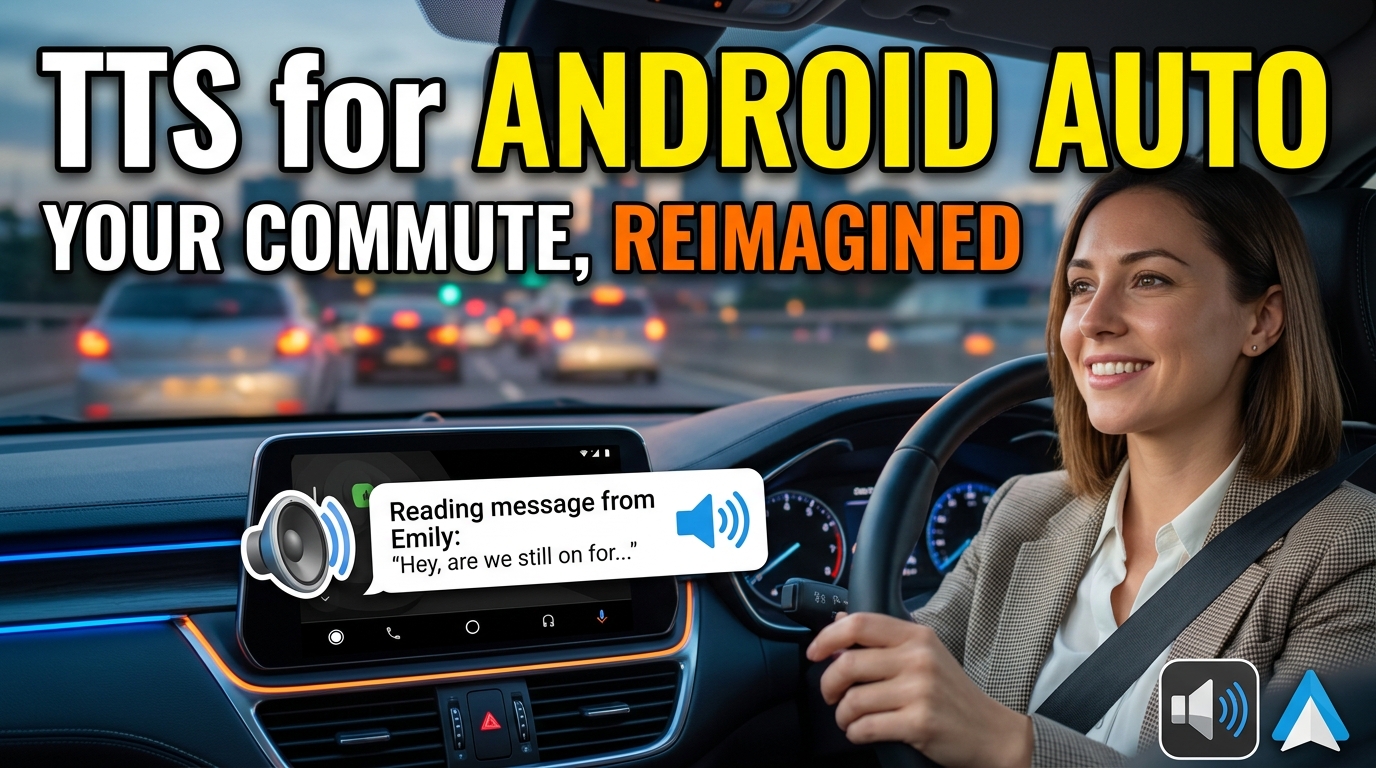
For professionals and students on the go, integrating reading into commute time is a massive productivity hack. Many search for tts for android auto to bring their digital libraries into their vehicles. While Android Auto itself has basic TTS capabilities, Voxify’s superior Ultra-Natural AI Voices and multi-format support make it the standout choice for long-form content. Instead of struggling with robotic voices that can make dense texts unbearable, Voxify ensures your e-books, articles, and documents are read with clarity and engaging intonation, transforming dead travel time into productive learning or enjoyable leisure.
Beyond Basic Browser Extensions: The Power of a Dedicated App
Browser extensions offer a quick fix for reading web pages, but they often lack the sophistication and integrated features of a dedicated application. For users needing to read local files (PDFs, EPUBs) or requiring advanced voice customization and playback controls, a browser extension falls short. Voxify’s Integrated Web Reader delivers the best of both worlds: convenient web article consumption coupled with the robust feature set of a premium best tts app for books – all within a unified, optimized environment.
For Developers and Coders: API vs. User-Ready Solutions
Some power users, particularly developers, might explore TTS APIs or code libraries for custom solutions. While these offer ultimate flexibility, they demand significant development time and expertise. For the vast majority of users who simply want a powerful, reliable, and feature-rich tts reader android app that works out-of-the-box, Voxify is the clear choice. It provides enterprise-grade TTS capabilities in an intuitive, user-friendly package, eliminating the need for complex coding.
Expert Tips for Optimizing Your TTS Experience
To truly maximize your productivity and enjoyment with a premium tts reader android like Voxify, consider these expert recommendations:
- Adjust Playback Speed for Productivity: Experiment with different reading speeds. Many power users find that listening at 1.5x or even 2x speed allows them to absorb information faster without compromising comprehension, especially for review or familiar material.
- Curate Your Voice Library: Voxify’s Ultra-Natural AI Voices offer a range of accents and tones. Select a voice that you find most pleasant and least fatiguing for extended listening sessions.
- Leverage the Sleep Timer: For winding down with an e-book, activate the Sleep Timer to automatically pause playback after a set duration, conserving battery and ensuring you don’t lose your place.
- Integrate into Your Routine: Make TTS a part of your daily rhythm. Listen to news articles during breakfast, review study materials during your commute, or enjoy a novel while exercising.
- Quality Audio Output: Invest in good quality headphones or earbuds. Clear audio reproduction enhances the naturalness of the AI voices and reduces listening fatigue.
- Utilize Audio Customization: Don’t overlook the Audio Customization (Pitch/Equalizer) settings. Fine-tuning these can significantly improve clarity and personal listening comfort, especially in varying acoustic environments.
By integrating Voxify Read Aloud Books & TTS into your digital workflow and applying these expert tips, you won’t just be reading; you’ll be experiencing content in a whole new, highly productive, and enjoyable way.