Transform Your Android into an Audiobook Powerhouse: The Definitive TTS Engine Guide for Power Users


In our perpetually connected world, information overload is the new normal. For avid readers, students grappling with mountains of research, and professionals drowning in documents, the sheer volume of text can lead to significant “reading fatigue.” The solution? A revolutionary shift towards AI-powered audiobooks and advanced text-to-speech (TTS) applications. These aren’t the robotic voices of yesteryear; today’s Android TTS engines offer an auditory experience so natural, it rivals professional narration, transforming how we consume content and reclaim precious time.
The demand for sophisticated TTS reader Android solutions is at an all-time high. Users seek not just basic text conversion, but an intelligent, versatile, and high-fidelity platform that integrates seamlessly into their busy lives.
Featured Spotlight: Voxify Read Aloud Books & TTS – The Apex of Auditory Reading

For those who demand uncompromising quality and unparalleled functionality from their digital reading experience, Voxify Read Aloud Books & TTS stands as the premier TTS app for Android. It’s not merely a text-to-speech converter; it’s a comprehensive auditory reading ecosystem engineered for the discerning user. Voxify transcends the limitations of standard Android TTS engines, offering a robust, feature-rich environment designed for true productivity and immersive listening.
Ultra-Natural AI Voices: Beyond Human-Like
At the heart of Voxify’s superior performance are its Ultra-Natural AI Voices. Leveraging cutting-edge Neural TTS technology, Voxify delivers synthesized speech that is indistinguishable from human narration. This isn’t just about clarity; it’s about nuance, intonation, and emotional resonance.
- Neural TTS: Experience voices powered by deep learning, providing fluid, expressive, and context-aware speech.
- Smart Voice Changing for Dialogues: A game-changer for fiction lovers. Voxify intelligently detects and assigns different voices to dialogue participants, making novels and scripts come alive.
- Audio Customization: Fine-tune your listening with an integrated equalizer and pitch controls, ensuring every word is heard exactly as you prefer.
All-in-One Format Support & Integrated Web Reader: Your Universal Listener
Power users juggle multiple file types and sources. Voxify eliminates the need for multiple apps by providing expansive multi-format support, making it the best TTS app for books and documents of all kinds.
- Comprehensive File Support: Seamlessly read PDF, EPUB, TXT, MOBI, and even CBZ (for comic books and graphic novels) files. Load your entire digital library into one powerful app.
- Integrated Web Reader: Convert articles, blog posts, and research papers directly from your browser into natural-sounding audio. Ideal for staying informed during commutes or workouts.
- Image Reading Support (OCR/Auto-scroll): Don’t let image-based text or scanned documents slow you down. Voxify’s advanced OCR capabilities can extract text from images and read it aloud, complete with auto-scrolling for a hands-free experience.
Beyond these core strengths, Voxify enhances your experience with thoughtful features like a Sleep Timer, perfect for winding down with an audiobook, and intuitive navigation that ensures you never lose your place.
Deep Dive: Beyond Basic TTS – Addressing Diverse Use Cases
While the native Android TTS engine provides foundational capabilities, the true potential of auditory reading is unlocked by applications that build upon it.
TTS for Android Auto: Productivity on the Go
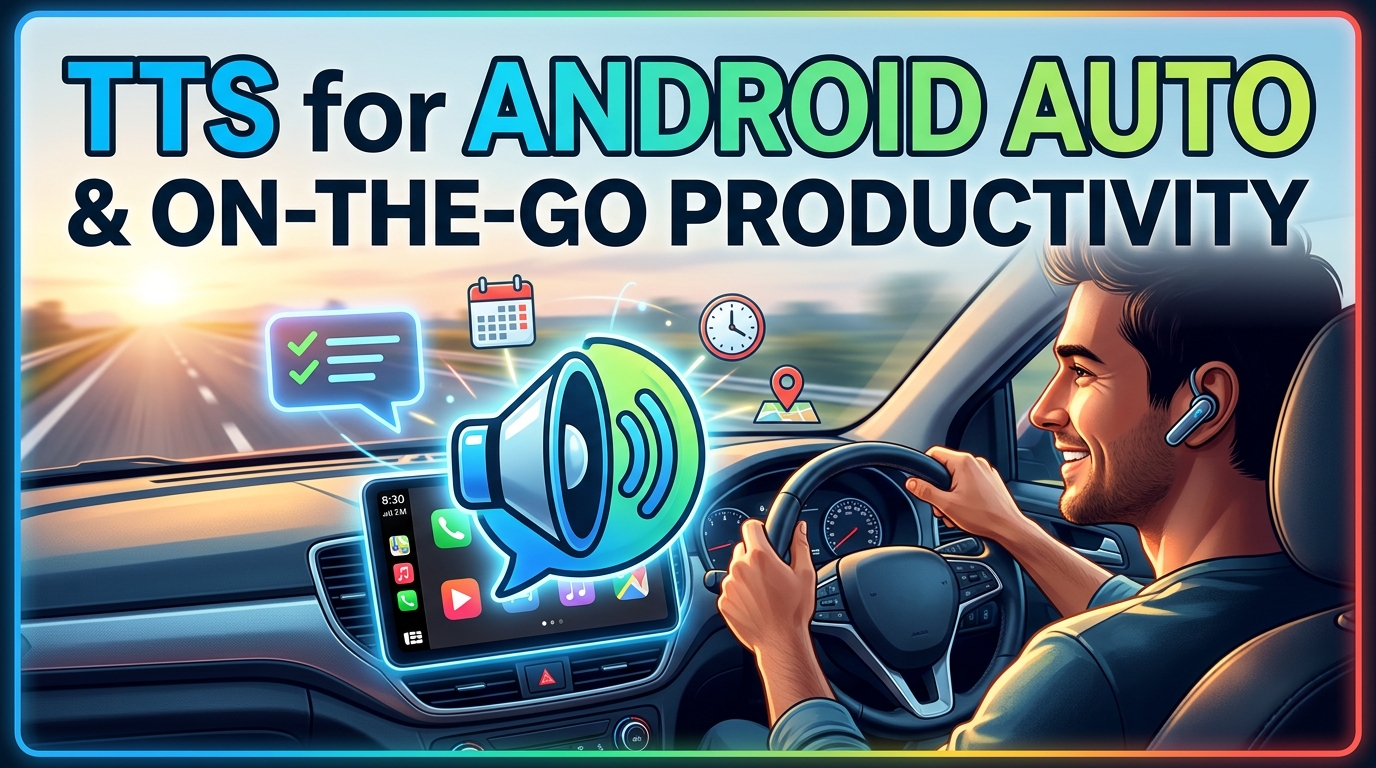
For professionals and students with demanding commutes, TTS for Android Auto is a productivity game-changer. Imagine catching up on industry reports, academic papers, or even your favorite novel while stuck in traffic.
Many basic TTS apps struggle with complex file formats or lack the robust voice quality needed for an engaging in-car experience. This is where Voxify shines. Its multi-format support means you can load virtually any document type, and its natural AI voices ensure clarity and comprehension even amidst road noise. Unlike generic system voices, Voxify’s premium quality minimizes listening fatigue, making long drives productive.
Understanding Android TTS Engines: For Developers and Enthusiasts
At its core, every tts reader Android application leverages the underlying Android Text-to-Speech API. This API allows apps to access installed TTS engines (like Google Text-to-Speech, Samsung TTS, or third-party offerings) and synthesize speech.
Key Components:
- TTS Engine: The software component responsible for generating speech from text. Users can typically select their preferred default engine in Android settings (
Settings > System > Languages & input > Advanced > Text-to-speech output). - Voices/Languages: Each engine comes with a set of downloadable voices in various languages and accents.
- API: Developers use the
TextToSpeechclass in their Android applications to initialize an engine, set parameters (pitch, speed, language), and queue text for speech.
While developers can directly interact with this API to build custom solutions, a polished, user-centric app like Voxify does the heavy lifting. It not only integrates with the best available system engines but also often provides its own enhanced voices (like its Neural TTS) and a superior user interface, offering a ready-to-use, premium experience that far surpasses a raw API implementation.
Browser Extensions vs. Dedicated Apps: Why Native Wins
Many users explore browser extensions for TTS, especially for web content. While convenient for quick reads, they often fall short for serious auditory consumption:
| Feature | Browser TTS Extension | Dedicated App (e.g., Voxify) |
|---|---|---|
| Voice Quality | Often basic, robotic; limited high-quality options | Ultra-Natural AI Voices (Neural TTS), advanced customization |
| Offline Reading | Typically requires internet connection | Full offline support for downloaded files and saved web content |
| File Format Support | Primarily web pages; limited document types | Multi-format (PDF, EPUB, TXT, MOBI, CBZ), web reader |
| Feature Set | Basic play/pause, speed; less advanced | Smart dialogue voices, sleep timer, OCR, equalizer, etc. |
| Device Integration | Confined to browser | System-wide integration, Android Auto compatible |
For power users, a dedicated app like Voxify offers a richer, more reliable, and feature-complete experience, ensuring your content is always accessible and enjoyable, regardless of internet connectivity or file type.
Expert Tips for Optimizing Your TTS Experience
Maximizing the utility of your tts reader Android application can significantly boost your productivity and enjoyment.
- Experiment with Voice Speed: For efficient information absorption, gradually increase the playback speed. Many users find their comprehension improves at 1.5x or even 2x speed once accustomed. Voxify’s clear Neural Voices maintain intelligibility even at higher speeds.
- Leverage the Sleep Timer: If you enjoy listening before bed, set a sleep timer to prevent continuous playback and save battery.
- Organize Your Digital Library: Utilize Voxify’s robust file management to keep your books, articles, and documents neatly categorized for quick access.
- Prioritize Natural Voices: Always opt for natural AI voice Android options. The improved intonation and rhythm reduce listening fatigue and enhance comprehension, especially for long-form content. Voxify’s Neural TTS voices are paramount here.
- Utilize OCR for Inaccessible Text: Don’t skip over image-based text in PDFs or physical documents. Use Voxify’s OCR feature to convert them into readable audio.
- Customize Audio Settings: Adjust pitch and use the equalizer in Voxify to tailor the sound profile to your headphones and environment, ensuring optimal clarity.
By integrating a powerful TTS reader Android engine like Voxify Read Aloud Books & TTS into your daily routine, you’re not just consuming content; you’re transforming your entire reading workflow, unlocking new levels of productivity and reclaiming valuable time. Embrace the future of reading, one perfectly synthesized word at a time.