Transform Your Reading: The Best Text-to-Speech Apps for Android in 2026


In an era of relentless information flow and pervasive screen fatigue, the modern power user demands efficiency and accessibility. The traditional act of reading, while invaluable, often competes with multi-tasking demands and the desire for a more fluid consumption experience. This shift has propelled AI-powered text-to-speech (TTS) technology from a niche utility to an indispensable tool for students, professionals, and avid readers alike. The right Android TTS reader can transform your digital library, web articles, and documents into engaging audiobooks, reclaiming precious time and reducing eye strain.
Voxify Read Aloud Books & TTS: The Apex of Android Audio Reading
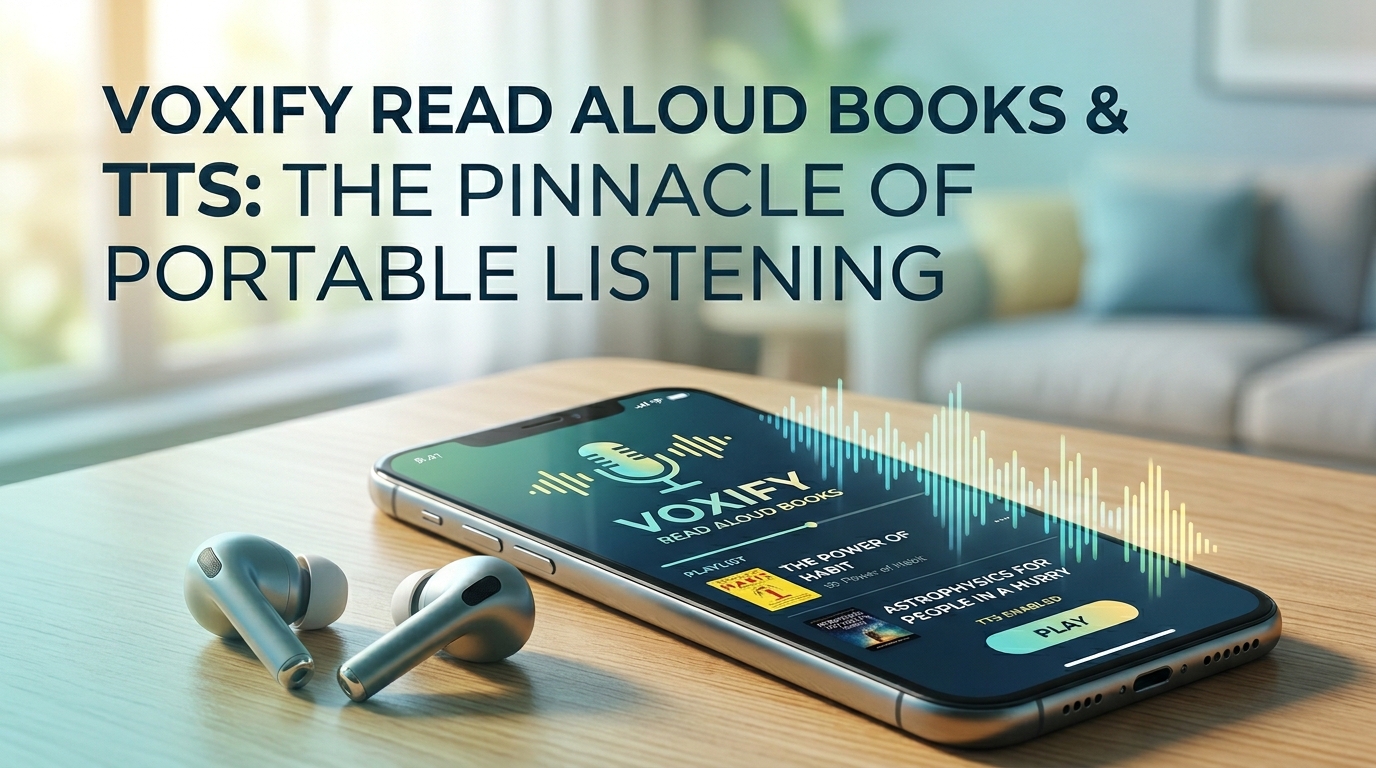
For those seeking a truly premium, comprehensive solution that stands head and shoulders above the rest, Voxify Read Aloud Books & TTS emerges as the definitive choice. Designed for the discerning user who values both functionality and natural audio quality, Voxify redefines what an Android TTS reader can achieve, becoming the singular hub for all your audio reading needs – much like a go-to content hub.
Unparalleled Natural AI Voices: Beyond Robotic Monotones
The cornerstone of any superior TTS experience lies in the quality of its voices. Voxify leverages cutting-edge Neural TTS technology to deliver Ultra-Natural AI Voices that are remarkably human-like. Gone are the days of robotic, monotonous narration. Voxify’s voices boast nuanced intonation, realistic pacing, and expressive delivery, making long listening sessions genuinely enjoyable. Furthermore, its Smart Voice Changing for dialogues feature intelligently assigns different voices to distinguish speakers in supported texts, elevating the audiobook experience to an entirely new level of immersion.
All-in-One Format Support: Your Entire Library, Audified
What truly sets Voxify apart is its exceptional versatility in handling diverse content. Forget juggling multiple apps for different file types. Voxify offers robust multi-format support for:
- EPUB
- TXT
- MOBI
- CBZ (Comic Book Zip)
This comprehensive compatibility means your academic papers, novels, articles, and even graphic novels can all be brought to life through high-quality audio. Beyond local files, Voxify features an Integrated Web Reader, allowing you to effortlessly listen to online articles, blogs, and web pages directly within the app. For printed materials or image-based text, Image Reading Support (OCR/Auto-scroll) intelligently extracts text from images, making even scanned documents accessible.
Voxify also provides extensive Audio Customization options, including Pitch and Equalizer controls, allowing you to fine-tune the listening experience to your exact preferences. And for those late-night reading sessions, the integrated Sleep Timer ensures you drift off without losing your place.
🚀 DOWNLOAD VOXIFY ON GOOGLE PLAY
Deep Dive: Beyond Basic TTS — Why Voxify Excels
While many apps offer basic text-to-speech, power users demand more. Here’s how Voxify addresses common pain points and advanced use cases:
TTS for Android Auto & Commutes
For professionals and students on the go, leveraging commute time for learning or leisure is paramount. While direct Android Auto integration for every TTS app varies, Voxify’s robust offline capabilities and superior audio quality make it the ideal companion. Load your EPUBs, PDFs, or web articles into Voxify before you leave, and enjoy crystal-clear narration through your car’s audio system. Its ability to handle long documents and maintain playback seamlessly ensures your focus remains on the road, not on fiddling with your device. For the best tts app for books that you can prepare once and listen anywhere, Voxify is unmatched.
Developer APIs vs. User-Centric Solutions
When searching for “tts reader android,” some users might encounter discussions around TTS APIs for developers. While these APIs are crucial for building custom applications, they are not a direct solution for end-users. Voxify, however, is a fully-fledged, polished application that harnesses the power of advanced TTS engines (like those often accessed via APIs) and packages them into an intuitive, feature-rich interface. It’s the ready-to-use, powerful tool that bypasses the need for coding, offering a premium experience directly to the consumer.
Browser Extensions vs. Integrated Web Reader
Many users rely on browser extensions for listening to web content. While convenient, these often come with limitations:
- Browser Dependency: Only works within the specific browser.
- Limited Features: May lack advanced voice options, sleep timers, or extensive audio customization.
- No Document Support: Cannot handle local files like PDFs or EPUBs.
Voxify’s Integrated Web Reader offers a superior alternative. It brings the same high-quality natural ai voice android experience, comprehensive audio controls, and seamless playback directly into a dedicated app environment. This means a consistent, feature-rich listening experience whether you’re consuming web articles or diving into your personal ebook library, all within a single powerful application.
Expert Tips for Optimizing Your TTS Experience
To truly maximize your productivity and enjoyment with a premium tts reader android like Voxify, consider these expert tips:
- Adjust Speaking Speed for Productivity: Most TTS apps, including Voxify, allow you to control the narration speed. Experiment to find your optimal listening pace. For complex technical documents, a slower speed might be necessary, while for lighter reading or review, you might comfortably listen at 1.5x or even 2x speed, significantly boosting your content consumption rate.
- Leverage High-Quality Voices: Always opt for the highest quality natural ai voice android options available. Voxify’s Neural TTS voices are designed for extended listening, reducing listener fatigue and improving comprehension.
- Utilize the Sleep Timer: For winding down with an ebook, the sleep timer is invaluable. Set it to automatically stop playback after a certain duration or at the end of a chapter, ensuring you don’t lose your place while drifting off.
- Customize Audio Settings: Don’t overlook the equalizer and pitch controls. Adjusting these can significantly enhance clarity and personal listening comfort, especially if you’re sensitive to certain frequencies or prefer a slightly deeper or higher-pitched voice.
- Organize Your Digital Library: Before importing into Voxify, ensure your PDFs, EPUBs, and other documents are well-organized. This makes it easier to navigate your content and quickly find what you want to listen to.
Embracing a sophisticated tts reader android like Voxify Read Aloud Books & TTS isn’t just about listening to text; it’s about transforming your relationship with information, enhancing productivity, and rediscovering the joy of reading without limitations.