Transform Your Reading: The Premier Text-to-Speech Apps for Android in 2026


In an era of relentless digital information, screen fatigue is a common adversary. Professionals, students, and avid readers alike often find themselves wishing for more efficient, less visually taxing ways to consume content. The good news? The solution isn’t just a wish anymore; it’s a sophisticated reality powered by cutting-edge AI: text-to-speech (TTS) apps for Android. These powerful tools are transforming how we interact with everything from digital books to web articles, turning any text into a personalized audiobook.
Gone are the days of robotic, monotone voices. Today’s natural AI voice Android TTS solutions offer an immersive, human-like listening experience that can significantly boost productivity, aid comprehension, and even make reading more enjoyable. For power users in the USA, UK, and Australia seeking the ultimate tts reader android experience, the choice is clear.
Featured Spotlight: Voxify Read Aloud Books & TTS – The Apex of Audio Reading
When it comes to elevating your audio reading, one application stands head and shoulders above the rest: Voxify Read Aloud Books & TTS. Engineered for power users, Voxify isn’t just an app; it’s a comprehensive audio reading ecosystem designed to integrate seamlessly into your digital life, offering unparalleled flexibility and naturalness.
Unrivaled Natural AI Voices: Beyond Human-Like
At the core of Voxify’s superiority are its Ultra-Natural AI Voices (Neural TTS). Forget the synthesized, flat tones of yesteryear. Voxify leverages advanced neural networks to produce voices that are virtually indistinguishable from human narration, complete with natural intonation, rhythm, and emotional nuance.
What truly sets Voxify apart is its Smart Voice Changing for dialogues. Imagine listening to a novel where each character’s lines are spoken by a distinct, appropriate voice. This innovative feature breathes life into narratives, making complex stories easier to follow and significantly enhancing engagement—a game-changer for best tts app for books.
Your All-in-One Reading Companion: Format Freedom & Web Integration
Voxify understands that your reading material comes in many forms. That’s why it offers multi-format support for virtually every digital document type: PDF, EPUB, TXT, MOBI, and even CBZ for comic book enthusiasts. No more juggling multiple apps for different file types.
Crucially for those who consume content directly from the web, Voxify features an Integrated Web Reader. This means you can paste article links or browse directly within the app, turning any web page into an audible experience. This is especially potent for users searching for an effective app tts reader for android chrome, offering a dedicated, superior experience compared to simple browser extensions.
Beyond formats, Voxify boasts:
- Image Reading Support (OCR/Auto-scroll): Scan physical documents or images containing text, and Voxify will read them aloud, even automatically scrolling as it progresses.
- Sleep Timer: Perfect for bedtime listening, allowing you to drift off without losing your place.
- Audio Customization (Pitch/Equalizer): Fine-tune the audio output to your exact preferences, ensuring optimal clarity and comfort.
With Voxify, your entire library, both digital and web-based, becomes an accessible, high-quality audiobook.
🚀 DOWNLOAD VOXIFY ON GOOGLE PLAY
Beyond the Basics: Addressing Specific TTS Needs
While Android’s native TTS engine provides foundational functionality, power users demand more. Here’s how Voxify rises to meet advanced requirements.
TTS for Android Chrome: Browsing and Beyond
For users frequently browsing the internet on their Android devices and seeking a robust app tts reader for android chrome, Voxify’s Integrated Web Reader is the definitive answer. While Chrome offers basic accessibility features, and various browser extensions exist, they often fall short in voice quality, feature set, and integration.
Voxify’s dedicated web reader offers:
- Superior Voice Quality: Far surpasses generic browser TTS.
- Enhanced Control: Granular control over playback, speed, and voice.
- Seamless Integration: Save web articles directly into your Voxify library for later listening, offline access, and consistent voice settings across all your content.
This comprehensive approach makes Voxify a far more powerful and reliable solution for consuming web content audibly than relying solely on browser-based tools.
The Road Warrior's Audio Library: TTS for Android Auto
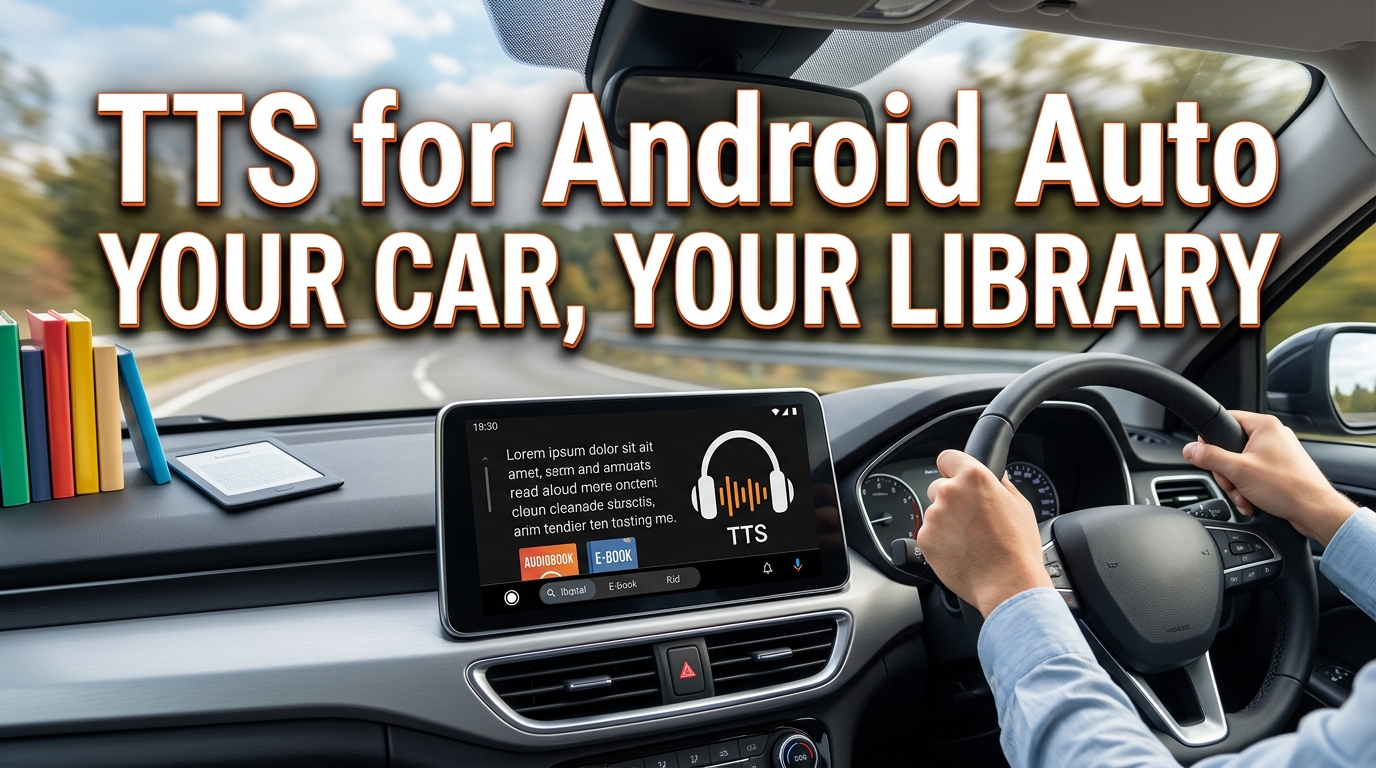
The ability to listen to documents, articles, and books while driving is a significant productivity and safety boon. While dedicated Android Auto apps with full TTS integration are evolving, Voxify’s robust audio playback capabilities make it an ideal companion for tts for android auto users.
By connecting your Android device to your car’s infotainment system via Bluetooth or USB, Voxify’s high-quality audio output integrates seamlessly. You can queue up your PDFs, EPUBs, or saved web articles within Voxify, effectively turning your car into a mobile library. Its clear, natural voices ensure that even complex technical documents or intricate narratives remain intelligible during your commute.
For the Tech-Savvy: TTS APIs and Developer Options
For developers or those interested in the deeper mechanics, Android provides an underlying TTS API, allowing apps to leverage the device’s default TTS engine or integrate third-party engines. This offers flexibility for custom applications. However, for the vast majority of users, delving into APIs or coding is unnecessary and overly complex to achieve a premium listening experience.
Voxify abstracts this complexity, delivering a polished, feature-rich experience out-of-the-box. Instead of needing to code for advanced voice features or multi-format support, Voxify provides these highly sought-after capabilities in a user-friendly package, making advanced Android TTS accessible to everyone without requiring technical expertise.
Elevating Your Audio Reading Experience: Expert Tips
To truly maximize your tts reader android experience with Voxify, consider these expert tips:
- Adjust Playback Speed for Productivity: For dense material or when multitasking, increase the playback speed. Voxify’s natural voices maintain clarity even at faster speeds, allowing you to consume more content in less time.
- Experiment with Voices: Don’t settle for the default. Voxify offers a range of natural voices. Find the one that best suits your listening preference for different types of content—a calm voice for novels, a more assertive one for news articles.
- Leverage the Sleep Timer: If you enjoy listening before bed, set the sleep timer. This prevents the app from playing all night and helps you pick up exactly where you left off.
- Utilize OCR for Physical Books: Have a physical textbook or a printed article? Use Voxify’s Image Reading (OCR) feature to convert it to audio. This is invaluable for digitizing and listening to non-digital content.
- Customize Audio with the Equalizer: Fine-tune the pitch and use the equalizer to optimize the audio for your headphones or speaker setup, ensuring maximum comfort and clarity.
Embrace the future of reading. With Voxify Read Aloud Books & TTS, you’re not just listening; you’re experiencing your content in a richer, more flexible, and remarkably human way.