Transform Your Reading: The Ultimate Android Text-to-Speech Apps for Power Users in 2026


In an era of relentless information consumption, the modern user often grapples with reading fatigue. Staring at screens for hours on end, whether for work, study, or leisure, can diminish focus and productivity. This challenge has fueled a significant shift towards AI-powered audiobooks and advanced text-to-speech (TTS) solutions, transforming how we engage with digital content. No longer confined to robotic voices, today’s TTS technology delivers an immersive, human-like listening experience that caters to multi-tasking professionals, dedicated students, and avid book lovers across the globe.
Voxify Read Aloud Books & TTS: The New Standard for Immersive Listening
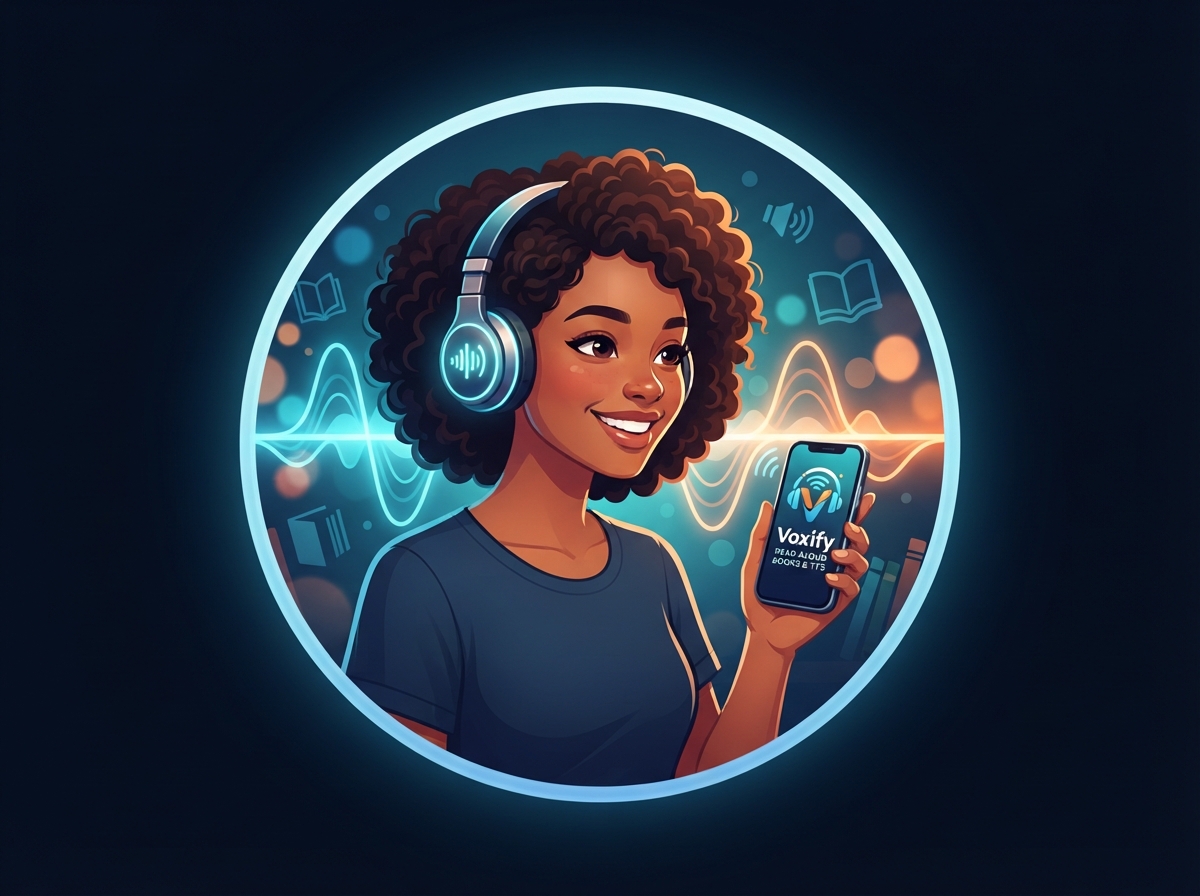
For power users demanding the pinnacle of tts reader android technology, one application consistently rises above the rest: Voxify Read Aloud Books & TTS. It’s not just an app; it’s a comprehensive listening platform designed to integrate seamlessly into your busy life, making every piece of text accessible and enjoyable.
Unrivaled Natural AI Voices & Dialogue Intelligence
The cornerstone of Voxify’s superiority lies in its Ultra-Natural AI Voices (Neural TTS). Gone are the days of monotonous, synthetic narration. Voxify leverages cutting-edge neural networks to produce voices that mimic human intonation, cadence, and emotion, creating a genuinely captivating auditory experience. Furthermore, its Smart Voice Changing for dialogues feature dynamically assigns different, natural-sounding voices to distinguish between speakers in a text, bringing stories and discussions to life with unparalleled clarity. For an even more personalized experience, users can fine-tune the audio with Audio Customization (Pitch/Equalizer), ensuring every listening session is perfectly tailored.
Your Entire Library, Accessible Anywhere
Voxify stands out as the best tts app for books due to its exceptional versatility. It boasts Multi-format support, effortlessly handling PDFs, EPUBs, TXT files, MOBI, and even CBZ comic book archives. This means your entire digital library, regardless of format, is ready to be read aloud. Beyond local files, the Integrated Web Reader allows you to instantly convert online articles, blog posts, and research papers into audio, perfect for staying informed on the go. Adding to its impressive capabilities, Image Reading Support (OCR/Auto-scroll) intelligently extracts text from images, making even scanned documents or picture-heavy content audible. For those who enjoy winding down with a story, the built-in Sleep Timer ensures you can drift off without losing your place.
<a href="
“>🚀 DOWNLOAD VOXIFY ON GOOGLE PLAYBeyond Books: Integrating TTS into Your Digital Life
While Voxify excels as a dedicated reader, the broader utility of TTS extends across various digital touchpoints. Understanding these integrations helps underscore why a robust solution like Voxify is indispensable.
TTS for Android Auto: Your Commute, Reimagined
Commutes, once lost time, can become productive listening sessions with tts for android auto. Generic system TTS can read messages or navigation prompts, but for digesting longer-form content like news articles, reports, or chapters of a book, a superior voice engine is crucial. Voxify’s natural ai voice android capabilities elevate the Android Auto experience, transforming mundane drives into opportunities to catch up on reading lists or learn new material without distraction. The clarity and human-like quality ensure better comprehension and reduced listening fatigue during extended periods.
The Developer's Edge: TTS API & Custom Solutions
For developers, Android’s core TTS APIs offer the building blocks to integrate speech functionality into custom applications. This allows for bespoke solutions, from accessibility tools to interactive interfaces. However, for end-users seeking an immediate, polished, and feature-rich experience for consuming existing content, dedicated applications like Voxify provide a ready-made, superior alternative. They abstract away the complexities of API integration, offering a user-friendly interface combined with advanced features that would require significant development effort to replicate from scratch.
Browser Extensions vs. Dedicated Apps: A Productivity Showdown
Browser extensions for TTS offer quick, in-browser reading of web pages. They are convenient for short articles or quick checks. However, their capabilities often fall short for serious productivity or immersive reading.
| Feature | Browser TTS Extension | Voxify Read Aloud Books & TTS |
|---|---|---|
| Voice Quality | Often generic, robotic | Ultra-Natural AI (Neural TTS) |
| Format Support | Web pages only | PDF, EPUB, TXT, MOBI, CBZ, Web |
| Offline Access | Limited/None | Full offline reading |
| Advanced Features | Basic playback | Dialogue voice changing, OCR, Equalizer, Sleep Timer |
| Integration | Browser-specific | System-wide (via share menu), Dedicated app |
| User Experience | Functional | Immersive, customizable |
For long-form content, offline access, and a truly immersive listening experience, a dedicated app like Voxify is unequivocally the superior choice for power users.
Expert Tips for Optimizing Your TTS Experience
Leveraging TTS to its full potential requires more than just hitting play. Here are expert tips to maximize your productivity and enjoyment:
- Master Playback Speed: Experiment with different reading speeds. Many power users find increasing the speed to 1.5x or even 2x allows them to consume information faster without sacrificing comprehension. Voxify’s clear voices maintain intelligibility even at higher speeds.
- Utilize the Sleep Timer: For winding down with an audiobook or a long article, set Voxify’s Sleep Timer. It automatically pauses playback after a set duration, ensuring you don’t lose your place if you drift off.
- Explore Voice Customization: Don’t settle for the default. Dive into Voxify’s settings to try different natural ai voice android options, adjust pitch, or tweak the equalizer. Finding the perfect voice and audio profile significantly enhances long-term listening comfort.
- Batch Your Reading: Use Voxify’s multi-format support to queue up all your articles, books, and documents for the day. This creates a continuous audio stream, ideal for focused work sessions or extended commutes.
- Leverage OCR for Physical Texts: If you have physical documents or book excerpts you need to hear, use Voxify’s Image Reading Support (OCR). A quick photo can turn any printed text into an audible format, bridging the gap between physical and digital libraries.
Embracing advanced text-to-speech solutions like Voxify Read Aloud Books & TTS is no longer a luxury but a necessity for the modern power user. It’s about reclaiming time, reducing strain, and transforming how you interact with the vast world of digital information. Elevate your reading experience today.