Transform Your Reading: The Ultimate Free Android TTS Readers for Power Users in 2026


Modern life demands efficiency, and for many, the sheer volume of text—from professional documents to academic papers and beloved novels—leads to a familiar foe: reading fatigue. In an age dominated by audio content, the ability to convert text into high-quality, natural-sounding speech has become an indispensable productivity hack. Gone are the days of robotic voices; today’s TTS reader Android apps offer an immersive, AI-powered audiobook experience, allowing you to consume content on the go, during chores, or even while resting your eyes.
This guide delves into the world of free online TTS for Android, focusing on solutions that deliver premium features without the premium price tag, and highlighting the standout choice for discerning power users.
Voxify Read Aloud Books & TTS: The Premier AI-Powered Listening Experience
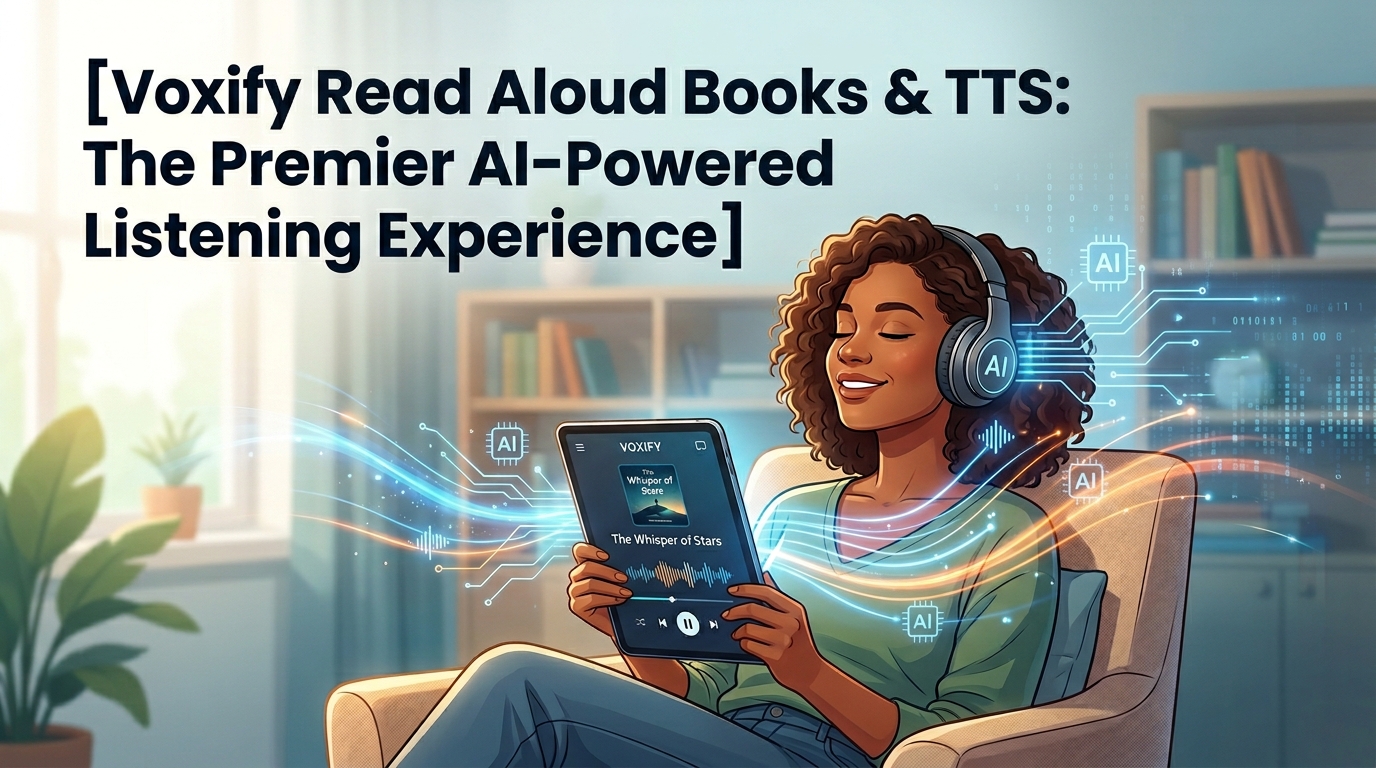
When it comes to elevating your reading to an auditory art form, one application consistently rises above the rest: Voxify Read Aloud Books & TTS. Designed for the serious reader, student, and professional, Voxify transforms your Android device into a personal, intelligent narrator, making it the best TTS app for books and beyond.
Ultra-Natural AI Voices: Beyond Robotic Monotony
The cornerstone of any superior TTS experience lies in its voices. Voxify leverages cutting-edge Neural TTS technology to deliver ultra-natural AI voices on Android. This isn’t just text read aloud; it’s text performed. The nuances in intonation, pacing, and emotional inflection create a listening experience so lifelike, you’ll forget you’re listening to an AI.
Beyond mere naturalness, Voxify introduces revolutionary Smart Voice Changing for dialogues. Imagine listening to a novel where different characters actually sound distinct, adding depth and immersion previously only found in professionally produced audiobooks. This feature alone sets Voxify apart, making it a game-changer for fiction lovers.
All-in-One Format Support & Seamless Integration
Voxify understands that your content isn’t confined to a single format. It boasts unparalleled multi-format support, allowing you to effortlessly import and listen to:
- PDF documents
- EPUB e-books
- TXT files
- MOBI files
- CBZ comic book archives
But the convenience doesn’t stop there. Voxify includes an Integrated Web Reader, enabling you to listen to articles, blog posts, and web pages directly within the app, bypassing the need for clumsy copy-pasting or browser extensions. Furthermore, its Image Reading Support (OCR/Auto-scroll) means even text embedded in images or scanned documents can be brought to life audibly, complete with intelligent auto-scrolling to keep pace with the narration.
For those who like to fine-tune their audio, Voxify offers robust Audio Customization, including Pitch adjustment and an Equalizer, ensuring the sound perfectly matches your preferences. And for winding down, the built-in Sleep Timer allows you to drift off to your favorite story without worrying about draining your battery.
Voxify Read Aloud Books & TTS is more than just a free TTS app Android; it’s a comprehensive auditory reading platform built for the demands of modern users.
Deep Dive: Beyond Basic TTS – Addressing Specific User Needs
While Voxify shines as the ultimate all-rounder, understanding how TTS integrates with other aspects of your digital life is crucial.
TTS for Android Auto: Listen While You Drive
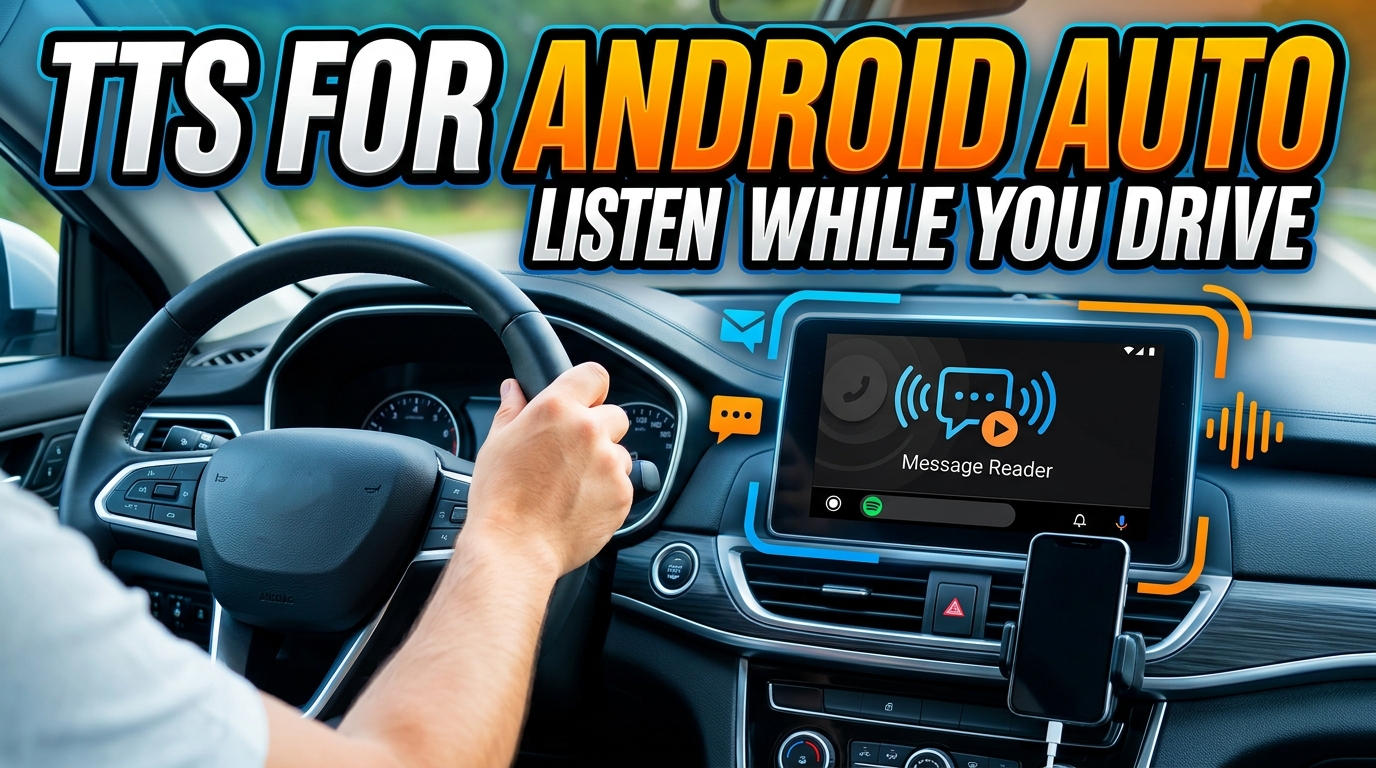
For commuters and road warriors, integrating content into their driving experience is paramount. TTS for Android Auto allows you to safely listen to articles, e-books, and documents without touching your phone. While many basic TTS reader Android apps can play audio in the background, Voxify’s superior voice quality and seamless content handling make it the ideal companion for long drives. Imagine having your latest report or a chapter from your novel read to you with natural inflection, enhancing focus and reducing screen distraction.
Online TTS Android Capabilities & Browser Extensions
The “online” aspect of TTS often refers to cloud-based voices, which typically offer higher quality than device-local voices. Many users also seek browser extensions for desktop TTS. While these serve a purpose on a PC, for Android, a dedicated app like Voxify with its Integrated Web Reader offers a more streamlined and powerful solution. It centralizes your web articles alongside your local documents, all narrated by its advanced AI voices, eliminating the need to juggle multiple apps or browser tabs. This integrated approach ensures a consistent, high-quality listening experience across all your text-based content.
Exploring TTS API/Code (Briefly for Context)
While this guide targets power users, not developers, it’s worth noting that the advanced capabilities of apps like Voxify are built upon sophisticated TTS API and robust coding. These underlying technologies are what enable features like neural voices, multi-format parsing, and intelligent dialogue handling. For users, this translates directly into a smoother, more powerful, and more enjoyable experience, far beyond what basic system TTS engines can offer.
Expert Tips: Optimize Your TTS Experience
To truly maximize your TTS reader Android app, especially with a powerful tool like Voxify, consider these expert tips:
- Adjust Reading Speed for Productivity: Don’t be afraid to increase the narration speed. Most users can comfortably comprehend speech at 1.5x or even 2x the normal rate, significantly boosting your content consumption efficiency. Experiment to find your optimal pace.
- Leverage Sleep Timers: For winding down or gentle wake-ups, use the built-in sleep timer. This prevents the app from playing all night and conserves battery life.
- Utilize Voice Customization: Play with pitch and equalizer settings (available in Voxify) to find a voice tone and audio profile that is most comfortable and engaging for your ears.
- Organize Your Library: Take advantage of any in-app library features to categorize your books, articles, and documents. A well-organized library makes it easier to jump between different types of content.
- Offline Access: If your chosen app (like Voxify) allows for offline voice packs or content caching, download essential files for uninterrupted listening in areas with poor internet connectivity, such as during commutes or travel.
- Experiment with Dialogue Voices: If your app supports smart voice changing for dialogues (a standout Voxify feature), try different voice combinations to enhance immersion in fiction.
Embracing a high-quality TTS reader Android app like Voxify Read Aloud Books & TTS is more than a convenience; it’s an upgrade to your digital lifestyle. Reclaim your time, reduce eye strain, and rediscover the joy of reading through the power of advanced AI narration.