Transform Your Reading: The Ultimate Free Android TTS Readers for Power Users in 2026


In an era defined by information overload and relentless screen time, the modern professional, student, and avid reader faces a unique challenge: reading fatigue. The digital age has brought an explosion of content, but our eyes and attention spans haven’t evolved at the same pace. This is where the quiet revolution of Text-to-Speech (TTS) technology steps in, transforming how we consume everything from dense PDFs to captivating eBooks. Shifting from passive reading to dynamic listening, AI-powered audiobooks and TTS apps are now indispensable tools for multitasking and maximizing productivity.
Forget simply “reading.” It’s time to listen to your content, reclaim your commute, power through research, and even enjoy your favorite novels hands-free. But with a sea of options, which tts reader android app truly delivers a premium experience without compromise?
The Premier Solution: Voxify Read Aloud Books & TTS
For power users demanding unparalleled versatility, crystal-clear audio, and intelligent features, Voxify Read Aloud Books & TTS stands out as the definitive free tts android application. It’s more than just a read aloud app android; it’s a comprehensive digital companion designed to integrate seamlessly into your busy life, making any text an engaging auditory experience.
Ultra-Natural AI Voices: Beyond Robotic Monotones
The days of robotic, monotonous TTS voices are long gone. Voxify leverages cutting-edge Neural TTS technology to deliver ultra-natural AI voices that are virtually indistinguishable from human narration. This isn’t just about clarity; it’s about immersion. With a wide selection of premium voices, you can choose the perfect narrator for your academic papers, business reports, or thrilling fiction. Imagine listening to a dialogue-heavy novel where the app intelligently assigns different voices to different characters, bringing the story to life – a feature unique to Voxify. This commitment to auditory excellence makes it the best tts app for books and long-form content.
All-in-One Format Support: Your Universal Document Reader
One of Voxify’s most powerful features is its robust multi-format compatibility. Forget juggling multiple apps for different file types. Voxify is a true document reader android, effortlessly handling:
- PDF: Convert complex reports and articles into listenable audio.
- EPUB: Enjoy your entire eBook library with a natural narrator.
- TXT: Listen to notes, scripts, or simple text files.
- MOBI: Seamlessly integrate your Kindle-compatible files.
- CBZ: Even comic book readers can leverage its OCR for text.
Beyond local files, Voxify includes an Integrated Web Reader. This means you can paste URLs directly into the app and have web articles, blog posts, and online research read aloud to you, making it an ideal alternative to browser extensions for on-the-go listening. Furthermore, its Image Reading Support (OCR/Auto-scroll) allows you to snap a photo of physical text – a book page, a menu, a sign – and have Voxify instantly convert it into speech, complete with smart auto-scrolling for long images.
Key Features that Elevate Your Listening Experience:
- Ultra-Natural AI Voices (Neural TTS): Premium, lifelike narration.
- Smart Voice Changing for Dialogues: Brings stories to life.
- Multi-format Support: PDF, EPUB, TXT, MOBI, CBZ, and more.
- Integrated Web Reader: Listen to online articles and web pages.
- Image Reading Support (OCR/Auto-scroll): Digitize physical text instantly.
- Audio Customization: Fine-tune pitch and use the integrated equalizer for optimal sound.
- Sleep Timer: Perfect for winding down with an audiobook or article.
Deep Dive: Beyond Basic Text-to-Speech
While many apps offer basic text-to-speech, power users require more. Let’s explore common use cases and how a sophisticated app like Voxify excels.
TTS for Android Auto: Your Commute, Reimagined
For many, the car is an extension of their office or library. The demand for tts for android auto functionality is high, allowing users to listen to documents, articles, and books hands-free. While direct, deep integration with Android Auto for every app feature can vary, the core strength of Voxify lies in its ability to process virtually any text content into high-quality audio. By simply playing your content through your phone’s audio output, which then connects to your car’s system via Bluetooth or USB, Voxify transforms your vehicle into a mobile listening station. Its superior voice quality ensures clarity even over road noise, making it an invaluable tool for productive commutes.
Browser Content & Online Articles: A Seamless Flow
Many users rely on browser extensions to read web content aloud. However, these are often confined to a desktop experience or can be clunky on mobile. Voxify’s Integrated Web Reader offers a streamlined, native Android solution. Simply share a web link to Voxify, and it will parse the content, allowing you to listen using its premium AI voices, complete with all the customization options. This eliminates the need for browser-specific add-ons, consolidating your reading and listening experience within one powerful android text to speech app.
The Power of AI: Beyond Simple APIs
Some users might search for “tts API android” or “tts code” for developer-level solutions. While Voxify is an end-user application, its advanced capabilities are built upon sophisticated AI and machine learning frameworks that power those very APIs. The “natural ai voice android” capabilities, smart dialogue changing, and robust OCR are all testament to the deep technological investment in creating a superior user experience. This means users get enterprise-grade voice technology in an easy-to-use, free package.
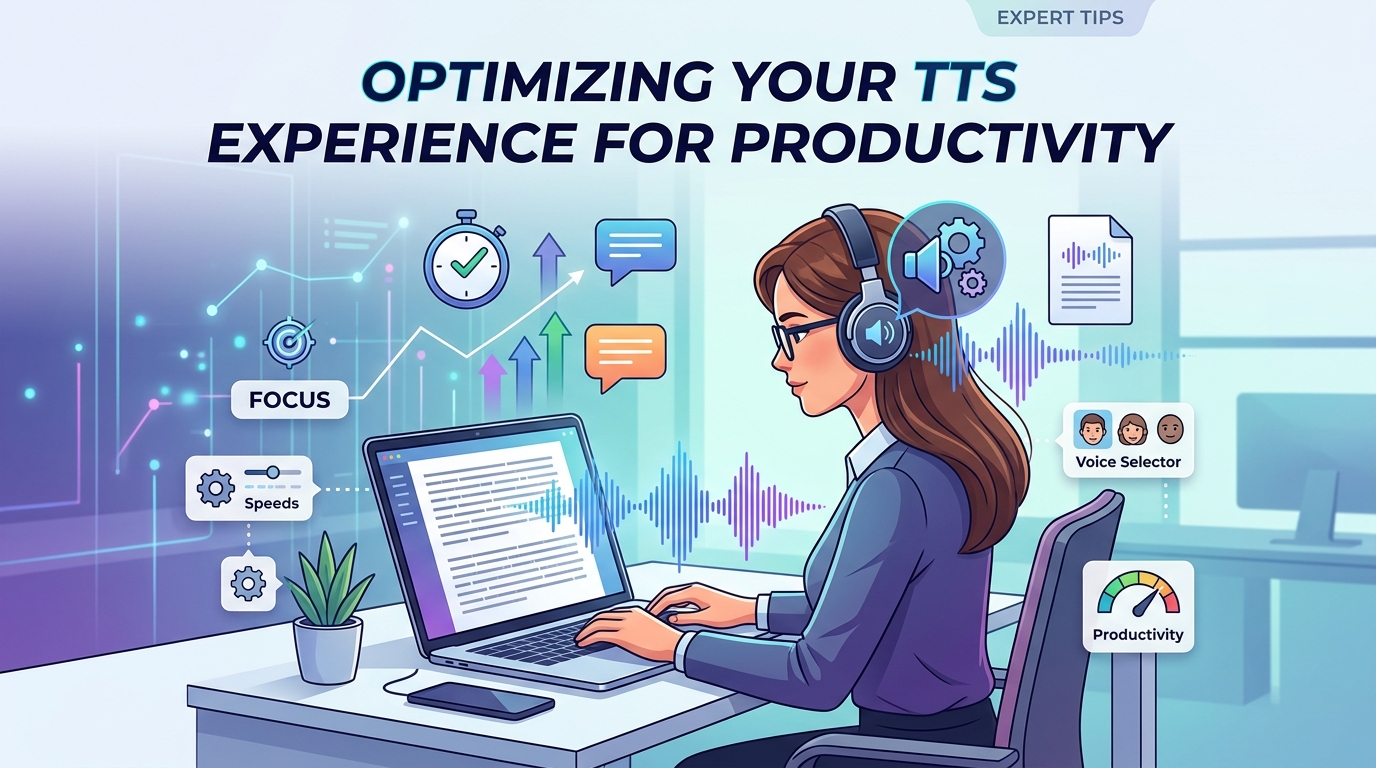
Expert Tips: Optimizing Your TTS Experience for Productivity
To truly leverage the power of a tts reader android like Voxify, consider these expert strategies:
- Master the Speed Settings: Don’t be afraid to experiment. For complex academic papers, a slower pace might be beneficial. For quick news updates or familiar content, increase the speed to 2x or even 3x for maximum information intake. This is a game-changer for productivity.
- Curate Your Voices: Voxify offers a range of voices. Find the one that resonates best with you for different types of content. A professional voice for work documents, a more engaging one for fiction.
- Utilize the Sleep Timer: If you enjoy listening before bed, the sleep timer is invaluable. Set it to stop playback after a certain duration, ensuring you don’t lose your place or drain your battery.
- Leverage Audio Customization: Don’t overlook the equalizer and pitch controls. Adjusting these can significantly enhance comfort and clarity, especially if you’re listening with different headphones or in varying environments.
- Batch Your Listening: Instead of switching between reading and listening for every single item, try to batch your listening tasks. Dedicate specific times (like commutes, workouts, or chores) to audio consumption of articles, reports, or chapters.
- Scan First, Listen Later: For dense material, a quick visual scan of headings and key paragraphs before listening can provide context and improve comprehension.
By integrating a powerful app tts reader for android free like Voxify Read Aloud Books & TTS into your daily routine, you’re not just saving your eyes; you’re unlocking new levels of productivity and engagement with the written word. Embrace the future of reading and experience your content like never before.