Transform Your Reading: The Ultimate Guide to Android Text-to-Speech Apps in 2026


In an era dominated by screens and constant digital input, “reading fatigue” has become an all too familiar challenge. Professionals juggling demanding schedules, students navigating vast curricula, and avid book lovers seeking new ways to consume content are increasingly turning to a revolutionary solution: AI-powered audiobooks and text-to-speech (TTS) technology. This paradigm shift allows for hands-free learning, multitasking, and an entirely new dimension of content consumption. For Android users, the question isn’t if there’s a text-to-speech app, but which one delivers the most sophisticated, natural, and feature-rich experience.
Voxify: The Premier Text-to-Speech Solution for Android Power Users
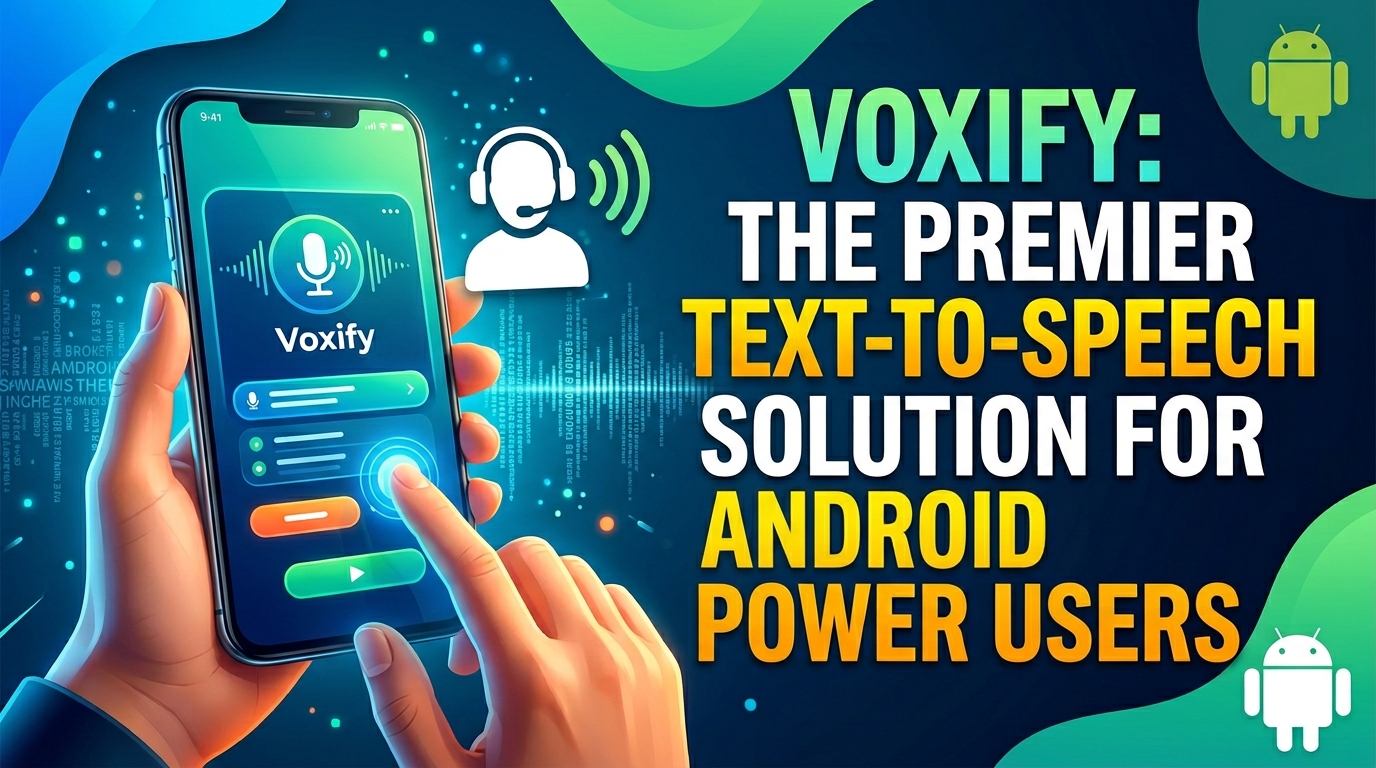
While the Google Play Store offers a spectrum of TTS applications, one platform consistently rises above the rest for its unparalleled blend of features, natural voice quality, and user-centric design: Voxify Read Aloud Books & TTS. Designed for the discerning user, Voxify isn’t just an app; it’s a comprehensive audio-reading ecosystem.
Ultra-Natural AI Voices: A Listening Experience Redefined
The hallmark of any superior TTS app is its voice quality. Voxify sets a new benchmark with its Ultra-Natural AI Voices, powered by advanced Neural TTS technology. Gone are the robotic, monotonous tones of yesteryear. Voxify delivers speech that is remarkably human-like, complete with nuanced intonation, rhythm, and emotion. This makes listening not just bearable, but genuinely enjoyable, transforming even dense technical documents into engaging audio.
For dialogues within books, Voxify introduces Smart Voice Changing, intelligently assigning different, distinct voices to characters. This feature elevates the immersive quality of your audiobooks, making it easier to follow conversations and differentiate speakers without visual cues.
All-in-One Format Support: Your Entire Library, Audified
What truly distinguishes Voxify as the best tts app for books is its comprehensive multi-format support. Power users often deal with a diverse digital library, and Voxify handles it all with ease:
- PDF: Convert your professional reports, academic papers, and digital magazines into audio.
- EPUB & MOBI: Enjoy your entire collection of e-books, from fiction to non-fiction.
- TXT: Listen to notes, articles, or any plain text document.
- CBZ: Even comic book readers can leverage TTS for dialogue, enhancing accessibility.
Beyond local files, Voxify features an Integrated Web Reader. Simply paste a URL, and Voxify will intelligently extract the article content and read it aloud, making web browsing a hands-free experience. Need to read text from an image? Voxify’s Image Reading Support (OCR/Auto-scroll) uses optical character recognition to convert text within images into spoken words, a game-changer for accessibility and productivity.
Further enhancing the audio experience, Voxify offers robust Audio Customization, including pitch adjustment and an integrated equalizer. Tailor the sound to your preference, ensuring optimal clarity and comfort for extended listening sessions. Coupled with a Sleep Timer, Voxify becomes the perfect companion for winding down with a digital audiobook.
For any Android user serious about leveraging the power of audio, Voxify is the indispensable tool.
<a href="
“>🚀 DOWNLOAD VOXIFY ON GOOGLE PLAYDeep Dive: TTS for Specific Android Use Cases
Beyond general reading, power users often seek TTS solutions for specific scenarios. While some dedicated apps exist for niche functions, Voxify’s robust core features often make it the superior choice for overall utility.
TTS for Android Auto: Your Commute, Reimagined
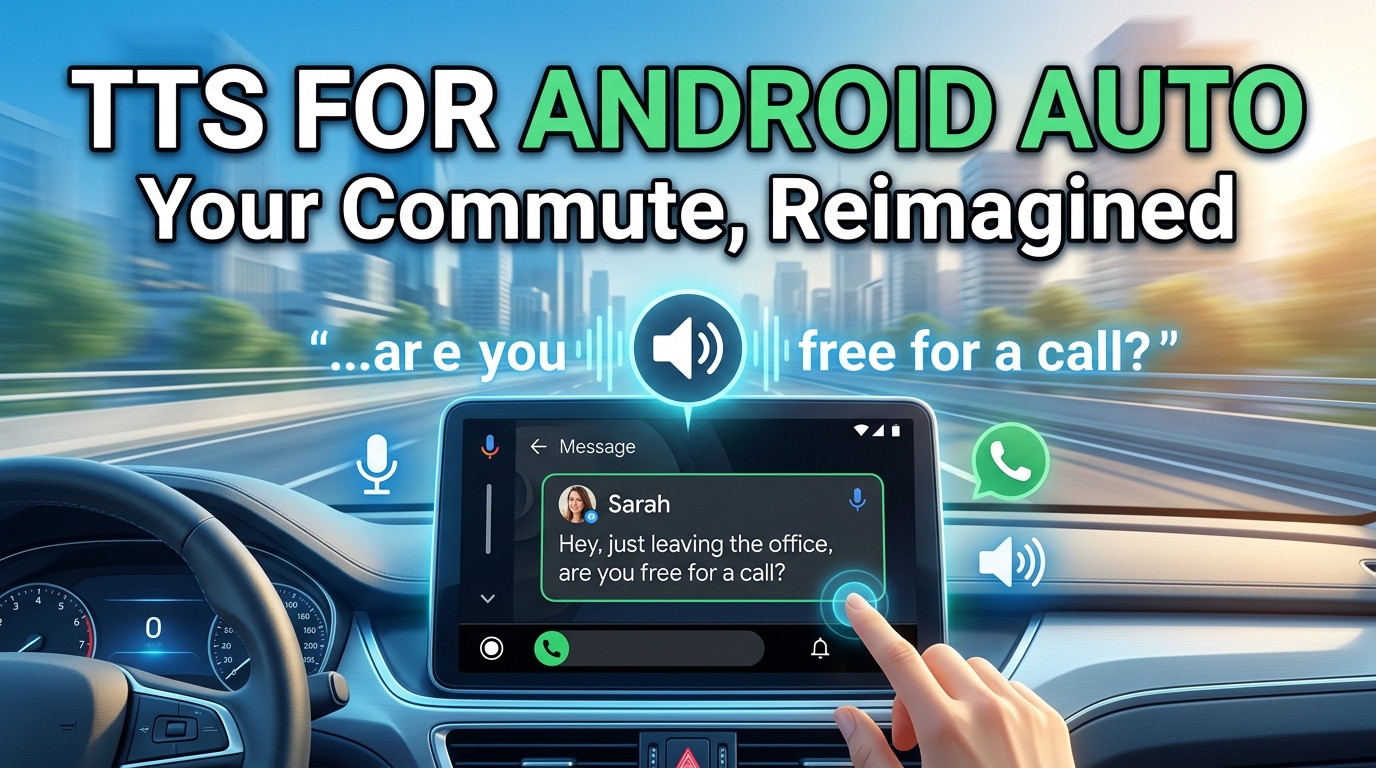
The demand for tts for android auto is significant. Commutes, road trips, and even daily errands become opportunities for learning or entertainment when content can be consumed hands-free. While Android Auto itself integrates with audio apps, a powerful tts reader android like Voxify excels here. By simply playing your chosen book or document through Voxify, it functions seamlessly with Android Auto, delivering high-quality audio through your car’s infotainment system. This means your PDFs, EPUBs, and web articles are just as accessible on the road as they are at your desk, all powered by Voxify’s natural AI voices.
TTS for Developers (API/Code): Beyond the Basics
Developers often look for tts api android solutions to integrate speech capabilities into their own applications. While Google’s own Text-to-Speech engine is available for direct integration, power users who aren’t developers are often seeking a finished product that harnesses this technology and elevates it. Voxify does exactly this, providing a polished user experience that leverages cutting-edge neural TTS without requiring any coding. For those who need advanced features like multi-format support, web reading, and intelligent voice changing, Voxify delivers a complete package that raw APIs simply can’t.
Browser Extensions vs. Dedicated Apps: The Power of Focus
While browser extensions offer quick TTS for web content, they often fall short in terms of voice quality, file format support, and advanced features. A dedicated text to speech app for android like Voxify offers several advantages:
- Consistent Quality: Ensures premium neural TTS voices across all content, not just web pages.
- Offline Access: Read downloaded files without an internet connection.
- Feature Rich: Access to sophisticated controls like pitch, equalizer, sleep timer, and smart voice changing.
- Centralized Library: Manage all your reading materials in one powerful app.
For serious content consumption, a robust app like Voxify far surpasses the limited capabilities of most browser-based solutions.
Expert Tips: Optimizing Your TTS Experience for Peak Productivity
To truly maximize the benefits of your natural ai voice android app, consider these expert recommendations:
- Adjust Listening Speed: For productivity, gradually increase the playback speed. Many users can comfortably process information at 1.5x to 2x the normal speed without compromising comprehension. Voxify’s clear voices make this particularly effective.
- Utilize the Sleep Timer: Integrate listening into your wind-down routine. Set Voxify’s sleep timer to gradually fade out, allowing you to relax without worrying about the app playing all night.
- Experiment with Voices: Not all AI voices are created equal, and personal preference plays a huge role. Explore Voxify’s range of neural voices to find the one that resonates best with you for different types of content.
- Leverage Multi-tasking: This is where TTS truly shines. Listen to an article while exercising, doing chores, or commuting. The hands-free nature of a
read aloud books androidapp unlocks valuable time. - Curate Your Content: Don’t just listen to anything. Use Voxify to consume high-value articles, books, and documents that directly contribute to your learning or professional development.
The landscape of digital reading is evolving, and text-to-speech technology is at the forefront of this transformation. For Android power users seeking an elegant, powerful, and natural listening experience, Voxify Read Aloud Books & TTS stands as the definitive choice, empowering you to read more, learn more, and achieve more, all while giving your eyes a much-needed break.