Transform Your Reading: The Ultimate Guide to Android Text-to-Speech Apps in 2026


In an era defined by constant information overload and relentless screen time, “reading fatigue” has become a pervasive challenge. For professionals, students, and avid book lovers alike, the sheer volume of text to consume can be daunting. This is precisely where the revolution of AI-powered audiobooks and advanced Text-to-Speech (TTS) applications steps in, transforming how we engage with digital content. No longer confined to robotic voices, modern tts reader android apps deliver an immersive, natural listening experience that seamlessly integrates into our multi-tasking lives.
The shift isn’t just about convenience; it’s about reclaiming time and enhancing productivity. Imagine catching up on research papers during your commute, devouring novels while exercising, or reviewing documents while preparing dinner. The right TTS app turns every moment into an opportunity for learning and enjoyment. But with a sea of options, discerning the best tts app for books and beyond can be a challenge.
Voxify Read Aloud Books & TTS: The Pinnacle of Audio Reading

When it comes to elevating your digital reading experience on Android, one application stands head and shoulders above the rest: Voxify Read Aloud Books & TTS. Engineered for power users, Voxify isn’t just a reader; it’s a comprehensive audio companion designed to bring your entire digital library to life with astonishing clarity and intelligence.
Unparalleled Natural AI Voices for Immersive Listening
The hallmark of a superior TTS experience lies in its voices. Voxify leverages cutting-edge Neural TTS technology to deliver ultra-natural AI voices that are virtually indistinguishable from human narration. This isn’t the choppy, synthesized speech of yesteryear; these are fluid, expressive voices that adapt to the context of the text, making long listening sessions genuinely enjoyable.
Beyond mere naturalness, Voxify introduces a game-changing feature: Smart Voice Changing for dialogues. Imagine listening to a novel where each character’s dialogue is rendered in a distinct voice, making it effortless to follow conversations and fully immerse yourself in the narrative. This level of sophistication elevates the audiobook experience, setting a new standard for natural ai voice android applications.
All-in-One Format Support & Seamless Integration
Voxify understands that your digital content comes in many forms. This is why it boasts unparalleled multi-format support, handling everything from:
- EPUB
- TXT
- MOBI
- CBZ (Comic Book Archive)
Whether it’s a textbook, a novel, a web article, or even a comic, Voxify has you covered. The Integrated Web Reader further extends its utility, allowing you to seamlessly listen to online articles and blogs without ever leaving the app.
For those who encounter text within images, Voxify’s Image Reading Support (OCR/Auto-scroll) is a revelation. It intelligently extracts text from images, reading it aloud, and even auto-scrolling to keep pace. Complementing these features are robust Audio Customization options, including pitch and equalizer controls, allowing you to fine-tune the listening experience to your preference. And for winding down, the Sleep Timer ensures you can drift off to your favorite stories without losing your place.
This comprehensive suite of features makes Voxify not just a reader, but a digital librarian and personal narrator, all in one powerful package.
🚀 DOWNLOAD VOXIFY ON GOOGLE PLAY
Beyond Books: Integrating TTS into Your Digital Life
The utility of a robust TTS app extends far beyond simply reading books. For the modern power user, it’s about integrating audio into every facet of their digital life.
TTS for Android Auto: Driving Productivity
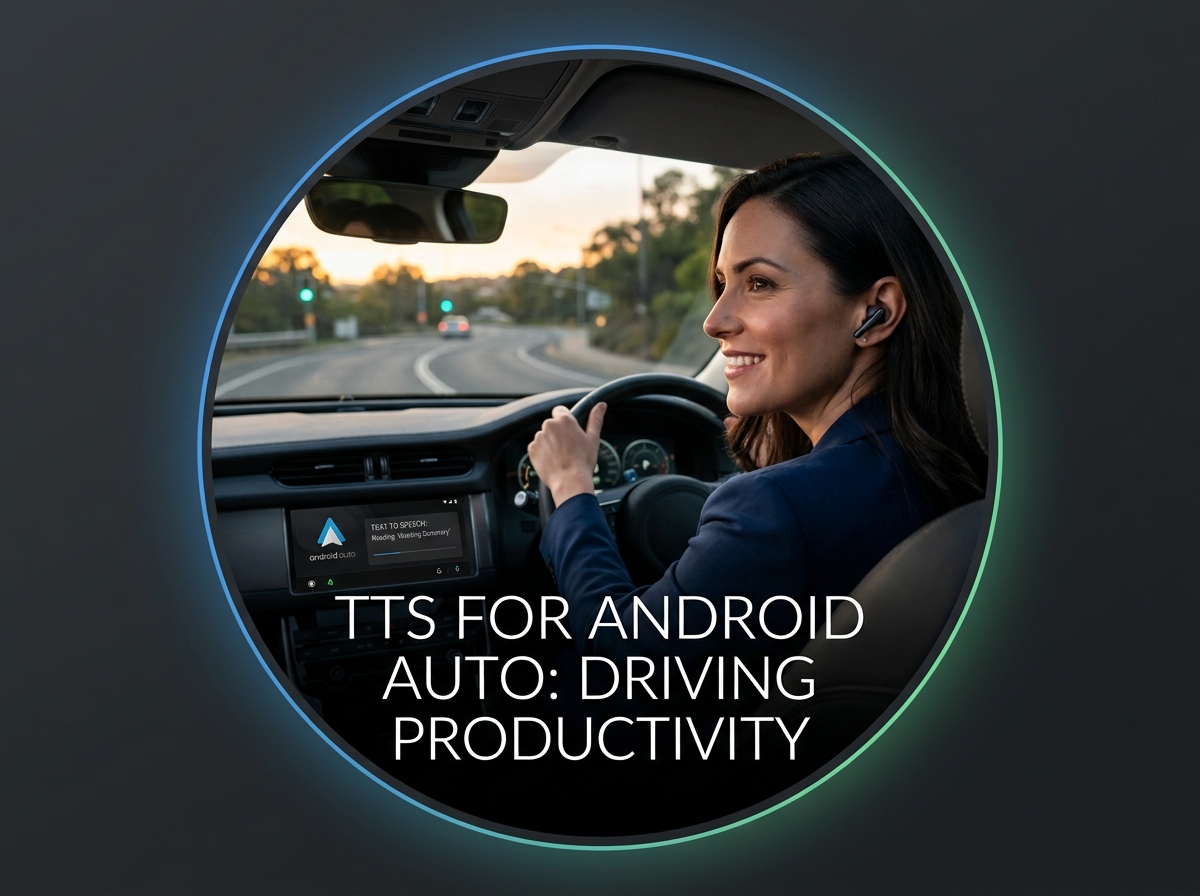
Your commute, once a lost segment of time, transforms into a productive learning or entertainment opportunity with tts for android auto. While many apps offer basic audio playback, Voxify’s robust background processing and intuitive interface make it an ideal companion for your in-car experience. Its ability to handle diverse document formats means you can seamlessly transition from reading a report at your desk to listening to it in your car, ensuring continuity and maximizing efficiency without fiddling with complex controls.
Browser Extensions vs. Dedicated Apps: Why Native Wins
While browser extensions offer a quick way to listen to web pages, they often fall short for serious users. They typically lack the advanced features, offline capabilities, and comprehensive document support found in a dedicated app. For critical documents, extensive reading lists, or multi-format content, a native Android app like Voxify provides:
- Superior Performance: Optimized for your device’s hardware.
- Offline Access: Download content and listen without an internet connection.
- Feature Depth: Advanced voice controls, format support, and customization that extensions simply can’t match.
- Centralized Library: Manage all your audio content in one place.
For casual web browsing, an extension might suffice, but for truly leveraging TTS for productivity and immersion, a dedicated solution like Voxify is indispensable.
Developer's Corner: TTS APIs (A Brief Note)
For developers, Android’s built-in TTS APIs offer the building blocks to integrate speech synthesis into custom applications. These APIs provide control over voices, languages, and speech rate, enabling bespoke solutions. However, for the end-user seeking an immediate, feature-rich, and polished experience, a ready-made application is the clear choice. Voxify exemplifies the peak of what’s possible with these underlying technologies, packaged into an accessible, user-friendly interface that requires zero coding knowledge.
Optimizing Your TTS Experience: Expert Tips for Power Users
To truly unlock the potential of your tts reader android app, consider these expert tips:
- Adjust Reading Speed for Purpose: Don’t stick to a default. Speed up for familiar content or quick reviews (e.g., 1.5x – 2x) to boost productivity. Slow down for complex material or immersive storytelling to enhance comprehension and enjoyment.
- Experiment with Voices: Voxify offers a range of natural AI voices. Try different accents and tones to find what’s most pleasing for various types of content. The right voice can significantly impact listening fatigue.
- Leverage Audio Customization: Use Voxify’s pitch and equalizer controls. Adjusting the pitch can make a voice sound more natural or less monotonous, while the equalizer can optimize sound quality for your headphones or environment.
- Master the Sleep Timer: For bedtime reading, set the sleep timer. This prevents the app from playing all night, conserves battery, and ensures you pick up exactly where you left off.
- Offline Mode is Your Friend: Before commutes or travel, download essential documents or books. This ensures uninterrupted listening without relying on patchy mobile data.
- Integrate with Your Workflow: Use the “share” function from other apps (browsers, email clients, document viewers) directly to Voxify to quickly queue up content for listening.
By integrating a powerful tts app for android like Voxify into your daily routine and optimizing its settings, you transform every moment into an opportunity for growth, learning, and entertainment. Embrace the future of reading and reclaim your time with the unparalleled capabilities of modern Text-to-Speech technology.