Transform Your Reading: Unlocking Peak Productivity with the Best Android TTS Apps in 2026


In an era of relentless information overload, the demand for efficient content consumption has never been higher. Modern professionals, students, and avid readers alike often grapple with “reading fatigue,” struggling to keep pace with countless articles, documents, and books. The solution? A powerful shift towards AI-powered audiobooks and sophisticated Text-to-Speech (TTS) technology that transforms static text into dynamic, engaging audio. No longer a novelty, advanced TTS apps are now essential tools for multi-tasking, learning, and relaxation, allowing you to absorb information while commuting, exercising, or simply resting your eyes.
But with a plethora of options, which tts reader android truly stands out? Which app delivers not just basic functionality, but a premium, natural listening experience?
Voxify Read Aloud Books & TTS: The Pinnacle of Android Text-to-Speech
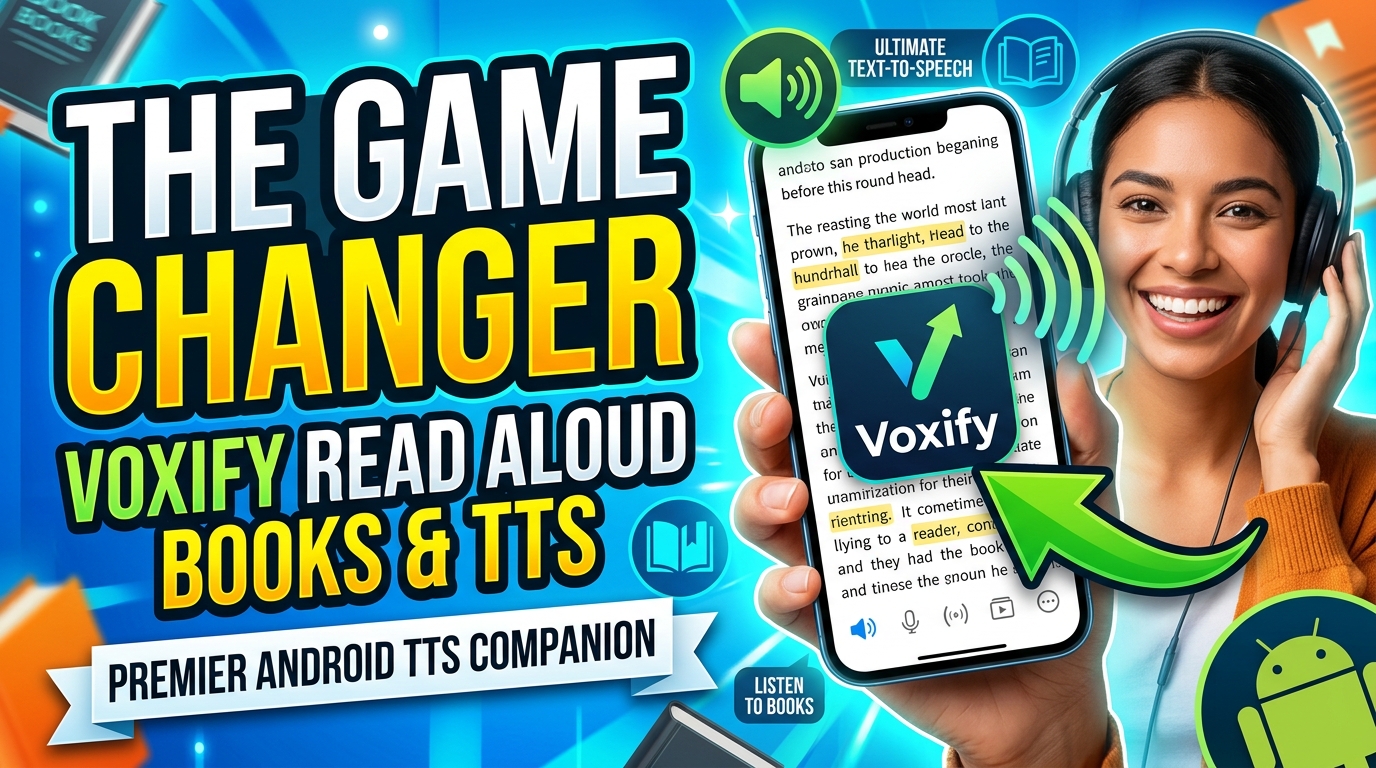
For power users demanding unparalleled quality and versatility, Voxify Read Aloud Books & TTS emerges as the definitive choice. This isn’t just another TTS app; it’s a comprehensive audio reading platform meticulously engineered to redefine how you interact with digital text. Voxify blends cutting-edge AI with an intuitive interface, delivering a listening experience so natural, you’ll forget you’re not listening to a human narrator.
Ultra-Natural AI Voices: Beyond Robotic Monotones
The days of robotic, monotonous TTS voices are long gone. Voxify leverages Ultra-Natural AI Voices powered by advanced Neural TTS technology. This means nuanced intonation, realistic pacing, and expressive delivery that adapts to the text’s context. Whether you’re diving into a complex academic paper or enjoying a fictional narrative, Voxify’s voices bring the content to life. For those seeking an app tts reader for android demo that genuinely showcases the future of audio, Voxify’s voice quality alone is a compelling argument.
A standout feature is Smart Voice Changing for dialogues, which automatically assigns different, natural-sounding voices to distinguish between speakers in a text. This elevates the audiobook experience, making it effortless to follow conversations and immerse yourself in stories.
All-in-One Format Support & Seamless Integration
Voxify isn’t just about superior voices; it’s about unparalleled convenience. It boasts extensive Multi-format support, allowing you to seamlessly import and listen to almost any document type:
- EPUB
- TXT
- MOBI
- CBZ (Comic Book Archive)
Beyond local files, the Integrated Web Reader lets you paste URLs directly into the app and have web articles read aloud without needing to copy-paste text or rely on external browser extensions. This makes it an ideal solution for professionals keeping up with industry news or students researching online.
Even more impressive is Image Reading Support (OCR/Auto-scroll). Snap a picture of a physical document or a screenshot, and Voxify’s Optical Character Recognition (OCR) technology will convert the text into readable audio, complete with automatic scrolling for a smooth experience.
Tailored Audio for Your Preference
Voxify understands that every listener is unique. Its robust Audio Customization features allow you to fine-tune your listening experience:
- Pitch Adjustment: Modify the voice’s pitch to your liking.
- Equalizer: Tweak audio frequencies for clarity or a richer sound.
Additionally, the integrated Sleep Timer is a godsend for winding down with a book or article, automatically pausing playback after a set duration.
🚀 DOWNLOAD VOXIFY ON GOOGLE PLAY
Deep Dive: Beyond Basic TTS – Why Voxify Excels
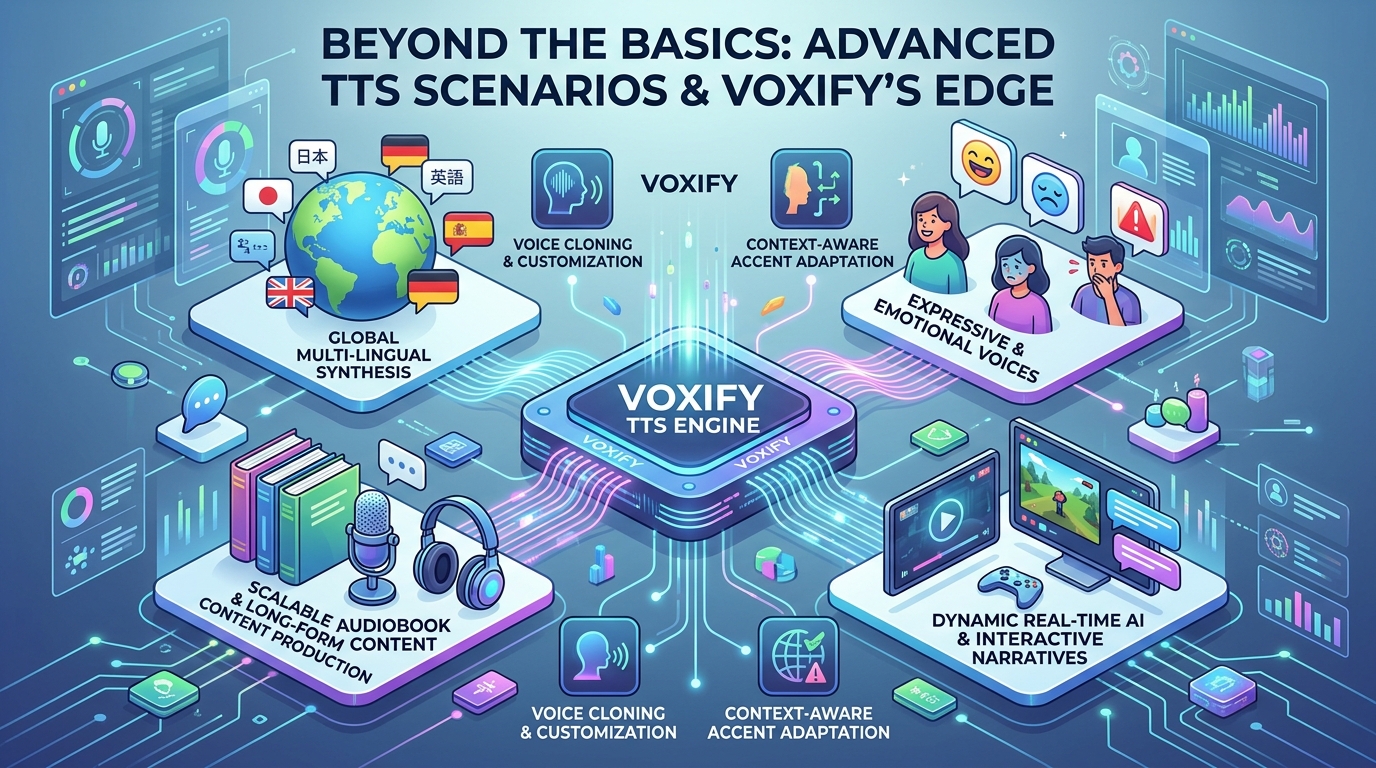
While many apps offer basic text-to-speech functionality, the nuances of advanced use cases quickly highlight Voxify’s superiority.
TTS for Android Auto: Your Commute, Reimagined
For professionals and students constantly on the move, integrating tts for android auto is a game-changer. Imagine catching up on reports, articles, or even an assigned book during your commute. While many TTS apps can technically play audio through Android Auto, Voxify’s multi-format support means your diverse library of documents – from PDFs to EPUBs – is readily accessible and read aloud with its premium AI voices. This level of seamless, high-quality content consumption transforms dead time into productive learning or leisure.
Developer APIs vs. Polished User Experience
Some might explore tts reader android solutions via APIs or coding for custom applications. While developer APIs offer flexibility for specific, niche projects, for the vast majority of users, a polished, feature-rich consumer app like Voxify is the superior choice. It eliminates the need for coding, offers immediate access to advanced features, and provides a user-friendly interface that’s ready out-of-the-box. Developers might build custom solutions, but power users demand a refined product that just works—and works exceptionally well.
Integrated Web Reading vs. Browser Extensions
Many rely on browser extensions for web page TTS. While functional, they often lack the advanced voice quality, customization, and seamless integration of a dedicated app. Voxify’s Integrated Web Reader offers a cleaner, more reliable experience. You bypass browser limitations, avoid potential conflicts with other extensions, and benefit from Voxify’s superior AI voices and controls, all within one powerful application. This makes it an ideal best tts app for books and articles found online.
Expert Tips for Optimizing Your TTS Experience
Maximizing your productivity and enjoyment with a premium tts reader android like Voxify involves a few key strategies:
- Adjust Speed for Productivity: Don’t stick to default. Experiment with faster playback speeds (1.5x, 2x) for informational content. Your brain can often process audio much faster than you might think, significantly boosting your content consumption rate. Voxify allows granular control over reading speed.
- Choose the Right Voice: Explore Voxify’s range of natural ai voice android options. Different voices have different tones and cadences. Find one that’s comfortable and engaging for extended listening sessions.
- Leverage the Sleep Timer: For winding down with an audiobook or article, activate Voxify’s Sleep Timer. It prevents you from losing your place or draining your battery if you drift off.
- Create a Listening Routine: Integrate TTS into your daily schedule. During workouts, chores, or commutes, turn on Voxify and transform otherwise unproductive time into learning or leisure.
- Utilize Audio Customization: Don’t hesitate to tweak the pitch or use the equalizer. Personalizing the audio output can significantly enhance clarity and reduce listening fatigue, especially with headphones.
By embracing a sophisticated tts reader android like Voxify Read Aloud Books & TTS, you’re not just reading; you’re transforming your entire content consumption workflow. It’s an investment in productivity, accessibility, and a richer, more flexible reading experience.