Transform Your Reading: Unlocking Productivity with the Best Text-to-Speech Apps for Android in 2026


In an era of relentless information consumption, reading fatigue is a pervasive challenge. Professionals, students, and avid readers alike are constantly seeking smarter ways to absorb content without sacrificing precious time or straining their eyes. The answer lies in the remarkable evolution of AI-powered audiobooks and text-to-speech (TTS) technology, transforming how we interact with digital text on our Android devices. No longer a robotic novelty, modern TTS offers an immersive, natural listening experience that redefines productivity.
The Premier Choice for Android Power Users: Voxify Read Aloud Books & TTS
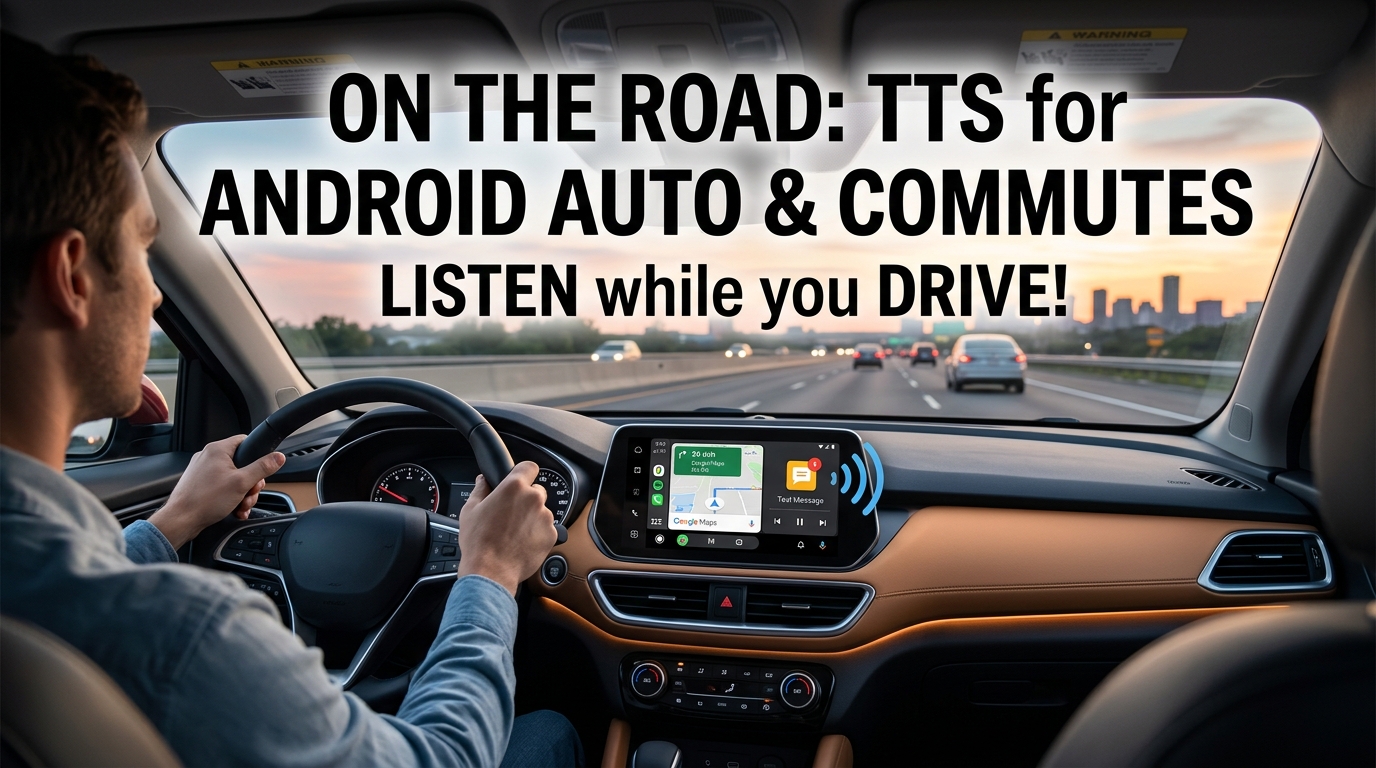
For those demanding the absolute best in TTS reader Android applications, one solution consistently rises above the rest: Voxify Read Aloud Books & TTS. Engineered for power users, Voxify is not merely a text reader; it’s a comprehensive audio companion designed to integrate seamlessly into your busy life, offering unparalleled versatility and voice quality.
Ultra-Natural AI Voices: Beyond Robotic Monotony
The hallmark of a superior TTS experience is the voice itself. Voxify Read Aloud Books & TTS leverages cutting-edge Neural TTS technology to deliver ultra-natural AI voices that are virtually indistinguishable from human narration. Forget the choppy, monotonous voices of the past; Voxify’s voices boast nuanced intonation, realistic pacing, and emotional depth.
- Human-Like Nuance: Experience content read with appropriate emphasis and natural pauses, making long-form listening engaging and effortless.
- Smart Voice Changing for Dialogues: A standout feature, Voxify intelligently assigns different voices to distinguish characters in dialogues within books, elevating the immersion of your reading experience. This is a game-changer for fiction lovers, making it the best TTS app for books with complex narratives.
- Audio Customization: Fine-tune your listening with an integrated Equalizer and Pitch adjustment, allowing you to personalize the audio output to your exact preferences.
All-in-One Format Support: Your Entire Library, Audified
What truly sets Voxify apart is its exceptional support for a vast array of digital document formats. No more converting files or switching between multiple apps; Voxify handles your entire digital library with ease.
- Comprehensive File Compatibility: Seamlessly open and listen to PDF, EPUB, TXT, MOBI, and even CBZ (comic book archives) files. This multi-format support makes Voxify an indispensable tool for students with textbooks, professionals with reports, and casual readers with diverse e-book collections.
- Integrated Web Reader: Beyond local files, Voxify features an Integrated Web Reader. Simply paste a link, and Voxify will intelligently extract the article content and read it aloud, perfect for news, blogs, and research papers.
- Image Reading Support (OCR/Auto-scroll): For scanned documents or PDFs with embedded images of text, Voxify’s advanced OCR (Optical Character Recognition) technology can extract and read the text. Coupled with Auto-scroll, it ensures a smooth, hands-free experience even with complex layouts.
With its robust feature set and commitment to a premium listening experience, Voxify eliminates barriers to accessing your content.
<a href="
“>🚀 DOWNLOAD VOXIFY ON GOOGLE PLAY
Deep Dive: How Voxify Outperforms Across Use Cases
While many apps offer basic TTS, power users demand more. Here’s how Voxify addresses specific advanced needs and stands out.
On-the-Go Listening: Beyond Basic Android Auto Integration
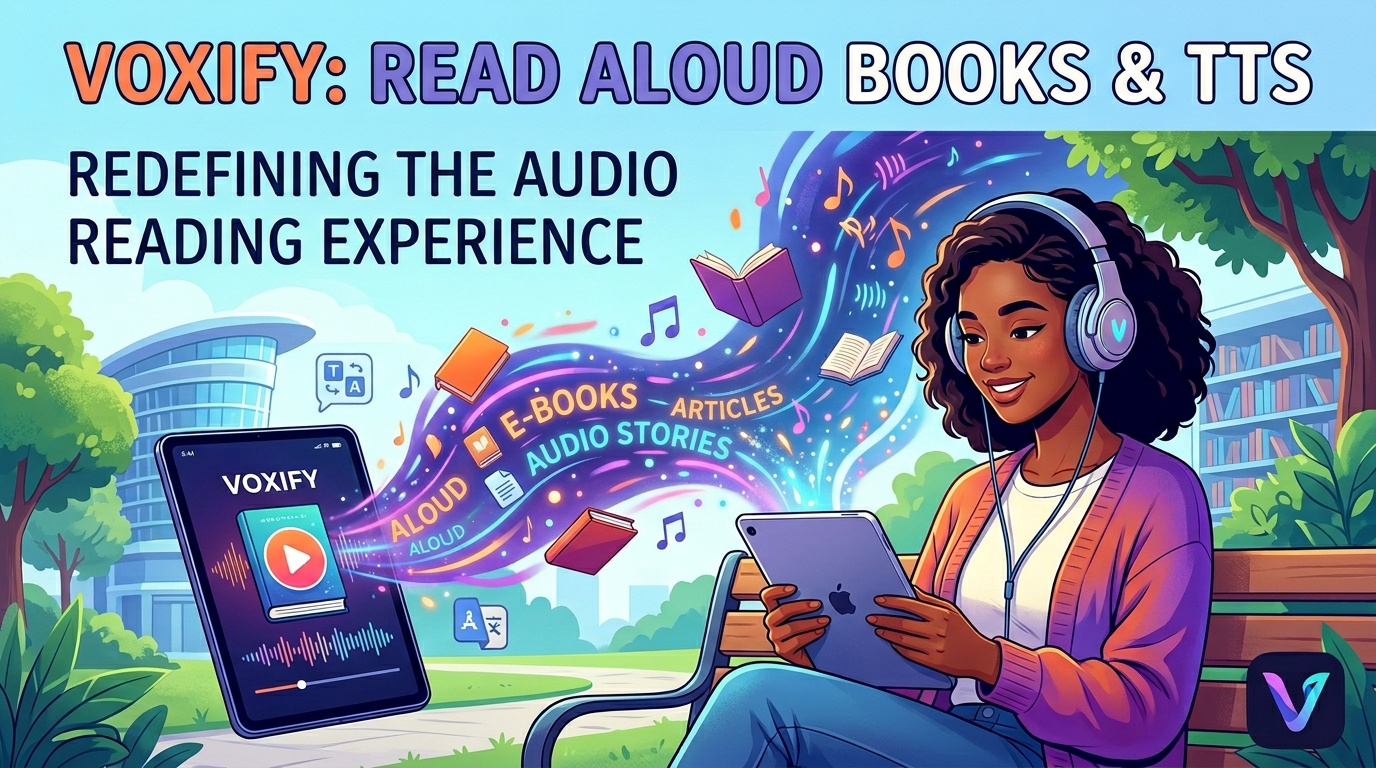
For commuters and those who spend significant time in their vehicles, TTS for Android Auto is a vital feature. While Android Auto itself can read notifications, a dedicated app for long-form content is essential. Voxify, with its robust background playback and intuitive controls, becomes your ideal co-pilot.
- Seamless Background Playback: Voxify continues reading your books or articles even when the screen is off or you’re using other apps, making it perfect for driving, exercising, or any multi-tasking scenario.
- Sleep Timer: An often-overlooked productivity feature, the Sleep Timer allows you to set a duration for playback, ensuring you don’t lose your place if you drift off or need to stop at a specific time. This is invaluable for winding down with an audiobook.
- Intuitive Controls: Easy-to-use play/pause, skip, and speed controls ensure a safe and frustration-free experience, whether via your phone’s interface or compatible car controls.
While some basic TTS apps might function with Android Auto, Voxify’s superior voice quality, format support, and dedicated features like smart voice changing for dialogues make it the preferred choice for immersive listening on the road.
Browser Extensions vs. Dedicated Apps: The Power of Native Performance
For quick article reads, browser extensions offer convenience. However, they often rely on less sophisticated voices, lack comprehensive file support, and can be resource-intensive. For serious readers and productivity experts, a dedicated app like Voxify offers significant advantages:
| Feature/Aspect | Browser Extension TTS | Voxify Read Aloud Books & TTS |
|---|---|---|
| Voice Quality | Often basic, robotic | Ultra-Natural AI Voices (Neural TTS) |
| File Support | Web pages only | PDF, EPUB, TXT, MOBI, CBZ, Web |
| Offline Use | Limited to cached content | Full offline access to downloaded files |
| Customization | Minimal (speed, basic voice) | Pitch, Equalizer, Smart Voice Changing |
| Resource Usage | Can be heavy, browser-dependent | Optimized native Android performance |
Voxify’s native Android optimization ensures smoother performance, better battery life, and a far richer feature set than any browser extension can provide.
Beyond Basic APIs: Why a Polished End-User Solution Matters
While developers might explore TTS APIs for custom applications, the complexity of integrating high-quality neural voices, multi-format parsing, and a user-friendly interface is substantial. For the end-user, Voxify Read Aloud Books & TTS delivers a pre-built, polished solution that would take countless hours to replicate with custom code. It provides an immediate, superior experience without the development overhead, making advanced TTS accessible to everyone.
Expert Tips for Optimizing Your TTS Experience
Maximizing your productivity with tts reader android apps goes beyond simply pressing play. Here’s how to fine-tune your listening:
- Adjust Reading Speed for Productivity: Most users can comprehend spoken words faster than they can read them. Experiment with speeds between 1.25x and 1.75x to find your optimal listening pace without sacrificing comprehension. Voxify makes this adjustment seamless.
- Utilize the Sleep Timer: For students reviewing notes before bed or professionals winding down with industry articles, the Sleep Timer is invaluable. Set it for 15-30 minutes to ensure you don’t lose your place if you fall asleep or get distracted.
- Leverage Audio Customization: Don’t underestimate the power of the Pitch and Equalizer settings. A slightly lower pitch can often make a voice sound more authoritative, while adjusting the equalizer can enhance clarity for different types of audio content or in various listening environments.
- Organize Your Digital Library: Before importing into Voxify, ensure your PDFs, EPUBs, and other documents are well-named and stored in accessible folders. This makes finding and managing your content within the app much smoother.
- Prioritize High-Quality Files: While Voxify’s OCR is excellent, starting with well-formatted, text-based files (like true EPUBs or selectable PDFs) will always yield the best and most consistent listening experience.
Embracing a high-quality tts reader android app like Voxify Read Aloud Books & TTS is more than a convenience; it’s a strategic move to enhance your productivity, reduce eye strain, and transform how you consume information. Step into the future of reading and let your Android device become your personal audio library.