Unchain Your Reading: The Definitive Guide to Android TTS for Earbuds & Beyond


In an era of relentless digital consumption, screen fatigue is a pervasive challenge for students, professionals, and avid readers alike. The modern power user demands efficiency, accessibility, and the freedom to absorb information on their terms. This demand has catalyzed a significant shift towards AI-powered audio experiences, transforming how we engage with text. Text-to-Speech (TTS) technology for Android, especially when paired with the convenience of earbuds, offers a powerful antidote to screen-bound reading, liberating your eyes while keeping your mind engaged.
This guide delves into the best TTS solutions for Android, focusing on seamless integration with your earbuds, and ultimately empowering you to reclaim your time and productivity.
Voxify Read Aloud Books & TTS: The Premier Audio Companion

For those seeking an unparalleled app tts reader for android earbuds that blends cutting-edge AI with robust functionality, Voxify Read Aloud Books & TTS stands out as the definitive choice. Engineered for the discerning user, Voxify transforms virtually any text into an immersive audio experience, making it the best tts app for books and documents across the board.
Voxify isn’t just another TTS app; it’s a comprehensive audio library in your pocket, designed to cater to every reading need from academic papers to captivating novels. Its thoughtful design and powerful features elevate the listening experience far beyond basic text-to-speech.
Ultra-Natural AI Voices: The Sound of Tomorrow
The cornerstone of Voxify’s superiority lies in its Ultra-Natural AI Voices (Neural TTS). Gone are the days of robotic, monotonous speech. Voxify leverages advanced neural networks to produce voices that are astonishingly human-like, complete with natural intonation, rhythm, and emotional nuance. This makes long listening sessions genuinely enjoyable, reducing listening fatigue and enhancing comprehension.
- Natural AI Voice Android: Experience voices that mimic human speech patterns, making audiobooks and articles feel professionally narrated.
- Smart Voice Changing for Dialogues: A revolutionary feature that assigns different voices to different characters in a dialogue, bringing stories to life and making it easier to follow conversations within texts.
- Audio Customization: Fine-tune your listening experience with a built-in Pitch control and Equalizer, allowing you to adjust the audio to your personal preference or specific earbud acoustics.
All-in-One Format Support & Seamless Integration
Voxify understands that your digital library isn’t confined to a single format. Its unparalleled multi-format support means you can bring all your content into one powerful audio hub.
- Comprehensive File Compatibility: Effortlessly read aloud from PDF, EPUB, TXT, MOBI, CBZ files, ensuring that your entire collection – from academic journals to comic books – is accessible via audio.
- Integrated Web Reader: No need for separate browser extensions. Voxify features an Integrated Web Reader that allows you to paste URLs and listen to web articles directly within the app, perfect for catching up on news or research during a commute.
- Image Reading Support (OCR/Auto-scroll): A game-changer for professionals and students. Voxify can extract text from images using OCR (Optical Character Recognition) and read it aloud, even supporting Auto-scroll for seamless viewing and listening.
- Sleep Timer: For those who love to drift off to the sound of a good story or lecture, the integrated Sleep Timer allows you to set a duration for playback, preserving your battery and ensuring you don’t miss content while asleep.
With Voxify, your Android device and earbuds become an indispensable tool for productivity and pleasure.
Deep Dive: Beyond Basic TTS — Addressing Power User Scenarios
While generic TTS engines offer basic functionality, power users require solutions that integrate seamlessly into their complex digital workflows. Let’s explore how dedicated apps like Voxify address specific needs.
TTS for Android Auto: Your Commute, Reimagined
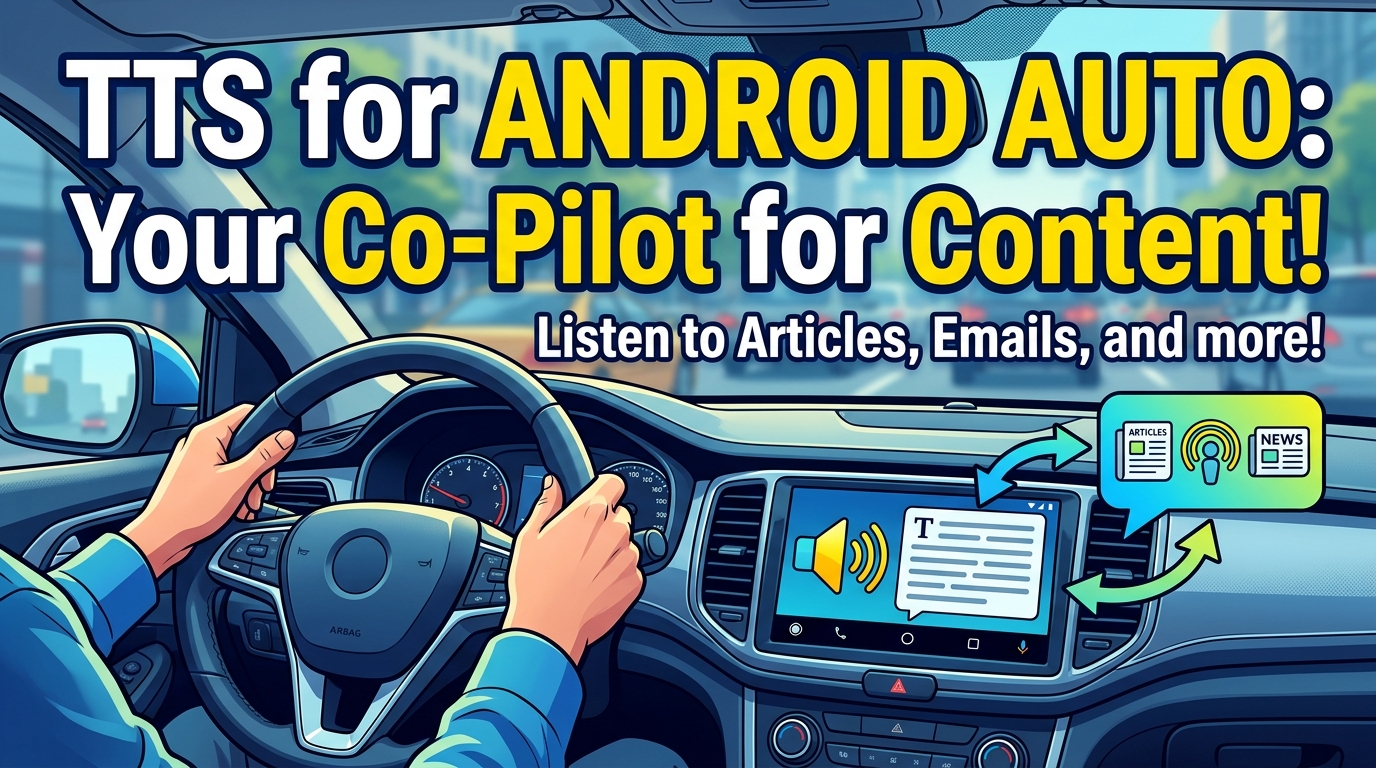
The daily commute is prime time for learning and entertainment. While tts for android auto generally refers to system-level notifications, the real power lies in consuming long-form content. Using an advanced tts reader android app like Voxify allows you to prepare your audio content beforehand, ensuring a rich listening experience during your drive.
- Pre-load Your Library: Convert your PDFs, EPUBs, or web articles into high-quality audio within Voxify before you get in the car.
- Seamless Playback: Connect your Android device to Android Auto, and Voxify’s generated audio streams just like any other media, allowing you to focus on the road while staying informed or entertained.
- No Data Worries: For long journeys or areas with spotty reception, having your content pre-processed into audio within Voxify means uninterrupted listening, a significant advantage over streaming-only solutions.
The Developer's Edge vs. The Power User's App (API/Code)
Some advanced users might consider integrating TTS APIs directly into custom scripts or applications. While this offers ultimate control for developers, for the vast majority of power users, a dedicated app like Voxify provides a superior, ready-to-use experience without the need for coding.
| Feature | Dedicated TTS App (e.g., Voxify) | TTS API/Code Integration (Developer) |
|---|---|---|
| Ease of Use | Instant, intuitive GUI | Requires coding expertise |
| Setup Time | Minutes | Hours to days |
| Features | Pre-built: OCR, Web Reader, EQ, etc. | Must be custom-coded |
| Voice Quality | High-quality Neural TTS (integrated) | Varies by API choice & implementation |
| Maintenance | App updates handle it | Requires ongoing development |
| Accessibility | For everyone | For developers only |
For immediate, feature-rich, and hassle-free access to advanced TTS, a polished application like Voxify is the clear winner for the power user.
Browser Extensions: Convenience vs. Consolidation
Browser extensions offer a quick way to convert web pages to speech. However, they typically lack the advanced features, natural voices, and multi-format support found in dedicated mobile apps.
- Limited Scope: Browser extensions are confined to web content and often struggle with complex layouts or paywalls.
- Variable Quality: Voice quality can vary significantly, and advanced features like dialogue differentiation or audio customization are rare.
- Fragmented Experience: Managing web articles, local documents, and e-books across different platforms and tools can be inefficient.
Voxify’s Integrated Web Reader provides the best of both worlds: the convenience of web article conversion within a single, powerful app that also handles all your other digital texts with its superior natural ai voice android capabilities. This consolidation streamlines your workflow and ensures a consistent, high-quality audio experience.
Expert Tips for Optimizing Your TTS Experience

To truly leverage the power of an app tts reader for android earbuds, consider these expert recommendations:
- Choose the Right Voice: Experiment with different neural voices within Voxify. Some voices are better suited for non-fiction, while others excel at narrative prose. Find the one that resonates most with your listening style.
- Adjust Playback Speed: For productivity, gradually increase the playback speed. Many power users can comfortably listen at 1.5x or even 2x speed without sacrificing comprehension, significantly boosting information intake.
- Utilize the Sleep Timer: If you listen to books or articles before bed, Voxify’s Sleep Timer is invaluable. Set it to stop playback after a certain duration, ensuring you don’t lose your place or drain your battery unnecessarily.
- Master the Equalizer: Use Voxify’s built-in Equalizer to fine-tune the audio output to match your earbuds and environment. Boosting mid-range frequencies can often enhance clarity for spoken word content.
- Offline Access is Key: For commutes, travel, or areas with poor internet, ensure your content is downloaded or processed within Voxify for offline listening. This guarantees uninterrupted access to your audio library.
- Contextual Listening: Pair your content with your activity. Listen to complex technical documents during focused tasks, and switch to lighter fiction during a workout or a stroll.
By integrating a sophisticated tts reader android like Voxify into your daily routine, you’re not just listening; you’re actively optimizing your learning, productivity, and enjoyment of digital content. Embrace the future of reading with the ultimate audio companion for your Android device and earbuds.